


Well that didn’t take long. Less than two weeks after the Acer Chromebook Tab 10 was announced, HP launched the Chromebook x2: A Pixelbook-looking Chromebook with a detachable screen. Starting at $599 and expected to be available on June 10, the Chromebook x2 bridges the gap between content consumption and productivity in a single device.
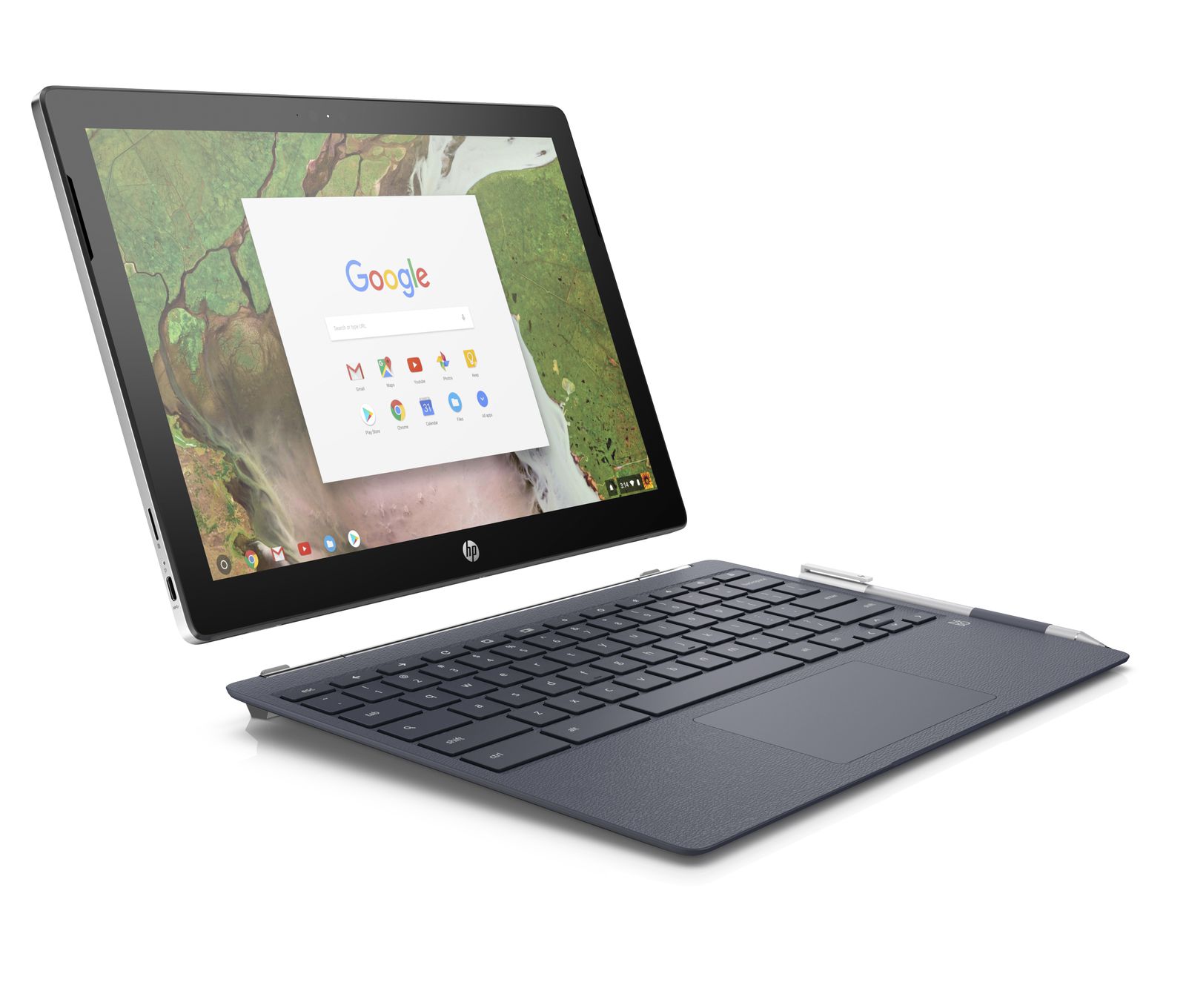
I’m not kidding at all when I say the Chromebook x2 has design cues from the Pixelbook. Just like Google’s high-end Chromebook, the HP model also has a 12.3-inch, quad-HD display (which I assume to be the same 2400 x 1600 resolution based on the aspect ratio) and those large-ish bezels around the side. The main difference obviously, is that the display of the Chromebook x2 is removable. All of the hardware — the processor, storage, memory and battery — is inside the display, not the keyboard base.
As far as that hardware, you’re looking at a 7th generation Intel Core m3 chip and 32 GB of storage for the base price. There’s also a microSD card slot. HP says memory configurations are available up to 8 GB, but the base model has 4 GB.
Battery life is rated at up to 10 hours and there’s no extra juice from the keyboard because there’s no battery inside it. In fact the keyboard is just that: A keyboard with trackpad and magnetic hinges to hold the display as needed. Two USB-C ports a headphone jack and a pair of cameras (5 and 13 megapixels for front and rear, respectively) make up the rest of the tablet package. There’s also a digital pen for inking, drawing and marking up documents.
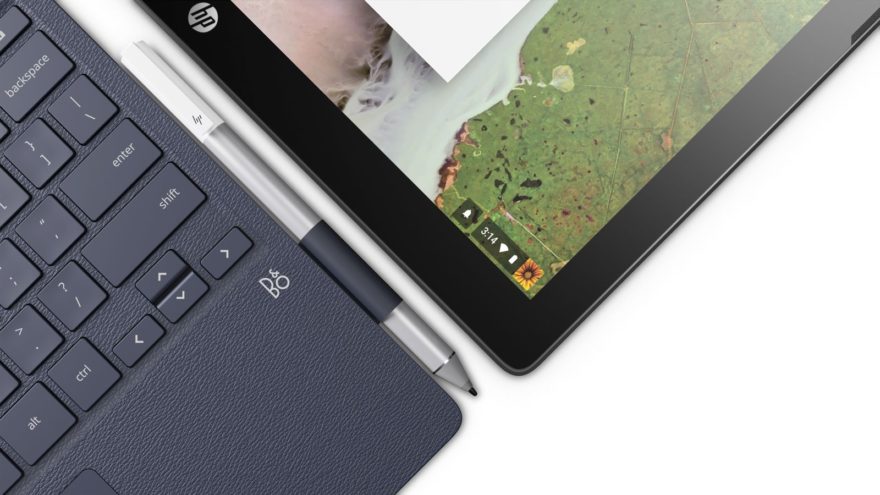
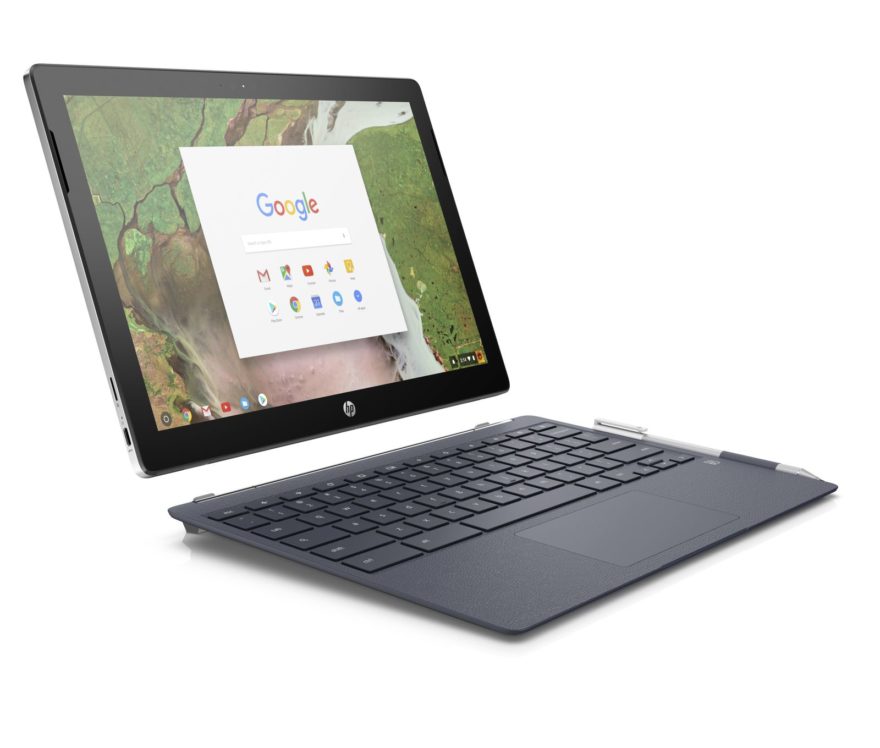
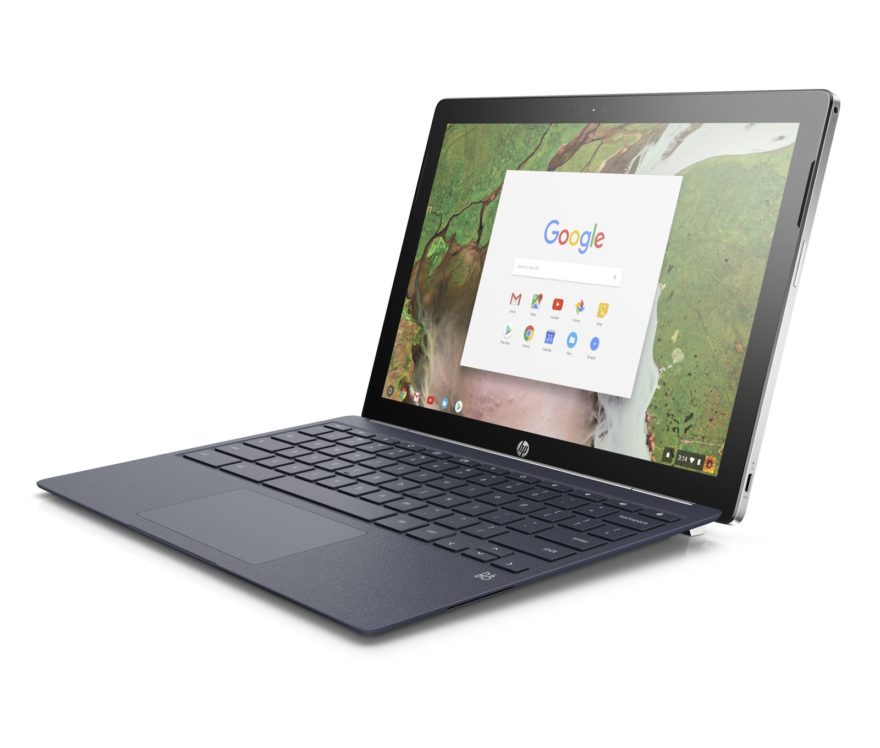
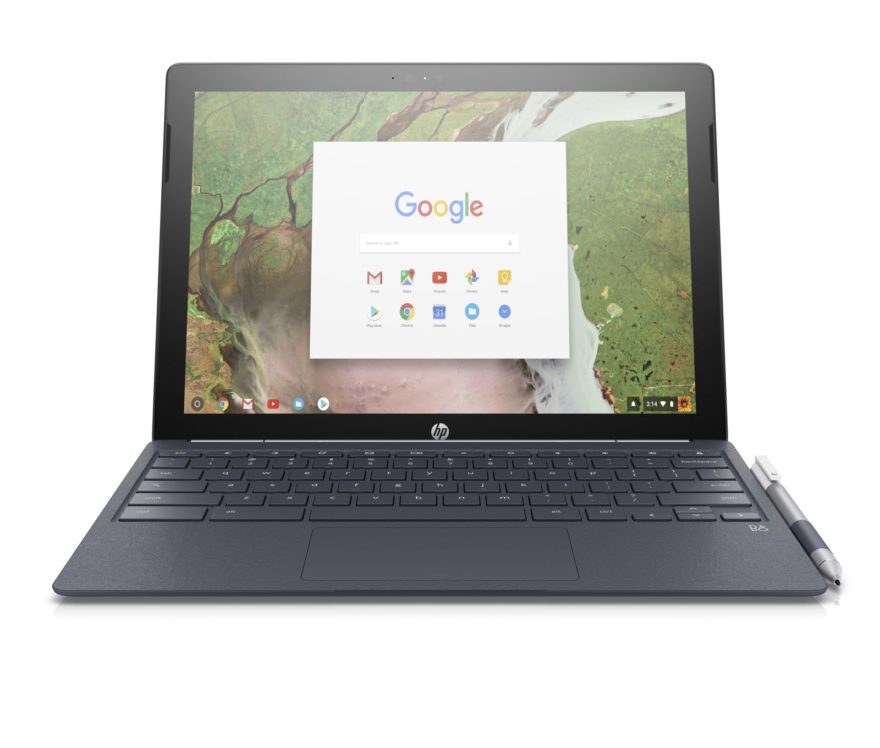
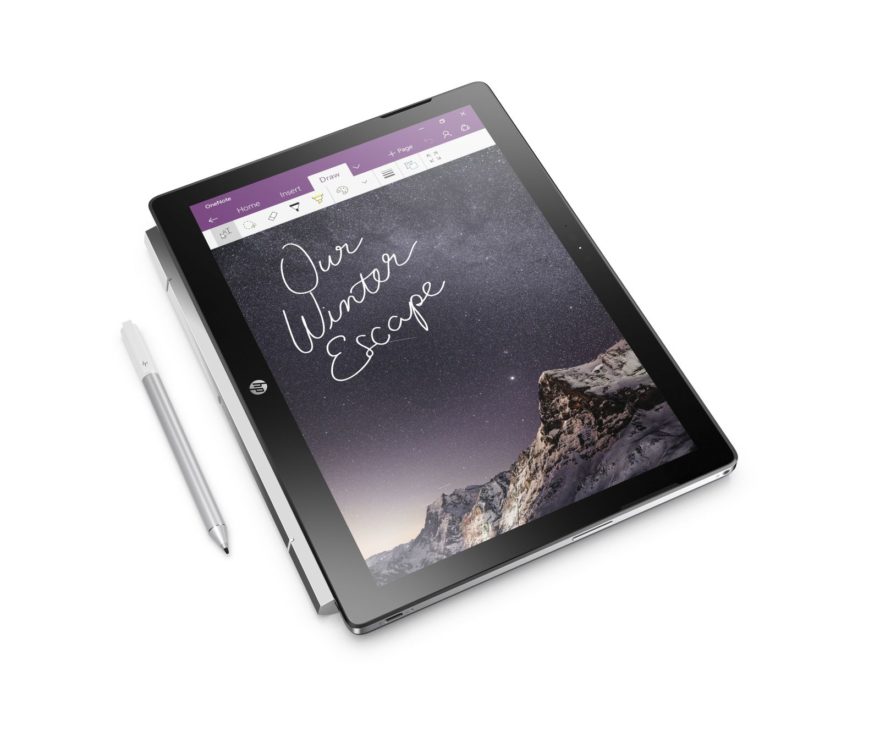

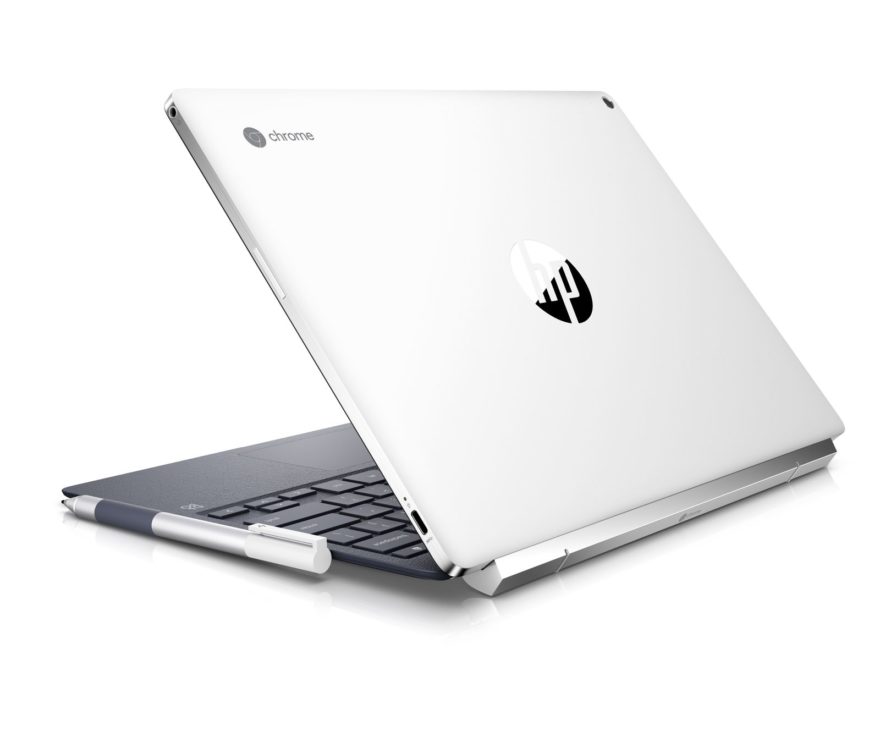
The display on its own is 8.2 millimeters thick and weighs 1.62 pounds. Adding the keyboard base to your backpack and the total package comes in at 3.14 pounds. As a tablet itself, the display is relatively heavy compared to other true tablets but it still seems reasonably portable.
Although I haven’t seen the Chromebook x2 yet, the design is exactly what I’ve been hoping for: A versatile Chromebook that can be used for productivity in full desktop browser while allowing for the game changing experience as a tablet running Android apps. I’m looking forward to spending some time with this one!
