


MacBook and Chromebook advertisements present each as the best choice for any use case, but Chromebooks are often better for everyday tasks.
Chromebooks, though usually less powerful than the designer-app-friendly MacBook, use less energy, so are cheaper to run and can still be highly portable devices, even if MacBooks are famously lightweight and thin.
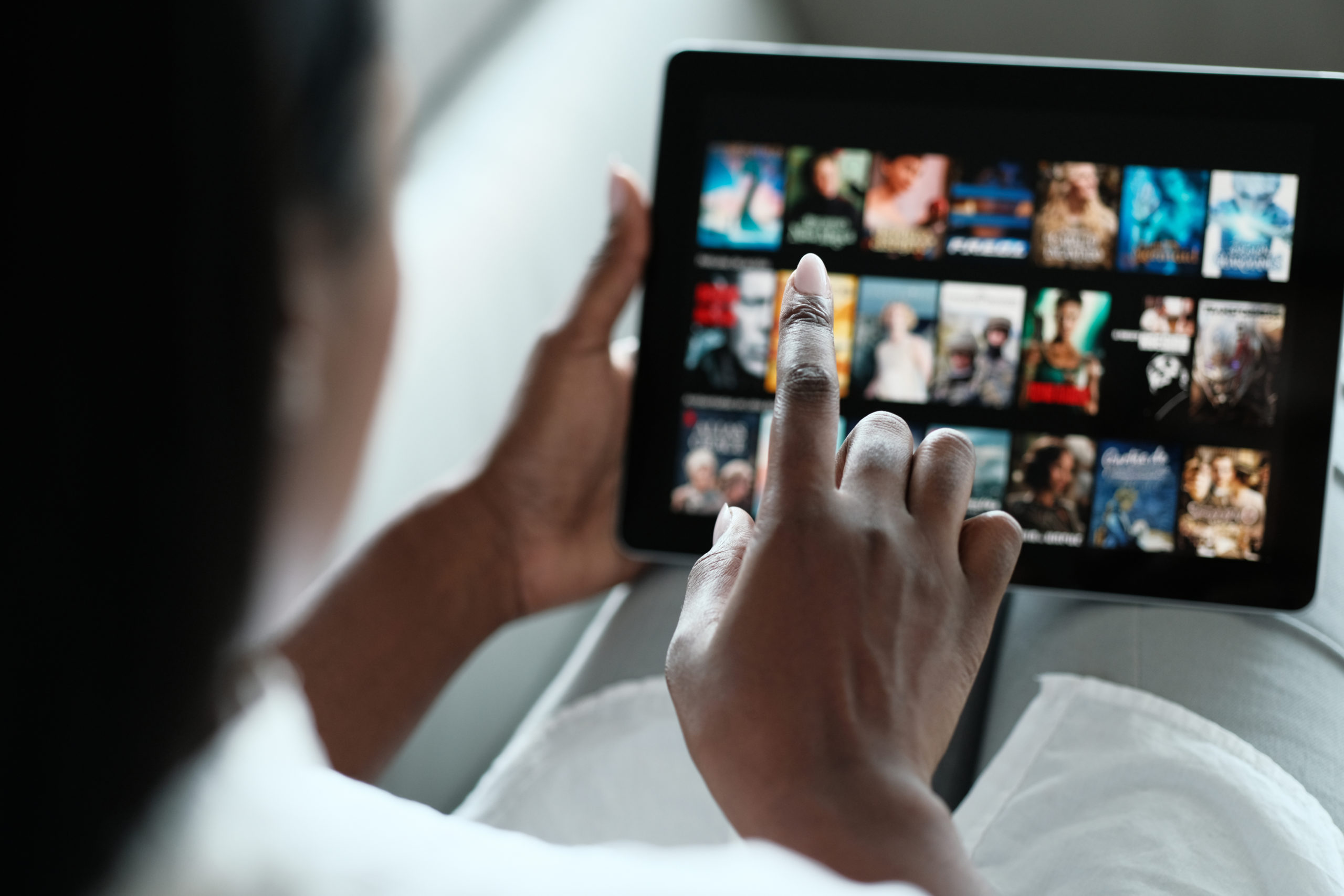
They use the Chrome OS, making them very easy to use, in contrast to macOS, which takes some getting used to, especially for Windows users. It may be an unpopular opinion, but Chromebooks exceed MacBooks in some areas.
This article explores five daily use tasks where Chromebooks are the smarter choice and the reasons why.
-
Quick Web Browsing and Streaming
To put it simply, Chromebooks, whatever the manufacturer and components, boot up quickly as a flash and open Chrome instantly. These features make them perfect for quick web browsing and streaming.
Use cases for these tasks include:
- Netflix: Chromebooks load streaming content quickly, enabling smooth Netflix playback without long buffering or complex configurations.
- YouTube: Fast browsing ensures immediate video access, supporting uninterrupted YouTube streaming for entertainment or learning purposes.
- General Browsing: Minimal setup and responsive performance allow users to navigate websites efficiently without delays or technical hurdles.
A final point is that you can use the laptop without being plugged in for much longer because Chromebooks are not designed for demanding apps and therefore use less power, allowing them to last longer before needing a charge. In this way, they differ compared to gaming laptops, desktops, and MacBooks.
-
Easy Productivity with Google Workspace
After many years, MacBooks do finally integrate with Microsoft Office Suite apps. But Chromebooks are much more deliberately designed for productivity and utilize Google Workspace more effectively.
Chromebooks integrate seamlessly with Google Docs, Sheets, and Email for fast productivity and zero-excuses task completion. On top of that, Google incorporates automatic cloud saves, which prevent data loss.
These devices are also perfect for students, as they are lightweight, compact, and easy to transport. Freelancers and remote workers often favour Chromebooks for the same reason.
-
Affordable Everyday Communication
Communication is at the heart of everything Google designs, and the Chromebook is no exception. Every device comes with Google Meet and Zoom built in, for easy video conferencing for interviews or contacting family and friends overseas.
Because ChromeOS is so lightweight in performance and battery drain, as well as being tailored to browse the internet and make video calls above other use cases, Chromebooks are reliable for video calls, messaging, and pretty much any collaborative online tasks you could want to throw at them.
And the cherry on the cake is that these devices have a low cost, making them easy for families and casual users to buy and keep in touch via text or video messaging.
-
Android Apps and Casual Gaming
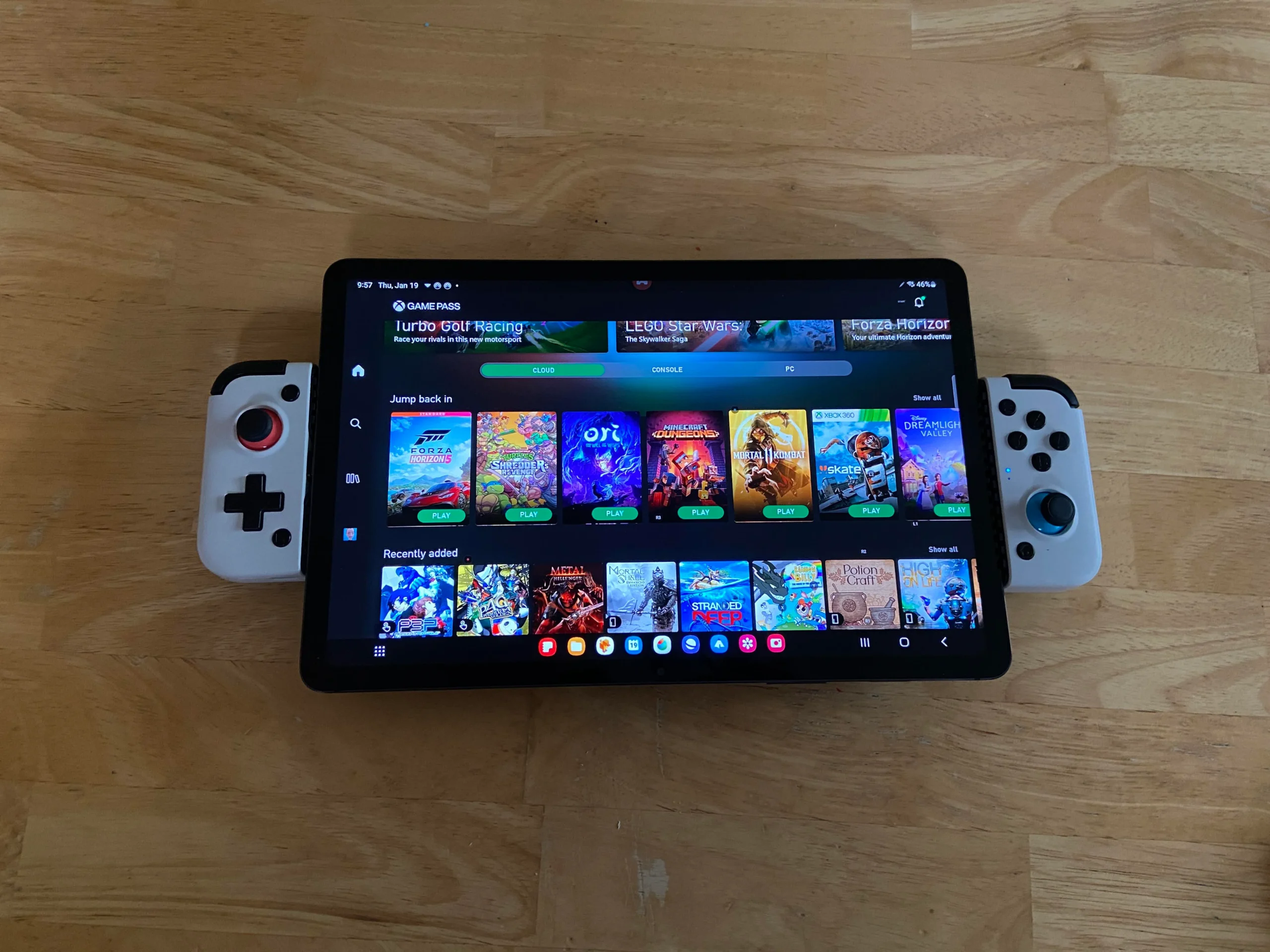
Phones are versatile, but the screen is tiny. Chromebooks offer larger screens on the device itself and make it far easier to run Android apps and bring casual games to your TV screen. This is a game-changer, with Android being an established OS and the Google Play Store being filled with millions of useful and fun apps.
You can be assured that your Chromebook device will run any Android app perfectly, as Google and Android devices work in a similar way.
This approach offers broader entertainment flexibility compared to the much more limited macOS app ecosystem, with Chromebooks capable of running hundreds of thousands more apps than any Apple laptop.
-
Portability and Battery Life Advantages
One of the less exciting but equally impressive and practical considerations of all Chromebooks is their portability and battery life, and the advantages these offer.
Chromebooks weigh less than most laptops and definitely less than MacBooks, plus they can last ten or more hours on a single charge thanks to the undemanding OS.
These well-advertised features make the Chromebook perfect for travelers, students, and on-the-go workers like digital nomads who need to pack light but require reliable tech.
Finally, Chromebooks don’t require a plug-in. They can be unplugged while they are being used for long periods, making them super portable, unlike desktop options.
Consumer Feedback and Choosing the Right Chromebook
There are now many different Chromebooks to choose from, but you don’t want to waste time or money buying the wrong one for your use case.
Real-world feedback is like gold dust at a time when a lot of companies are paying people to write fake feedback on their products. So where can you find genuine reviews?
Many consumers are now relying on a reviews guide to compare Chromebook benefits against what people perceive as MacBook performance benefits.
After all, satisfaction is tied to value-for-money and practicality for everyday tasks. Chromebooks excel at these benefits, but it’s essential to find the right one for your needs to ensure you don’t waste money.
Conclusion
Chromebooks have low energy consumption and are perfect for Android and Google productivity apps. These features make them better for streaming and web browsing, and using apps on a TV screen.
The differentiating factors between Chromebooks and MacBooks are affordability, portability, and simplicity of the user experience.
However, there are many Chromebooks to choose from, so it’s crucial to evaluate your personal needs before choosing between Chrome OS laptop devices to optimize your value-for-money Chromebook experience.
