


I discovered a new code change in the works for Chrome OS today and I’ll be the first to admit, I don’t fully understand it. However, the best I can tell at this point is that Microsoft Office documents on Chromebooks may become first-class citizens.
Let me share the few details I have and then walk through the possibilities.

The code changes specifically relate to a feature that “Enables opening Office files from Files app in Web Drive.” All of the changes are under the description of adding a new experimental flag: chrome://flags/#files-web-drive-office. When enabled, Chrome OS will set a “true” value to the “FILES_WEB_DRIVE_OFFICE” feature.
All of these related bits sound similar and there’s not much additional context in the code. The consistent part that stands out to me is the word “office” though.
Not Docs, not Drive, and not any other Google service. Every mention is specifically “office” (or “Office”) and that strongly suggests Microsoft Office documents on Chromebooks to me.
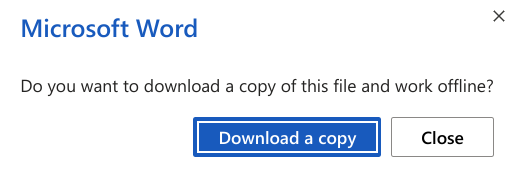
So I think that’s half of the equation. The other half is the many mentions of “web drive” and the Chrome OS Files app. Again, not Google Drive, but web drive.
I’m thinking that may refer to Microsoft’s OneDrive if you were to map it as a shared drive in the Files app. That’s just a guess, however. Currently, you can map network drives and SMB shared drives natively in the Files app. I’ve previously mapped my Box and Dropbox drives to my Chromebook as well, although that required the Android versions of those services to be installed.
Other than that, I’m not sure what else this all means. Perhaps I’m reading into all of this a little too much, but how else can I interpret a feature described as “opening Office files from Files app in Web Drive”?
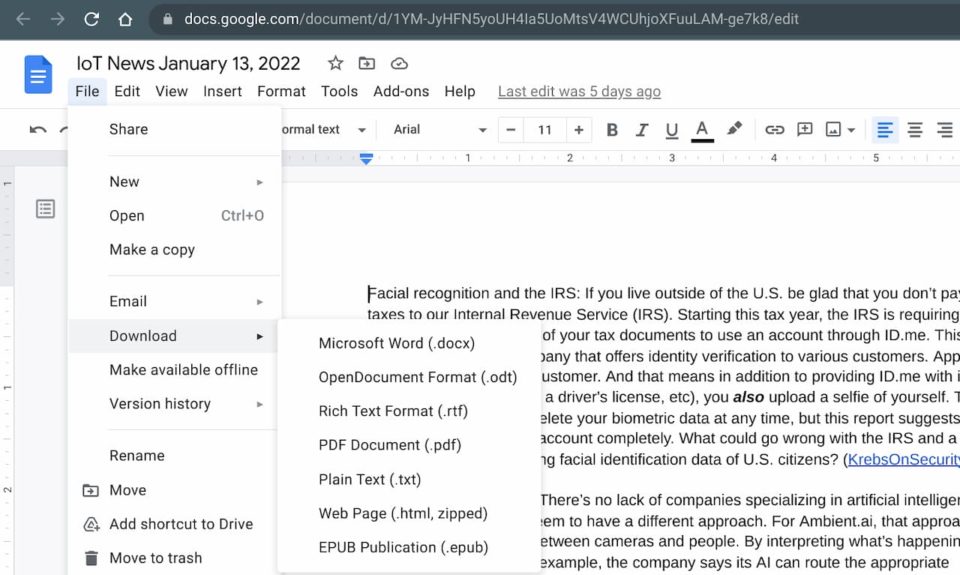
Note that today, you can open, create or edit a Google Doc and save it locally on your Chromebook in a Microsoft Office format. That feature has been around for ages.
And in the Files app on a Chromebook, you can double-click the saved Office document to continue editing it. This uses the built-in Office Editing tools available in Chrome OS:
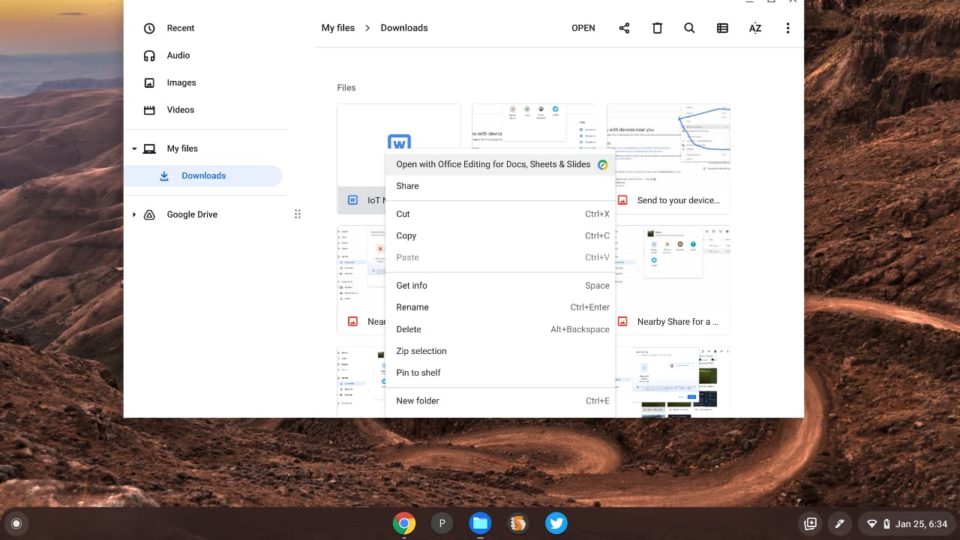
And there is where I’m really stumped. I’m opening Office documents on a Chromebook within the Files app, which is essentially how this feature is described. Then again, I’m doing this to a local file and not on a “web drive”, so it technically isn’t the same thing.
Even so, there appears to be more of a Microsoft Office tie-up here than we currently have on Chromebooks. That would be a good thing since Microsoft no longer supports the Office apps for Android on Chromebooks.
I’ll keep watching progress on this code change and look for the flag when it appears. I currently have a device running the Dev Channel of Chrome OS 99 and the flag isn’t yet available there.
