


While most Chromebook users are enjoying the just released ChromeOS 119 software, a few are not. Specifically, folks with a Lenovo Chromebook Duet 5 are still on ChromeOS 116. I see that the original Duet and Duet 3 are as well, so the issue may be related across all of these devices, although I can’t confirm that.
However, I can confirm why the Lenovo Chromebook Duet 5 is stuck on ChromeOS 116. It has to do with the USB Type-C port.
Specifically, the problem is that ChromeOS 117 has a firmware update for that USB port on the Duet 5. When updating ChromeOS from version 116, the firmware update puts the tablet into a boot loop. Essentially, it just keeps trying to install the firmware.
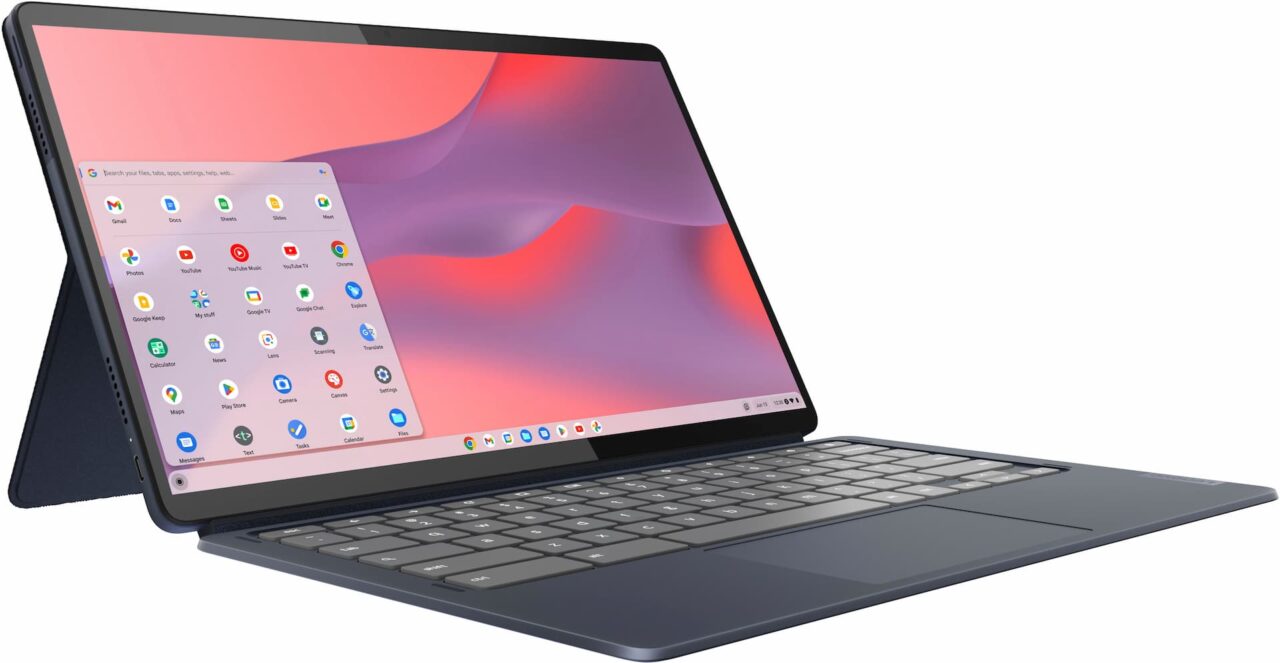
Google found about the issue from a user filed bug report last month along with a Reddit thread on the topic. Thanks to Paul on Twitter, I found out about it last night. And the team has been working to address the problem.
But it may not be as simple as tweaking the firmware update.
Here’s why, according to the devs, with emphasis added by me:
We’ve managed to get one device that was in the “Something Went Wrong” state and analyze it. As expected from all the logs provided by people (thanks!), the device was stuck updating the firmware of one of the components associated with the “Type C” port. We tried a number of ideas to try to make the update go through and talked to the vendor that provided the part but we had no luck there. The vendor has asked us to send the misbehaving part to them for failure analysis and we’re hopeful that they will will provide a solution to allow us to recover these parts, but we’re back in the waiting game here.
We do know for certain that replacing the daughterboard containing this chip fixes the problem. Replacing it on the unit we had in hand made the device boot normally again. For the curious about what the part looks like, I managed to find the part on Lenovo’s website. The one we had to replace was on the left side so I believe it’s “USB Board H 82QS Typc C_L” (part number 5C50S25268), there’s no reason that we’re aware of that the same issue couldn’t affect the right side board which would be “USB Board H 82QS Typc C_R” (part number 5C50S25269).
Yup, you read that right. Swapping out the internal USB daughterboard will fix the problem. Unfortunately, I don’t think that will be the ultimate solution, mainly because of logistics.
Every single Lenovo Chromebook Duet 5 owner would have to send their device in for the repair. While I don’t know how many Duet 5 tablets have been sold, I’m sure it’s enough to not go this route.
So the ideal fix would be a software one. And as of today, no such fix exists, although I’m sure it’s been researched and worked on.
Originally, I thought that the issue might be related to the CPU as there aren’t too many Chromebooks powered by the Qualcomm Snapdragon chips.
However, the Acer Chromebook Spin 513 (CP513-1H) also runs on a Snapdragon 7c. It uses the first gen chipset, so it’s not the exact same silicon. However, ChromeOS 119 is available for that device.
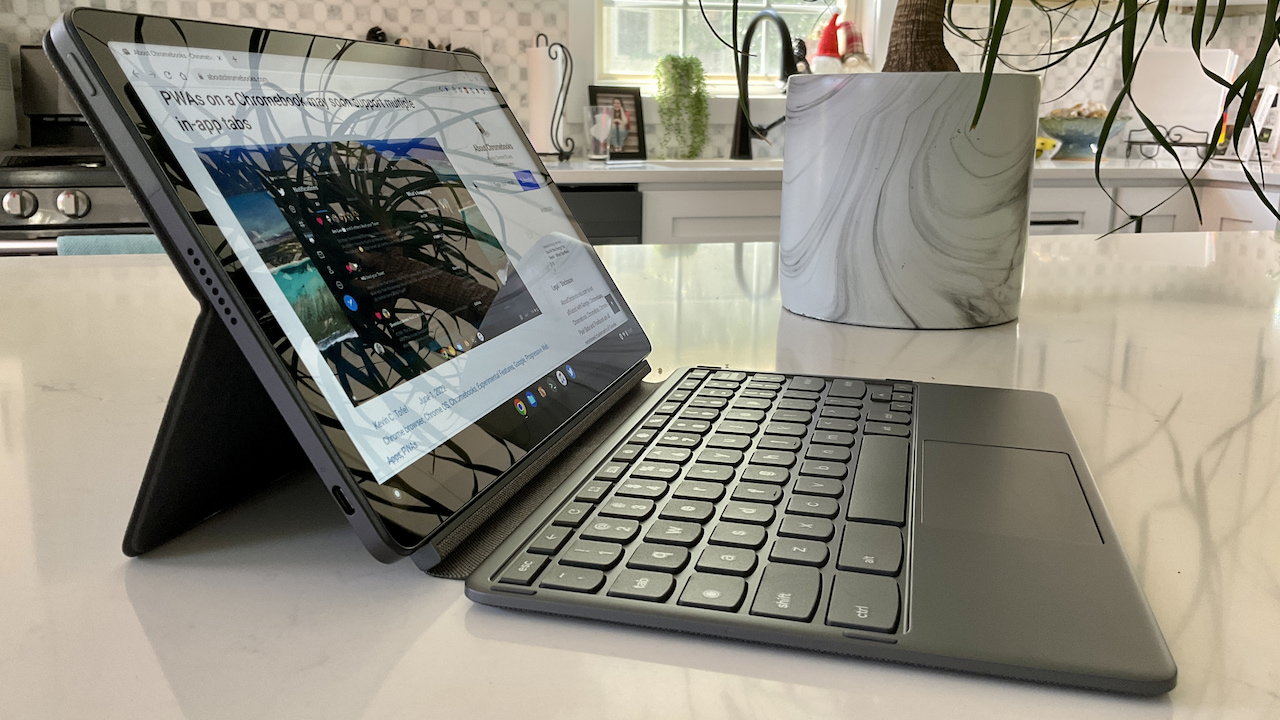
As far as the smaller Duet 3, which is also stuck on ChromeOS 116, a Google representative yesterday posted “I’m not aware of any reports of this failure happening on Duet 3” in the bug report.
If your Duet 3 was or is stuck in a boot loop, I’d let Google know by adding a comment to the report. And if you have a Duet 5, you can follow progress on the solution by starring the bug report issue.
