


You’ve found the perfect show to binge, only to encounter a frustrating message saying the content is unavailable in your region. Streaming platforms like Netflix, Disney+, and Prime Video implement geo-restrictions because they purchase distribution rights on a region-by-region basis. This means a show available in the United States might be locked in Europe or Asia. How to fix this content is not available in your country typically involves using a VPN to change your virtual location and access region-locked content safely and effectively. You can download a reliable VPN extension from here to get started quickly and securely.
How To fix this content is not available in your country?
Understanding why streaming services restrict content helps you find the right solution. Media companies negotiate different licensing agreements for each country, and local broadcasters often claim exclusive rights to specific shows in their regions.
Cultural preferences and local laws also influence what platforms offer. The most reliable method to bypass these restrictions is through a VPN service.
Choose a reliable VPN service
Select a VPN with strong streaming capabilities and multiple server locations. Look for services that maintain fast connection speeds and regularly update their IP addresses to avoid detection.
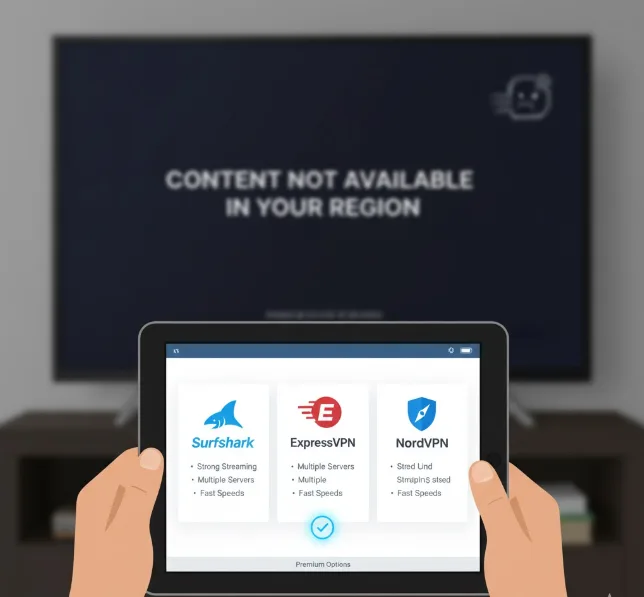
Premium options like Surfshark, ExpressVPN, or NordVPN work best for unblocking content. If you’re using a Chromebook, check out the best VPNs specifically designed for Chrome OS to ensure compatibility.
Download and install the VPN app
Visit your VPN provider’s website and download the appropriate application for your device. Most services offer apps for Windows, Mac, iOS, Android, and browser extensions.
Follow the installation prompts and create your account if you haven’t already. For Chromebook users specifically, you can use Proton VPN without Android or Linux through a simple browser extension.
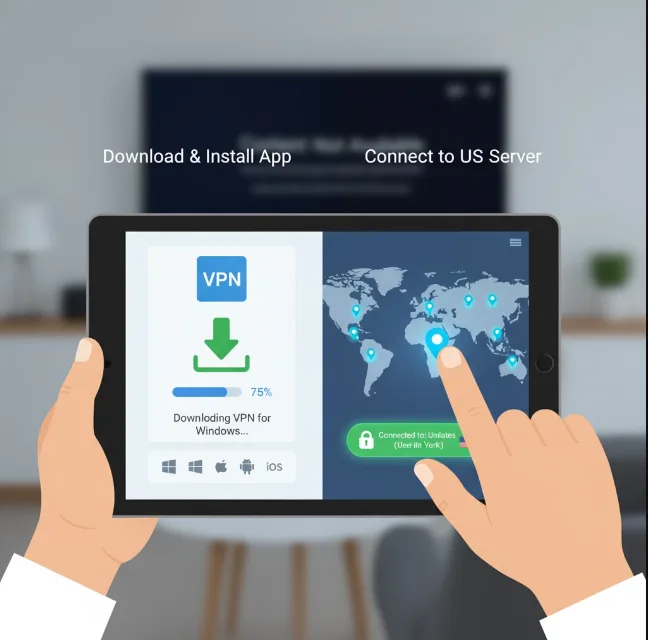
Connect to a server in the target country
Open your VPN app and browse the list of available server locations. Select a server in the country where your desired content is available.
For example, connect to a US server to access American Netflix libraries or a UK server for BBC iPlayer. The VPN will route your traffic through that location, making it appear as though you’re browsing from that country.
Clear your browser cache and cookies
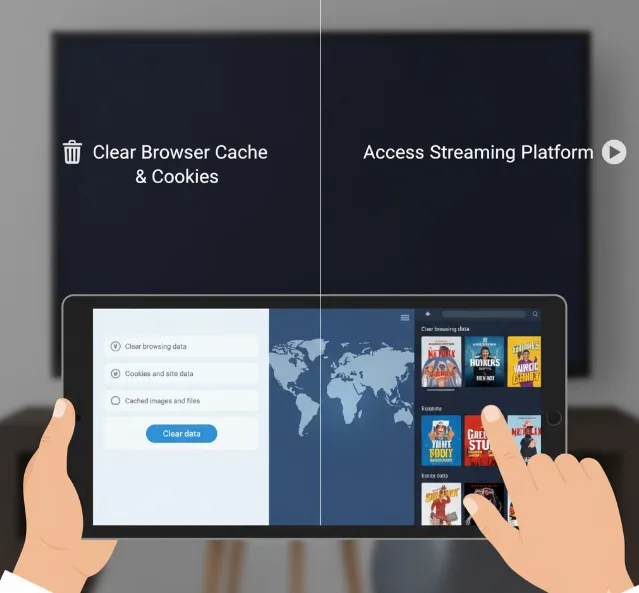
Before accessing the streaming platform, clear your browser’s cached data. Streaming services can detect your actual location through stored cookies even when using a VPN.
Navigate to your browser settings, find the privacy or history section, and clear browsing data. Select cookies and cached files to remove any location identifiers.
Access the streaming platform
Open the streaming service in your browser or app while the VPN connection is active. The platform should now display the content library for your selected region.
If you still see the restriction message, try disconnecting and reconnecting to a different server in the same country. Some streaming services block specific VPN IP addresses, so switching servers often resolves the issue.
A VPN encrypts your internet traffic and protects your privacy beyond just unblocking content. This prevents internet service providers from tracking your streaming activity.
However, connection speeds may decrease slightly due to encryption overhead. Quality VPN services minimize this impact by offering dedicated streaming servers optimized for video playback.
If you’re looking for alternatives, some streaming options on Chromebook don’t require VPNs, though these typically offer different content libraries. You can also explore free movie sites that work on Chromebook without geographical restrictions.
FAQs
Is using a VPN to access geo-blocked content legal?
Using a VPN is legal in most countries, but it may violate streaming service terms of service. Review your platform’s user agreement before proceeding.
Will streaming platforms ban my account for using a VPN?
Most platforms don’t ban accounts for VPN usage. They typically just block access when detecting VPN connections, requiring you to disconnect or switch servers.
Can free VPNs unblock streaming content effectively?
Free VPNs often fail to bypass streaming restrictions and may compromise your privacy. For reliable access, consider choosing the best free VPN for Chromebook with proven streaming capabilities.
Why does content availability differ between countries?
Streaming platforms negotiate separate licensing agreements for each region. Content owners sell distribution rights differently worldwide based on existing broadcast deals and market demand.
Does using a VPN slow down streaming quality?
A quality VPN may reduce speeds by 10-30 percent due to encryption. Choose VPN services with fast servers and follow essential tips for using a VPN to maintain good streaming performance.
