


Gone are the days when Chromebooks were considered merely basic laptops for web browsing and document editing.
Today’s Chrome OS devices have evolved into surprisingly capable gaming machines that can handle everything from casual mobile games to demanding cloud-based titles.
Whether you’re a student, professional, or casual gamer, understanding how to unlock your Chromebook’s gaming potential can transform your portable computing experience.
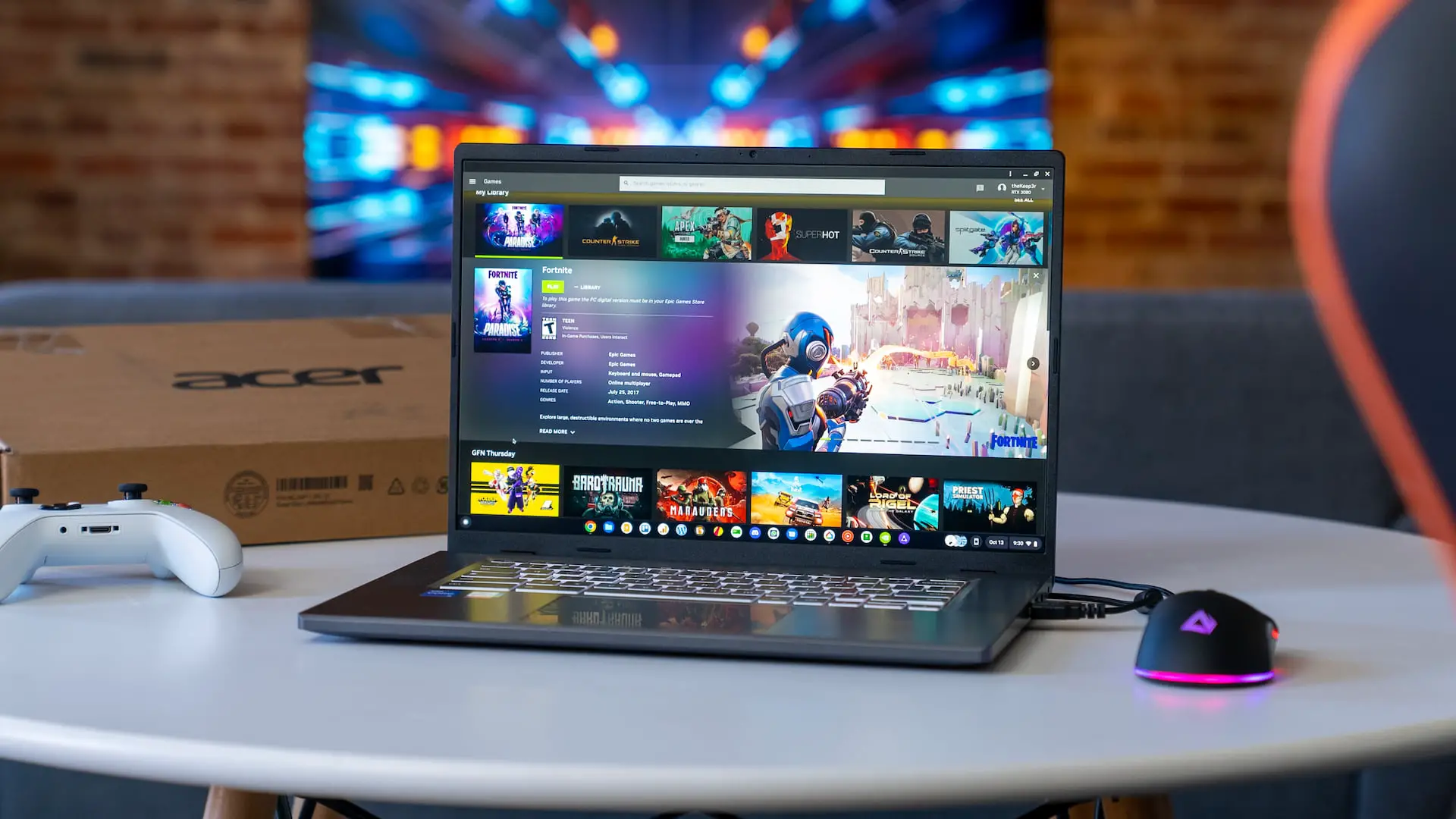
The Modern Chromebook Gaming Landscape
The gaming ecosystem on Chromebooks has expanded dramatically over the past few years. With Google Play Store integration, Linux app support, and powerful cloud gaming services, these lightweight devices now offer access to thousands of gaming titles.
From puzzle games and strategy titles to action-packed adventures, Chromebook users can enjoy diverse gaming experiences without the traditional hardware limitations.
Additionally, browser-based entertainment has flourished, with platforms offering everything from streaming services to online casino games providing instant access to entertainment directly through Chrome.
Chrome OS’s Android app compatibility stands as one of the most significant gaming developments for Chromebook users. This integration means popular mobile games like Among Us, PUBG Mobile, and Genshin Impact run natively on your device.
The seamless installation process through the Google Play Store makes accessing these titles as simple as downloading them on your smartphone, but with the added benefit of a larger screen and often better performance.
Cloud Gaming: The Game Changer
Cloud gaming services have revolutionized what’s possible on Chromebooks. Platforms like Google Stadia (before its discontinuation), NVIDIA GeForce Now, Xbox Cloud Gaming, and Amazon Luna allow you to stream high-end PC and console games directly to your Chromebook.
These services leverage powerful remote servers to handle the heavy computational work, while your device simply streams the video and sends input commands.
The beauty of cloud gaming lies in its hardware independence. Your entry-level Chromebook can run the same AAA titles that typically require expensive gaming rigs. Games like Cyberpunk 2077, Assassin’s Creed Valhalla, and Destiny 2 become accessible with just a stable internet connection.
For optimal performance, aim for at least 15-25 Mbps download speeds and consider using an ethernet connection when possible.
Linux Gaming Opens New Doors
Advanced users can enable Linux (Beta) support on their Chromebooks, unlocking access to Steam and other PC gaming platforms.
While not all games will run perfectly due to hardware limitations, many indie titles and older games perform admirably. This feature works best on higher-end Chromebooks with Intel processors and at least 8GB of RAM.
Popular Linux-compatible games include Stardew Valley, Terraria, and various retro titles through emulation. The setup process requires some technical knowledge, but numerous online guides make it accessible to determined users.
Browser-Based Gaming Excellence
Don’t underestimate the power of browser-based gaming. Modern web technologies enable sophisticated games that run directly in Chrome without any installation. From io games like Agar.io and Slither.io to more complex titles like Forge of Empires and Travian, browser gaming offers instant access to entertainment.
Progressive Web Apps (PWAs) have also enhanced the browser gaming experience, providing app-like functionality with offline capabilities and desktop integration.
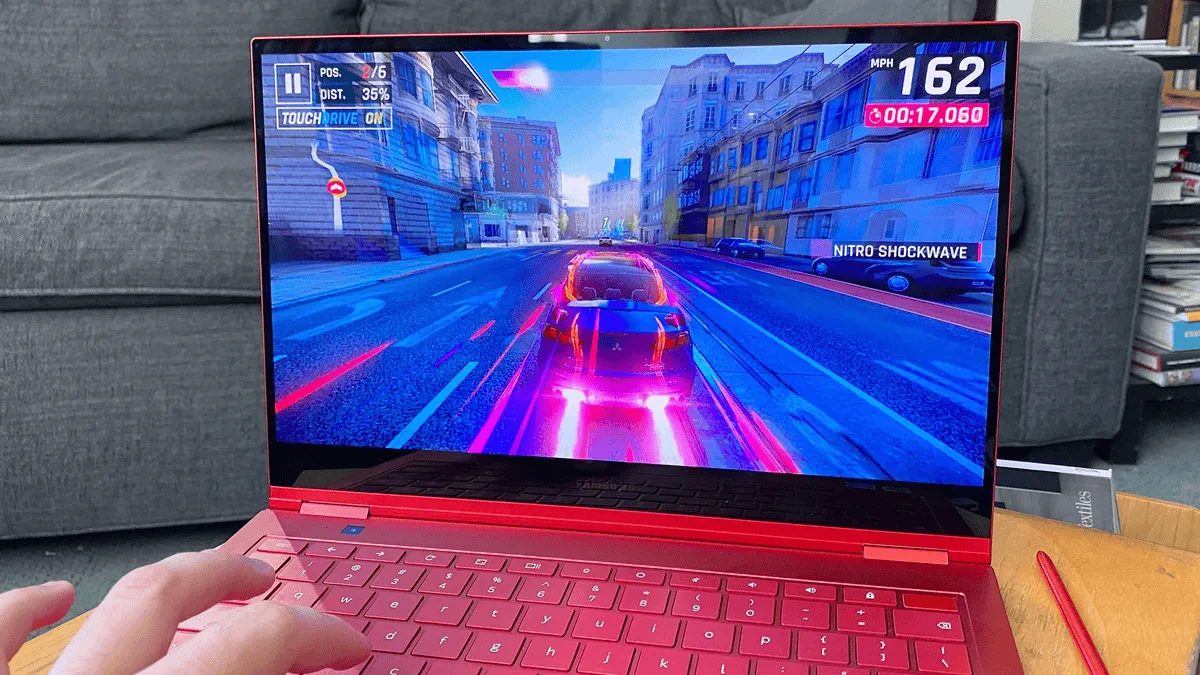
Optimizing Your Chromebook for Gaming
To maximize gaming performance, keep your Chrome OS updated and manage your storage wisely. Close unnecessary tabs and applications while gaming, as Chrome can be memory-intensive. Consider investing in a good gaming mouse and headphones to enhance your experience.
For touch-enabled games, experiment with your Chromebook’s tablet mode if available. Many Android games are optimized for touch controls and feel more natural without a keyboard and trackpad.
The Future of Chromebook Gaming
As internet infrastructure improves and cloud gaming technology advances, Chromebooks are positioned to become even more capable gaming devices. With 5G connectivity becoming more widespread and latency continuing to decrease, the distinction between local and cloud gaming will continue to blur.
The combination of affordability, portability, and expanding gaming options makes Chromebooks an increasingly attractive choice for casual and serious gamers alike.
Whether you’re commuting, studying, or simply want a lightweight gaming solution, today’s Chromebooks deliver surprising versatility and performance that continues to evolve with each update.
