


Content creation on Chromebooks has come a long way, especially with the ever-growing library of Chrome extensions designed to boost productivity, creativity, and audience engagement.
Whether you’re a blogger, video editor, or social media manager, the right tools can make all the difference. Here’s a look at the most valuable Chrome extensions for content creators using Chromebooks in 2025.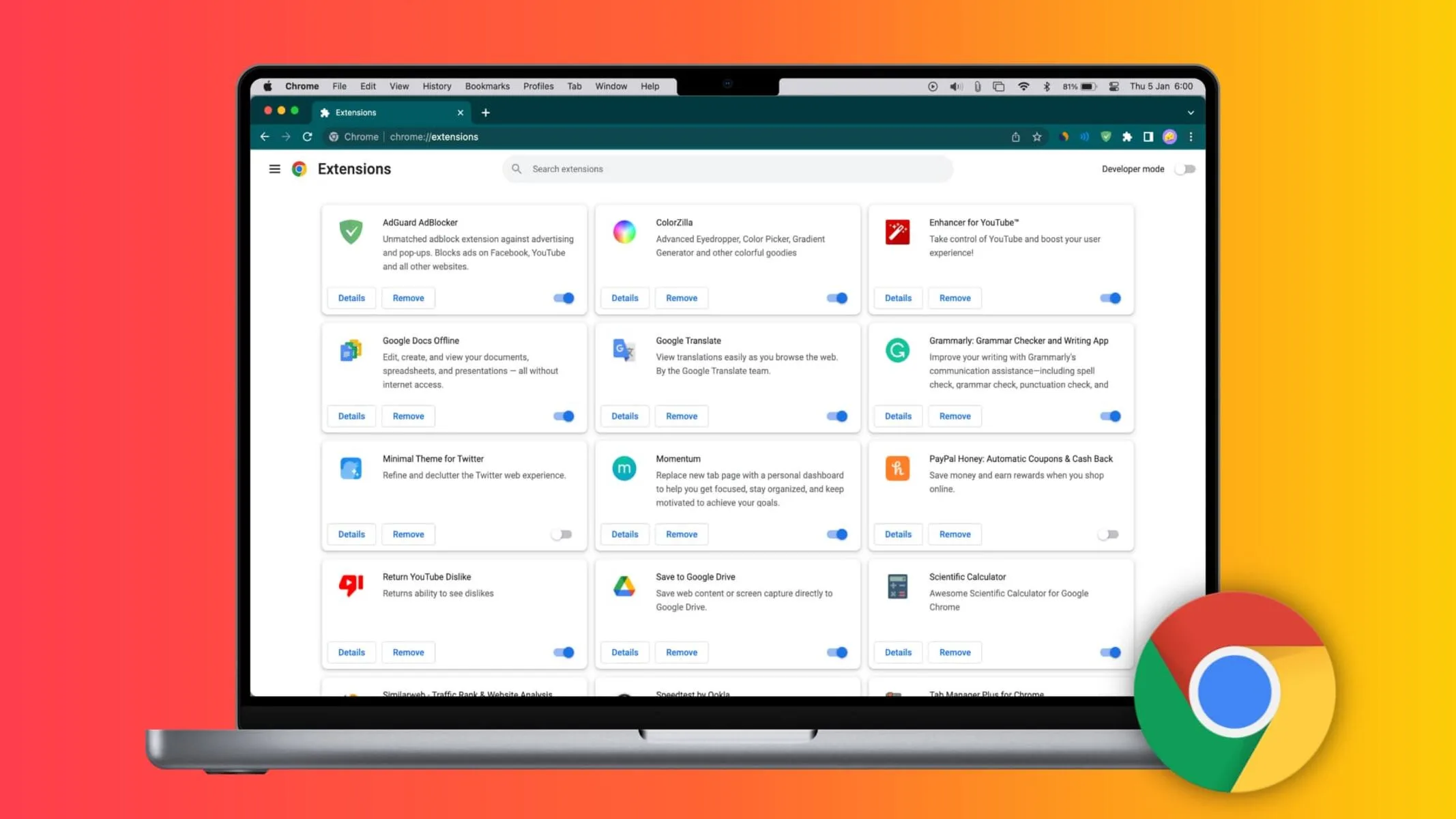
How to Streamline Content Workflows?
One of the biggest advantages of using a Chromebook for content creation is the seamless integration with cloud-based tools. Extensions like Grammarly and ProWritingAid help polish written content, catching grammar slips and style issues before publishing.
For those working with visuals, Canva’s Chrome extension makes it easy to design graphics without leaving your browser, while Nimbus Screenshot & Screen Video Recorder allows for quick screen captures and tutorials—perfect for creating step-by-step guides or sharing feedback with collaborators.
Project management is another area where Chrome extensions shine. Trello and Notion Web Clipper let creators organize ideas, save research, and manage editorial calendars right from the browser.
These tools are especially handy for remote teams, ensuring everyone stays on the same page without juggling multiple apps.
Ways to Enhance SEO and Analytics
Visibility is key for content creators, and that’s where SEO-focused extensions come into play. Tools like Keywords Everywhere and MozBar provide instant keyword data and on-page SEO insights, making it easier to optimize articles and videos for search engines.
When exploring how modern devices support professional SEO workflows, understanding Chromebook SEO capabilities reveals how cloud integration and specialized browser extensions can streamline tasks such as keyword research and site auditing.
For creators who track performance, Google Analytics and SimilarWeb extensions offer real-time traffic data and competitive analysis without the need to open separate dashboards.
These insights help refine content strategies and identify what resonates with audiences, ensuring creators stay ahead of trends and algorithm changes.
Monetization and Audience Engagement Tools for Creators
Building and engaging an audience is just as important as creating great content. Extensions like TubeBuddy and vidIQ are invaluable for YouTube creators, offering keyword suggestions, thumbnail generators, and analytics overlays directly within the platform.
Social media managers benefit from Buffer and Hootsuite extensions, which streamline post scheduling and cross-platform sharing.
For those exploring gaming content niches, including leveraging extra benefits, see the detailed Gameshub bonus guide to understand current offers.
These types of resources can inspire creative ways to reward loyal followers or add value to digital communities, especially in highly interactive spaces like streaming or gaming-related content.
Security and Privacy Tools for Content Creators
With so much work happening online, protecting sensitive content and personal data is a top priority. Extensions like LastPass and Bitwarden manage passwords securely, while HTTPS Everywhere and uBlock Origin add layers of privacy and ad-blocking.
These tools help creators focus on their work without worrying about security threats or intrusive ads disrupting their workflow.
Additionally, privacy-focused extensions can be crucial for creators handling client projects or sensitive brand collaborations, ensuring that all communications and files remain confidential and protected from prying eyes.

What the Future Holds for Chromebook Creators?
The Chrome Web Store continues to evolve, offering content creators an expanding toolkit that rivals traditional desktop software.
As Chromebooks become more powerful and Chrome extensions more sophisticated, creators can expect even greater flexibility and efficiency in their workflows.
Staying updated on the latest tools and trends ensures that Chromebook users remain at the forefront of digital content creation, ready to adapt and thrive in 2025 and beyond.
