


If you haven’t heard about Project Crostini yet, you’re missing out on what may be the most exciting new advance coming to Chromebooks. To make a long story short, Crostini allows a full Linux virtual machine environment to run in safe, sandboxed containers within Chrome OS. There’s no need to use the less secure Developer Mode — with Crouton — for this, which makes it an ideal solution to run traditional desktop apps.
Since this solution is in its early stages, I had been holding off on kicking the tires. But after reading this Google+ post from John Bowdre showing how Crosini looks on a Pixelbook, I decided to take the plunge.
Note that to run the Linux VM in a Chrome OS container you have to currently:
- Have a Pixelbook
- Be on the Dev Channel
- Enable the experimental #enable-cros-container flag
The second reason is why I was holding off: Since my Pixelbook is my daily driver, I like to stay on the Stable Channel. Heck, let’s throw caution to the wind!
This site lists the steps on how to get Crostini running on a Pixelbook but basically you just open up a crosh terminal by pressing ctrl+alt+t on your Pixelbook keyboard and run these two lines. Note that for <username>, I entered my first name as the account.
- Create crostini VM vmc start dev
- run_container.sh –container_name=stretch –user=<username> –shell
That’s it. You’ll see a standard terminal where you can now download, install and run Linux packages.
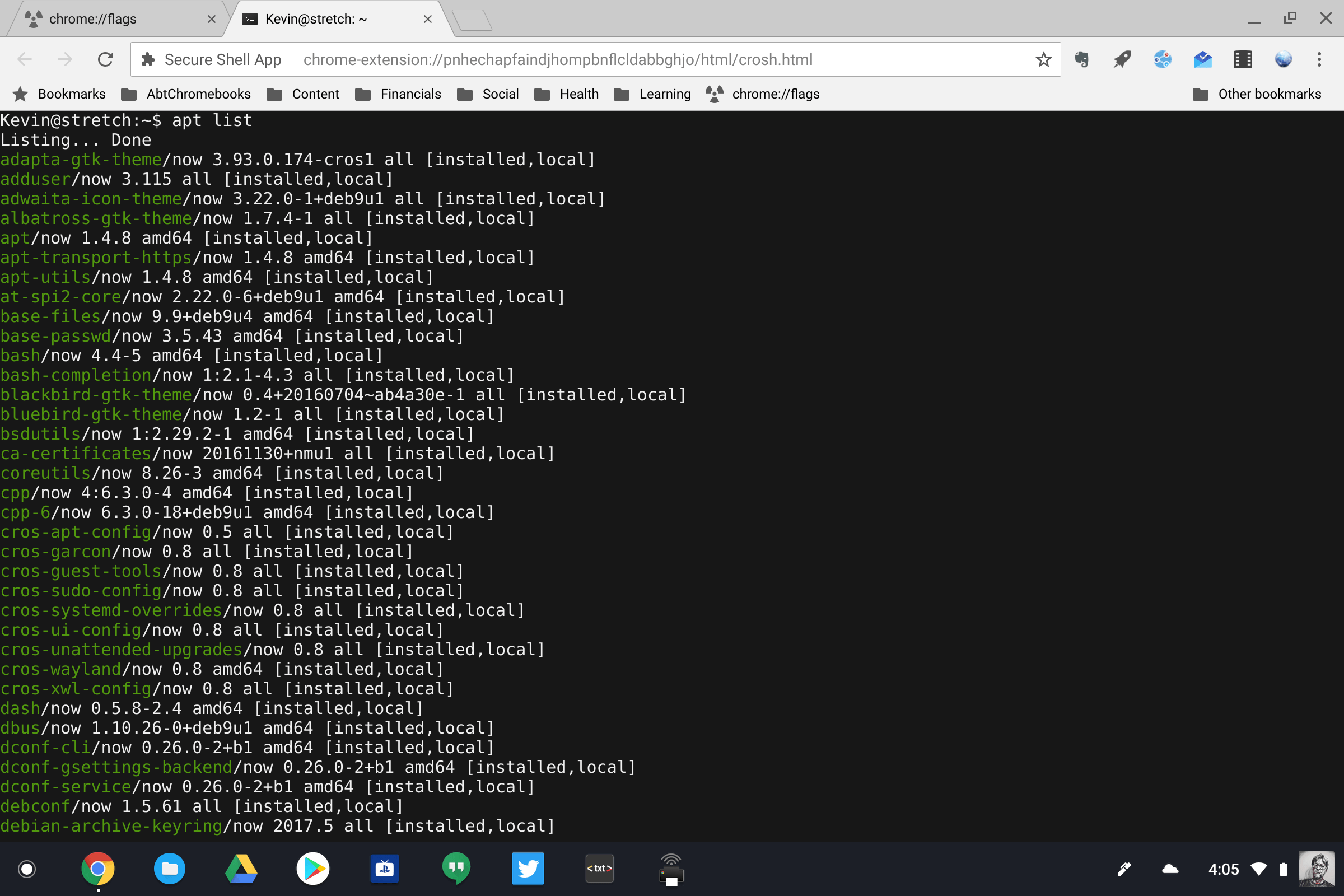
I haven’t yet played around with getting a graphical user interface up, but I have installed a few apps I’d consider using for my coding hobby: Eclipse and Sublime Text, in particular.
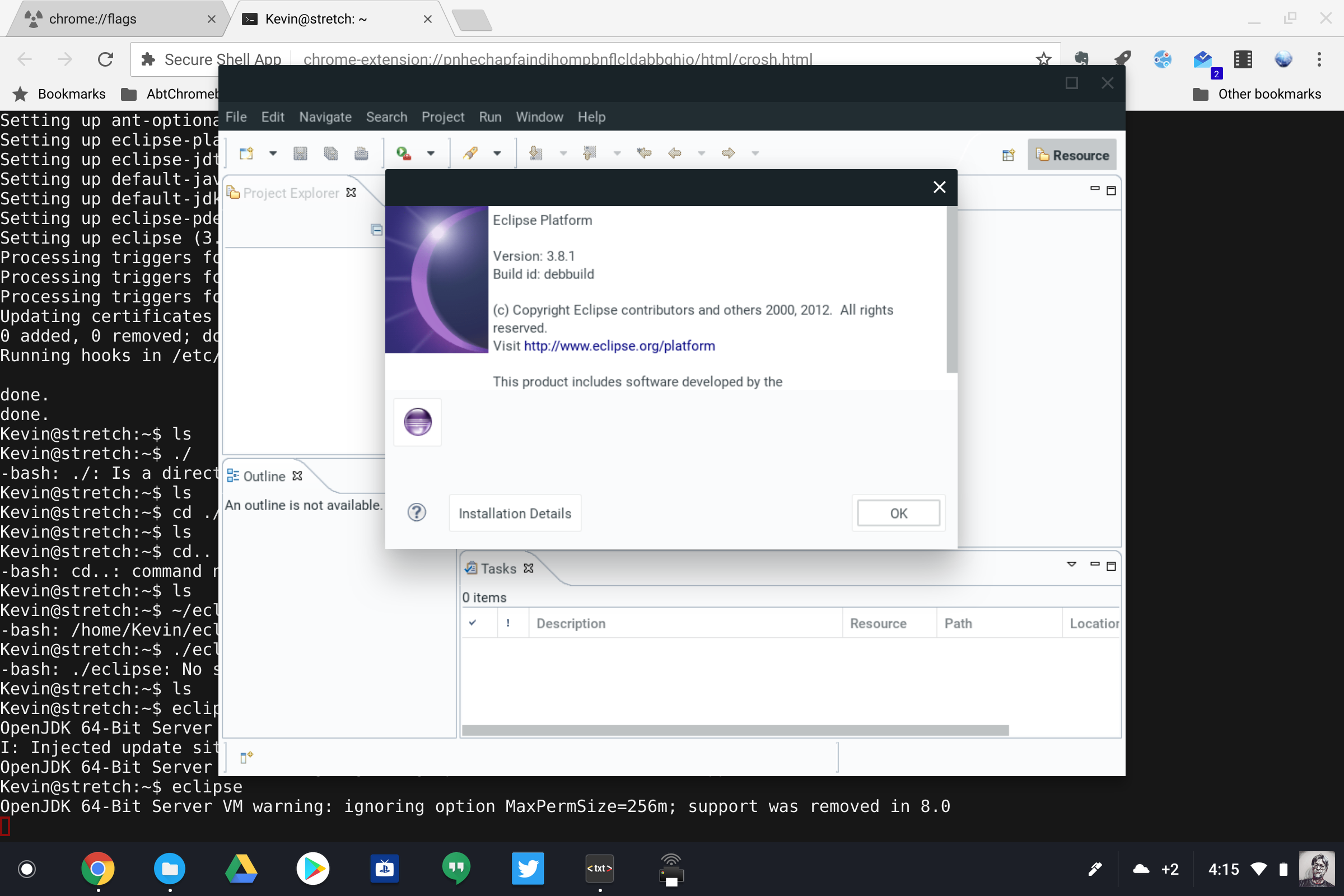
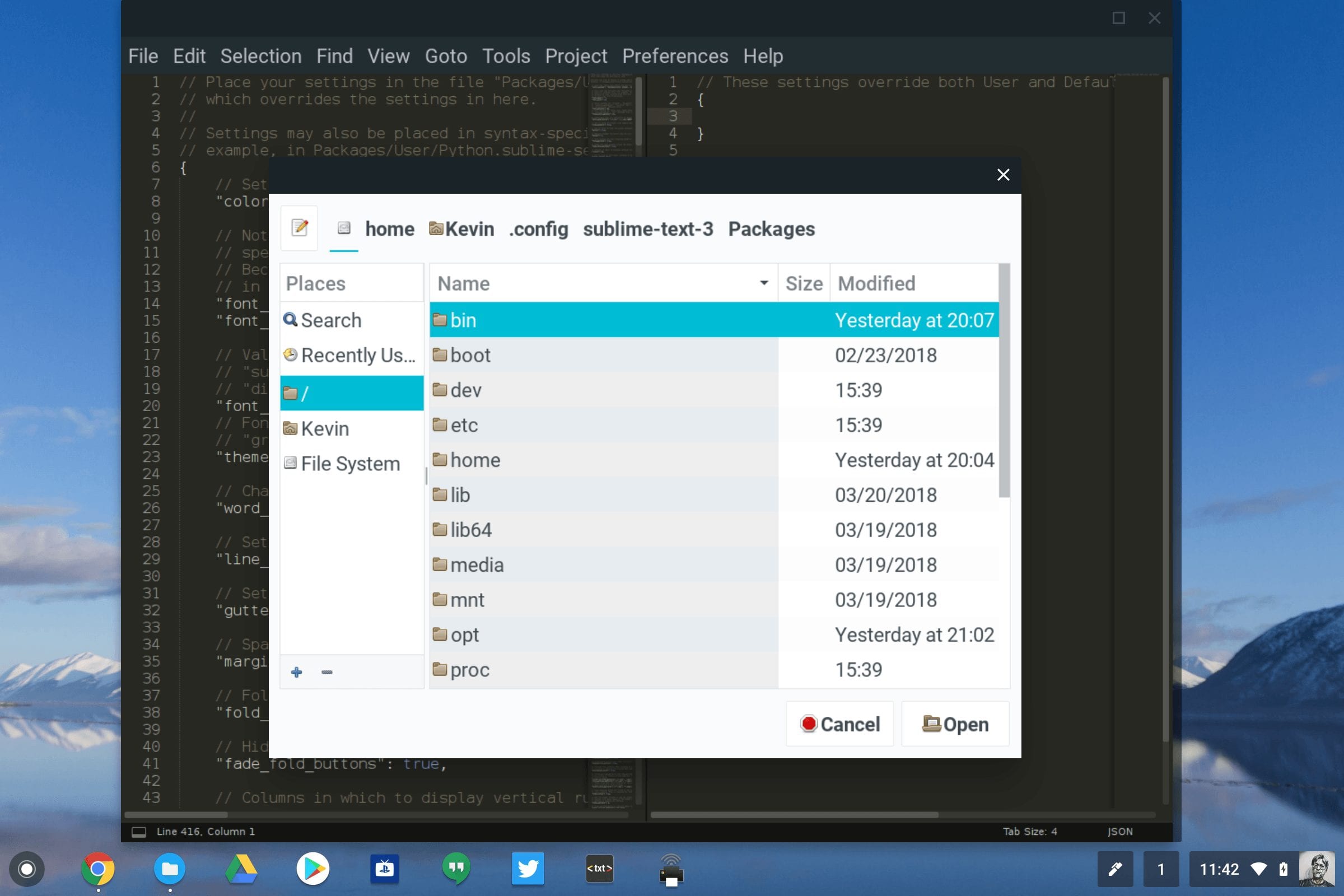
I can use these apps just as I would on any traditional operating system. And anything I store is persistently stored in the VM file system. After shutting down my Pixelbook and powering it back up the next day, I opened the Linux container, ran Sublime Text and was able to retrieve a saved Python script.
I’ll continue to tinker with this but have a few observations based on my limited use:
- This opens up Chromebooks to a whole new world of offline desktop application use, of course, and nicely supplements Android app usage. I anticipate that folks will install Steam for gaming as well as programming tools and possibly productivity suites in cases where GSuite doesn’t fully meet needs.
- There’s still plenty of work to be done from what I can see. Crostini uses a ton of memory so I don’t know how well optimized it is yet. And my guess is that a Chromebook with 4GB of memory isn’t going to cut it.
- It’s not likely going to be for mainstream Chromebook users as it’s a bit complicated for now. There aren’t even any icons in the Chrome OS shelf to indicate you’re running a Linux app in a virtual machine, although it looks like that’s in the works. And we should be able to pin and launch Crostini apps from the shelf at some point too. However, you can use the alt-tab key combo to switch between Chrome OS and the Linux apps. And from what I can see, window resizing is working well.
I strongly suspect that we’ll hear more details of Google’s strategy involving Linux containers at Google I/O next month. That’s really a developer event and right now, this looks to be the missing piece for developers who need to code directly on a Chromebook and not use workarounds like I do.
