


Messaging strangers online can be exciting, but it comes with risks that many users underestimate. From our thorough investigation, we found that scammers and malicious actors often exploit oversharing and trust to extract sensitive information.
Common tactics include fake profiles, phishing links, and manipulative conversation techniques designed to access personal details.
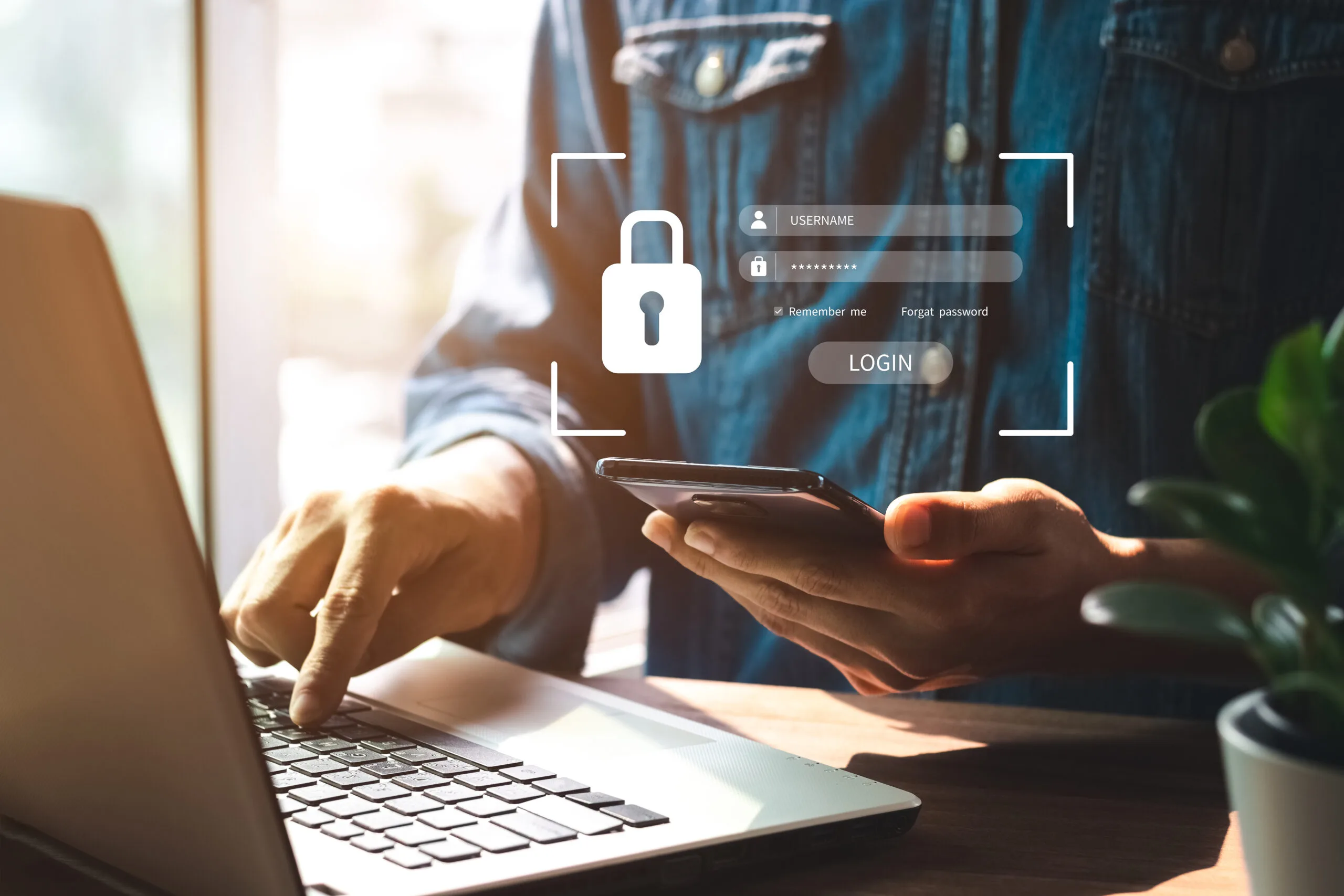
Protecting your personal info is not just about security—it’s about maintaining control over your digital identity.
Practicing safe communication ensures you can interact online without exposing yourself to financial or emotional harm.
1. Avoid Oversharing Personal Details
Knowing what counts as sensitive information is the first step in protecting your personal info. This includes your full name, home address, phone number, financial details, passwords, and even certain social media links that reveal private data.
Tips for minimal disclosure:
- Use nicknames or initials instead of your full name when chatting online.
- Avoid sharing specific location details such as your neighborhood or daily routine.
- Keep financial information private—never disclose bank accounts, credit card numbers, or payment app details.
- Do not share passwords or security answers under any circumstances.
Step-by-step guidance for deciding what to share:
- Step 1: Ask yourself if the information is necessary for the conversation.
- Step 2: Consider if sharing it could be used maliciously.
- Step 3: If the answer is yes, do not share it.
2. Use Secure Messaging Platforms
From our assessment, one of the most effective ways to protect your personal info is using secure messaging platforms. Encrypted chats ensure that your conversations are private and cannot be intercepted by third parties.
Benefits of secure platforms:
- End-to-end encryption protects messages from unauthorized access.
- Platform-specific safety features such as two-factor authentication and message expiration add extra layers of protection.
- Options to block or report users easily help maintain safe communication.
Tips for safely communicating:
- Stick to platforms known for strong security measures.
- Avoid sharing links or files unless verified.
- Consider additional tools like secure password managers or virtual private networks (VPNs) for enhanced privacy.
3. Recognize Red Flags in Conversations
Scammers and manipulative users rely on psychological tactics to gain trust. Recognizing red flags early is critical to sensitive information protection.
Common warning signs:
- Requests for personal details too soon in a conversation.
- Attempts to isolate you from friends or family advice.
- Offers that sound “too good to be true” or induce urgency.
Actionable advice:
- Step 1: Pause if someone asks for private info unexpectedly.
- Step 2: Verify the request through independent means before responding.
- Step 3: End communication if the behavior persists or seems manipulative.
4. Verify the Identity of the Other Person
Opinion from our experts: verifying the person you communicate with is essential before sharing any information.
Tips for confirming authenticity:
- Check social media profiles, cross-referencing photos, and background info.
- Use video calls to ensure the person matches their profile.
- Be cautious of profiles with minimal information or stock images.
Trusted reference/statistics: According to the Federal Trade Commission (FTC), online scams cost Americans over $8 billion annually, highlighting the importance of verifying identities online.
5. Set Clear Boundaries and Communication Rules
Safe communication requires proactive boundary-setting. From our thorough investigation, clear rules protect both your info and emotional wellbeing.
Tips for responsible conversation:
- Define which topics are off-limits and communicate them clearly.
- Use polite but firm language to refuse sensitive requests, e.g., “I do not share that information online.”
- Avoid feeling pressured; maintain control of the conversation flow.
Step-by-step advice for boundaries:
- Step 1: Decide in advance what personal details are off-limits.
- Step 2: Communicate boundaries early in interactions.
- Step 3: Enforce limits consistently and block users who disregard them.
6. Report Suspicious or Unsafe Behavior
Reporting is a powerful tool to maintain online safety. Tested methods show that reporting suspicious users helps platforms identify scams and prevent further abuse.
Step-by-step guide for reporting:
- Step 1: Locate the platform’s reporting tools (usually under profile or message settings).
- Step 2: Provide details about the suspicious behavior, including messages or links.
- Step 3: Submit the report and, if needed, block the user to prevent further contact.
Expert opinion: reporting is not just about protecting yourself—it helps improve online safety for the broader community.
7. Educate Yourself on Privacy and Security Updates
Staying informed is crucial. Platforms frequently update privacy policies and introduce new security features.
Step-by-step guide:
- Enable notifications for platform security alerts.
- Regularly review privacy settings to ensure they match your desired level of protection.
- Stay informed about emerging scams through trusted sources.
Conclusion – Stay Safe While Messaging Strangers Online
Protecting your personal info requires vigilance, awareness, and consistent safety habits. We recommend combining minimal disclosure, secure messaging, identity verification, and clear boundaries for the best protection. Remember to report suspicious behavior and stay informed about updates in online privacy practices.
For those interested in further guidance, the Ukrainiancharm blog post offers practical strategies for safe communication online. By following these steps, you can enjoy online interactions while keeping your personal info secure.
