


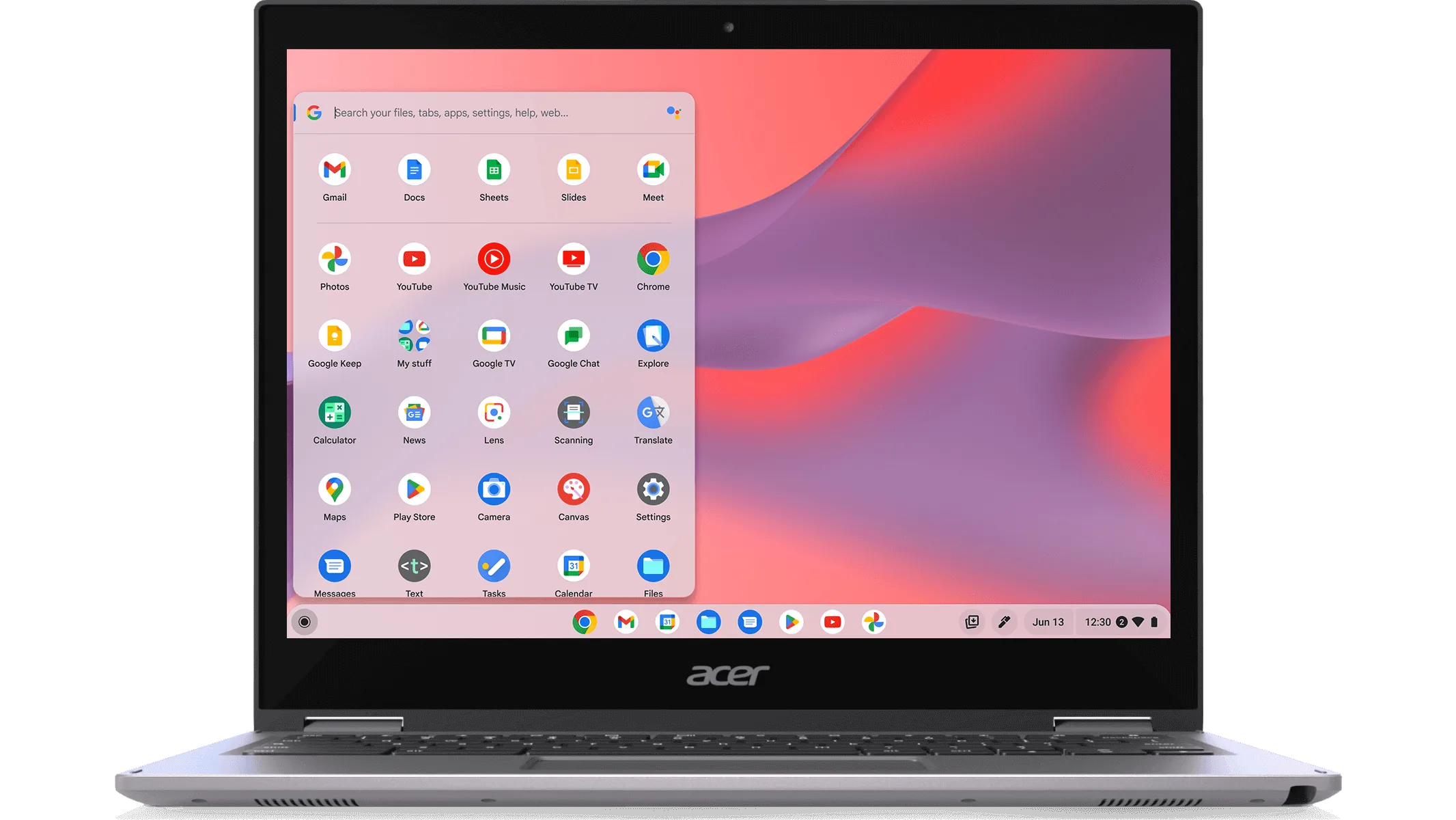
One of the things people often miss about Chromebooks is how little they force you to choose between using apps and using the browser.
Most of the time, both are open anyway. You read in one place, act in another, and switch without really noticing. Online betting is a surprisingly good example of how that works in practice.
Betting doesn’t live in one place anymore
Very few people open a betting app and stay there. They jump around. A news site in one tab. Live stats in another. Maybe a stream somewhere else. The actual betting often happens somewhere in the middle of all that.
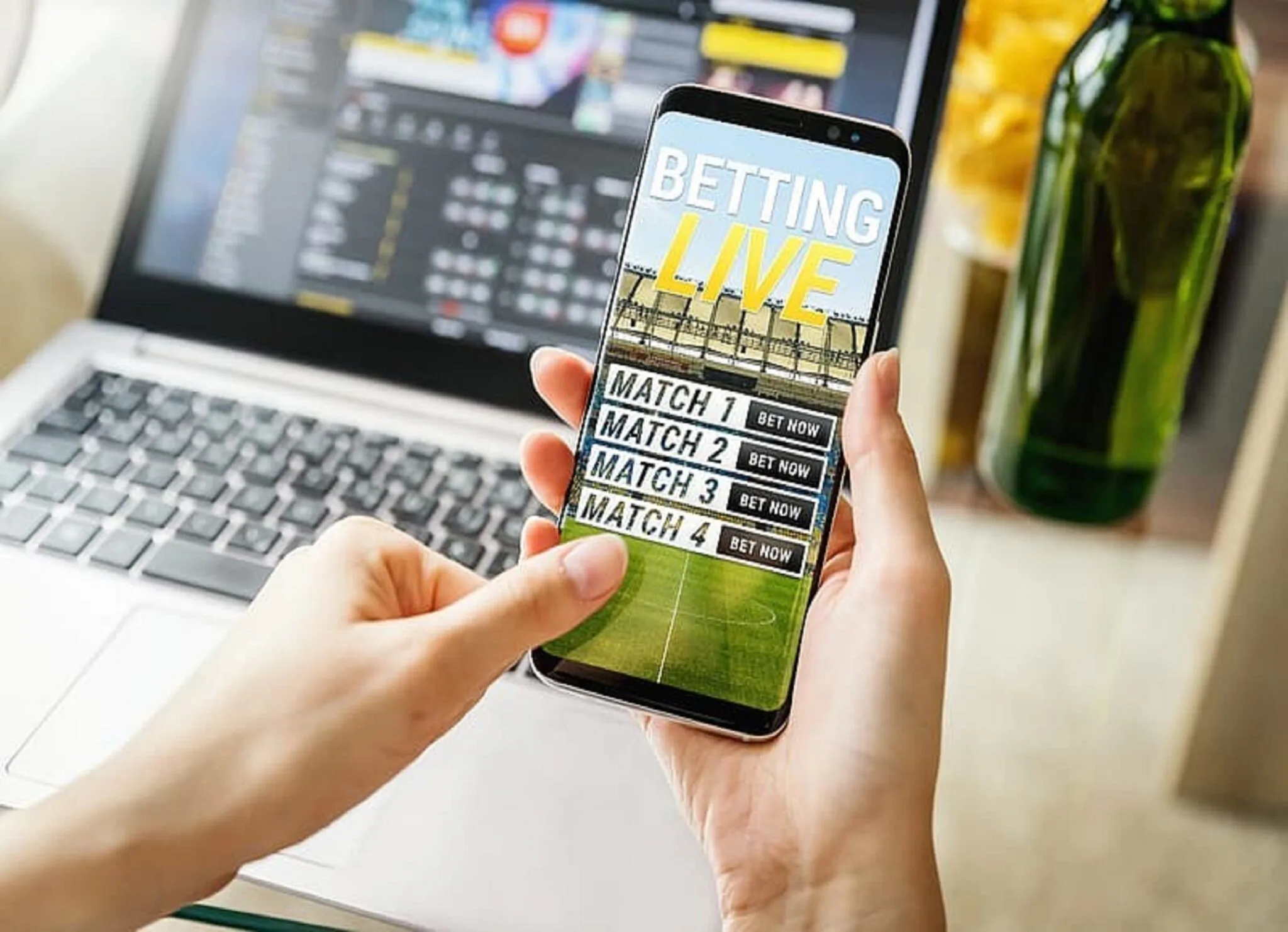
On Chromebooks, this kind of movement feels natural. Android betting apps open like windows, not isolated spaces.
They sit next to Chrome tabs instead of replacing them. That makes betting feel like part of the browsing session, not a separate task.
Browsers are for checking, apps are for doing
Most users end up using browsers and apps for different reasons without thinking about it. The browser is where information lives. Lineups, injury updates, form guides, social chatter. It’s easier to scan, search, and compare there.
The app is where action happens since it is easy to place a bet on sports, check odds movement and seeing whether something is still available.
On ChromeOS, moving between those two doesn’t break concentration. You’re not “switching modes.” You’re just shifting focus.
Sync removes the setup phase
ChromeOS sync quietly does a lot of work in the background. Tabs you opened earlier on your phone show up again. Logins carry over. Bookmarks are already there. For betting, that means less rebuilding. You don’t start from zero each time.
You already know where you were looking, what you were checking, and why you cared. The decision feels lighter because the context didn’t disappear.
Live betting makes multitasking obvious
Live betting is where the app and browser setup really shows its value. A match is on. Stats are updating. Odds move quickly. There isn’t time to jump in and out of full-screen apps. On a Chromebook, you can keep everything visible.
A browser tab with live commentary. Another with stats. The betting app open beside them. You glance, not hunt. You react, not scramble. That layout mirrors how people already follow sport online.
Notifications don’t take over
Android notifications on ChromeOS also play a role, but only when they stay subtle. A goal alert appears. A market closes.
Something changes. You don’t have to act. You can ignore it and keep reading. Or you can click and deal with it. The system doesn’t assume urgency, which makes the whole experience feel less pushy.
Why this works well on Chromebooks
Chromebooks aren’t built around the idea that you should focus on one thing at a time. They assume tabs will pile up.
Windows will overlap. Attention will drift. That matches how online betting actually happens today. It’s not a session. It’s something that happens alongside everything else.
What this says about betting software design
Online betting highlights a bigger point. Apps don’t need to replace browsers, and browsers don’t need to copy apps.
They just need to coexist well. On Chromebooks, that coexistence feels smooth because neither side demands full control. Each does what it’s good at.
A practical example of ChromeOS strengths
For readers of aboutchromebooks.com, the takeaway isn’t about betting itself. It’s about how ChromeOS handles real-world, messy digital behaviour.
Online betting just makes that behaviour easier to see. Information on one side. Action on the other. No hard boundary in between. That’s where Chromebooks quietly do their best work.
