


When I picked up my Chromebook about 18 months back, I figured it’d be my basic machine for emails and documents.
But then something unexpected happened—I started using it for gaming breaks way more than I thought I would, mostly through browser games like domino online that run without any installation hassle.
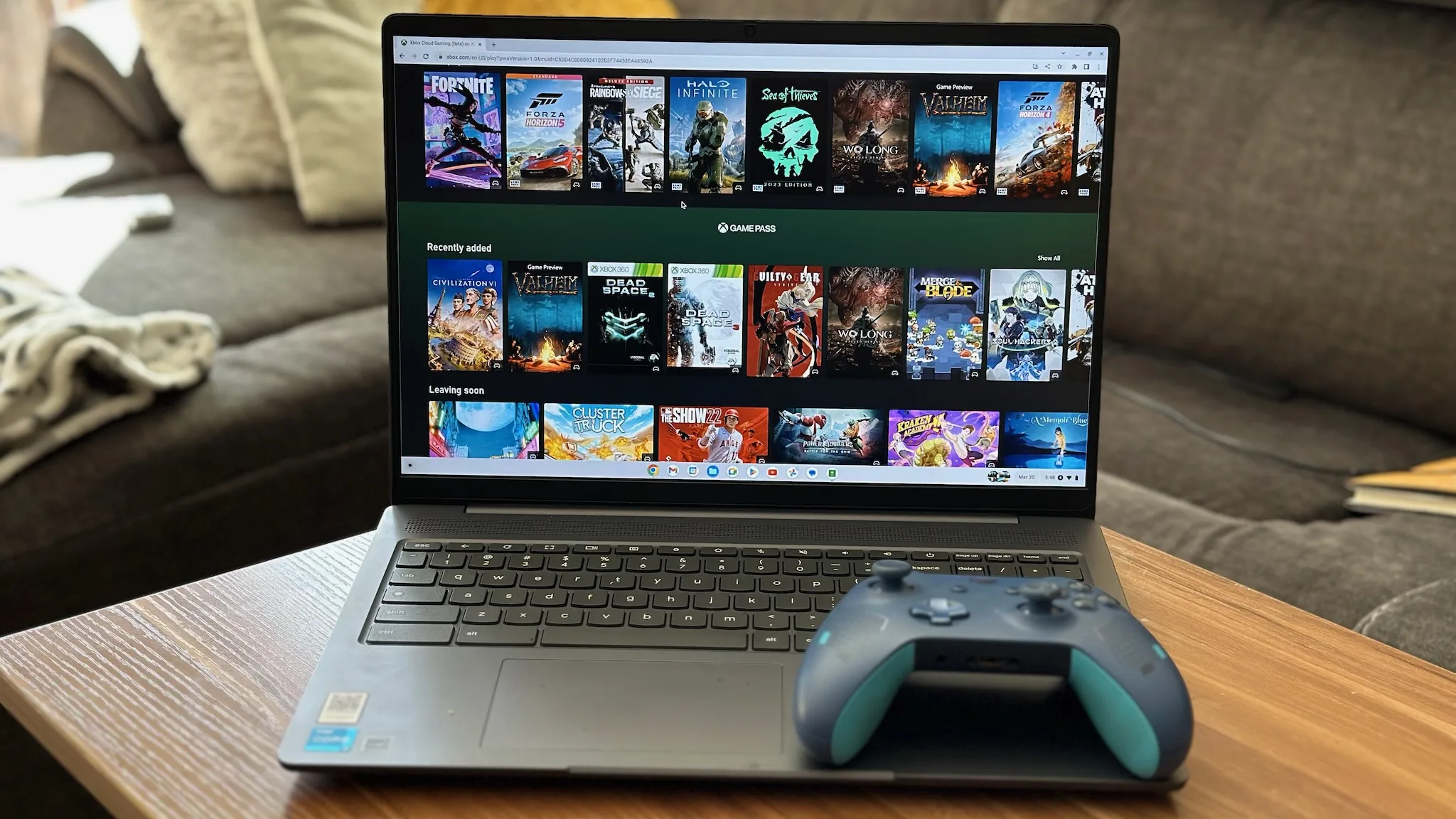
Why Browser Games Actually Work Better on ChromeOS?
I tried the traditional gaming route first. Wanted Steam running. Total disaster. The Linux container thing felt awkward and clunky, and after wasting 47 minutes troubleshooting, I gave up.
Browser games? Different story entirely. You click a tab and boom, you’re playing. Games running straight through Chrome perform way smoother than expected—better frame rates, zero compatibility issues, and they don’t murder my battery like installed apps.
What I Actually Play During Work Breaks?
My regular lineup includes strategy games that don’t eat up massive time chunks. Dominoes became my main choice because one round takes maybe 8 minutes, fitting perfectly between meetings or when I need a mental break.
You can face the computer when you want something chill, or jump into multiplayer matches when you’re feeling competitive.
Tile-based strategy games work perfectly on Chromebooks. The trackpad handles dragging and dropping tiles without lag or sensitivity problems. My 1920×1080 screen keeps the board layout crystal clear without squinting at tiles.
The Real Benefits I Didn’t Expect
Battery life shocked me first. I can game for roughly 3.5 hours straight and still have 42% charge remaining, which compares incredibly well to Android apps from the Play Store that drain things way faster.
Loading times basically vanished. From clicking my bookmark to playing my first tile takes about 4 seconds. Way faster than launching any installed game I’ve used.
But here’s the practical part that really sold me: switching between work tabs and game tabs causes zero performance issues.
Yesterday I had 11 Chrome tabs running simultaneously, including an active game tab, and everything stayed smooth. My old Windows laptop would’ve started sounding like it was preparing for takeoff.
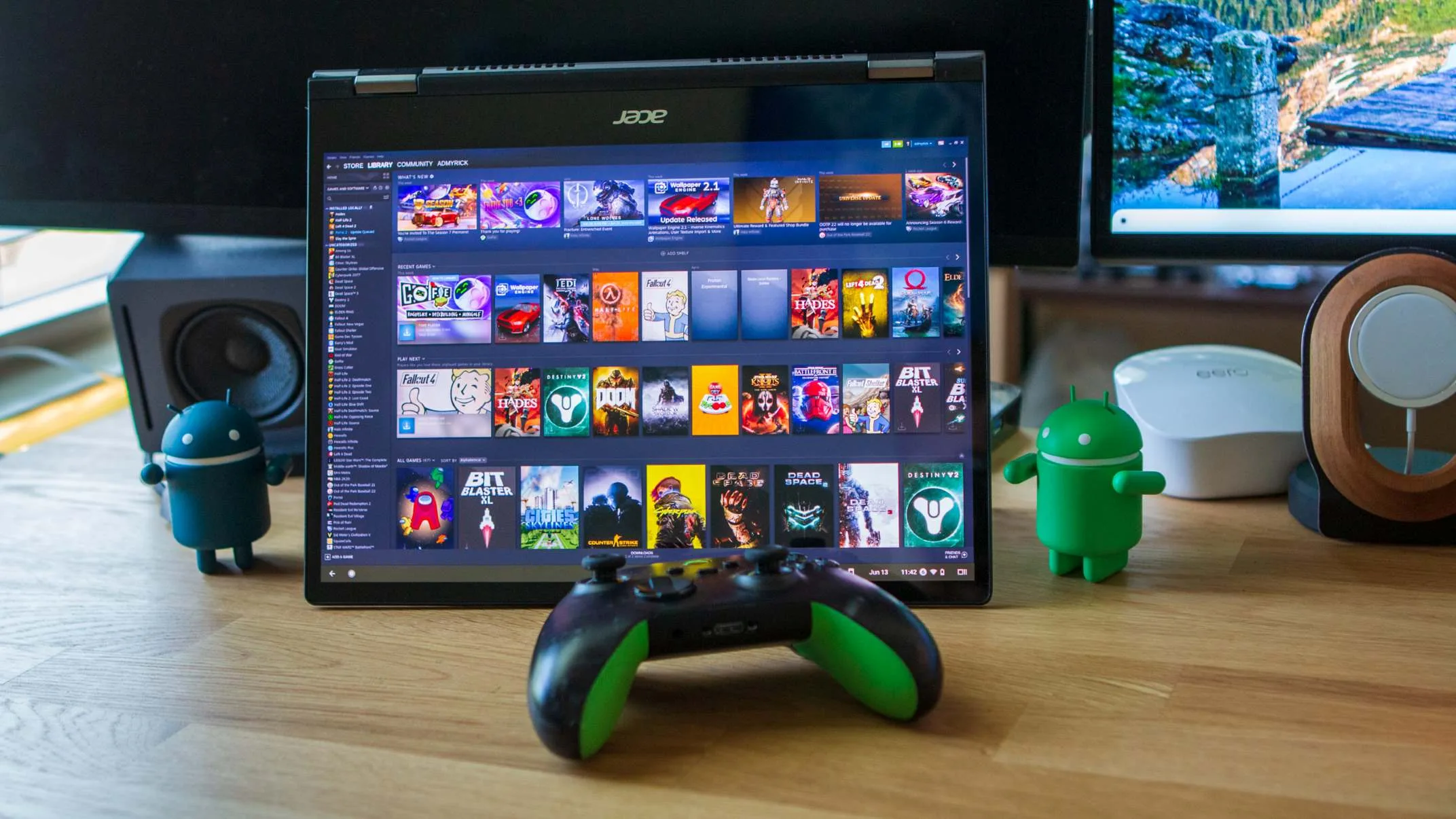
What Makes These Games Work on Lower-Spec Hardware?
Most Chromebooks aren’t exactly beasts. Mine runs an Intel Celeron N4020 with 4GB of RAM. Not winning any awards.
But browser games don’t demand much because they’re engineered differently—they leverage optimized web technologies instead of needing dedicated graphics processing power.
I’ve tried playing on both my Chromebook and my phone, and the Chromebook wins every time. Bigger screen, obviously, but also keyboard shortcuts actually function well, and you’re not blocking half the board with your thumbs while trying to make strategic moves.
Multiplayer runs smoothly, too. I’ve matched against players in different states without connection problems or lag spikes.
Response time feels basically instant, which matters when you’re thinking strategically and controlling board position.
If you’ve been thinking your Chromebook can’t handle gaming at all, I’d honestly recommend reconsidering that assumption.
Browser-based options have improved dramatically and mesh perfectly with how ChromeOS is designed to function anyway.
