


On a Chromebook, memory is what helps the browser hold those moving parts together without making the session feel fragile. The gap between 4GB and 8GB is easy to miss when the machine is used for light browsing, email, or one simple tab.
It becomes much easier to feel during live casino play, where smooth page response is part of the appeal. A session can start with one table and quickly grow into a lobby tab, a help tab, a payment page, or a second room open for comparison.
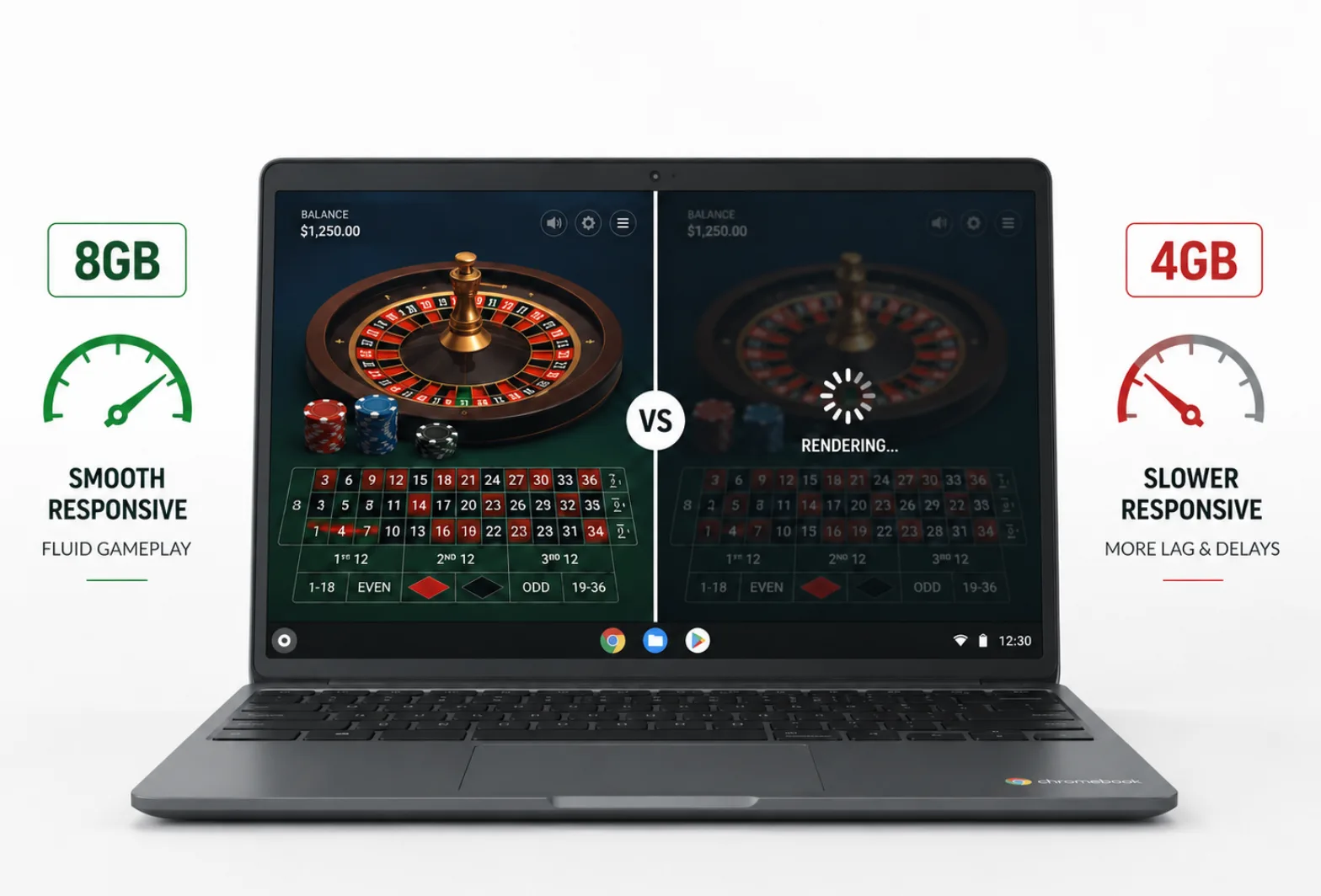
So, the question is – when does 4GB still feel fine, and when does 8GB make the experience steadier and more comfortable?
In online casino use, the answer comes down to how much work the browser is doing in real time and how much room ChromeOS has to keep that work ready.
Why the page load is heavier than it looks?
The most useful way to think about this is to stop treating a casino tab like a simple web page. In many cases, it behaves more like a compact app. The browser has to draw cards, chips, panels, timers, and motion effects while also keeping account details, sound, and interface changes in sync.
When live tables are involved, the load rises further because video decoding and layout updates happen alongside everything else. That is why casino games played online can feel light at first glance and still place real pressure on a Chromebook once the session grows.
Different game formats lean on the browser in different ways. Slots often use layered animation, audio cues, reel effects, and fast transitions between states.
Table titles such as blackjack, roulette, and baccarat depend on quick interface updates, clear chip placement, and steady visual feedback as each action is processed.
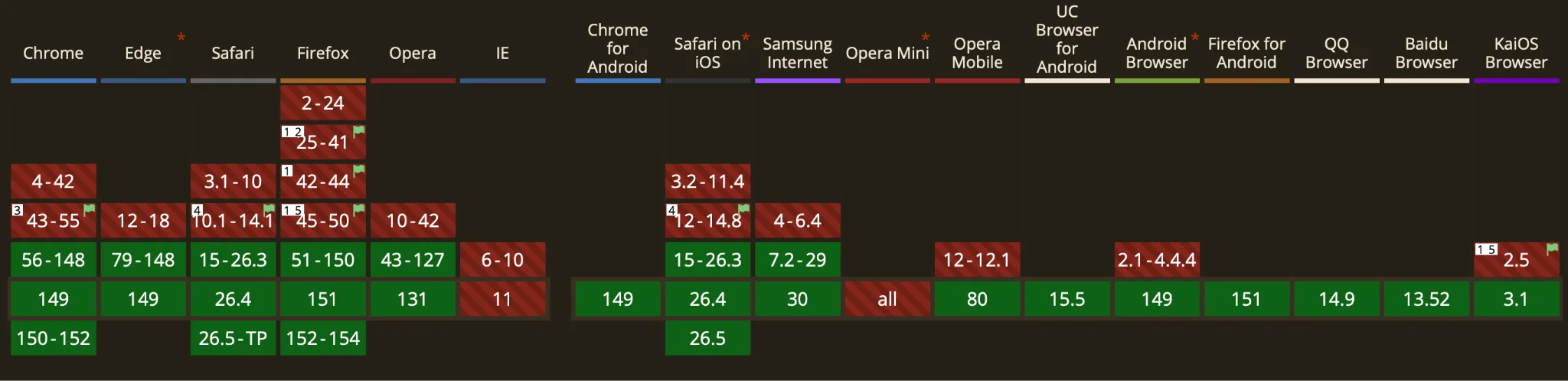
Source: Here
Live tables add another layer because the page has to combine video streaming with digital overlays, game controls, chat, and account tools. Even when the design looks clean, the browser is holding many active parts together at once.
Rendering is the heart of the experience. The game page must keep visual elements ready, refresh the screen quickly, and respond to inputs without losing the sense of flow. Some titles lean on simple 2D motion. Others add richer effects, layered overlays, or larger lobbies with more moving pieces.
Every one of those choices uses memory because the browser needs space for active assets, media buffers, and the state of the page itself. If that space gets tight, the system starts making tradeoffs.
Live tables make RAM feel less like a spec and more like a comfort feature
The clearest difference between 4GB and 8GB shows up when casino play becomes a real browsing session instead of a single isolated tab.
A player may move from the main lobby to a live table, open account tools, check a second room, and keep a results page nearby.
On a Chromebook, all of that still runs through Chrome. Memory decides how much of that session can stay ready at once.
| Chromebook memory marker | Official figure | What it means for casino play |
| ChromeOS Flex minimum requirement | 4GB | Basic baseline for light, focused use |
| Standard Chromebook tier | 4GB+ | Everyday multitasking, fine for simpler sessions |
| Higher Chromebook tier | 8GB+ | Better headroom for heavier, richer browser activity |
| Chromebook Plus eligibility | 8GB or more | A stronger class for advanced ChromeOS use |
Google’s product pages line up well with that reality. ChromeOS Flex lists 4GB as the minimum requirement. Google’s Chromebook guide places 4GB+ in the everyday multitasking tier and 8GB+ in the stronger app tier. Chromebook Plus then sets 8GB or more of RAM as part of its eligibility bar.
For casino use, that ladder says something useful. A 4GB Chromebook can still serve a straightforward session well. An 8GB model fits better once live video, heavier lobbies, and several related tabs become part of the routine.
Richer casino sessions are making the 8GB case easier to understand
The wider market is moving toward fuller online play. That makes memory more important on lightweight laptops.
Grand View Research says the online gambling market was worth $88.0 billion in 2025. The same report says desktop had the largest device revenue share in 2025. So, no matter how much we talk about mobile activities, browser sessions still matter, and richer visual pages are now widely supported.
On a Chromebook, that makes RAM more important. More memory helps keep these heavier browser sessions stable, especially when pages use richer graphics, live features, and several tabs at once.
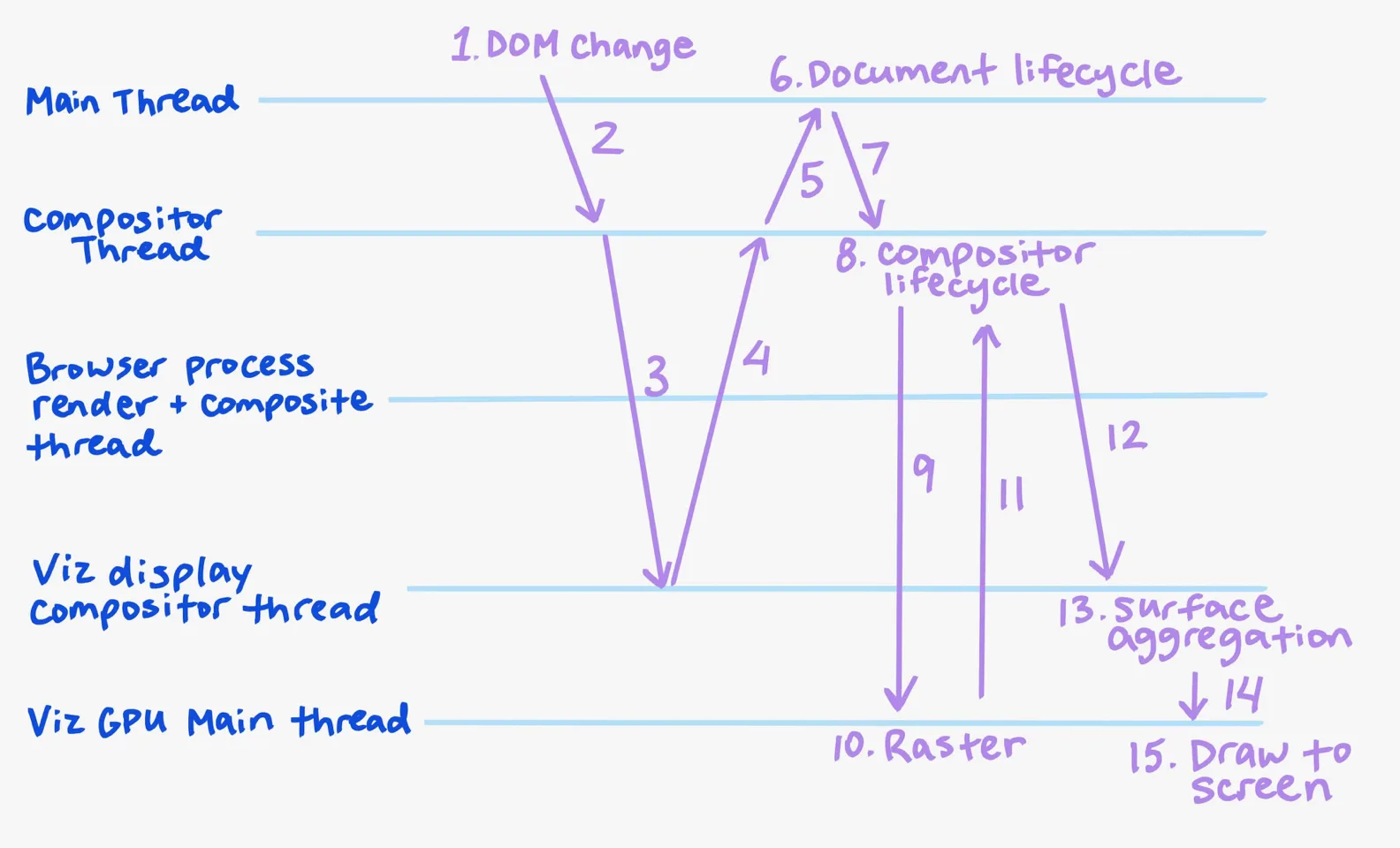
Source: Here
Chrome’s own guidance also points straight at the memory question. In Chrome Help, Google says, “To help your active video and gaming tabs run smoothly, turn on Memory Saver.”
That advice is useful on a 4GB Chromebook because it can protect the main casino tab from background pressure. It also quietly confirms the core point of this whole comparison.
A live casino session behaves like the kind of browser workload that cares about memory. Memory Saver can reduce strain, but it does not replace physical RAM.
If casino play is one of the main reasons for buying a Chromebook, 8GB gives ChromeOS more room to keep the session feeling smooth as game pages become richer and more layered over time.
A simple takeaway fits most buyers
For light and focused casino play, 4GB can still be enough. For live tables, richer lobbies, and multi-tab sessions that need to stay smooth from start to finish, 8GB is the more comfortable choice.
