


If you are shifting/migrating from an MBOX-based email client to Outlook, then you need to first convert the MBOX file to PST format. The reason is simple – Outlook supports the PST file format. There are, however, other reasons to convert MBOX to PST:
- You have an old .mbox file and need to access its data in your Outlook account
- In Outlook, you can add password to PST file to prevent unauthorized access
- You need to share MBOX file with Outlook users
- With Outlook, you get seamless collaboration with other Microsoft applications, like Excel, Word, OneNote, etc.
Whatever be the reason, we, in this article, will help you to convert your MBOX file to PST format.
What are the Methods to Convert MBOX File to PST?
Below, you’ll find some workarounds that you can use to convert your .mbox data file to Outlook importable PST format.
Method 1: Save MBOX Emails in EML Format and Transfer them to Outlook
One of the easiest workarounds to convert MBOX to PST is to save the email messages of your .mbox file as individual EML files. Then simply drag and drop them into an Outlook account, and export them as a PST file.
Note: We will be using Thunderbird for the demonstration purpose.
You need to install Mozilla Thunderbird on your system. Then, follow the steps mentioned below:
- Open the MBOX file in Mozilla Thunderbird.
- Select the required email messages. Right-click on them and click on Save As.
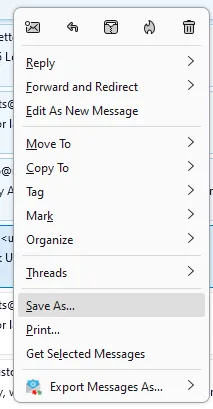
- Choose the destination folder and click on Select Folder. It will save the emails in .eml format in the selected folder.

- Now, launch the Outlook desktop app.
- Create a new folder in the left pane. Name it.
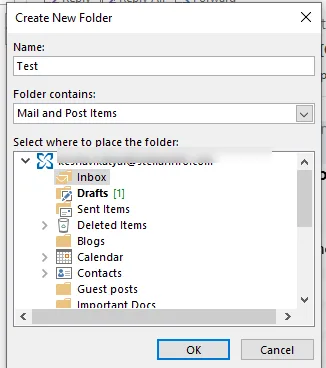
- Select the .eml files, and drag and drop them into the newly created folder in Outlook.
- All your MBOX emails are now in Outlook.
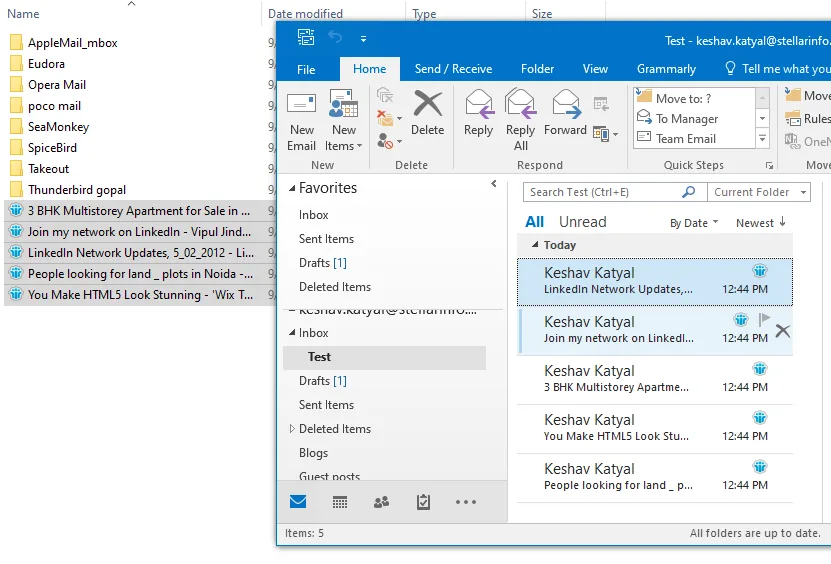
- Finally, export this folder using Outlook’s Import/Export wizard, as PST file.
Note: With this method, you can only convert emails from MBOX file.
Method 2: Using Free MBOX to PST Converter Online
You can use Stellar Online MBOX to PST converter for converting MBOX file to PST format. This web-based service lets you convert a single MBOX file (of ≤100MB size) to PST format absolutely free.
You don’t need to have the any application installed on your system. It is browsed based service, so you can be used on any Windows, Mac, or Linux system.
Highlights of this converter:
- Free and secure online MBOX to PST conversion
- Quick and simple to use
- No need to install Microsoft Outlook
- Supports 17+ MBOX email clients
- Converts MBOX file of up to 5GB in Premium version
Here is how to use this tool:
- Launch a web browser on your computer and go to the online MBOX to PST converter by Stellar webpage.
- Click on Upload MBOX File.
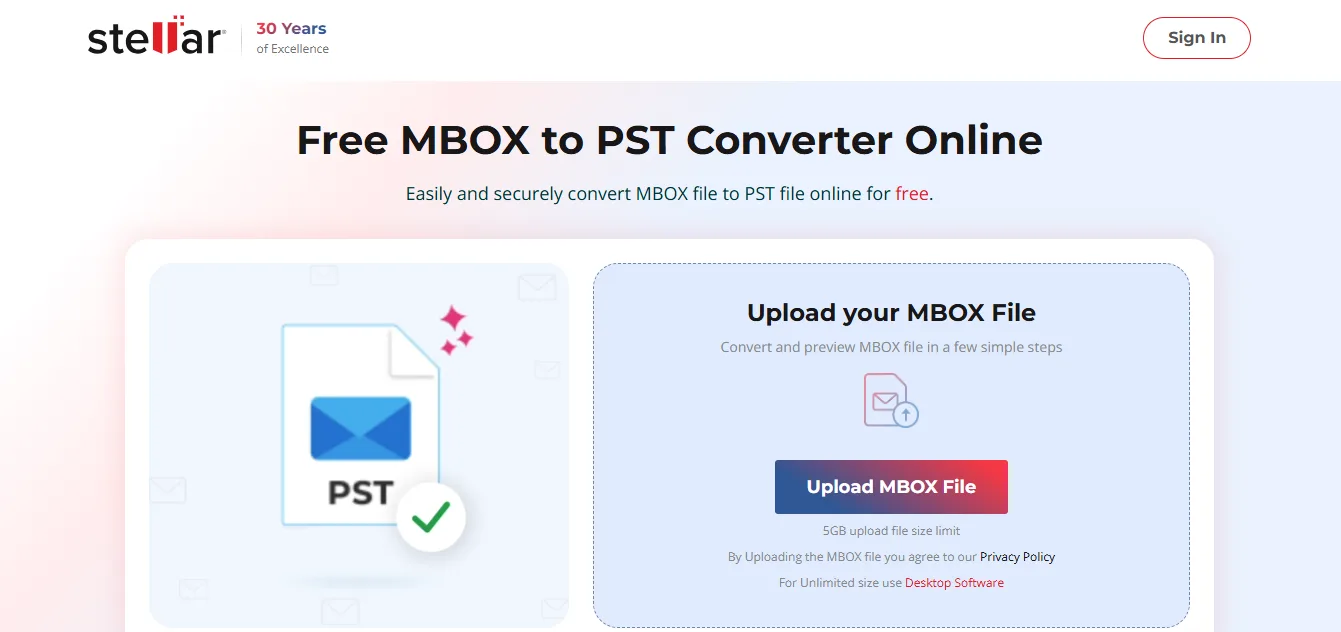
- Log in or sign up on the online tool to proceed.
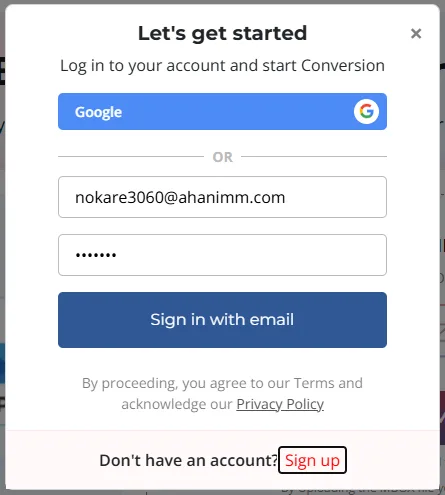
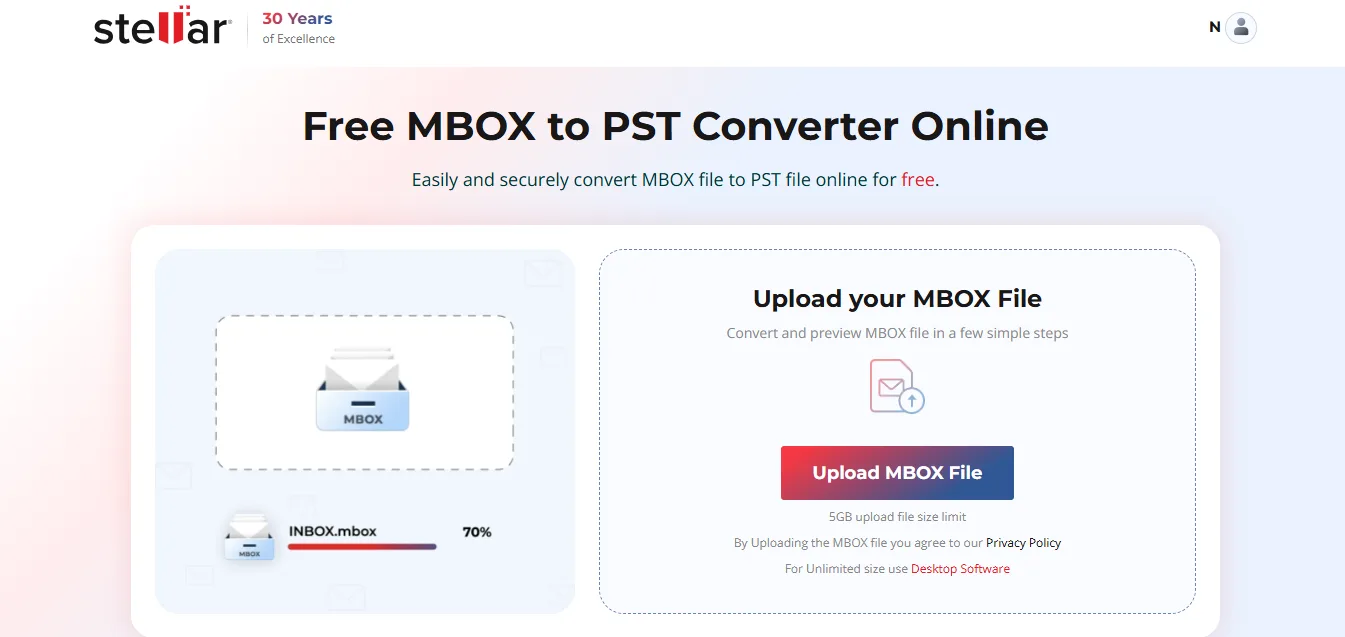
- After logging in or signing up, the tool will reopen the home page. Click on Upload MBOX File again.
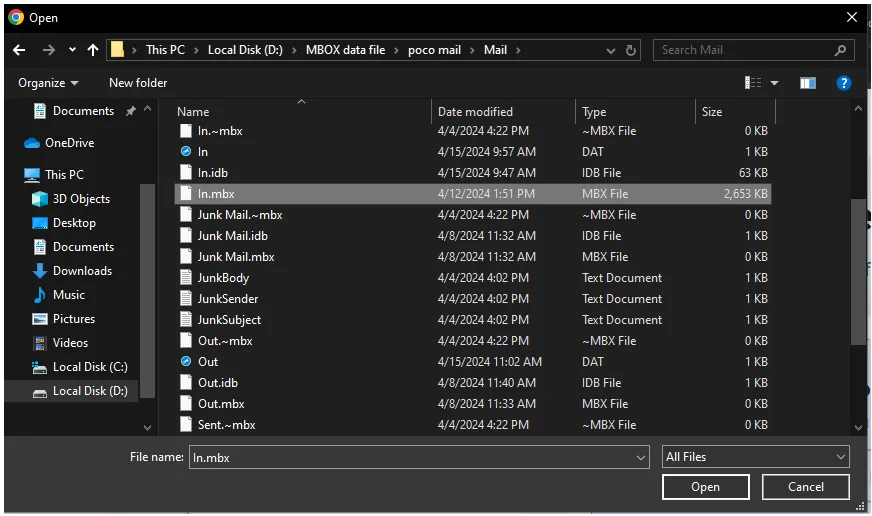
- Locate and select the MBOX file on your system and click Open.
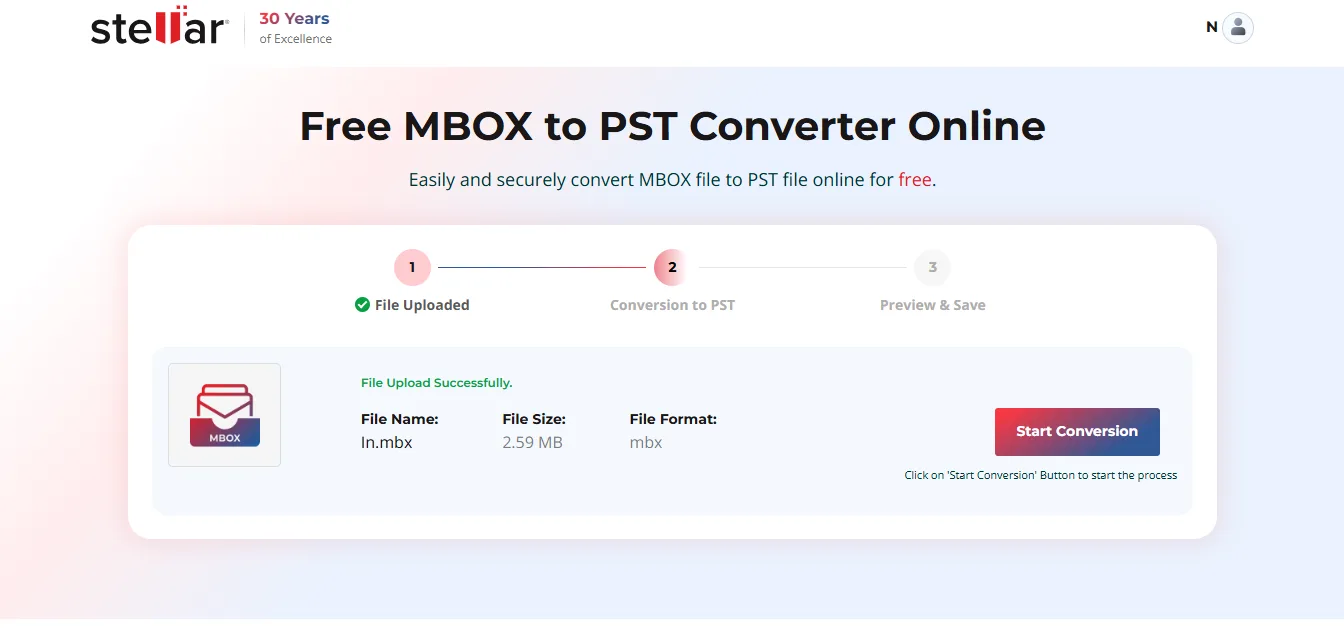
- The tool will begin uploading the selected MBOX file. When the file is uploaded, it will update the status to File Uploaded. Click on Start Conversion.
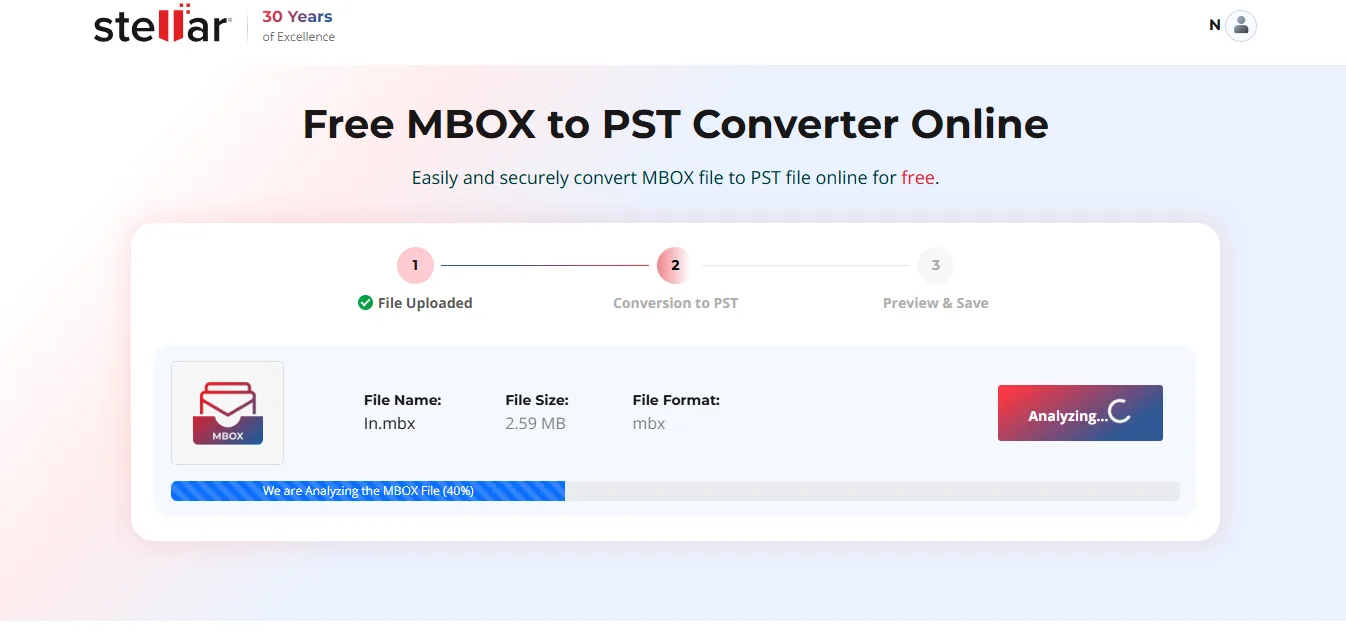
- The tool will begin analyzing the selected MBOX file and convert it to PST.
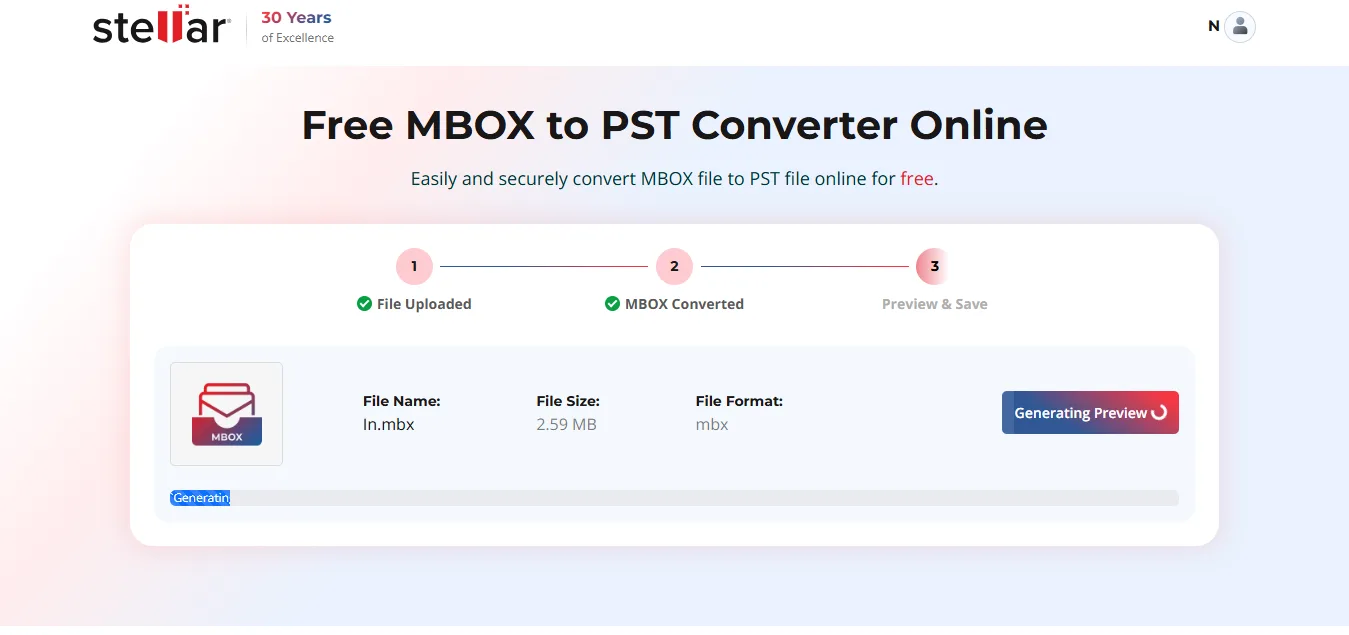
- Next, it will generate a preview of the mailbox items.
- Once the operation is complete, it will show the File Converted Successfully window.
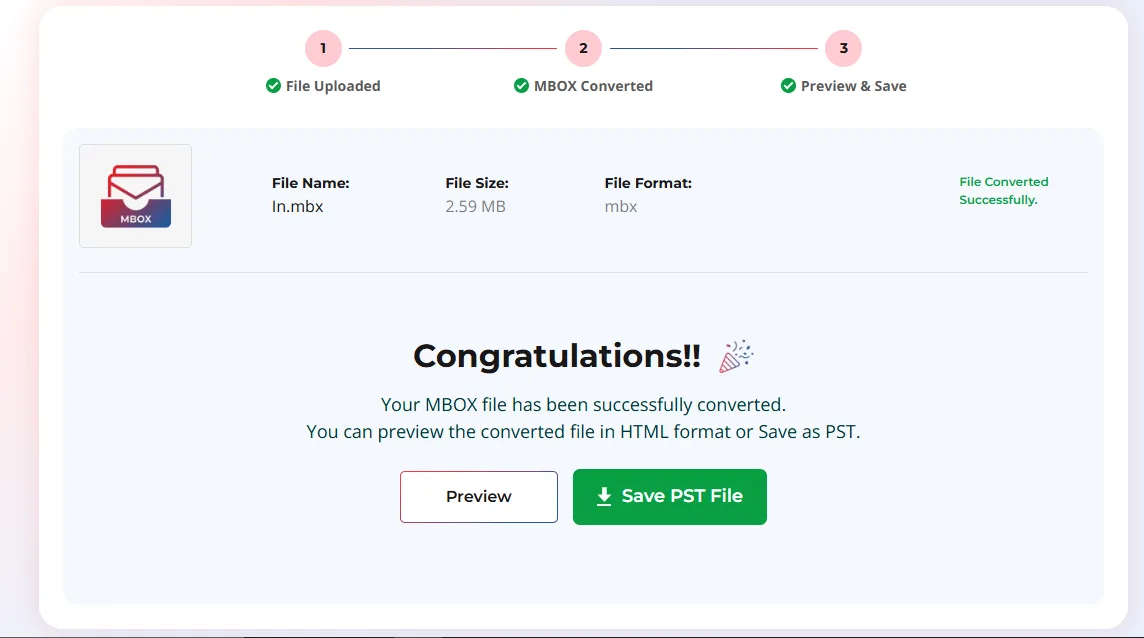
- Select from the given options:
-
-
- Preview button will generate and save an HTML file of the mailbox preview on your system.
- Save PST File button will generate and save the converted MBOX file as a PST file on your system.
-
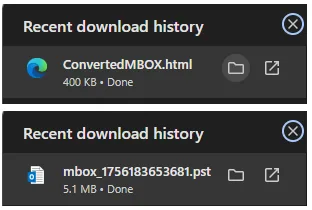
Now, you can open the .html file in a browser to preview the converted mailbox items. Or open the PST file via Outlook’s import/export wizard.
Method 3: Use a Specialized MBOX to PST Converter Tool
The online MBOX to PST converter is free to use, but can only convert a limited number of files (even with the Premium version).
For converting MBOX files without any size restrictions, you can use Stellar Converter for MBOX – a powerful desktop-based software that is developed specifically to convert MBOX to PST with 100% accuracy.
It also provides options to save MBOX file items in other file formats, such as EML, MSG, PDF, etc. Additionally, it can directly export the MBOX file data to an existing Outlook profile.
Highlights of this software:
- Converts MBOX files of Thunderbird, Apple Mail, Eudora, Google Takeout, and more
- Provides a detailed preview of emails before conversion
- Maintains folder structure and hierarchy intact
- Option to find MBOX files on the system
- Compatible with different Outlook versions – from 2013 to the latest 2021
Now, follow the steps to convert MBOX to PST using this DIY software:
- Download and install Stellar Converter for MBOX on your Windows PC.
- Launch it.
- The Select MBOX window will appear.
- Select the email client from the Select Mail Client dropdown menu.
Notes:
|
- After selecting the MBOX file, click on Convert.
- The software will start scanning the MBOX file. Once done, it will display all the mailbox items in a tree-view structure. Select any mailbox item to see its detailed preview.
- After previewing the mailbox items, click on the Save Converted File button in the ribbon.
- The Save As window will appear. Choose the Save As PST option and click Next.
- Click on Browse to choose the destination folder. Click Save.
The converted PST file will be saved at the selected location.
Manual vs Online Converter vs Desktop Tool
Here is a quick comparison between the above-discussed methods
| Method | Ease | Speed | Risk of Data Loss | Best For | Price |
| Drag and drop | Moderate | Slow | High, folder structure is not retained | Few mailbox items | Free |
| Online MBOX to PST Converter | Very Easy | Fast | Low, retains the folder structure | Individuals | Free (for 1 file ≤100MB); Premium is paid (5 files ≤ 5GB) |
| Desktop MBOX to PST Converter | Ease | Fast | Low, retains the folder structure | Individuals and Professionals | Free to scan and preview; Purchase a license to save MBOX as PST |
Conclusion
There are a number of ways to convert MBOX to PST. The drag-and-drop method is free but only suitable for converting emails only.
So, use Stellar Converter for MBOX to easily convert MBOX file of any size to PST without any change in mailbox structure.
You can also use this to convert MBX, MBS, and RGE to PST and other commonly used file formats, such as EML and MSG file formats.
