


If you write papers on a Chromebook, you likely find yourself in many of the scenarios depicted above. You might even add a few unique Chromebook twists to this list, but the core scenario remains largely the same: students around the world building academic bridges in the dark, one tab at a time.
The core of academic life is the production of written work: research papers, essays, reports, presentations, and the list goes on. But with a device so lightweight and so easily transportable to a coffee shop, many students find themselves producing this work on a Chromebook.

And so the writing process, in its various forms, is highly subject to the influences of writing on a Chromebook. But what are some of the core tools for writers, whatever the device, and how do these tools change when you’re confined to the cloud?
On the other hand, digital tools enable you to focus on your writing, on how you can convey your knowledge better to your readers. Once you master the right tools, you can stop worrying about how you will get your work done on time, and start focusing on the quality of your work.
By understanding how you can utilize the tools offered by digital platforms within your browser, you can turn your night of desperation into a night of productive writing.
Building a Strong Foundation Through Better Research
There is no good writing without good research first. The daunting task of searching through countless results on the internet can sometimes lead to information overload, resulting in decreased productivity when working on a Chromebook.
The tools used for research therefore have to manage to collect, organize, and process analyzed information efficiently and thus not create additional barriers to work.
Digital research assistants, such as research note and citation tools, allow you to save your articles and highlight and organize information from them and other sources by project.
This can be very helpful because instead of having to search for the place where you read a statistic or quote 3 months prior while trying to finish up a paper, you can just tag the quote or citation and have it ready for you to use in your paper. This allows for a clean workspace and allows for you to focus on the argument of your paper.
When you are researching for information, it is also important to find reliable sources and to use the research to build a strong foundation for your paper. The research process can be very hard, because it is easy to get lost in search results.
Digital research assistants help you save articles, highlight information, and organize your sources for a specific project. This helps you to tag quotes and citations as you read, and to use the information in your paper more efficiently.
This makes it easier to write your paper, because you can focus on assembling your ideas instead of searching for information.
Your arguments and paper will also be stronger, because you used good research to support your points. The research you found will be peer-reviewed and verified, making your arguments more convincing.
Organizing Ideas and Managing Writing Time
After you finish researching a topic, your next biggest challenge is going to be organizing and writing the paper. The main way that you can conquer this challenge is by dividing up your work into smaller sections or parts.
One of the biggest reasons students fail to complete their academic work on time is that they feel they have a lot of work to do.
By organizing your sections or parts and then completing each of them one by one, you can avoid this kind of problem and complete your paper promptly.
One of the most challenging aspects of academic writing is organizing one’s time and ideas to effectively and productively complete assignments.
Several tools and methods—digital outlining software, mind mapping tools, focused writing timers, and more—can aid in creating productive work habits and help a writer stay organized throughout the writing process.
The act of physically organizing and planning the content of a paper before beginning to write allows a writer to clearly see how sections of the paper connect, identify gaps in arguments, and to develop a clear vision for the completed work.
Using methods like time-blocking to focus on completing specific writing-related tasks during set periods allows a writer to tackle individual sections of the paper in isolation and prevents burnout by providing regular breaks from intense research and writing.
Refining Tone, Structure, and Grammar
Once you have gathered your research and created a rough outline, the real work of writing begins. Turning complex ideas into clear, readable prose is rarely easy on the first attempt. This is where advanced writing assistants make a significant difference for students working on web-centric devices.
Modern editing software goes far beyond checking for simple typos. These tools analyze sentence structure, vocabulary choice, and overall readability. They highlight passive voice, flag repetitive phrasing, and offer suggestions to make your writing tighter and more engaging.
For students aiming to polish their prose, using a reliable digital grammar checker can help identify tone inconsistencies and grammatical errors before submitting a final draft.
Rather than replacing your voice, these platforms serve as a real-time editor, showing you where your writing shines and where it needs further clarity. They catch small mechanical mistakes that easily slip past tired eyes during late-night study sessions.
Safeguarding Originality and Academic Integrity
As you use numerous sources, quotes, and ideas that you have reworded, you have to remember to give proper credit. This is known as academic integrity, and if you fail to do so even accidentally, you could receive negative marks or even have your work taken off for plagiarism.
Before you hand in your work, it’s a good idea to run it through a plagiarism detector to verify that you have given the correct amount of credit and that your work is original.
Therefore, it is crucial to verify your work before submitting it to avoid any form of academic dishonesty. To do this, run your completed work through a reliable plagiarism checker to cross-check for any quotes, paraphrased materials, or ideas that you may have included in your work.
This will confirm whether you have given proper credit to the original authors of the ideas, thereby ensuring that your work stands out from others and is of high quality. It will also protect your hard work and your academic standing by ensuring that your work is free from any form of plagiarism.
Securing Your Work in the Cloud
Since web-centric laptops operate in the cloud and depend on the Internet to function, it is essential to back up your files and adopt discipline when it comes to study materials on cloud storage.
In the worst scenario in which the laptop running your research paper on a web-centric laptop is to lose power while online, the cloud platform automatically saves a copy of your work, thus protecting hours of your hard work.
Moreover, organizing and creating separate folders for research, writing a draft, and bibliographies helps keep track of files and projects, ensuring effective use of study time on a web-centric laptop.
Organizing all of your cloud storage folders into logical categories will also greatly assist in your writing. This will save a lot of time searching around for misplaced work.
Organizing all of your folders and creating separate ones for your research notes, first drafts, and final bibliographies for example, will help to keep your computer organized just like your physical study space.
Minimizing Distractions on a Web-Centric Device
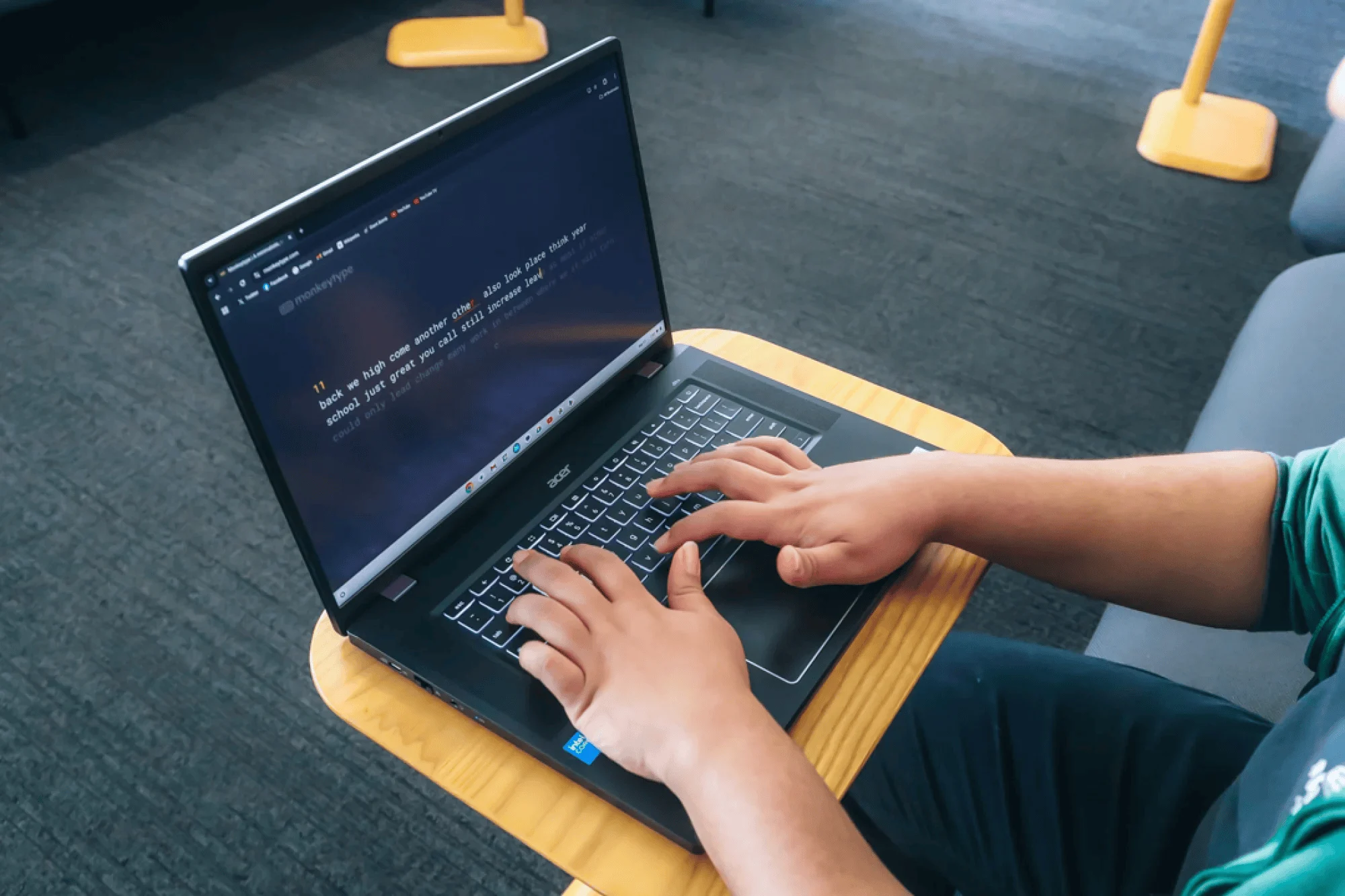
Web-based laptops are found in public locations and are internet-connected, which can be distracting. Social media sites, news outlets, and other messaging apps are only a click away on web-based laptops. These can cause distraction and interfere with deep focus needed for studying and writing.
By locking out distracting websites during your set study period, browser extensions, such as StayFocusd and LeechBlock, can greatly improve your study time.
Using these web blockers in conjunction with tools, such as ambient sound generators and focus timers, to create a dedicated study space will ensure that you remain focused on your work.
Developing Your Personal Voice
Modern writing technology supports your thinking; it does not replace it. The ultimate goal of using modern writing technology is to take pressure off of your mind so that you can focus on the highest levels of thinking, original thinking, critical analysis, and authentic expression.
To develop your own voice by using writing technology. The ultimate goal of using modern writing technology is to support your mind in writing academic papers. The tools and software described here can help you to transform your writing from a stressful task into a discipline that you can master.
Your computer can become your study partner instead of your enemy. You will be able to focus on your ideas instead of on how to write a paper.
