


School and university networks often block access to ChatGPT, even though it serves as a valuable educational resource.
Network administrators implement these restrictions to maintain student focus and prevent bandwidth issues. However, ChatGPT helps with studying, organizing notes, and understanding complex topics.
A free VPN for Chrome provides the solution. These tools bypass network restrictions by masking your IP address and routing your connection through different servers. Students can regain access to educational AI tools without complicated technical knowledge.
Understanding why schools block ChatGPT helps explain the need for workarounds. Most educational institutions use filtering systems that categorize websites based on content type. ChatGPT sometimes gets blocked alongside social media and entertainment sites, despite its academic value.
How to Access ChatGPT on Restricted Networks with a Free VPN for Chrome?
Getting around school network restrictions requires a simple approach using browser extensions. The process takes only a few minutes and works on most school-issued Chromebooks.
Find a Compatible Free VPN Extension
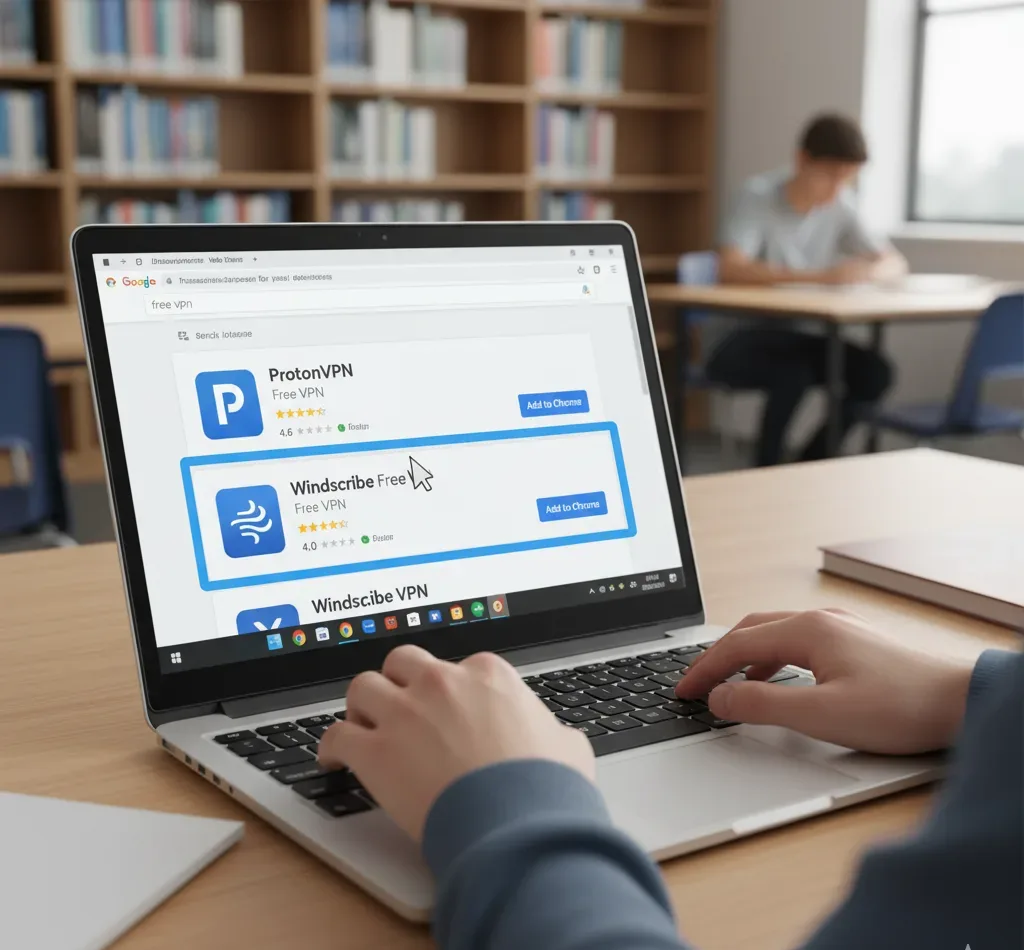
Start by opening the Chrome Web Store on your Chromebook. Search for reputable free VPN extensions like ProtonVPN or Windscribe. Read user reviews and check the extension’s permissions before installing.
Choosing the best free VPN for Chromebook requires understanding compatibility and security features. Look for extensions with strong encryption and no-logs policies.
Install the VPN Extension
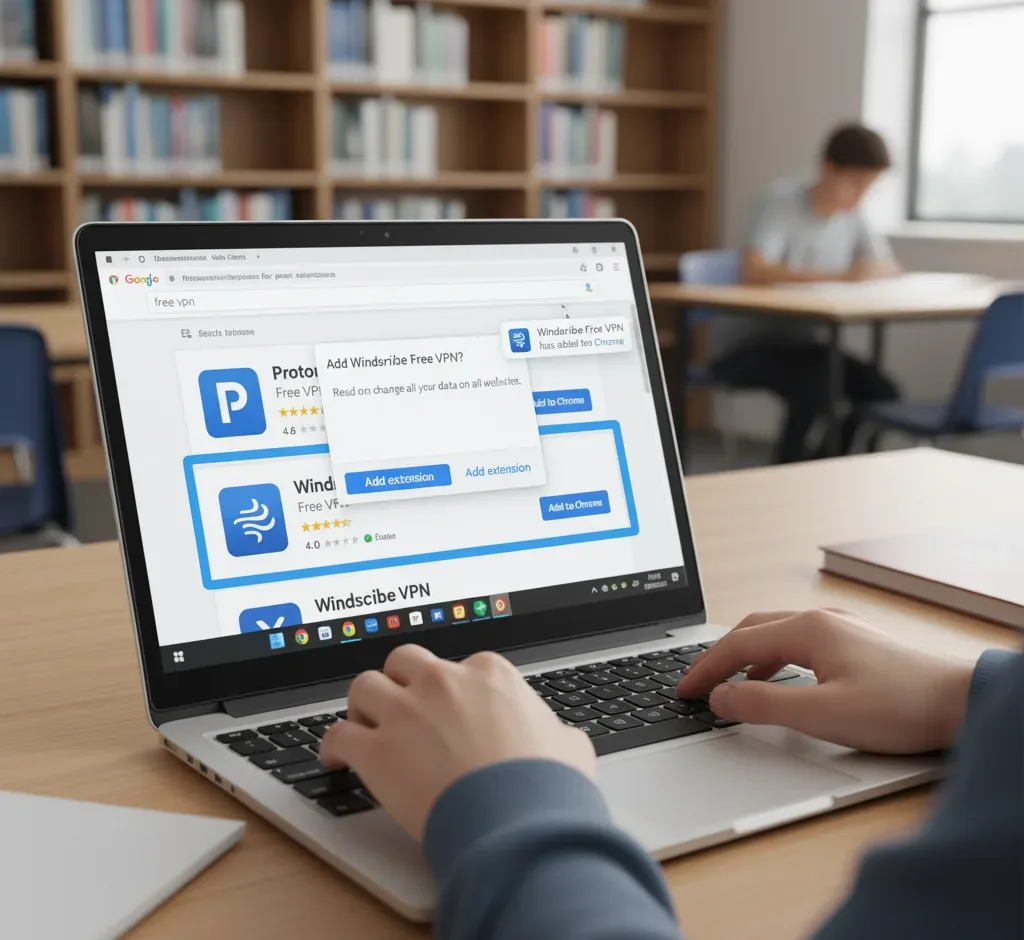
Click the Add to Chrome button for your chosen VPN. The extension will download and install automatically. You’ll see a new icon appear in your browser toolbar once installation completes.
Some schools may restrict Chrome Web Store access. In this case, consider whether a free VPN extension or app works better for your situation.
Configure and Activate the VPN

Click the VPN icon in your toolbar to open its settings. Most free VPN extensions offer several server locations to choose from. Select a server location and click connect.
The VPN will establish a secure connection within seconds. Your IP address is now masked, making it appear as though you’re browsing from a different location. Essential tips for using a VPN on your Chromebook can help optimize your connection speed.
Access ChatGPT Through Your Browser
Open a new tab and navigate to the ChatGPT website. The network restrictions should no longer block your access. Log in to your account or create a new one if needed.
You can now use ChatGPT for studying, research assistance, and homework help. The VPN maintains your connection privacy while you work.
Verify Your Connection Security
Check that your VPN remains active throughout your browsing session. Some free VPNs disconnect after certain time periods or data limits. Monitor your connection status using the toolbar icon.
If you experience connection issues, try switching to a different server location. Understanding school network restrictions helps troubleshoot common problems.
Free VPN extensions offer several advantages beyond accessing ChatGPT. They provide an additional layer of privacy when using public or school networks. Your browsing activity becomes more difficult for network administrators to monitor.
Many students wonder if using a VPN violates school policies. Most educational institutions restrict content but don’t explicitly prohibit VPN usage. However, always check your school’s acceptable use policy before proceeding.
ChatGPT remains the most popular AI chatbot among students, with 66% of AI-using students globally utilizing it for academic purposes. This widespread adoption reflects its effectiveness as an educational tool.
The same VPN extension works across multiple devices. Install it on your personal laptop or tablet for consistent access regardless of which network you use. This flexibility proves valuable when studying at libraries, cafes, or other public spaces.
Chrome extensions that boost online security complement VPN usage for comprehensive protection. Consider combining multiple security tools for optimal results.
FAQs
Is using a VPN on a school Chromebook legal?
Using a VPN is generally legal, but it may violate your school’s acceptable use policy. Check your institution’s technology guidelines before using a VPN. Schools can implement consequences for policy violations even when the activity itself isn’t illegal.
Will a free VPN slow down my internet connection?
Yes, free VPNs typically reduce connection speeds due to limited server capacity and bandwidth restrictions. The speed reduction varies by provider and server location. Most free VPNs remain adequate for browsing and using text-based applications like ChatGPT.
Can school administrators detect VPN usage?
School network administrators can detect VPN usage through traffic analysis and monitoring unusual connection patterns. Advanced filtering systems identify and block known VPN services. However, detection doesn’t guarantee they’ll take action against every instance of VPN usage.
Are there better alternatives to free VPN extensions?
Paid VPN services offer faster speeds, more server locations, and better security features. Advanced VPN solutions provide enhanced privacy protection. Free options work well for basic needs like accessing educational resources.
Will using a VPN access ChatGPT affect my grades?
Using a VPN to access ChatGPT won’t directly impact your grades. However, how you use ChatGPT matters significantly. Use it as a study aid for understanding concepts rather than copying answers. Educational tools for Chromebooks complement ChatGPT effectively.
