

Close Menu
    Facebook X (Twitter) Instagram
    • About
    • Privacy Policy
    • Write For Us
    • Newsletter
    • Contact
    Instagram
    About ChromebooksAbout Chromebooks
    • News
      • Stats
    • AI
    • How to
      • DevOps
      • IP Address
    • Apps
    • Business
    • Q&A
      • Opinion
    • Gaming
      • Google Games
    • Blog
    • Podcast
    • Contact
    About ChromebooksAbout Chromebooks
    News

    Google Chrome side panel getting private user notes and Read Anywhere to replace Reader Mode

    Kevin TofelBy Kevin TofelApril 4, 2022Updated:September 18, 2025No Comments2 Mins Read
    Share
    Facebook Twitter LinkedIn Pinterest

    Chromebook users have had access to the experimental Google Chrome side panel for several months now. Currently, this feature shows your saved tabs in a Reading List and your Bookmarks. In the works are some additional features. The Google Chrome side panel is adding a Read Anywhere option, which will take the place of Reader Mode in Chrome, and a place to write private user notes.

    The former feature is likely more important to most people and it’s not completely unexpected. The current Reader Mode implementation isn’t the most intuitive.

    If you’re not familiar with Reader Mode, it’s a version of any web page stripped down to the basic text and images. It’s actually one of my most used features.
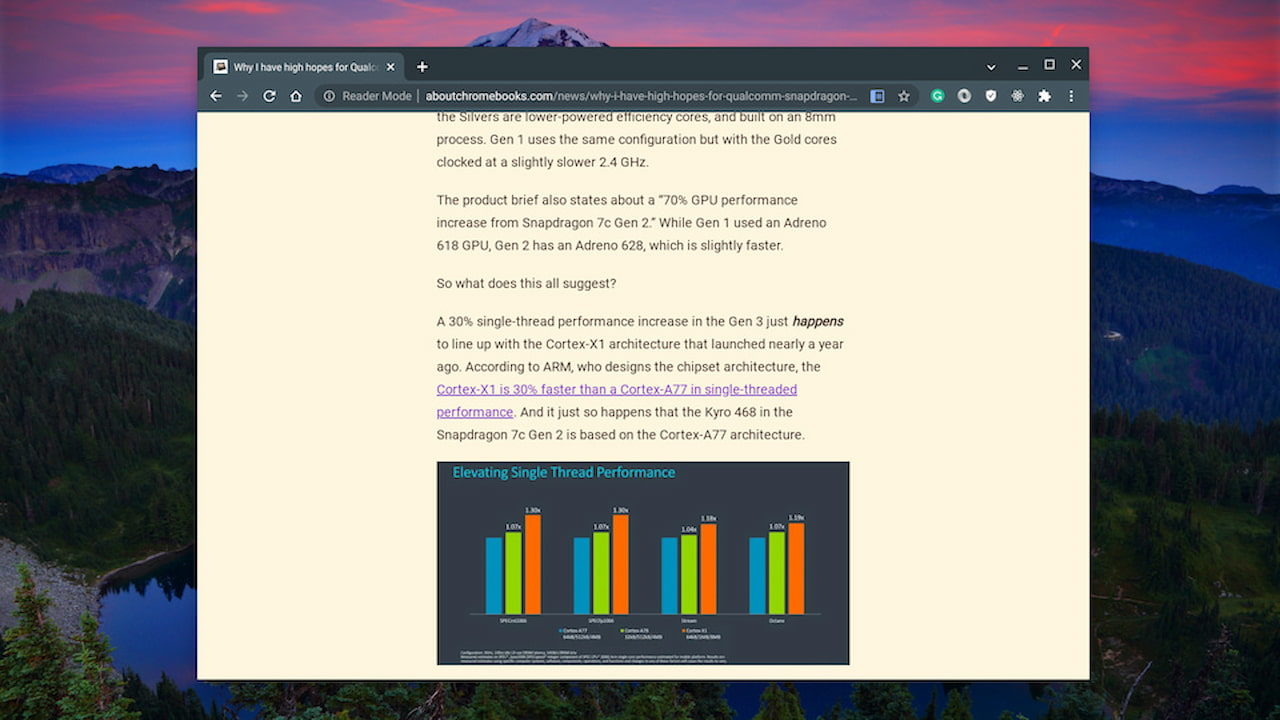
    Google Chrome OS Reader Mode

    So to better surface the feature, it appears Google is moving the current Reader Mode from the browser toolbar, renaming it Read Anywhere, and moving it to the Chrome side panel.

    This CL adds a stubbed toolbar to the Read Anything feature (previously referred to as Reader Mode). We add a simple button and a label in preparation for future UI work. This CL is mostly structural and the view is not considered finalized. Future CLs will implement the view once the UI is approved.

    As noted, the user interface is still in the works. Hopefully, also in the works is an offline mode. I dug through the code but I didn’t see anything specific to that functionality. I do hope we see it though.

    Also coming to the Google Chrome side panel is a new feature for writing and storing private user notes:
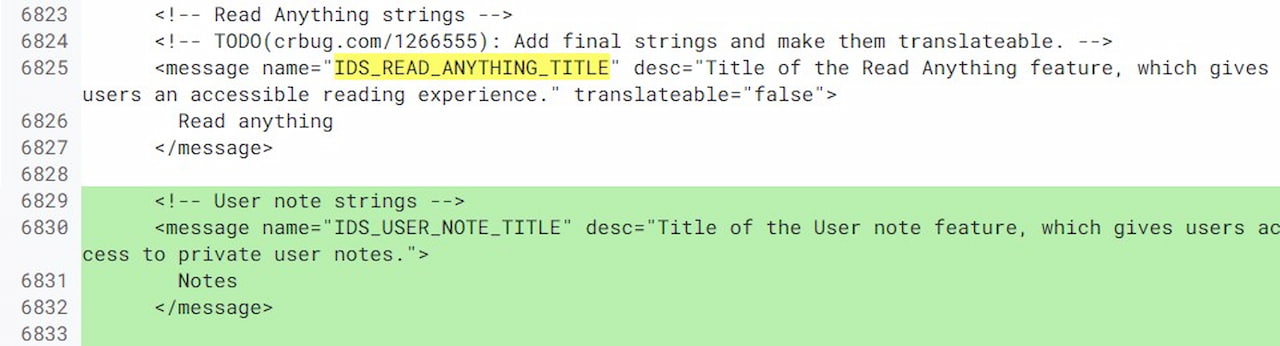
    Google Chrome side panel user notes

    Work on the user notes feature is only just getting started. There’s no user interface design yet so consider this a stub, or placeholder, for now.

    My expectation is that the side panel will have a drop-down menu showing the various features: These new ones as well as the current Bookmarks tab. I also saw mention of Google Lens integration but that may be for the Google side search feature I reported back in December.

    Given the current state of the code, I wouldn’t expect Google Chrome or Chrome OS to see the Read Anywhere or user notes functionality for at least two releases. New experimental flags might appear in Chrome OS 101 for them but by the time they’re tested, it’s probably version 102 or 103 before everyone has access to them.

    Chrome OS Experimental Features Google Chrome Google Chrome OS Productivity Read Anywhere Reader Mode Side Panel User Notes
    Share. Facebook Twitter Pinterest LinkedIn Tumblr
    Kevin Tofel
    • Website

    After spending 15 years in IT at Fortune 100 companies, Kevin turned a hobby into a career and began covering mobile technology in 2003. He writes daily on the industry and has co-hosted the weekly MobileTechRoundup podcast since 2006. His writing has appeared in print (The New York Times, PC Magazine and PC World) and he has been featured on NBC News in Philadelphia.

    Related Posts

    Auto DraftStarbucks Partner Hours: Manual to Managing Work Schedules

    January 26, 2026

    Anon Vault For Private Cloud Storage

    January 23, 2026

    GitHub Copilot Statistics [2026]

    January 7, 2026

    Comments are closed.

    Best of AI

    VALL-E Statistics 2026

    January 28, 2026

    StarCoder Statistics And User Trends 2026

    January 27, 2026

    BLIP-2 Statistics 2026

    January 23, 2026

    AI mode Usage Statistics 2026

    January 22, 2026

    Code Llama Statistics 2026

    January 22, 2026
    Trending Stats

    Most searched keywords on Google

    January 27, 2026

    Ahrefs Search Engine Statistics 2026

    January 19, 2026

    Pay Per Click Advertising Statistics 2026

    January 16, 2026

    Google Ads Revenue 2025

    November 29, 2025

    Statistical Analysis Programs for Chromebook 2025

    November 22, 2025
    • About
    • Write For Us
    • Contact
    • Privacy Policy
    • Sitemap
    © 2026 About Chrome Books. All rights reserved.

    Type above and press Enter to search. Press Esc to cancel.