


When you spot “about:blank” in your browser’s address bar, it’s just an empty page that’s part of your web browser.
Browsers like Google Chrome, Mozilla Firefox, Apple Safari, Microsoft Edge, and even Internet Explorer have this feature.
The “about:” part signals the browser to load something internal, like a blank screen.
For example, typing “about:settings” in Chrome takes you to the settings page, or “about:downloads” shows your downloaded files.
With “about:blank,” you get a plain, empty page that’s built right into the browser, not pulled from the internet.
Why Use about:blank?
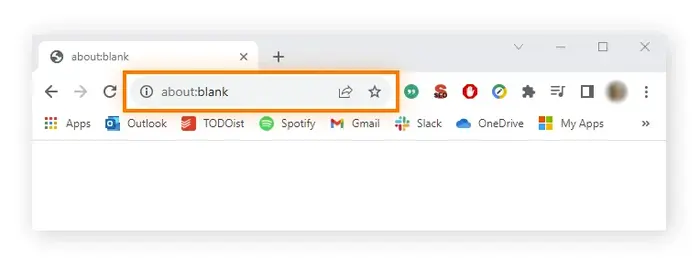
Some people set about:blank as their starting page. This means their browser opens to a clean, white screen every time.
To do this, you adjust your browser settings to pick “about:blank” as the home page.
Sometimes, a browser might show this blank page if it starts up and doesn’t know what else to load.
It’s a simple way to display something when there’s nothing else to show.
Is about:blank Dangerous?
No, about:blank isn’t a virus or malware. It’s totally safe and just a normal part of your browser.
But if you’re worried your computer might have a problem, scan it with an antimalware tool.
We suggest trying Malwarebytes. The free version lets you check and clean out malware, while the paid one keeps watching in the background. It works on both Windows and Mac.
How to Stop Seeing about:blank?
You can’t delete about:blank since it’s baked into your browser. But you can stop it from popping up.
If it shows every time you open your browser and you don’t like it, change your home page in the settings.
- Google Chrome: Go to menu > Settings. Look for “On startup,” then pick “Open the New Tab page” or swap out about:blank for a website you like.
- Mozilla Firefox: Click menu > Options > Home. Choose a new home page for windows and tabs, and make sure “Blank Page” isn’t checked.
- Apple Safari: On a Mac, go to Safari > Preferences > General. Delete “about:blank” from the Homepage spot and type in your favorite site.
- Microsoft Edge: Click menu > Settings > On startup. Choose “Open a new tab” or remove about:blank and add a page you prefer.
- Internet Explorer: Click the gear icon > Internet Options. In the General tab, erase “about:blank” from the home page box and enter a new address. (Note: Microsoft says to switch from IE, but some old programs might still need it.)
By tweaking these settings, you can say goodbye to about:blank and start your browser your way!
