


The latest iteration of Google’s Chrome browser is now generally available, bringing a number of fixes and features to macOS, Lacros, Linux, and Windows. The Google Chrome 117 release includes 16 security fixes, the Material You design update, and several other new features. Here’s what’s in the now available Chrome 117 release.
16 security updates in the Google Chrome 117 release
This time around, there are 16 security patches in the Google Chrome 117 release. Google doesn’t share the mitigation details of these immediately following a browser update. That’s because it wants time for the patches to roll out widely. Offering the details too soon could give information on exploits that are waiting to be patched with the upgrade.
In any case, you can see a high-level explanation of all 16 right here. The company shelled out over $18,500 to folks who found the security issues and shared information in Google’s bug bounty program.
Google Chrome 17 release updates Material You
The biggest noticeable change you’ll see in Chrome 117 is how it looks. Google has worked for months on updating the user interface with its Material You design language. This is the same design style you see on more recent versions of Android. So it’s a very cohesive experience if you use such a phone.
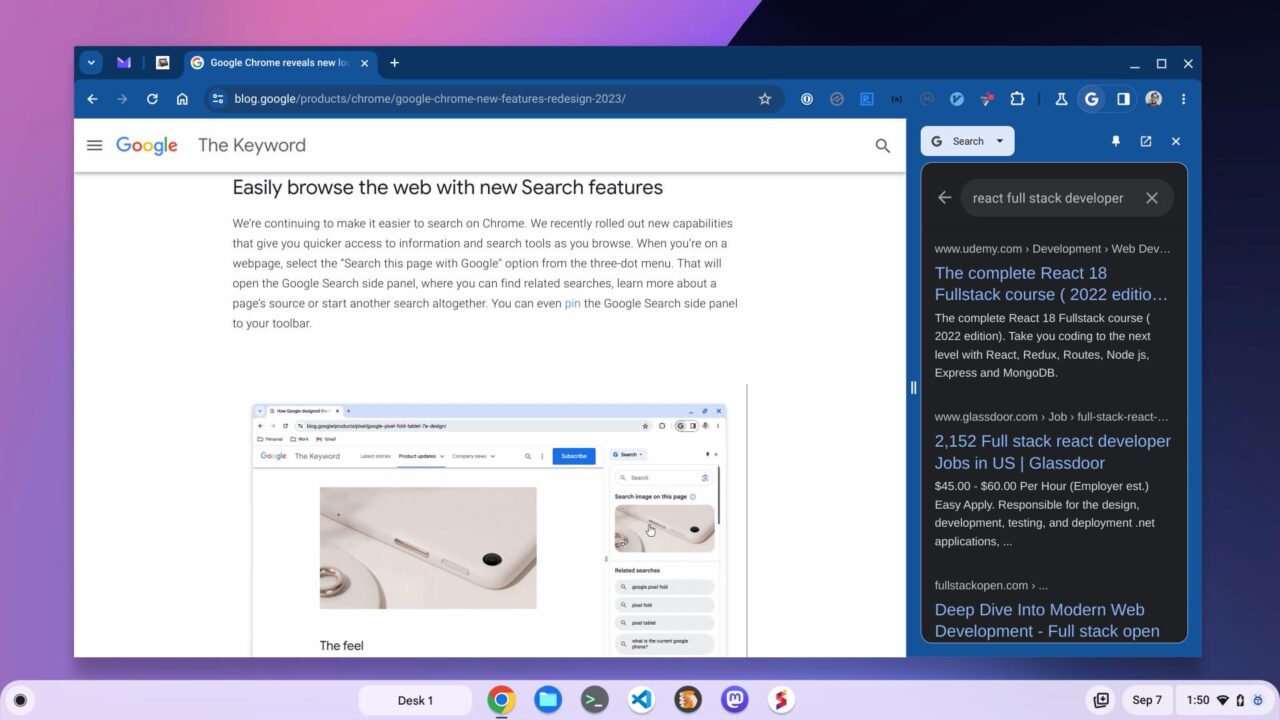
Although I’m showing Chrome above on a Chromebook, you can see the browser tweaks. Corners are more rounded, fonts are modernized and colors match my desktop theme.
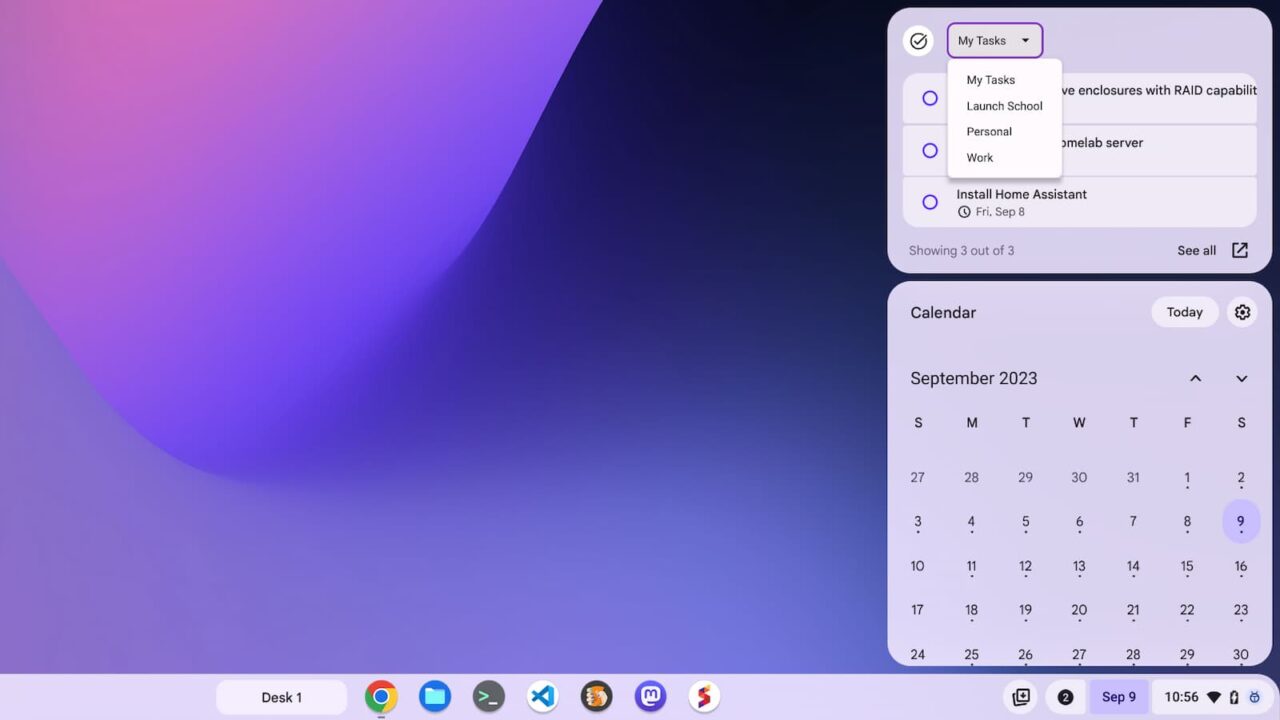
Yes, Material You is coming to Chromebooks as well, but it’s not just the browser that gets a fresh coat of paint. Expect the ChromeOS interface elements to get updated as well. That includes a new Task glanceable feature that’s rather handy.
Insecure downloads are blocked by default
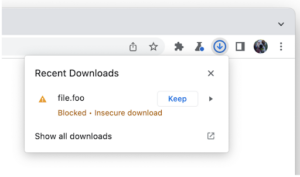
Google is boosting security awareness with a warning when you try to download files over an insecure connection. The warning is just that: A warning. If you’re comfortable downloading the file, you can still choose to do so.
Note that an “insecure” download doesn’t mean there’s anything nefarious about the file itself. The warning means that you’re downloading over an http:// request rather than an https:// request. So it’s still up to you to decide if what you’re downloading is good or bad for your computer.
Assistance in reviewing unsafe Chrome browser extensions
I recently covered this feature while it was in the works. Google is taking a more rigid stance when it comes to outdated or unsafe browser extensions with the Google Chrome 117 release.
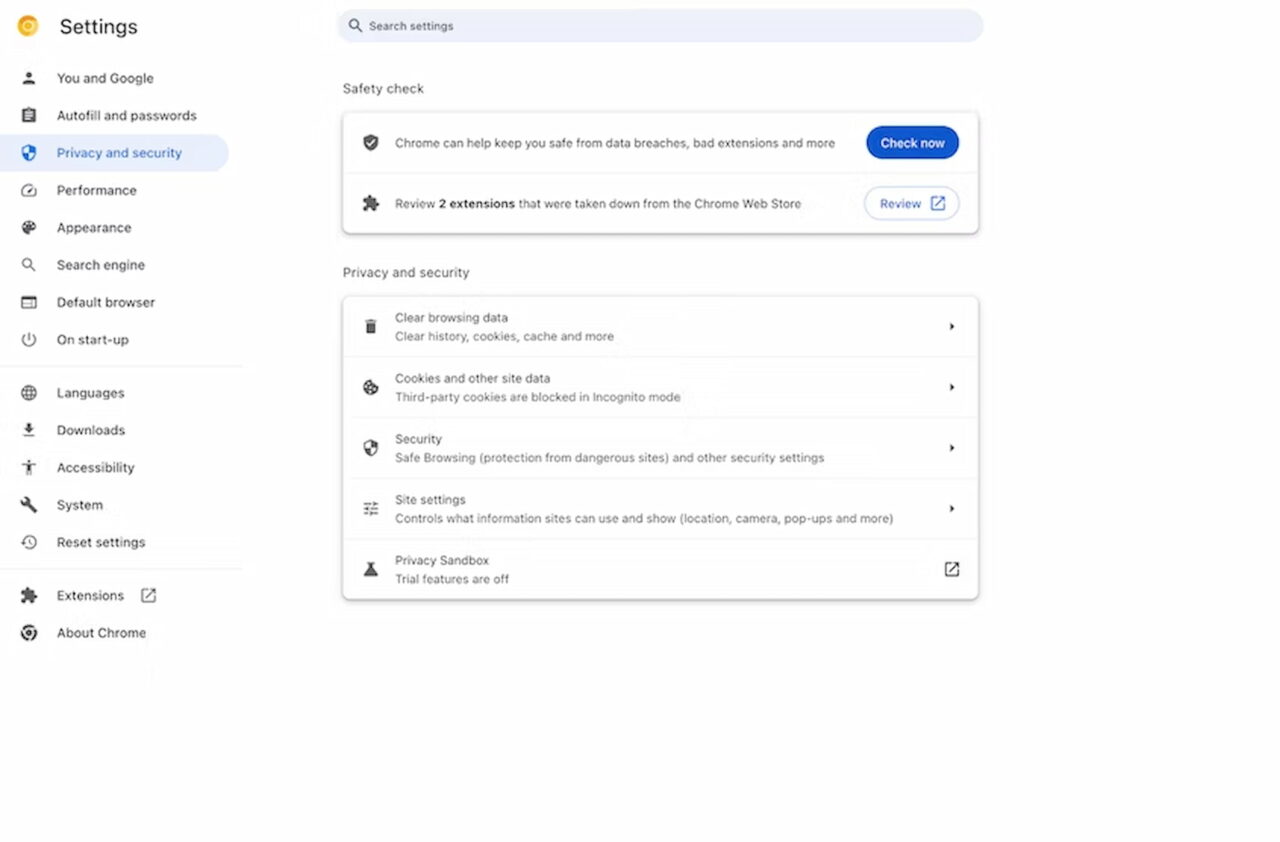
Google has long protected the Chrome browser from malicious extensions, and I use quite a few, so that isn’t new. Adding an alert for these as well as outdated extensions removed from the Chrome Web Store brings another layer of comfort from a security standpoint, however. I almost wish Google had done this sooner, to be honest.
An update to the lock icon in the URL address bar
For years, seeing the lock icon next to a URL in the Chrome browser meant the visited site was secure. Google has been tweaking or adding various site settings to this lock icon for some time. It makes more sense to replace the icon with one that better represents its full functionality. Goodbye lock icon, hello settings!
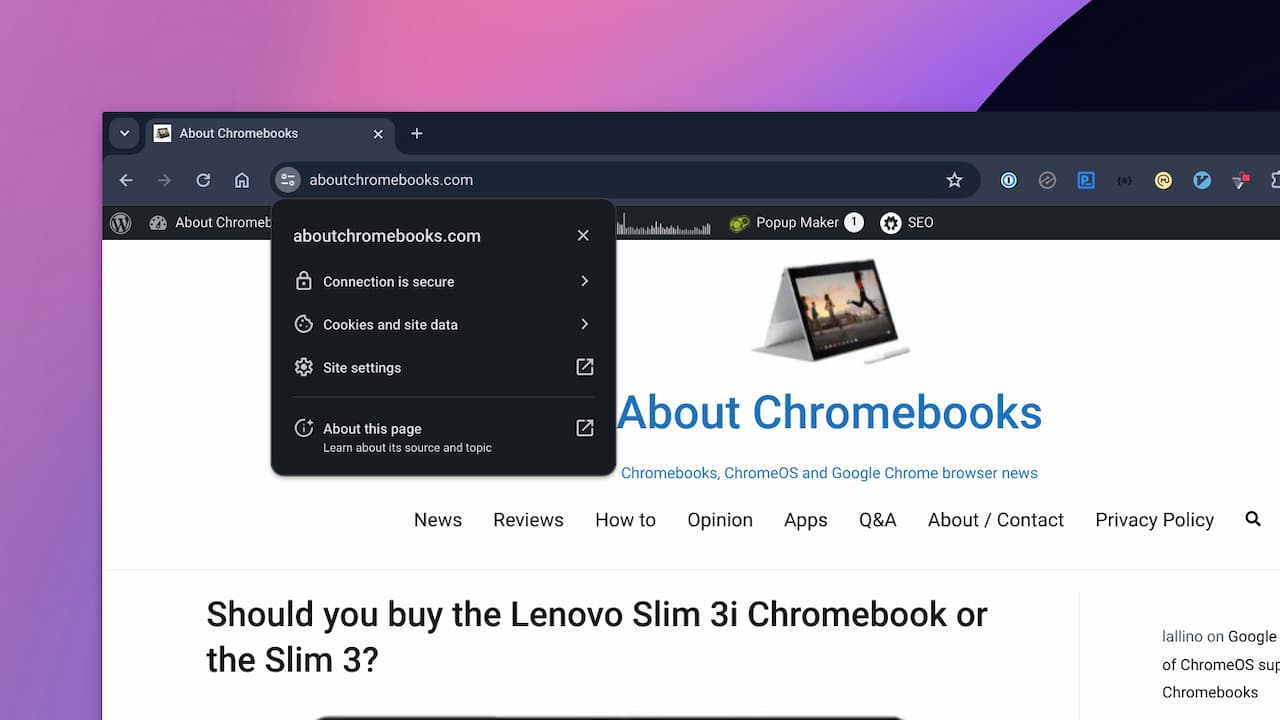
Above you can see the new icon, along with the various associated settings. This isn’t a huge deal as the same functionality is represented. However, it is the better choice for an icon to represent website information and settings.
