


Having a 3D printer is great for you if you have an interest in creating customized tools, complex industrial parts, or wish for your kids to learn something new.
However, as beneficial as they might be, choosing them for the first time can be a daunting task. Whether you’re buying a 3D printer for kids or any other entry-level 3D printer, be very careful.
The following guide will help you understand what features are important in the best 3D printer for beginners and where to begin.
At what age is a 3D printer suitable for?
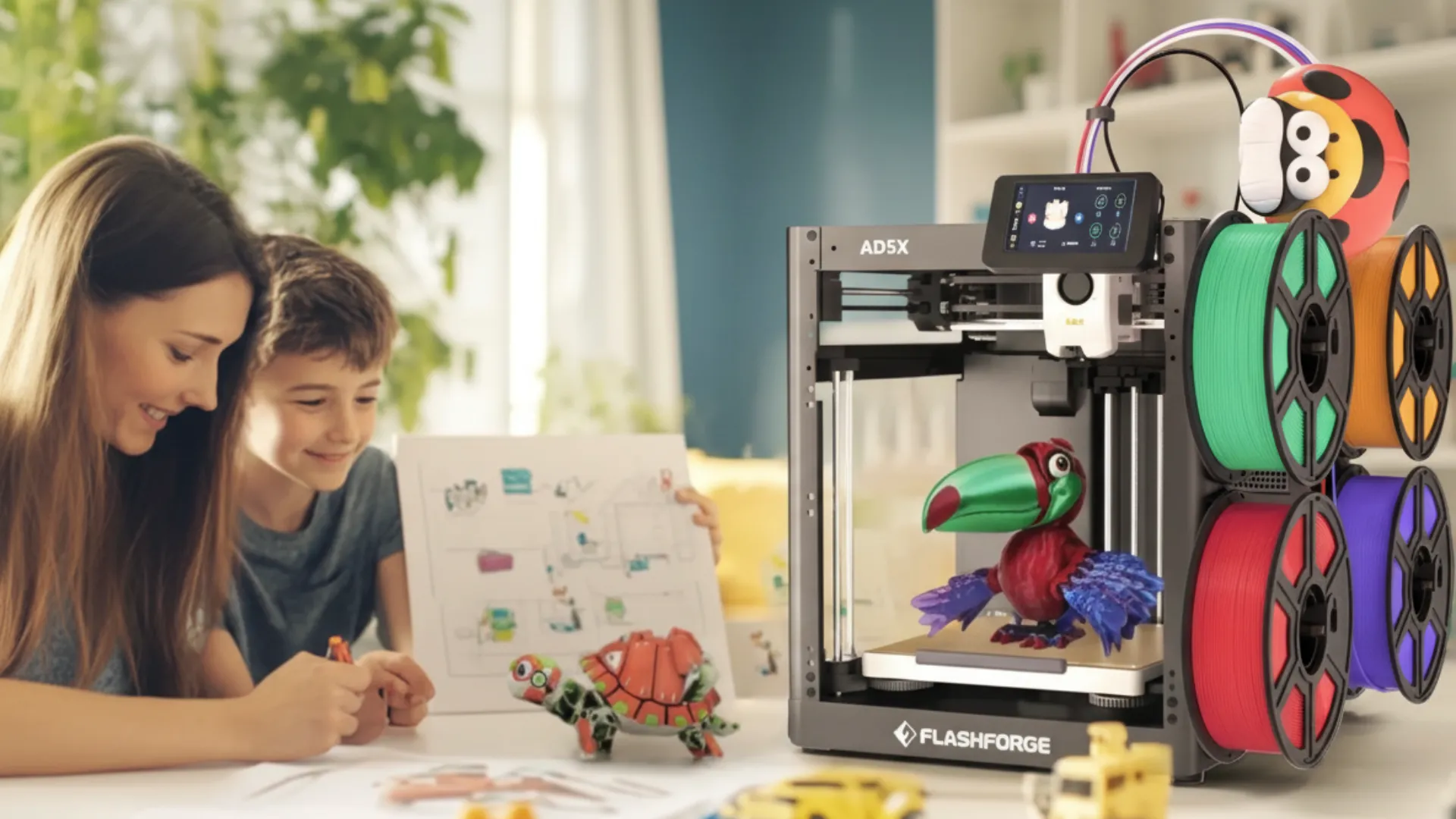
3D printing is not just limited to adults, but kids are also polishing their skills with these handy devices. However, there is a certain age limit and rules to keep in mind.
If your child is in the 8-12-year age bracket, make sure they operate their first 3D printer under adult supervision. On the contrary, if your kid is above 12 years, you can let them use a printer more independently. Still, having someone around is better, especially when the machine is operational.
What to consider when choosing a beginner 3D printer for kids?
Now that you’re well aware of which age a 3D printer for kids is suitable for, it’s time to understand the criteria for choosing one.
What 3D printers are good for beginners?
The best 3D printer for beginners isn’t selected solely based on its price. There are other factors, including safety, print speed, and ease of use.
So, once you begin your search, ask yourself whether the printer provides a plug-and-play setup, auto bed leveling and calibration, and touchscreen controls, and whether it’s a reliable option. Also, ensure that the option you choose offers reliable printing performance.
Essential Safety and Ease-of-Use Features for Kid-Friendly 3D Printers
When considering friendly characteristics in 3D printers for kids, safety is a non-negotiable option. Under no circumstances can you ignore safety. That means choosing a printer that has the following:
- An enclosed design: This design type keeps your child safe from touching hot parts of the machine. If you prefer an open design, there is a chance that your child will end up hurting themselves.
- PLA compatibility: Choosing PLA-compatible options is better, as it’s an eco-friendly filament that causes no harm to your kid and their surroundings.
- Stable structure: While speed and performance matter, the structure of the printer is also crucial. Always pick a stable option.
- Simple operation: The best 3D printers for beginners are those that create minimal technical frustration. In other words, the simpler the commands, the better.
Are 3D printers safe for kids?
Indeed, several people are already using 3D printers in their homes, and more names are added to the list every year. Amongst the top users, we have many young ones.
These devices are safe for kids, but as parents, you need to make sure that you pick the right model, buy safe printing materials, and keep your children under proper supervision.
What materials are safe for kids to use?
The best starter 3D printers are compatible with multiple printing materials, but when someone keeps the machine at home for their kids, it’s much better to go with PLA (polylactic acid). Undoubtedly, PLA is the safest printing material option because it’s plant-based, easy to print, and biodegradable, and it produces less odor.
There are other printing material options as well, but none of them are as safe as PLA.
How much does a beginner 3D printer for kids cost?
By now, you have a better idea of which features to look for in your printer, but without knowing the price range, your research is still incomplete. For quality beginner printers, the range can start from a few hundred dollars to thousands.
If you plan to go with something basic, it will cost you less, but as you start adding features, the prices skyrocket. Still, there are kid-friendly 3D printers that help in educating your child without draining your account.
Best beginner 3D printers for kids in 2026
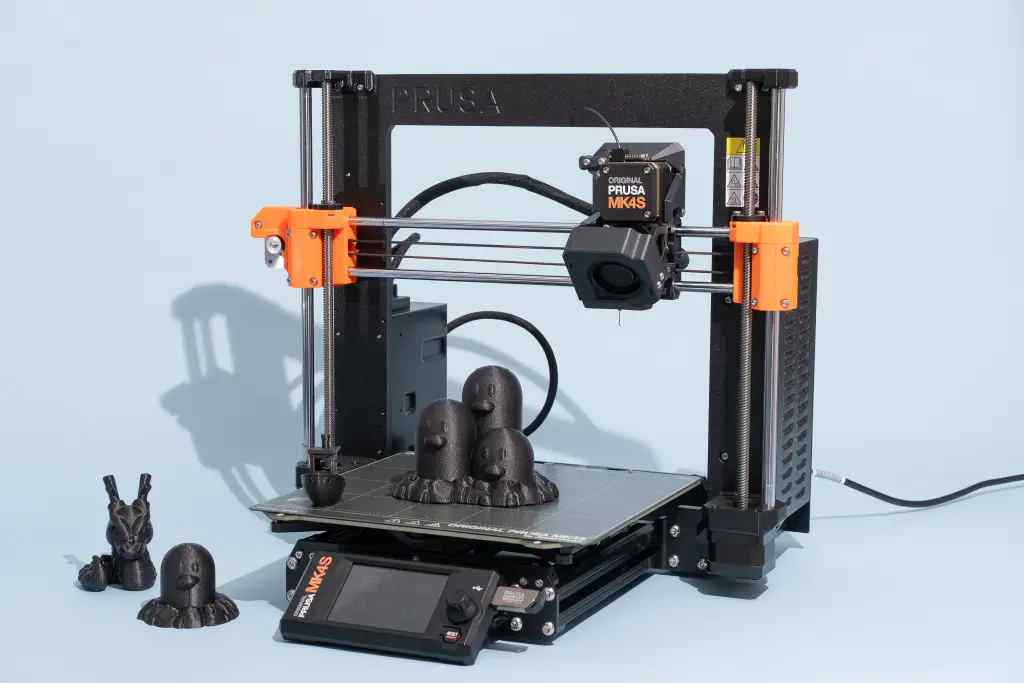
Best beginner 3D printer for kids aged 8–12: Bambu Lab P1S / P2S
While mentioning the best 3D printers for kids that also fit in your budget, we have the Bambu Lab P1S and P2S. As told earlier, one doesn’t have to empty their accounts for a quality 3D printing experience, and both these options are the perfect example.
Excelling in all areas, both P1S and P2S are perfect for printing high-resolution models. The fully enclosed design allows your children to safely manage printing without burning their fingers.
Apart from safety and high resolution, the devices are extremely reliable and support several printing materials, including PLA and carbon fiber. In short, you get the best multi-color prints and the best value for money by investing in Bambu Lab’s P1S and P2S.
Ideal 3D Printing Option for Teens (13+): Bambu Lab A1/A1 mini
Another set of models belonging to the Bambu family that offer excellent quality, speed, and price are the A1 and A1 mini. For kids above 12 who wish to explore 3D printing more independently, A1 and A1 mini are both ideal.
Not only do they offer flexible printing options, but they also have a friendly setup, easy-to-handle software, and produce better quality prints. From speed to material compatibility and multi-color printing options, both these models have it all.
Thus, if you are looking for an option that provides your kids with confidence while remaining simple in use, keep both these options at the top of your list.
What can kids use a 3D printer for?
Now that you’re aware of the best models, you can make a better choice. Remember, you can use your 3D printers for:
School project and STEM learning
These days, learning isn’t confined to the classroom or books but requires practical demonstrations. Luckily, 3D printing turns abstract ideas into reality and helps your child become more innovative.
Creative toys and tools
Let’s not forget that every child loves to have a collection of unique toys, but what if you can create them instead of purchasing them? Well, a 3D printer helps you make the best action figures, puzzles, and dolls right in your home.
Supporting educational needs
From your biology models to historical artifacts, a 3D printer can be used to create anything at any hour of the day.
Making personalized gifts
If you wish to impress your friends with a special gift, these 3D printers can help you create the most beautiful and unique keychains, phone stands, and much more.
Is a 3D printer worth it for kids?
With the right guidance, a 3D printer can help build technical literacy in your children and encourage them to develop problem-solving skills.
In addition to problem-solving, it also boosts creativity and patience in young kids.
How to get the most out of a 3D printer for kids
To maximize the value of a 3D printer, you can start with small projects and beginner-friendly software that help your children get an idea about the machine. Moreover, you can join online 3D printing communities to ensure that your child reaps maximum benefit from a 3D printer.
Conclusion
Choosing the right 3D printer these days can be overwhelming, but with proper guidelines and criteria, you can pick the best option in no time. Keep in mind, it’s not about picking the most expensive option but choosing the perfect blend of safety, ease of use, and reliability.
