


Chromebooks offer surprisingly versatile entertainment options beyond basic web browsing. These lightweight devices combine speed, security, and affordability to deliver enjoyable experiences across gaming, streaming, and creative activities. Whether you want to play browser games, watch movies, create digital art, or connect with friends, understanding what Chromebooks can do helps you maximize their potential. Many users underestimate these capabilities, assuming Chromebooks are limited to work tasks. However, the right approach unlocks hours of entertainment without requiring expensive hardware upgrades or complicated setups.
How To Entertain Yourself on a Chromebook?
Chromebooks provide multiple entertainment pathways that work seamlessly through their browser-based ecosystem. The following methods require minimal setup and deliver consistent performance across different models.
Play Browser-Based and Android Games
Gaming represents one of the most accessible ways to entertain yourself on a Chromebook. Modern devices support thousands of browser-based games that require no downloads or installations.
Sites like CrazyGames and Itch.io offer action titles, puzzles, and multiplayer experiences that load instantly. These games run smoothly because they use HTML5 technology designed for web browsers.
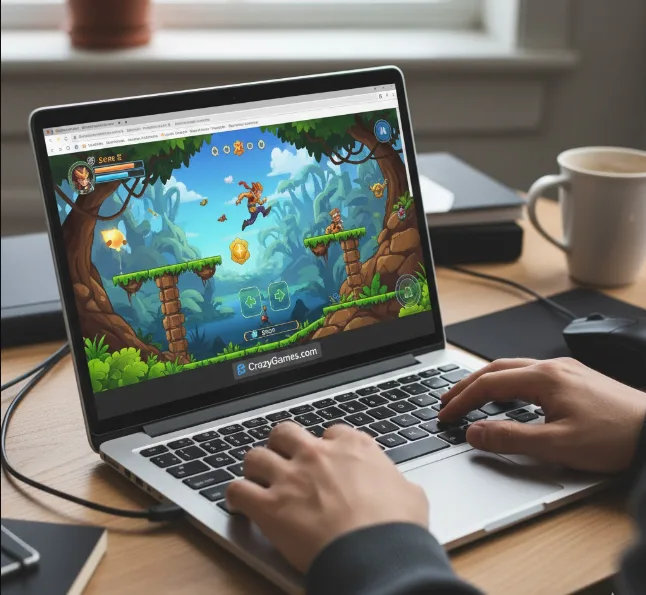
Your Chromebook can also access Android games through the Google Play Store. Popular options like Roblox, Asphalt 9, and Stardew Valley work excellently with keyboard and mouse controls. For more demanding titles, cloud gaming services like GeForce Now and Xbox Cloud Gaming stream high-quality games directly to your device.
Stream Movies, Shows, and Live Content
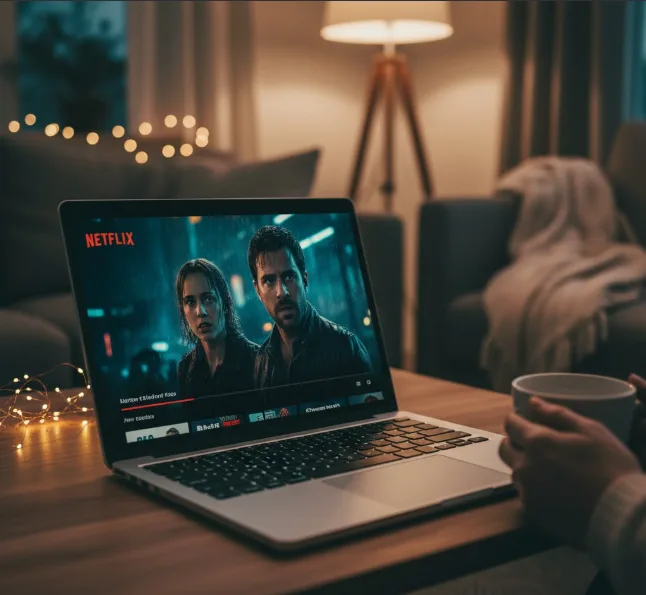
Streaming services work flawlessly on Chromebooks through their web applications. Netflix, Disney+, YouTube, and Prime Video all offer full functionality without requiring app downloads.
Streaming platforms deliver HD and 4K content when paired with stable internet connections. Free options like Tubi, Pluto TV, and Crackle provide ad-supported entertainment at no cost.
Live streaming through Twitch or YouTube lets you watch gaming content, creative broadcasts, and real-time events. You can even create your own streams using browser-based tools.
Express Creativity Through Digital Art and Writing
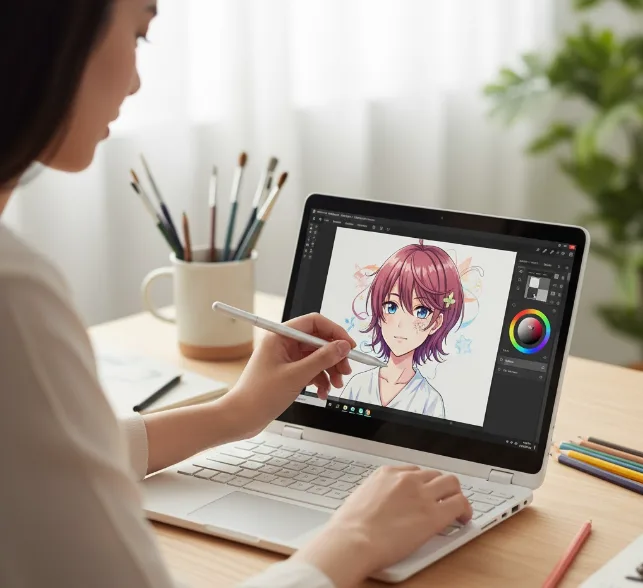
Creative activities provide fulfilling entertainment while developing artistic skills. Your Chromebook supports drawing applications like Sketchpad, Adobe Illustrator Draw, and Concepts that work with touchscreens or styluses.
These tools offer layers, brushes, and professional features comparable to desktop software. Web-based options like Photopea provide Photoshop-like editing capabilities directly in your browser.
Writing software such as Google Docs, JotterPad, and Notion enables creative writing, journaling, or blogging. These platforms automatically save your work to the cloud, preventing data loss.
Connect Socially Through Video Calls and Messaging
Social interaction releases dopamine and improves mental health. Chromebooks include built-in cameras and microphones optimized for video calling through platforms like Google Meet, Zoom, and Discord.
These communication tools let you maintain relationships regardless of physical distance. Group calls support gaming sessions, virtual movie nights, or casual conversations.
FAQs
Can Chromebooks run Steam games?
Steam beta support ended January 1st, 2026. However, you can play Windows games through cloud gaming services like GeForce Now, which streams your Steam library to any Chromebook without local installation requirements.
What entertainment apps work on Chromebooks?
Entertainment apps include YouTube, Netflix, Twitch, Spotify, and thousands of Android applications from Google Play Store. Most streaming services offer web versions that function identically to dedicated apps.
Can I create art on a Chromebook?
Yes, Chromebooks support professional drawing through Android apps like Sketchbook and web-based tools like Sumopaint. Touchscreen models with stylus support provide the best creative experience for digital artists.
Does streaming require specific Chromebook hardware?
Basic streaming works on any Chromebook. For 4K streaming, you need 8GB RAM minimum and 25 Mbps internet speeds. Cloud gaming requires similar specifications plus stable 5GHz WiFi connections for optimal performance.
Can I entertain myself offline on a Chromebook?
Yes, you can download content from Netflix or Spotify for offline viewing. Many Android games from the Play Store work without internet. Google Docs and other productivity apps offer offline modes for creative activities.
