


The xinput1_3.dll file is a component of Microsoft DirectX that enables game controllers and input devices to function properly in Windows applications. This Dynamic Link Library file handles controller input for games and graphics-intensive programs.
Users encounter xinput1_3.dll errors when launching games or applications that require DirectX support. The error prevents programs from starting and displays messages about the missing or corrupted file.
Understanding how to fix xinput1_3.dll problems helps restore functionality to affected games and applications without reinstalling Windows.
How To Fix xinput1_3.dll?
Never download xinput1_3.dll from DLL download websites. These sites pose security risks and often provide outdated or infected files.
If you already downloaded xinput1_3.dll from such a site, remove it immediately and follow these repair methods.
Restart Your Computer
Perform a system restart before attempting other solutions. Temporary system conflicts may be causing the xinput1_3.dll error.
A simple reboot clears memory and resets processes that might interfere with DirectX components.

Install the Latest Microsoft DirectX
Download and install the most recent DirectX version from Microsoft’s official website. Microsoft frequently updates DirectX files without changing version numbers.
Installing the newest DirectX package ensures all required DLL files, including xinput1_3.dll, are present and current. This step resolves most xinput1_3.dll errors.
Use the DirectX Installer from the Game Disc
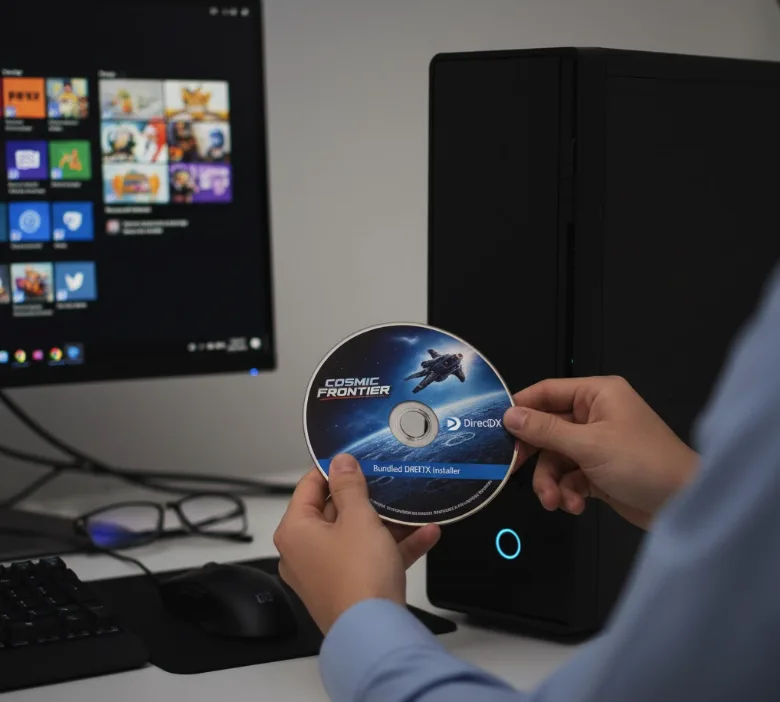
Check your game or application installation disc for a bundled DirectX setup program. Many titles include specific DirectX versions optimized for their requirements.
Run the DirectX installer from the disc even if you have a newer version installed. Game-specific DirectX packages sometimes work better than generic updates.
Reinstall the Affected Program
Uninstall the game or application displaying the xinput1_3.dll error through Windows Settings or Control Panel. Download the latest version or use your installation media to reinstall it.
Corrupted program files that depend on xinput1_3.dll often cause these errors. A fresh installation replaces damaged files and re-establishes proper DirectX connections.
Extract xinput1_3.dll from DirectX Package
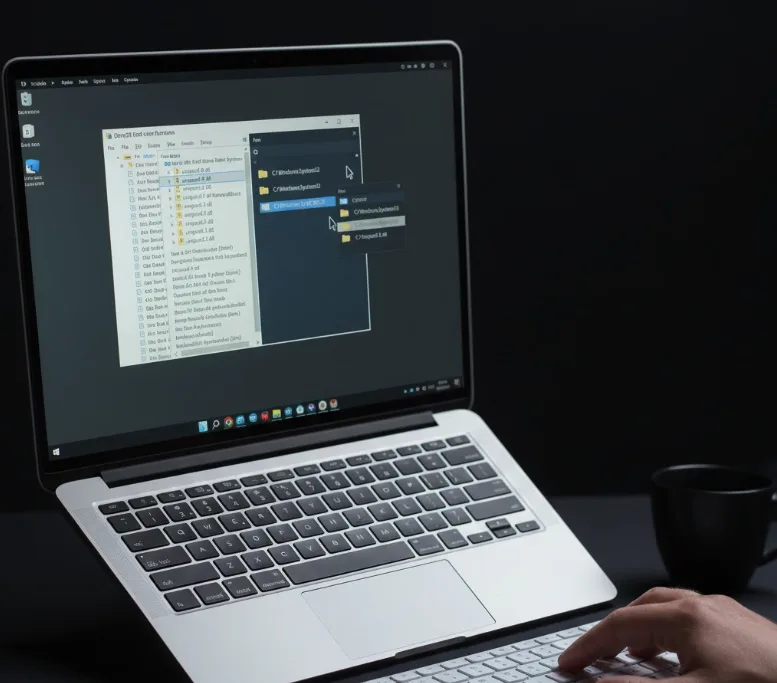
Download the DirectX End-User Runtime Web Installer from Microsoft. Extract the xinput1_3.dll file manually from the DirectX package and place it in the appropriate system directory.
For 64-bit Windows, copy the file to both System32 and SysWOW64 folders. For 32-bit Windows, use only the System32 folder.
Update Graphics Card Drivers
Visit your graphics card manufacturer’s website (NVIDIA, AMD, or Intel) to download the latest drivers. Outdated video drivers occasionally interfere with DirectX functionality.
Install the newest graphics drivers and restart your computer to ensure proper DirectX integration.
What Causes xinput1_3.dll Errors?
Xinput1_3.dll errors occur when Windows cannot locate or access this DirectX component. Corrupted DirectX installations are the primary cause.
Incomplete game installations may leave xinput1_3.dll missing or improperly registered. System updates sometimes overwrite or remove DirectX files accidentally.
Malware infections can damage or delete DLL files, including xinput1_3.dll. Hardware failures affecting system files also contribute to these errors.
FAQs
Is xinput1_3.dll safe to download from third-party websites?
No, downloading xinput1_3.dll from third-party DLL sites is unsafe and risks malware infection. Always obtain DirectX components through official Microsoft channels or legitimate game installers.
Which Windows versions experience xinput1_3.dll errors?
All Windows versions from Windows 98 through Windows 11 can experience xinput1_3.dll errors. The issue affects any system running DirectX-dependent applications or games.
Can I fix xinput1_3.dll without reinstalling DirectX?
Sometimes restarting your computer or reinstalling the affected game resolves xinput1_3.dll errors without updating DirectX. Try these simpler solutions before reinstalling DirectX components.
Where should I place xinput1_3.dll if manually copying?
Place xinput1_3.dll in C:\Windows\System32 for 32-bit Windows. For 64-bit Windows, copy it to both C:\Windows\System32 and C:\Windows\SysWOW64 directories.
Do graphics driver updates fix xinput1_3.dll problems?
Graphics driver updates occasionally resolve xinput1_3.dll errors, though this is uncommon. Update drivers after trying DirectX-focused solutions for best results.
