


The latest iteration of Google’s Chrome browser is now generally available, bringing a number of fixes and features to macOS, Linux, and Windows. The Google Chrome 113 release includes 16 security fixes and several new features. Here’s what’s in the now available Chrome 113 release, currently rolling out after Chrome 112 arrived in early April.
15 security fixes in Google Chrome 113
This time around, there are 15 security patches in the Google Chrome 113 browser. Google doesn’t share the mitigation details of these immediately following a browser update. That’s because it wants time for the patches to roll out widely. Offering the details too soon could give information on exploits that are waiting to be patched with the upgrade.
In any case, you can see a high level explanation of all 15 right here. The company shelled out just over $30,000 to folks who found the security issues and shared information in Google’s bug bounty program.
The three dot menu gets some new first class citizens
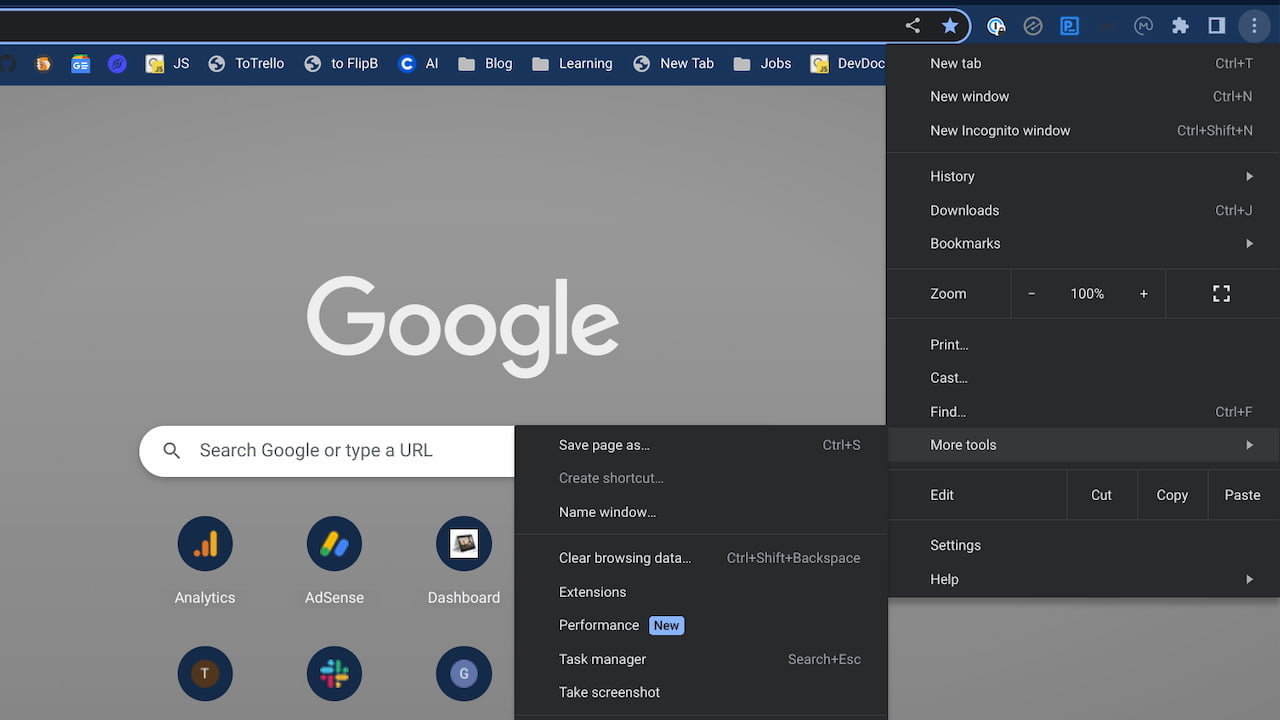
Instead of burying important features, Chrome 113 surfaces them to the top level of the three dot menu. That’s the little button to the far right of your URL address bar in Chrome. And that’s good. I’m all for saving a click here and there.
First is Extensions, which moves to the top level menu. Previously, you’d have to click the three dot menu and then select More Tools to get at your extensions. Now, they’ll be available by clicking the three dots. Google also says it added the Chrome Web Store to the first level of the three-dot menu. This will help you find extensions to install in your Chrome browser.
Journey with me to the New Tab Page in Chrome 113
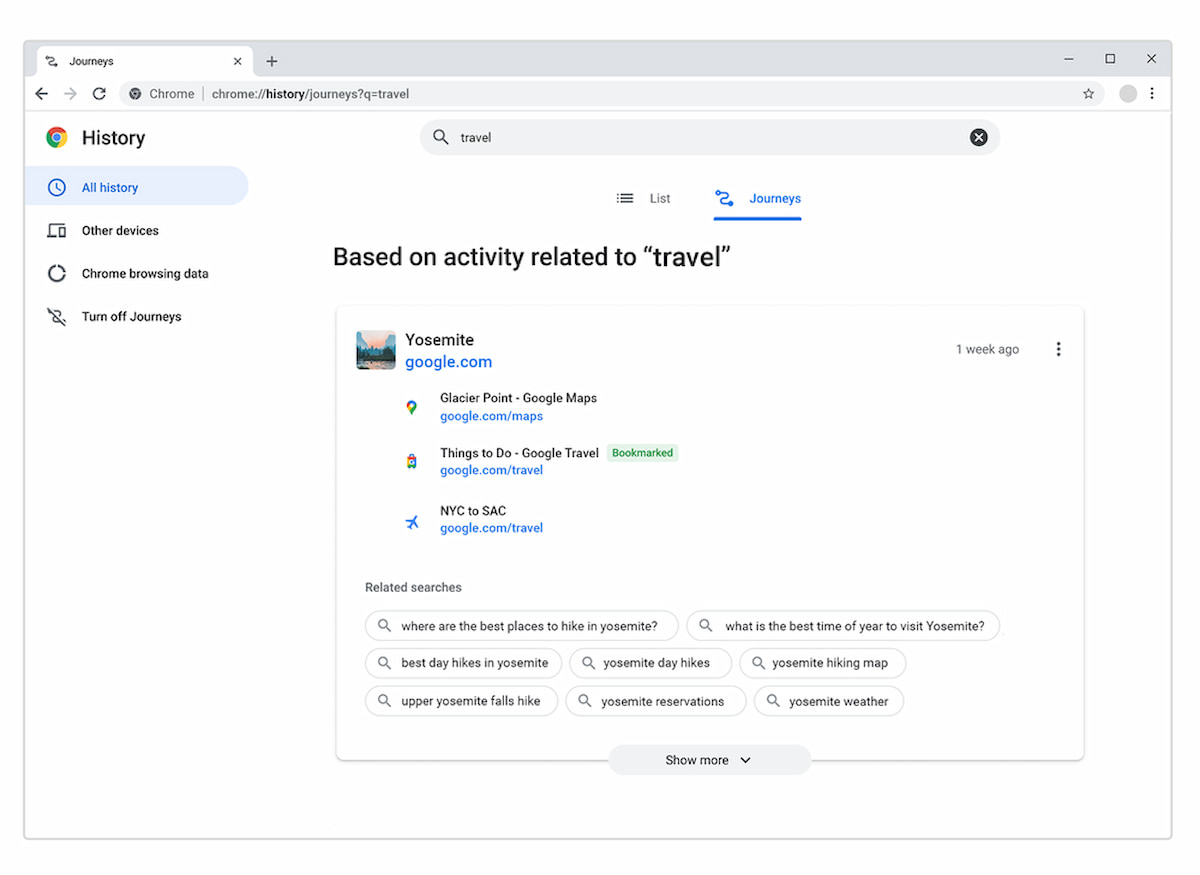
I’ve been testing the new Journey feature in Chrome and ChromeOS since last year. I’m not compelled to use it all the time though. Google hopes to change my opinion on the Journey feature, which is another way to revisit old searches.
Chrome 113 “assists with complex, multi-session task completion through Journeys resumption and next step suggestions on the New tab page.” so there’s that. Nope, still not using it. I won’t judge if you do though.
An improved video call experience with AV1
The Chrome Developer blog also notes that the Google Chrome 113 release integrates the AV1 video codec with improvements:
Google Meet has tested AV1 successfully in extremely low bandwidth conditions—down to 40 kbps—which unlocks video calling to users whose poor Internet connections previously prevented them from making video calls. Users with better Internet connectivity get improved video calls. Compared to VP9 speed 7, AV1 Speed 10 provides 12% better quality at the same bandwidth, while running 25% faster on desktops.

All in all, there’s not much else in the Chrome 113 release. There are a few updated Chrome Enterprise policies that you can review, but nothing of massive consequence. And there are very few user-facing changes. Less than usual, I’d say.
However, I think this can be attributed to what’s happening next week. Google I/O, the company’s annual developer event, takes place on May 10. While I’ve only been briefed on some of the news, none of it relates to developers. Therefore, I’d expect some key Chrome browser updates to be held back until Google I/O.
Typically, we hear about a number of larger initiatives for the upcoming 12 months. Some may be available right after Google I/O while others can take months to appear. I’m hoping for the former case since the Google Chrome 113 release is relatively light on updates.

2 Comments
Since this release is not yet available to Chromebooks, a la Chrome OS, I don’t understand how this article is pertinent.
Additionally, I’ve just installed the official Linux download of Chrome release 113 … and the Extensions menu item has not moved from the secondary More tools menu level.
Bill, you’re correct this doesn’t yet directly apply to Chromebooks, *unless* you’re running the LaCrOS browser, which is Linux for Chrome. Since Google is separating Chrome and ChromeOS, I’ve been covering the Chrome browser updates for several months now. I don’t yet see the Extensions menu at the top level either on 113, so I assume it will be moved in a smaller point release for Chrome 113.