


A few months ago, I was cleaning out old emails and stumbled on something I’d completely forgotten: a $50 Xbox gift card someone had sent me as a holiday gift two years ago. I don’t own an Xbox. I’ve never played one. The code was still valid—but completely useless to me.
Instead of letting it expire, I spent five minutes on my Chromebook, found a site that buys unused Xbox cards, and turned that digital dead weight into real money. It wasn’t a fortune, but it was enough for a nice dinner—and zero effort.
That’s when it hit me: your Chromebook isn’t just for schoolwork, streaming, or Zoom calls. It’s also one of the easiest, most overlooked tools for turning idle digital assets into cash. And you don’t need to be a tech expert or work 40 hours a week online to make it happen.
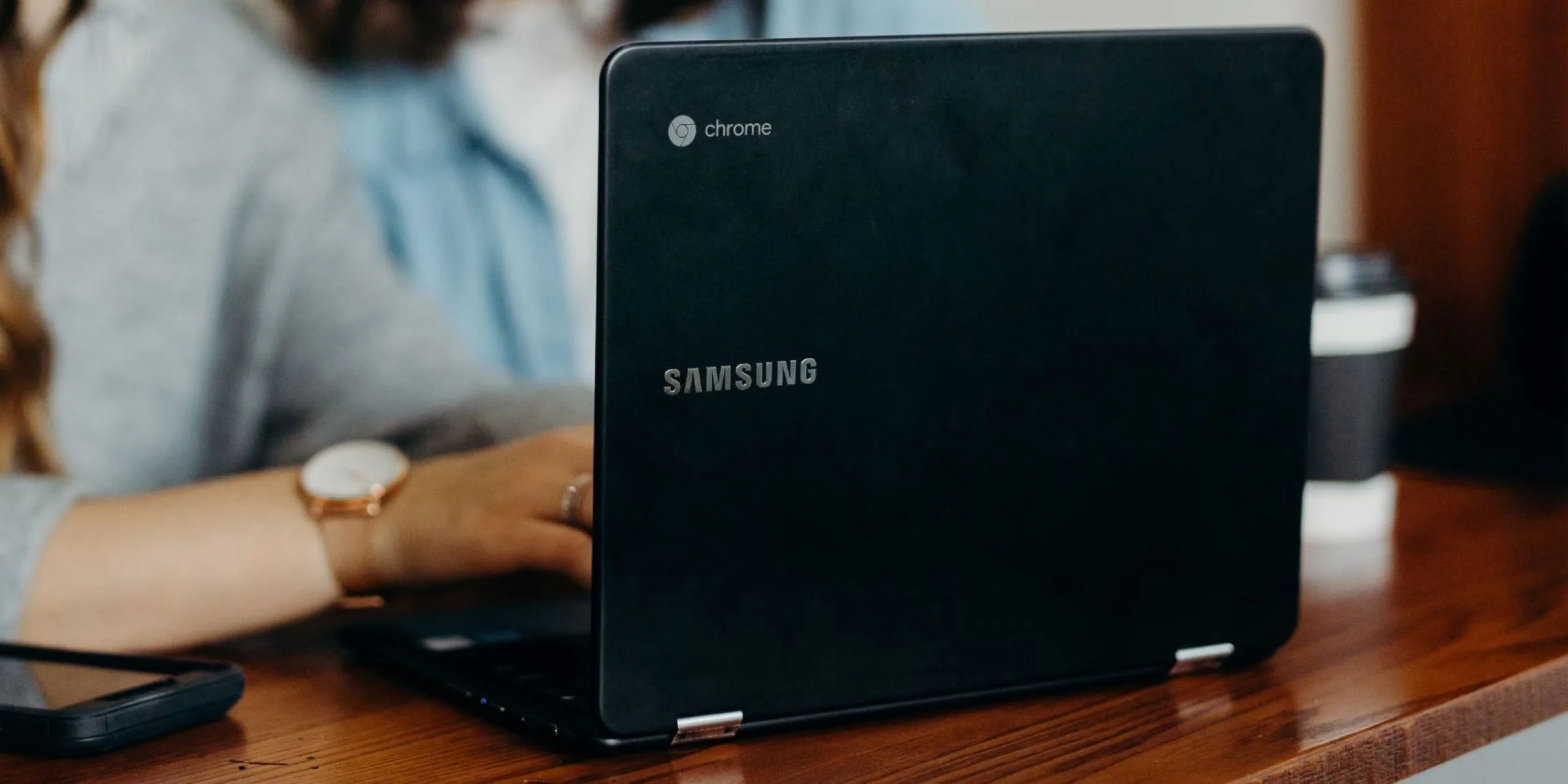
Why Chromebooks Are Surprisingly Good for Side Income?
People often assume you need a powerful Windows laptop or a MacBook to “do real work.” But most online earning opportunities don’t require heavy software—they run in a browser. And that’s exactly what a Chromebook was built for.
Fast startup. All-day battery. Automatic security. Cloud-first design. If your passive income and side hustle lives online—which most do—your Chromebook is actually the ideal machine. No bloatware. No updates that freeze your system. Just you, your internet connection, and a clean workspace.
And the best part? Many of these opportunities take minutes, not hours.
Start With What You Already Own
Before you sign up for surveys or create a YouTube channel, ask yourself: What digital stuff do I already have that someone else might pay for?
Examples:
- Unused gift cards (like that Xbox code)
- Old digital photos
- Spare time to test websites
- Skills you use daily (writing, organizing, translating)
You’d be surprised how often “digital clutter” has real value—if you know where to look.
For instance, services like gift2money.com specialize in buying unused Xbox gift cards and offer instant cash in return.
No complicated steps, no waiting weeks for approval—just enter your code, get a quote, and receive payment shortly after. All of this works smoothly in Chrome, with no extra software or risk.
I’ve seen people turn forgotten $20–$100 cards into quick cash for groceries, gas, or a Netflix subscription. It’s not passive income in the traditional sense, but it is income you didn’t have yesterday—and it took less time than brewing coffee.
Other Low-Effort Ways to Earn Using Your Chromebook
If you’re open to going a little further, here are a few realistic ideas that work great on Chrome OS:
1. Create and Sell Simple Digital Products
You don’t need design skills to make something useful. A clean Google Sheets budget template, a weekly meal planner in Docs, or a Canva-made study schedule can sell repeatedly on Etsy or Gumroad. Once it’s uploaded, it earns while you do other things.
2. Write Short, Helpful Posts
Start a free blog on Blogger or WordPress.com. Write about things you actually use—like “How I Organize My Freelance Work on a Chromebook” or “5 Free Chrome Extensions That Save Me 2 Hours a Week.” Over time, even modest traffic can generate a few dollars through ads or affiliate links.
3. Try Micro-Freelancing
Platforms like Fiverr and Upwork run perfectly in Chrome. You don’t need a portfolio—just offer something small: proofreading, data entry, transcription, or even voice notes. Many gigs take 15–30 minutes and pay $10–$25.
4. Monetize Your Phone’s Content
Take photos with your smartphone? Upload them to Shutterstock or Adobe Stock—both sites work fine in the browser. Even casual shots of coffee cups, city streets, or workspace setups get licensed regularly.
5. Test Websites and Apps
Services like UserTesting pay $10 for a 10-minute test where you speak your thoughts while browsing a site. It’s oddly relaxing, and your Chromebook handles it effortlessly. Payments arrive via PayPal in under a week.

Avoid the “Hustle Trap”
One thing I’ve learned: the goal isn’t to replace your full-time job. It’s to create small, reliable streams that reduce financial stress.
Chromebooks encourage this mindset. They’re not flashy. They don’t overpromise. They just help you get things done—quietly and efficiently.
So instead of chasing “viral” side hustles or paying for expensive courses, start simple:
- Clean out your inbox for unused codes
- Turn one skill into a $5 digital product
- Spend 20 minutes a week on micro-tasks
Small wins add up. And with a Chromebook, they’re easier than you think.
Final Thought
That Xbox gift card I found? It reminded me that value isn’t always obvious. Sometimes it’s hiding in plain sight—in an old email, a forgotten app, or a skill you take for granted.
Your Chromebook won’t make you rich overnight. But it will give you the simplest, most reliable way to turn those overlooked bits of digital life into something real.
And if you happen to have an unused Xbox gift card lying around? There’s no reason to let it go to waste.
