


Artificial intelligence is now available in desktop software, where it was limited to specialized uses, as well as within browser tabs, where it can be found almost daily. The majority of the strongest AI tools can now be accessed fully online and accessed instantly without downloads and hefty installations.
The change is especially significant among Chromebook users. Since ChromeOS is designed on the basis of the browser, it inherently follows the trend of artificial intelligence based on the web.
Chromebooks are no longer considered lightweight alternatives as more innovative, educational, and productive tools become more cloud-based. Rather, they are streamlined machines of the contemporary workflow that run on ChromeOS web applications and AI-driven tools via the browser.
Why Chromebooks Are Ideal for Web-Based AI
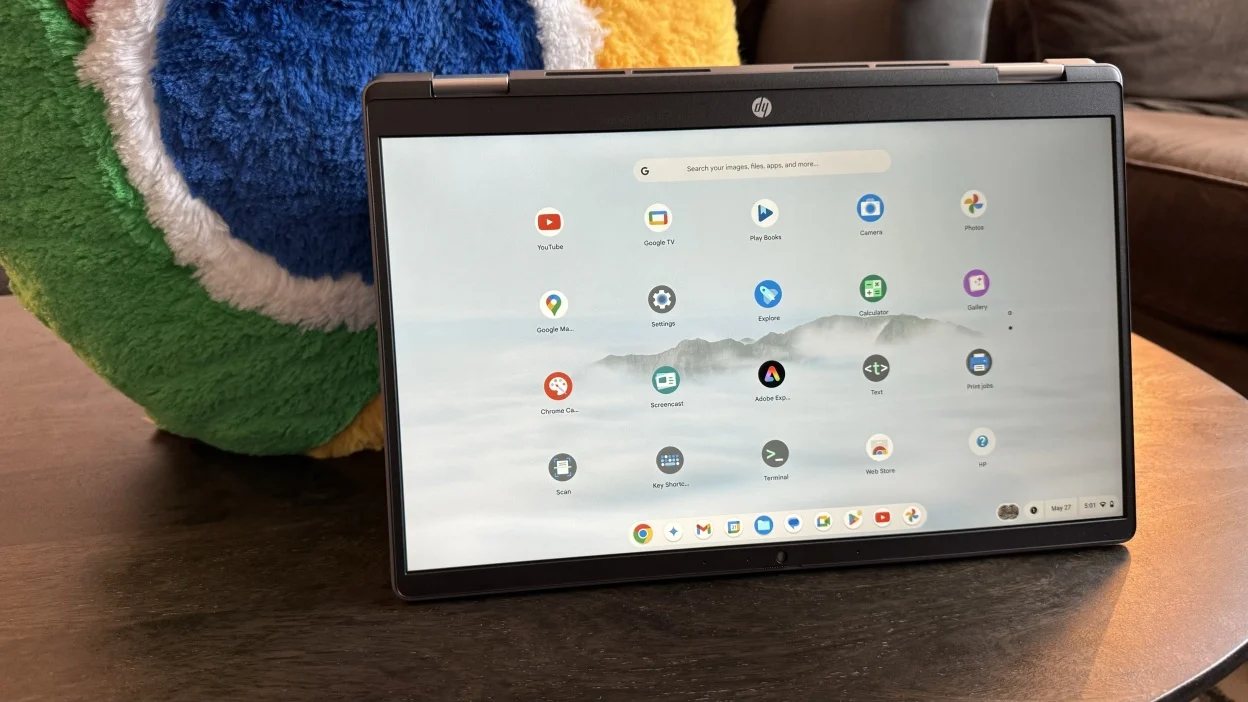
Chromebooks are based upon a cloud-first platform. Throughout the web application and cloud storage, ChromeOS is not reliant on installed software like the case of traditional laptops. Such a solution enables access to AI tools on Chromebook and makes them incredibly useful.
Its operating system is also lean and efficient. ChromeOS also uses fewer system resources so that more memory can be used to process browser functions. Background update is automatically done and it will make sure that the users are using the latest security patches and performance improvements which is particularly essential when dealing with online AI services.
Another benefit is security. Sandboxing and verified boot processes are employed in ChromeOS to secure the system against malicious software. This protection will provide peace of mind to users who are experimenting with AI image generator online platforms or any other web-based artificial intelligence platforms.
How AI Image Generation Works in the Browser
The first myth is that artificial intelligence image generation needs local hardware, which is powerful. In practice most AI tools that are based on the browser are based on cloud computing and not on local processing.
When you start typing something into an AI image generator on the internet, the query is sent to distant servers which contain high-performance GPUs. The computations of the rendering and model are made on the server side and the final image is sent to your browser. This implies that the cloud computing services of the Chromebook can be used effectively either with no graphic cards at all.
For example, many creative platforms allow users to generate stylized portraits, illustrations, or concept art directly in Chrome. Some tools even offer niche features, such as the ability to generate baby with AI using advanced neural networks that simulate facial traits. In all these cases, the Chromebook functions primarily as an access point to powerful remote infrastructure.
Because the heavy computation happens in the cloud, performance depends more on internet speed than on processor type. This architecture perfectly complements ChromeOS, which was designed for continuous online connectivity.
Performance Considerations on ChromeOS
Although Chromebooks are effective in dealing with AI tools, performance is also subject to smart use. RAM plays a significant role. Reducing the number of browser tabs helps eliminate slowness in response time, particularly in high-resolution pictures of AI-generated images.
The majority of AI tools in Chromebook can be smoothly run with 8GB of RAM, however, models with 4GB can also perform well, provided that several tasks are performed at once. It is better to close extensions and tabs which are not used.
It is also important that the internet connection is stable. Processing occurs in remote data centers therefore in case of any network outage the images will be rendered slowly or uploaded. Cloud-based tools are not in need of a dedicated GPU in contrast to the conventional desktop AI software. This enables even the low end Chromebooks to experience advanced AI capabilities.
Progressive Web Apps (PWAs) can also be used by users who heavily depend on AI to design, create content or to learn. PWAs are lighter in terms of browser overhead and can offer an app-like experience.
Privacy and Data Considerations

With the increase in the use of web-based artificial intelligence, privacy awareness is necessary. The vast majority of AI image services save prompts and generated images in the cloud, either momentarily or permanently.
The privacy policy of any AI image generator is the first thing the Chromebook users need to check before using it online. It is important to understand how data are stored, processed and maybe reutilized to train.
The permission in the browsers should be handled also. Not to provide an access to camera, microphone, or storage that is not necessary to do a particular task. The ChromeOS has a straightforward permission administration with its settings panel.
Best practices include:
- Using strong, unique passwords
- Enabling two-factor authentication
- Avoiding public Wi-Fi when uploading sensitive images
- Regularly clearing unused browser extensions
By following these steps, users can safely explore AI tools while maintaining control over their personal data.
The Future of AI Web Apps on Chromebooks
The ChromeOS web apps have been evolving at an ever faster rate. Progressive Web Apps are gaining strength, which provides offline options and enhanced responsiveness. This further makes AI tools on Chromebook even more useful to students, creators, and professionals.
The performance can also be improved by edge computing. Some processing can be brought nearer to the user, instead of transmitting all the data to the far-off servers, decreasing the latency. Although there is a possibility that the entire implementation of AI models will still be cloud-based, there is the emergence of hybrid implementations.
The other significant area of growth is education. Chromebooks gain popularity in schools, and AI-based writing stylists, picture creators, and creative tools find their way into online classrooms. Web based artificial intelligence in creative industries reduces the entry barrier so that anybody with a browser can experiment with powerful tools.
With the advancement of browser engines and the development of cloud infrastructure, Chromebooks are already in a position to be fully compatible with the new generation of AI services.
Conclusion
AI image generators and other AI web applications are changing the way people relate to technology. ChromeOS has a cloud-first design, a lightweight operating system, and a robust security structure, which make it all too well adapted to such a transition.
Having no admission of expensive GPUs or intricate setups, AI applications on Chromebook offer easily reachable, productive, and secure experiences. With the web-based artificial intelligence being on the rise, Chromebook users can now be sure to use their devices to get access to the modern tools of creativity and productivity, without having to leave the browser.
