


As expected, Steam gaming on Chromebooks is moving forward from alpha to beta status. Google today announced that ChromeOS 108 brings Steam to more Chromebooks and moves the effort into the beta stage. Chromebooks with Ryzen 5000-C and Intel Core i3 CPUs are now supported, tripling the list of Chromebooks that can run PC games through Steam.
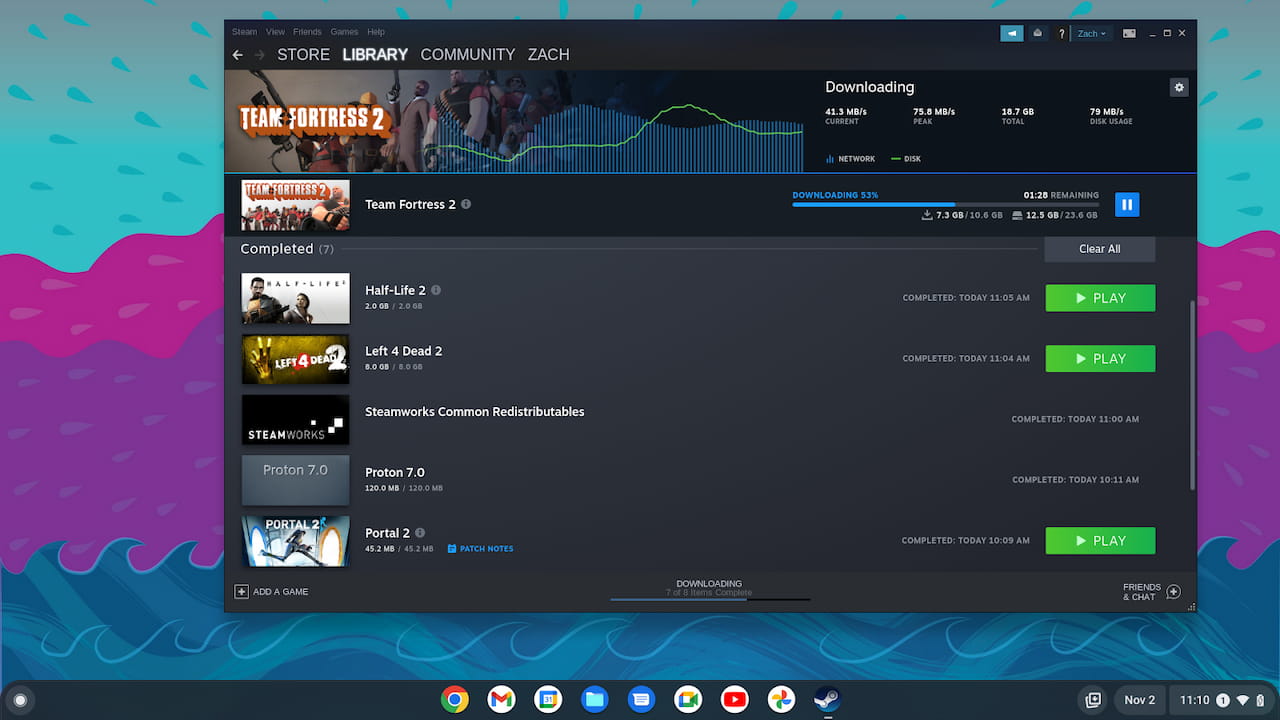
What Chromebooks can run Steam games with ChromeOS 108?
Here’s the updated list of Chromebooks that support the Steam beta in the latest ChromeOS 108 Beta Channel, now available:
- Acer Chromebook 514 (CB514-1W, CP514-3H, CP514-3HH, CP514-3WH)
- Acer Chromebook 515 (CB515-1W)
- Acer Chromebook Spin 713 (CP713-3W)
- Acer Chromebook 516 GE
- Acer Chromebook Spin 714
- Acer Chromebook Vero 514
- Asus Chromebook CX9 (CX9400)
- Asus Chromebook Flip CX5 (CX5500)
- Asus Chromebook Flip CX5 (CX5601)
- Asus Chromebook Vibe CX55 Flip
- Framework Laptop Chromebook Edition
- HP Elite c640 14 inch G3 Chromebook
- HP Elite c645 G2 Chromebook
- HP Elite Dragonfly Chromebook
- HP Pro c640 G2 Chromebook
- Lenovo IdeaPad Gaming Chromebook 16
- Lenovo 5i-14 Chromebook
- Lenovo Flex 5i Chromebook 14
- Lenovo ThinkPad C14
What else is new with Steam gaming on Chromebooks?
Google isn’t just working on improved game performance and stability with Steam. There are a number of other changes to make the experience better.
The first changes how ChromeOS manages game storage:
One big way is how we manage storage within the Steam on ChromeOS environment. Previously we managed storage based on a game’s reported installation size on Steam. However, this prevented games that download content from outside Steam from being able to access the storage they needed. Our entirely reworked solution uses a sparse disk and ballooning, and has additional benefits like improved file access performance for Proton games.
ChromeOS 108 will also show a power indicator while playing Steam games on a Chromebook so your battery doesn’t die in the middle of a game without you expecting it. Google is also improving power efficiency for Vulkan and DirectX games.
Installing Steam on supported devices is also easier. Just enabling the chrome://flags#enable-borealis setting will put the Steam app in the ChromeOS Launcher.
These are just a few of the main improvements that ChromeOS 108 brings to the Steam beta. A full changelog is available in Google’s blog post.
Keep your expectations in check
Although these are all welcome changes, modern PC titles on Steam typically require discrete GPUs. And no Chromebook to date has such hardware; they all include much less capable integrated GPUs.
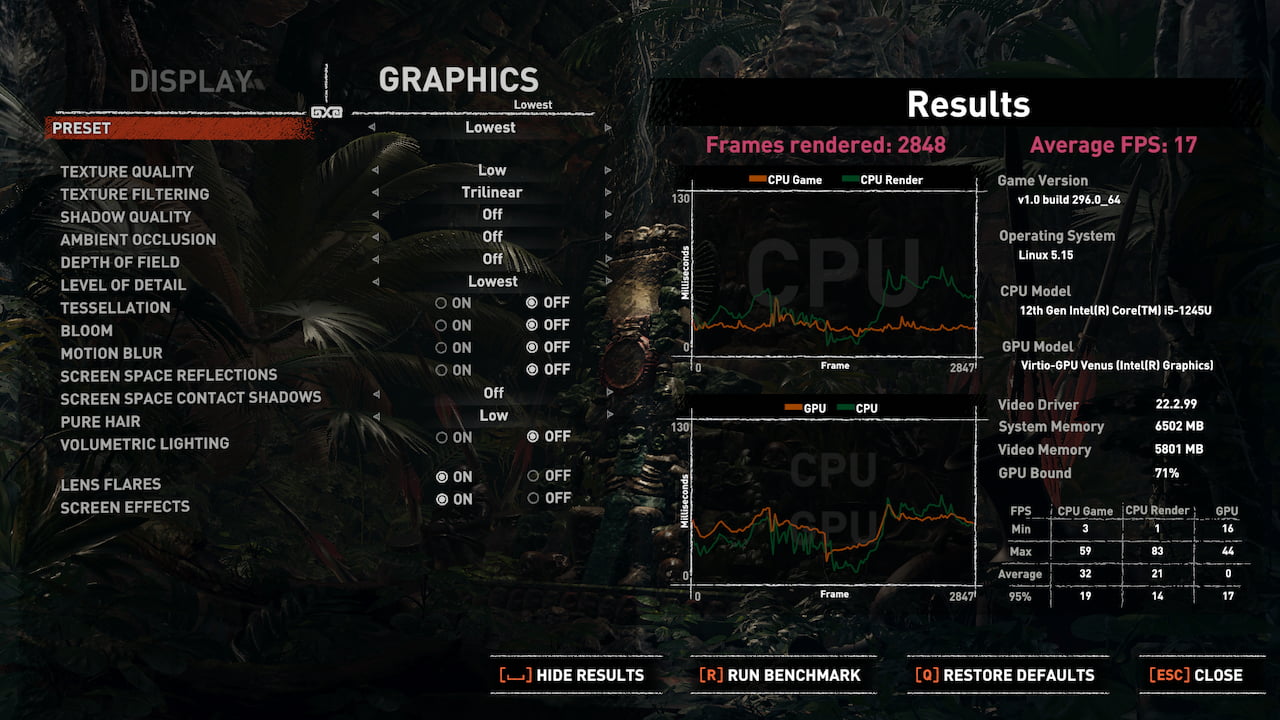
As I found out last week when testing Steam on a high-end, relatively new Chromebook, you have to keep your expectations in check.
Even with today’s top-tier ChromeOS laptops, you’re looking at popular titles from 2015 or so that will run well enough. Any games newer than that with advanced graphics requirements will be choppy, laggy, or even unplayable. Note that Google still recommends an Intel Core i5 or higher and 16 GB of memory for the best experience.
This also applies to the new cloud gaming Chromebooks, by the way. They support higher display refresh rates, which is great. But without the GPU power to really push those pixels, you may have to reduce screen resolution or in-game detail levels for a playable native experience.
