

Close Menu
    Facebook X (Twitter) Instagram
    • About
    • Privacy Policy
    • Write For Us
    • Newsletter
    • Contact
    Instagram
    About ChromebooksAbout Chromebooks
    • News
      • Stats
    • AI
    • How to
      • DevOps
      • IP Address
    • Apps
    • Business
    • Q&A
      • Opinion
    • Gaming
      • Google Games
    • Blog
    • Podcast
    • Contact
    About ChromebooksAbout Chromebooks
    News

    Steam game sync on GeForce Now for Chromebooks may make it a better option than Stadia

    Kevin TofelBy Kevin TofelSeptember 10, 2020Updated:September 22, 2025No Comments2 Mins Read
    Share
    Facebook Twitter LinkedIn Pinterest

    Last month, Nvidia debuted a special site for Chromebook users to stream and play PC games at a lower monthly price than paid Stadia Pro accounts. This month, a small tweak to GeForce Now for Chromebooks could make a big difference on which gaming service you might use. If you have a game library with Steam, you’ll probably lean towards Nvidia’s offering because you can now sync those game titles from Steam to GeForce Now.
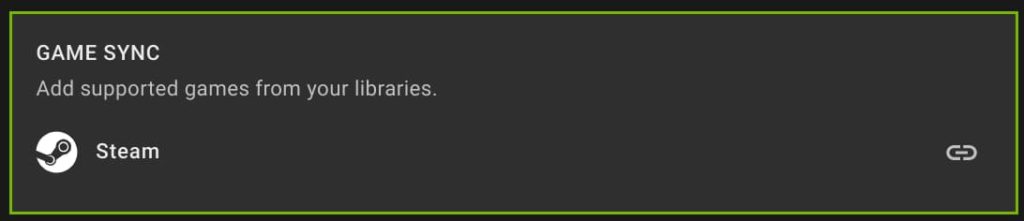
    I caught wind of this news on 9to5 Google and since I have a Steam account, hit the GeForce Now site on my Chromebook immediately to verify. Yup, the option is there and I gave it a quick test.

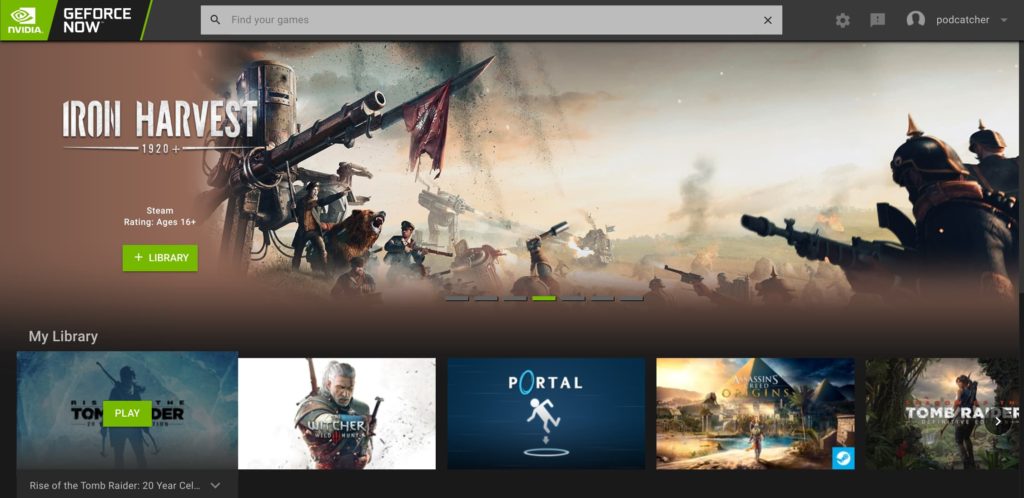
    All I had to do was click the option for Game Sync and then sign in to my Steam account. Five seconds later, my PC titles appeared on the GeForce Now site under “My Library” and I was able to fire up a streaming session immediately.
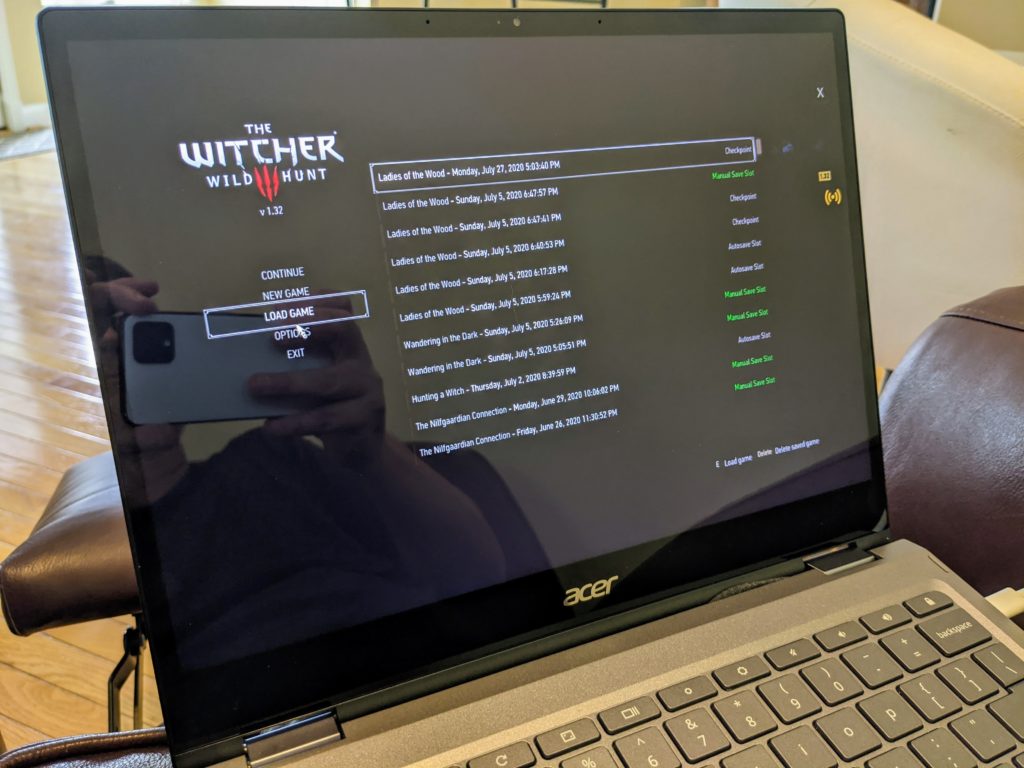
    Not only can I play my previously purchased titles, my game save data is in the Steam cloud, so I can pick up in any game where I left off on the gaming PC rig I built a few months back.
    For me and other Steam users, this is kind of like the best of both worlds: The game streaming service offered by Google Stadia and the broad game title availability of Steam all wrapped into one. Of course, GeForce Now also includes roughly 100 games with the monthly plan, although those titles do rotate from time to time.

    Who would have thought than in less than a year, we went from no true PC gaming options on Chromebooks — sorry, Android games don’t quite compare — to a pair of them, each with different pros and cons? Regardless of which streaming game platform you choose, both of these have added some long awaited entertainment and fun to Chromebooks.

    Chrome OS Chromebooks Gaming Nvidia Nvidia GeForce NOW Stadia Steam
    Share. Facebook Twitter Pinterest LinkedIn Tumblr
    Kevin Tofel
    • Website

    After spending 15 years in IT at Fortune 100 companies, Kevin turned a hobby into a career and began covering mobile technology in 2003. He writes daily on the industry and has co-hosted the weekly MobileTechRoundup podcast since 2006. His writing has appeared in print (The New York Times, PC Magazine and PC World) and he has been featured on NBC News in Philadelphia.

    Related Posts

    Auto DraftStarbucks Partner Hours: Manual to Managing Work Schedules

    January 26, 2026

    Anon Vault For Private Cloud Storage

    January 23, 2026

    GitHub Copilot Statistics [2026]

    January 7, 2026

    Comments are closed.

    Best of AI

    Make-A-Video Statistics 2026

    January 30, 2026

    Stable Video Diffusion User Trends And Statistics 2026

    January 29, 2026

    VALL-E Statistics 2026

    January 28, 2026

    StarCoder Statistics And User Trends 2026

    January 27, 2026

    BLIP-2 Statistics 2026

    January 23, 2026
    Trending Stats

    Google Penalty Recovery Statistics 2026

    January 30, 2026

    Search engine operators Statistics 2026

    January 29, 2026

    Most searched keywords on Google

    January 27, 2026

    Ahrefs Search Engine Statistics 2026

    January 19, 2026

    Pay Per Click Advertising Statistics 2026

    January 16, 2026
    • About
    • Write For Us
    • Contact
    • Privacy Policy
    • Sitemap
    © 2026 About Chrome Books. All rights reserved.

    Type above and press Enter to search. Press Esc to cancel.