


A simple way to repost Instagram Reels, Stories, and posts while keeping your content organized.
So you found the perfect Reel, a customer tagged your brand in a Story, or someone posted a photo that would look great on your feed.

Now comes the slightly annoying part: how do you repost it without taking a messy screenshot, losing the caption, forgetting the credit, or spending ten minutes bouncing between apps?
Instagram has more sharing tools than it used to, but a good repost app can still make the whole thing cleaner.
3 Apps That Make Instagram Reposting Easier
If you are looking for an instagram repost app that does more than basic sharing, these three iPhone apps are worth checking out.
They are all built for reposting Instagram content, but each one has a slightly different strength: one is better for free everyday reposting, one leans into save-and-repost organization, and one is more focused on fast, high-quality reposts.
Repost UP is the easiest one to try if you want a repost app for Instagram without running into limits right away.
It supports Instagram photos, videos, Stories, and Reels, and it keeps shared content organized in Active and Reposted lists so you can find things again later. It also includes watermark controls, including move, style, and hide options.
Most features are available for free without limits, while the paid plans are listed at $6.99 per week or $29.99 per year. The app is available on iOS only and requires iOS 16.0 or later.
RepostAI is a good fit if you like a copy-link workflow. You copy an Instagram link, preview the content, save it in the app, and repost when you are ready.
It works for Reels, Stories, posts, photos, and videos, which makes it useful for people who collect content before posting instead of reposting everything instantly. The free version is available, but shared content keeps the watermark.
Pro adds unlimited access features such as instant repost, high-quality photos, videos, and Reels, watermark color and placement controls, and automatic caption and hashtag copy. It has an iOS version only, with subscriptions listed at $7.99 per week or $34.99 per year.
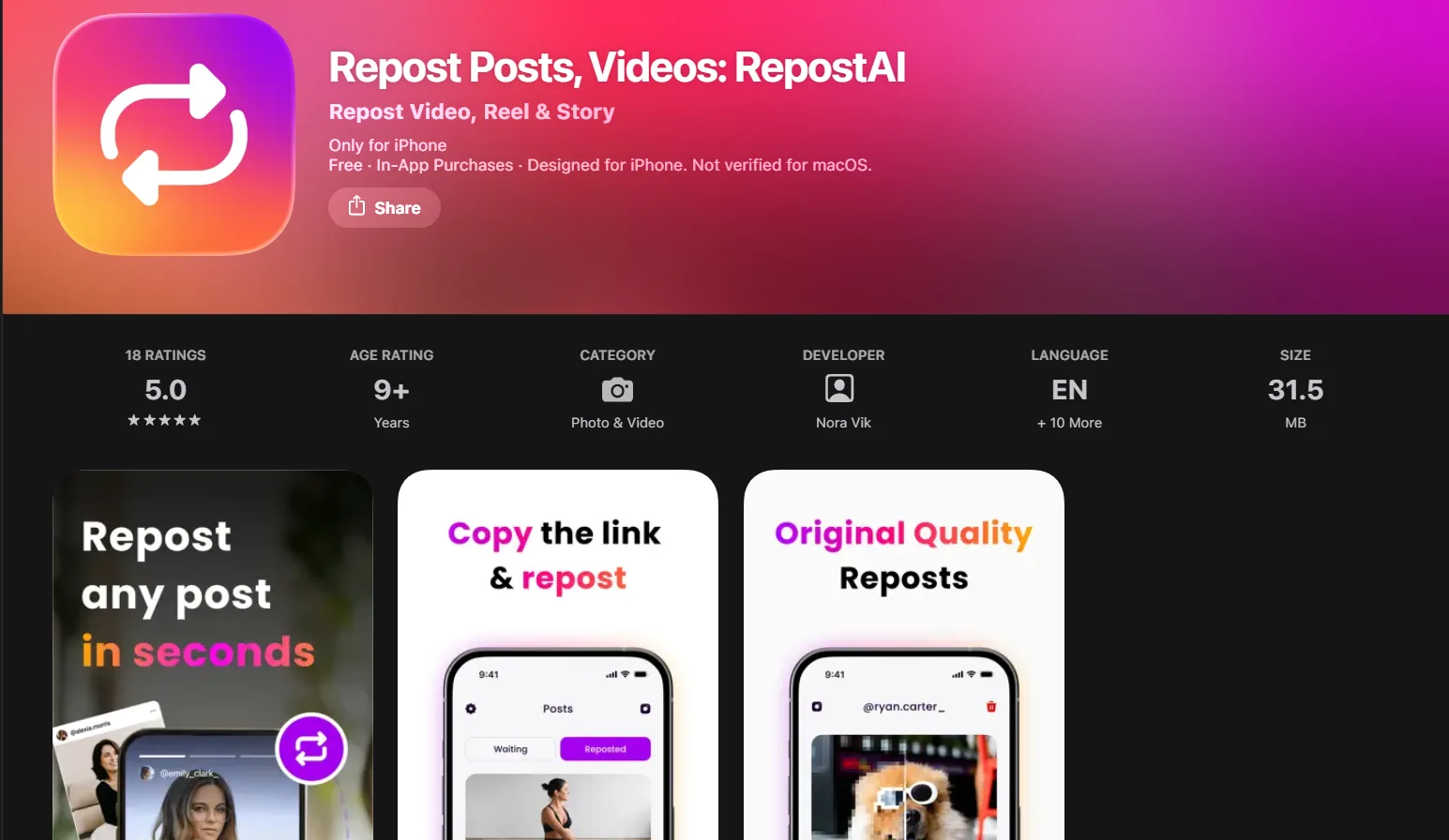
RepostAI is better if you want the reposting process to feel fast and low-effort. It is built around one-tap reposting for Instagram photos and videos, with support for saved content, Stories, original quality, and automatic caption reuse.
That makes it a strong pick for creators, community pages, and anyone who reposts often but does not want the process to feel like a whole production.
The app has a free version where reposts remain watermarked, and paid access is listed at $7.99 per week or $29.99 per year. Like the others, it is available for iOS exclusively.
Native Instagram Repost vs. Repost App: What’s the Difference?
Instagram lets users repost public Reels and feed posts, and those reposts can appear in followers’ feeds and in a dedicated reposts section on your profile. You can also share someone’s feed post to your Story if the post and account settings allow it.
For Stories, resharing depends on things like whether sharing is allowed, whether the account is public, and whether the feature is available for that content.
A repost app helps when you want more control over the repost process. For example, you may want to save content before sharing, preview it, keep a repost history, copy the original caption or hashtags, manage watermarks, or organize content you plan to use later.
| Native Instagram Sharing | Repost App Workflow |
| Good for quick public Reel or post reposts. | Better for saving, previewing, and organizing reposts. |
| Keeps the action inside Instagram. | Helps manage content before posting. |
| Limited customization. | May offer watermark controls, captions, hashtags, and repost history. |
| Depends on Instagram’s current sharing options. | Useful when you want a more structured repost process. |
| Best for casual sharing. | Better for creators, brands, fan pages, and repost-heavy accounts. |
Basically, Instagram’s built-in tools are fine for “I want to share this right now.” A repost app is better for “I want to repost this properly, keep track of it, and not lose the details.”
How to Repost a Reel on Instagram?
If you are wondering how to repost a Reel on Instagram, the first thing to check is whether the Reel is public and whether Instagram gives you the repost or share option.
For a simple native repost, you can use Instagram’s built-in repost option when it appears. This can send the Reel into your followers’ feeds and place it in your reposts area on your profile. If you only want to share it temporarily, you may also be able to share the Reel to your Story.
A repost app is more useful if you want to repost the Reel later, save it in a library, keep the original quality, copy the caption or hashtags, or manage a watermark.
That is where apps like RepostAI make sense: they are built for a smoother save-and-repost flow instead of a one-off share.
Just remember the obvious but important rule: if the Reel is not yours, credit the creator and make sure you have permission when needed, especially if you are reposting for a brand, business, or monetized page.
How to Repost an Instagram Story?
Stories are their own little universe.
If someone tags you in a Story, Instagram usually makes reposting easy by giving you an option to add it to your own Story.
If you are not tagged, your options depend on the account, the Story settings, and Instagram’s current sharing features.
A repost app can help when you want to save or organize Story content for reposting, especially if you manage a page where customers, fans, or collaborators regularly post about you.
For example, a restaurant might want to repost customer Stories, a creator might reshare event clips, or a small brand might collect UGC from people using its product.
The best practice is simple: do not make someone else’s Story look like it is yours. Keep credit visible, avoid cropping out usernames, and ask before reposting anything personal, private, or sensitive.
How to Repost a Post on Instagram?
For quick sharing, Instagram may let you repost a public feed post or add it to your Story. That works well when you want to react to a post, share a recommendation, or send attention back to the original creator.
But if you want to add the post to your own feed, plan it for later, preserve the caption, or keep everything organized, a repost app can be more convenient. Apps like Repost UP and RepostAI are useful because they are designed around the whole repost process, not just the single share button.
This matters more if you repost often. A meme page, local business, community account, fan page, or UGC-heavy brand does not just need to share one post. It needs a system for finding, saving, crediting, and reposting content without making a mess.
What to Look for in a Good Instagram Repost App?
The best repost app for Instagram should make the process faster, but not sloppy.
At minimum, it should support the content types you actually repost. If you mostly share Reels, do not pick an app that only feels good for photos.
If your audience tags you in Stories, make sure Story reposting or saving is part of the workflow. If you repost customer content, caption and credit tools matter.
A useful repost app should help with:
- Reels, Stories, posts, photos, and videos;
- a clean copy-link or one-tap workflow;
- content preview before reposting;
- saved or reposted libraries;
- watermark placement or removal options;
- caption and hashtag copy;
- high-quality media handling;
- a free version you can test before paying.
That last part matters. Some apps are free with watermarks. Some unlock higher-quality reposts, watermark controls, or unlimited access only with Pro. It is worth checking before you build the app into your routine.
So, Do You Really Need a Repost App?
The best repost apps for Instagram are not just about pressing “share” faster. They are about making reposting cleaner, more organized, and less chaotic.
Instagram’s native tools are useful for public Reels, feed posts, and some Story resharing, but they do not always give you the planning, saving, watermark, caption, or repost history tools you may want. That is where a repost app can help.
Use one if reposting is part of your content routine. Keep credit clear. Ask permission when the content is personal, branded, or creator-owned. And remember: a good repost should feel like a thoughtful share, not a content shortcut.
