


Like every gardener, you suddenly notice an unfamiliar plant in the backyard. And to find out what kind of greenery it is in a few seconds, it’s worth scanning a photo of it using a special tool.
In this Botan App review, based on personal hands-on testing, we will consider how this tool works, what its key features are, as well as its pros and cons.
What Is the Botan App?
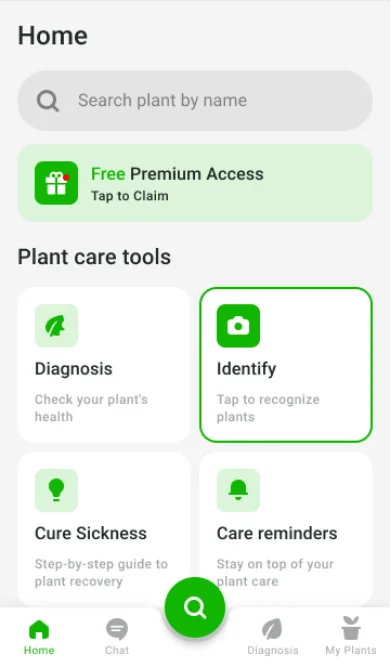
Botan is an app based on AI, machine learning, and proven botanical science data. This mobile assistant is specifically designed for beginner gardeners and experienced plant enthusiasts to identify unfamiliar greenery with 98% accuracy, detect diseases and treat them, as well as care for the plants properly.
You can easily download the Botan App on your Android from Google Play. It is also available for iOS users on the App Store.
Testing Botan on Android
For this Botan review, we tested the key features by using real samples in practice. These include plant identification based on photos taken on the spot or selected from the gallery, greenery disease diagnosis, the light meter, as well as care tips and reminders.
Botan worked as expected. When the Android plant identifier received a clearly visible photo taken up close under normal lighting conditions, it was able to identify greenery with 98% accuracy.
The app also made a good disease diagnosis, correctly identifying yellow leaves, brown spots, leaf curling, and other symptoms.
The suggested watering schedule and other care reminders were delivered properly. As for the light meter, it quickly showed the light level and suggested whether it was suitable for the greenery or not.
However, some limitations were noticed. For example, when the flower or other species was taken from far away or in poor light conditions, the app could not show a result and asked to take a clearer image.
But this is purely a technical factor that has nothing to do with the app itself. If you follow all the prompts on your gadget’s screen correctly, the results will be accurate.
5 Key Features of the Botan App
What sets the plant identifier app for Android apart from other tools is that it’s more than just a basic greenery identifier.
This tool on your device combines several key features, making it a comprehensive helper in your garden:
| Key feature | What is does |
|---|---|
| Plant identification | Recognizes 30,000+ plant species with 98% accuracy. |
| Plant disease and problem detection | Determines the type of disease, as well as advises on its treatment and prevention of the problem. |
| Plant care tips and reminder | Provides recommendations for proper watering, lighting, pruning, and repotting based on the needs of a specific plant. |
| Useful articles | Contain information about various plant diseases, as well as correct treatment and care. |
| Chat with a botanist | Allows you to ask the expert about plant care and other moments related to gardening. |
To better understand what each feature means, let’s take a closer look at it below.
1. Plant Identification by Photo
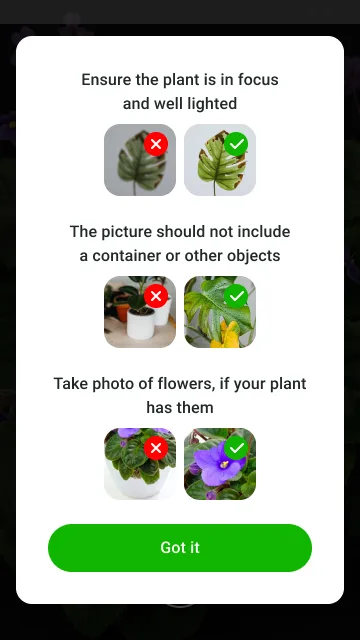
This feature works in the following way: in the Botan plant identifier app, you tap the photo icon and take a picture of an unknown plant or upload an image of it from your device’s gallery, and the tool gives you information about what kind of plant it is in 1-3 seconds. To do this, the system first queries one database.
If there are no results, it switches to another database. If this action also fails to yield the most accurate result, AI is employed.
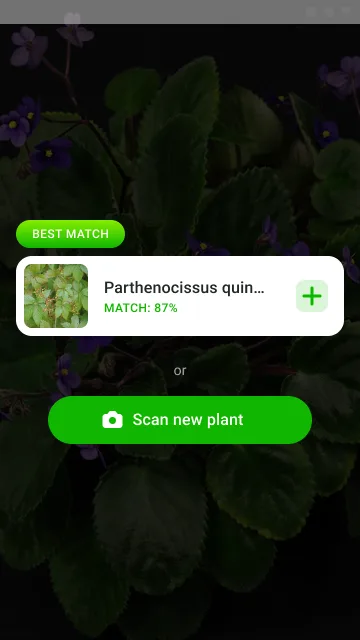
While testing this feature, we found out that the clearer the photos, the better the results. If, however, the plant was photographed from very far away with camera shake and in poor lighting, the app either produced no results or displayed three possible options.
2. Plant Disease and Problem Detection
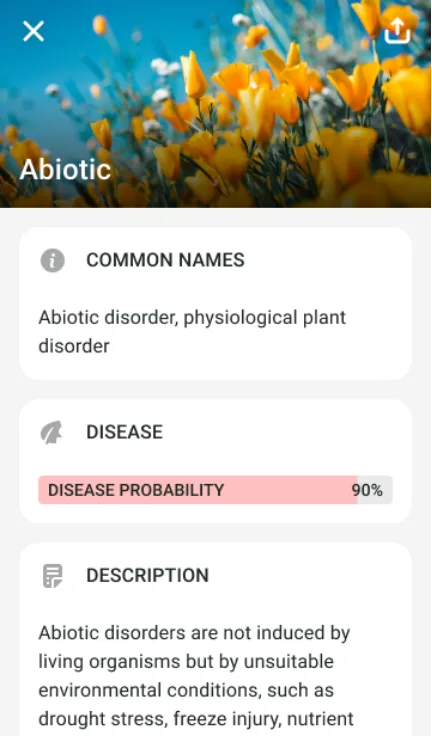
If you suspect that your plant has a disease, take a photo of yellow leaves, weak stems, spotted flowers, or other damaged areas, and Botan will determine what problem the plant has.
After this, the app will give you treatment suggestions and tips about how to prevent this problem in the future. If you find the result unclear or inaccurate, ask the botanist for more details about your plant’s problem in the chat.
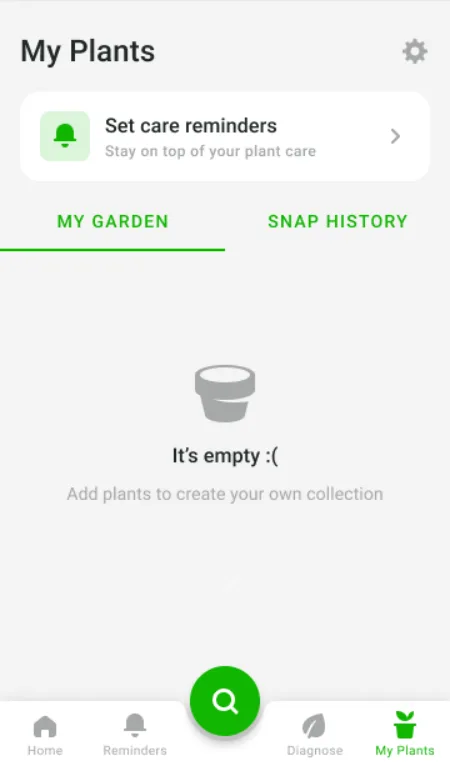
3. Plant Care Tips and Reminders
After identifying the specific plant, the app provides personalized care recommendations based on the current state of the greenery and its growing conditions. And to make sure you follow a regular care routine without missing any important steps, Botan sends reminders about watering, fertilizing, or other care tasks.
You can customize them by specifying the date of the last watering and a convenient time to receive them.
4. Useful Articles
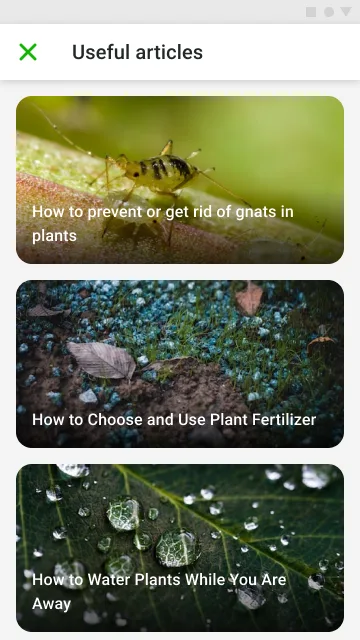
Botan also provides users with useful articles with information based on science-based data. This content can help you with plant care whether you are a beginner gardener or an experienced plant specialist.
You can find out about various plant diseases, how to prevent insects, watering methods, correct fertilizing, and much more.
5. Chat with a Botanist
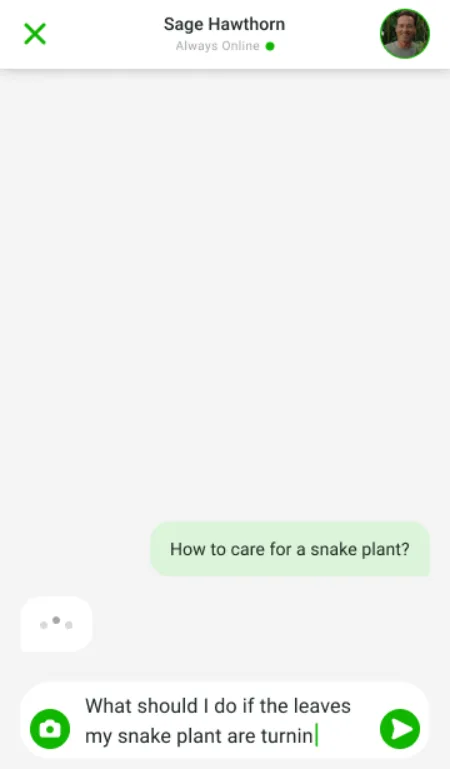
This option comes in handy when the app’s features aren’t enough to fully cover your issue, and you still have a lot of unanswered questions. In the live chat window, you can ask the botanist about the specifics of caring for certain plants in your garden or on the balcony, which fertilisers to choose, how often to water the greenery, where to place your plant for getting optimal lighting, and all other questions.
Botan App Pros and Cons
After testing the app on real specimens of common, unknown, and problematic plants, we found that it is a very useful tool that helps you identify the plant in front of you and treat the disease based on professional recommendations.
However, like all apps, it has some weaknesses. Below, we’ll take a closer look at the pros and cons of this online assistant.
Pros:
- Easy-to-use
- 98% accuracy of the result after the first scan
- The result comes within 1-3 seconds
- Detecting diseases and their causes
- A step-by-step treatment & care plan
- Recommendations based on proven scientific data
- Assistance from a real botanist in the online chat
Cons:
- A low-quality or unclear photo produces an unclear result
- It’s difficult for Botan to determine exotic, rare plants
- The user needs additional adjustments according to the conditions where the plant grows
- A 3-day trial, then all key features are available with Premium
Considering all the mentioned pros and cons, the app is a practical assistant for those who grow plants in the garden, on the patio, on the balcony, or in a flat or a big house.
Final Verdict
Overall, Botan is a useful find for beginners and experienced gardeners who need to immediately recognize what the plant grows in the garden, which disease it has, and what care it requires for proper growth.
Although in some cases the app needs to re-photograph greenery and make adjustments to specific plant conditions, the app can significantly save time and resolve problems effectively. However, note that if the disease is serious, professional advice may be needed additionally.
FAQs
Is Botan free to use?
The Botan app has a 3-day free trial period. After this, you should have a paid Premium subscription.
Does the Botan app work on Android?
Yes. The Botan app works on Android devices. It is available for download from Google Play on your smartphone.
Can Botan detect plant diseases?
The Botan app can detect diseases by signs such as yellowing leaves, wilting, brown spots, or others.
