


Chromebooks were never built to be gaming machines, yet more people are playing on them than ever. The reason is simple. The best games for ChromeOS are now the ones that need no download at all.
Instead of installing heavy software, players are leaning on the browser itself. That shift has quietly turned a lightweight laptop into a surprisingly capable place to play.
It also explains why a device with modest hardware can keep up. When the heavy lifting happens elsewhere, the Chromebook just needs to show the result.
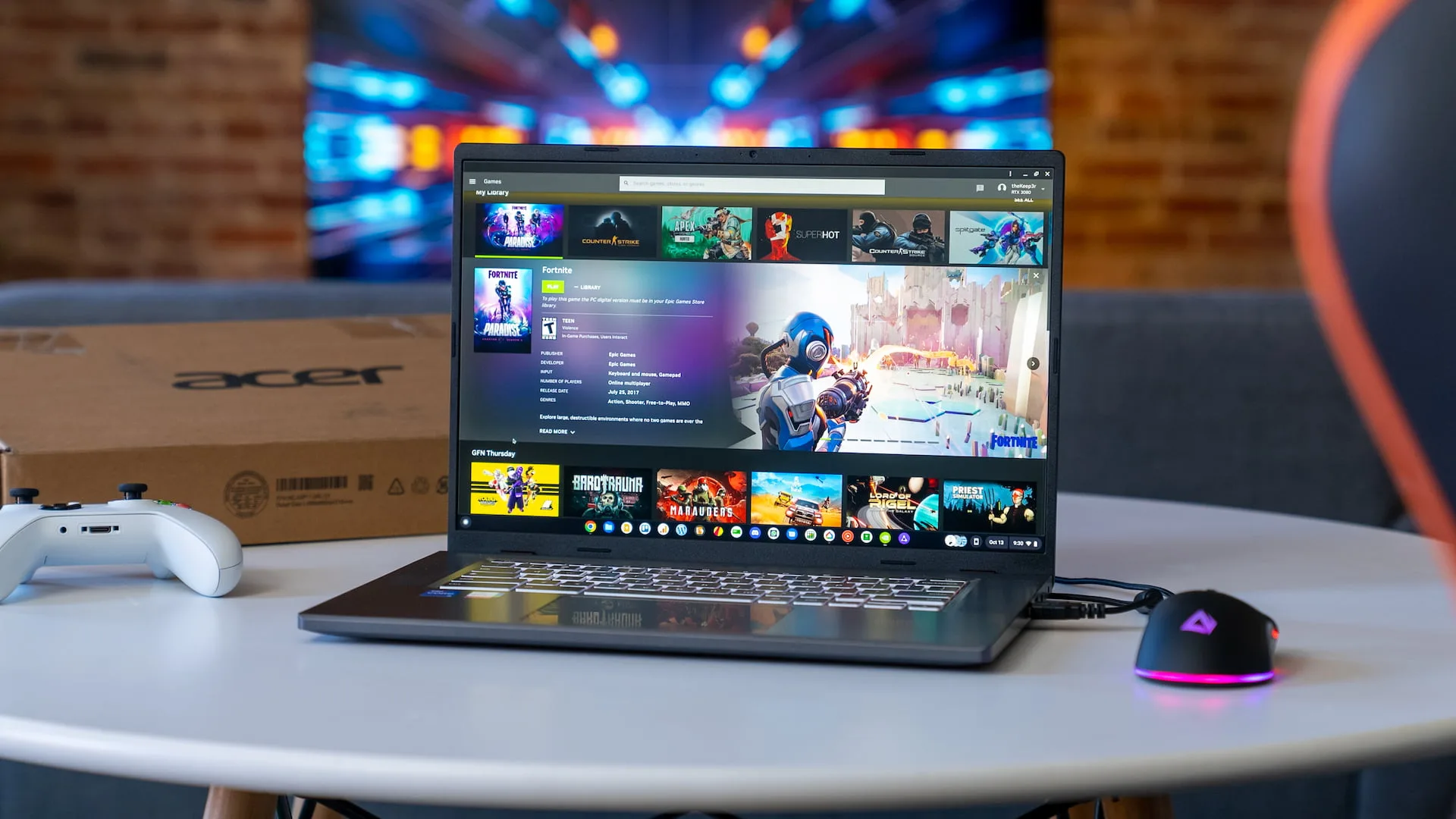
Why the Browser Became the Real Console?
ChromeOS has always favored the web over installed apps, and gaming has finally caught up with that philosophy. Modern web standards let games run smoothly inside a tab, with no setup and no storage headaches.
This matters because Chromebooks usually ship with limited storage and lighter processors. A browser-first approach sidesteps both problems, since nothing needs to be installed locally.
The clearest example is instant-play gaming, where you click a link and start within seconds. These titles load directly in the browser, remember your progress through your account and work the same whether you are on a Chromebook, a phone or a desktop.
Take a well-established online casino platform: slots, live tables and quick games all run straight in the browser, with no app store involved. The same technology powers browser puzzle games, card games and casual arcade titles that load just as fast.
For Chromebook owners, this is the sweet spot. There is no compatibility guesswork, no waiting for a large install, and no worry about whether the hardware can cope. As long as you have a stable connection and an up-to-date version of Chrome, the experience is consistent and immediate.
That reliability is a big part of why no-download play has become the default way to game on ChromeOS, especially for people who want to jump in for a few minutes at a time.
Cloud Gaming Fills the Bigger Gap
Browser play handles light games beautifully, but bigger titles need more muscle. That is where cloud gaming stepped in, streaming demanding games from remote servers straight to the browser.
The momentum here is real. In November 2025, Google and Nvidia launched a GeForce Now Fast Pass that gives new Chromebook buyers a free year of priority access to more than 2,000 streamed gaming titles, with no ads and no queues. It was a clear signal that the future of Chromebook play lives online rather than on local disks.
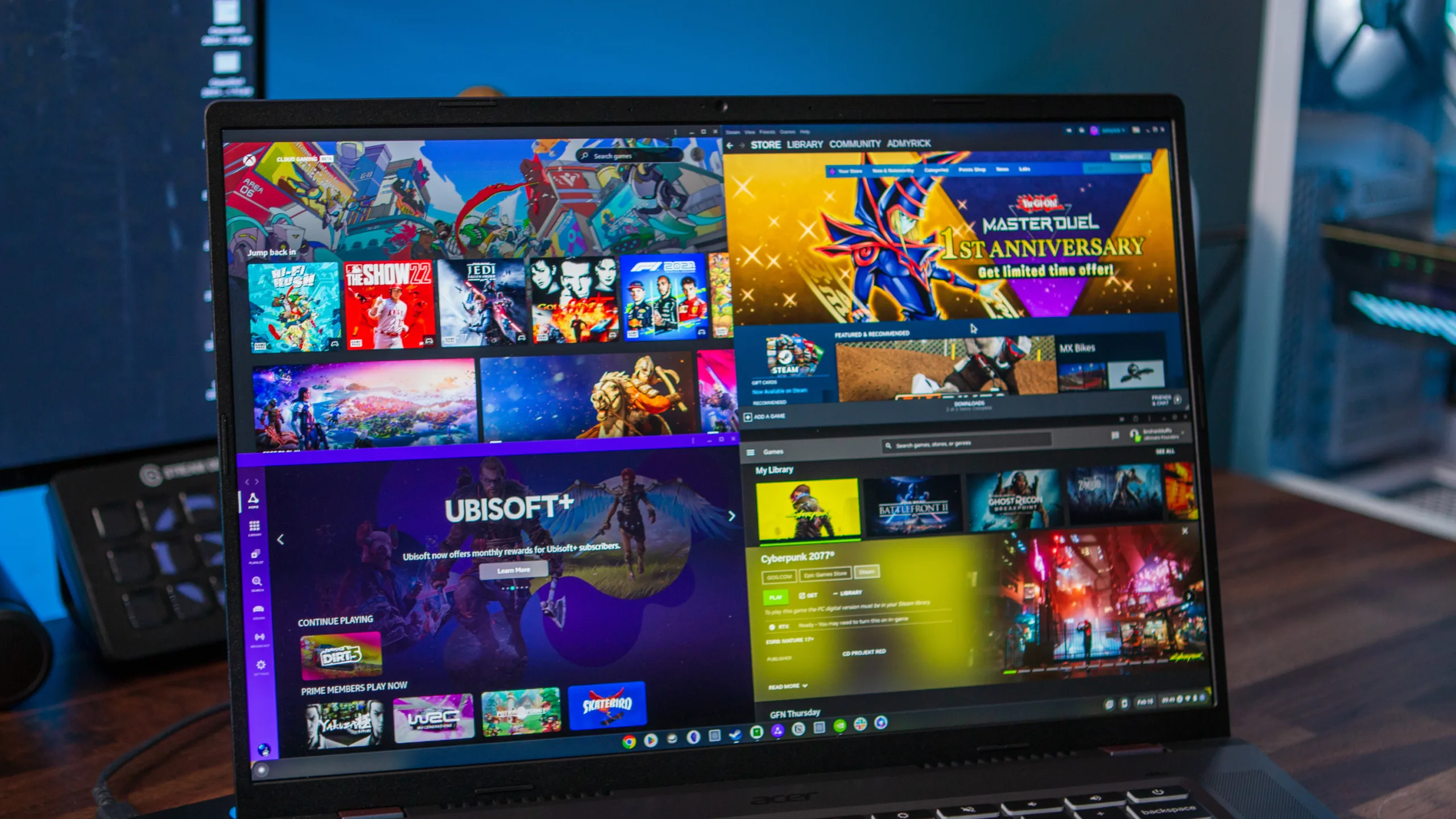
The End of Steam Pushed Things Forward
The timing was not a coincidence. Steam support on ChromeOS officially ended on 1 January 2026, closing the door on the main route to installed PC games.
Rather than a setback, it confirmed the direction the platform was already heading. With native installs fading, browser-based and streamed games became the obvious answer, and Chromebook owners barely missed a beat.
If you want a closer look at how streaming changed the picture, this rundown of Nvidia GeForce Now on Chromebooks shows how far the experience has come.
What You Actually Need to Play?
The requirements for no-download gaming are refreshingly light. A current version of Chrome, a reliable internet connection and a free account are usually all it takes.
For streamed games, the bar is slightly higher, with a stable connection of around 15 to 25 Mbps recommended for smooth high-definition play. Browser instant-play games, by contrast, run comfortably on almost any modern Chromebook.
That low barrier is the whole appeal. You are not buying expensive hardware or managing big downloads; you are simply opening a tab and playing.
The Bottom Line
Chromebooks have found their gaming identity, and it looks nothing like a traditional console or PC. The strength of the platform is instant access, light footprints and games that live in the browser.
Between fast browser titles and cloud streaming, ChromeOS users now have more to play than at any point in the device’s history. No-download gaming is not a workaround anymore. On a Chromebook, it is simply the best way to play.
