


Chromebooks get ChromeOS 106 this week as Google has started pushing the Stable Channel update to many devices. Many changes are related to security updates but there are a few new or tweaked functions. And some experimental features that were previously available only in the Beta and Dev Channels have moved up to the Stable Channel.
Right off the bat, my Acer Chromebook Spin 714 hasn’t received the update yet. I see the same for some other devices too. If your Chromebooks is still showing ChromeOS 105, check the Chromium Dash page to see the update status for your particular device.
I was able to update another Chromebook to ChromeOS 106 successfully, however, there’s not much to see. Or at least I haven’t found all that much to see just yet. And Google hasn’t published an official blog post related to ChromeOS 106. However, I do see one item in the Chrome Enterprise Release Notes that relates specifically to ChromeOS:
“Newly installed apps no longer handle links clicked in the browser by default. Links clicked in the browser are always opened in the browser, unless the Open supported links setting is enabled from the Settings app.”
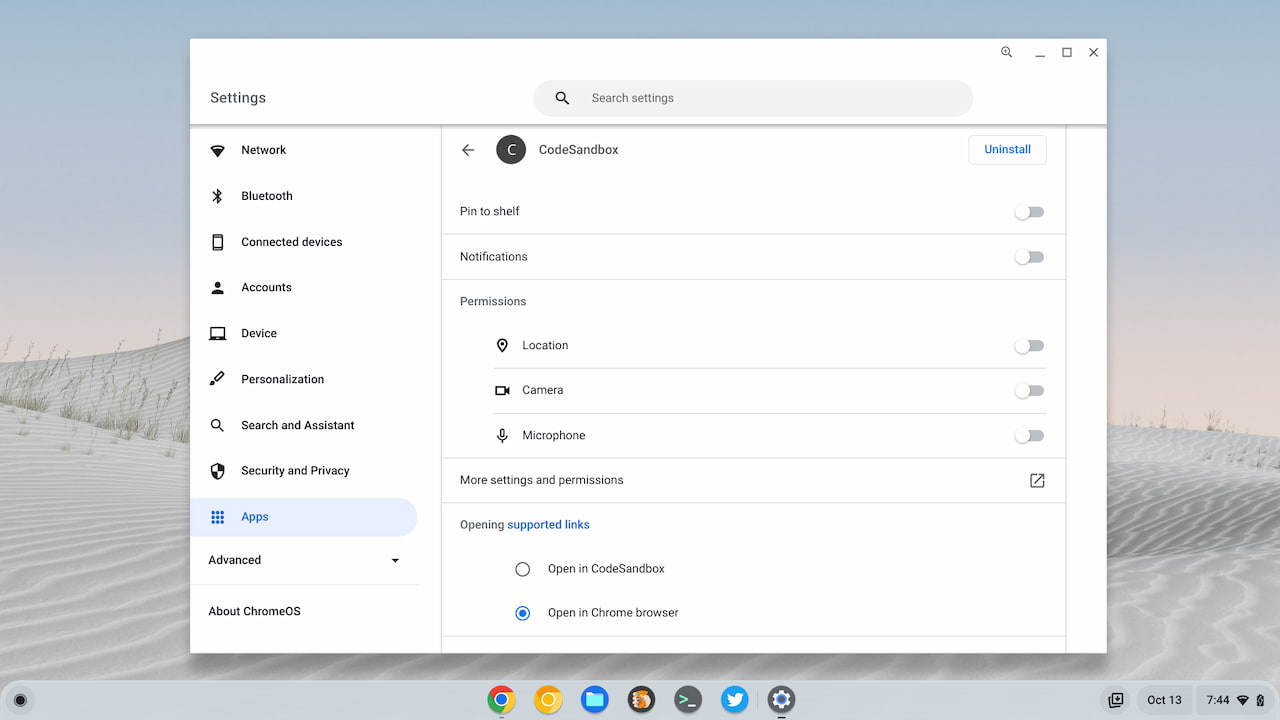
If you have Spotify installed on your Chromebook, for example, and click a Spotify Music link in the browser, the default behavior is to stay in the browser. You can modify this through the individual App settings of the ChromeOS Settings, however.
Although it’s experimental, ChromeOS 106 does show the new Shortcut Customization app that I reported on last week. I found it in the ChromeOS Launcher and this is what I see when opening the app.
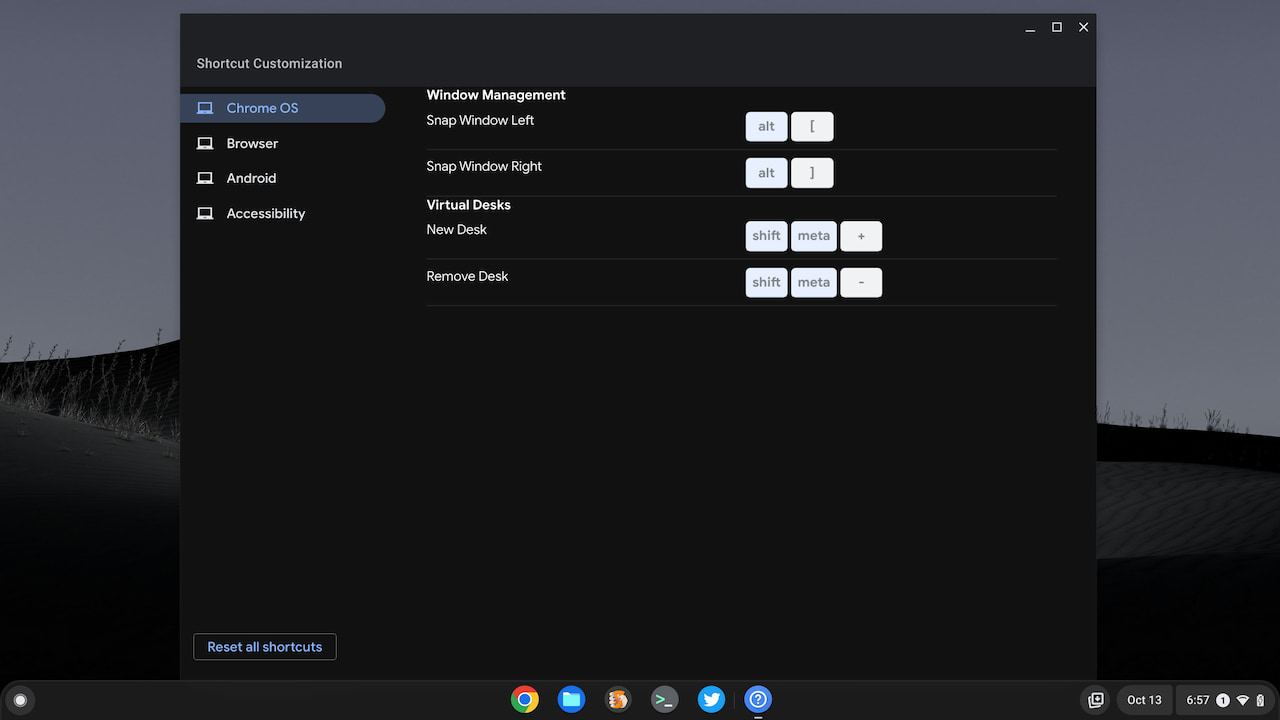
The app is clearly still a work in progress. I can modify or change a few current shortcuts, for example. However, I can’t add my own and the range of available options is slim.
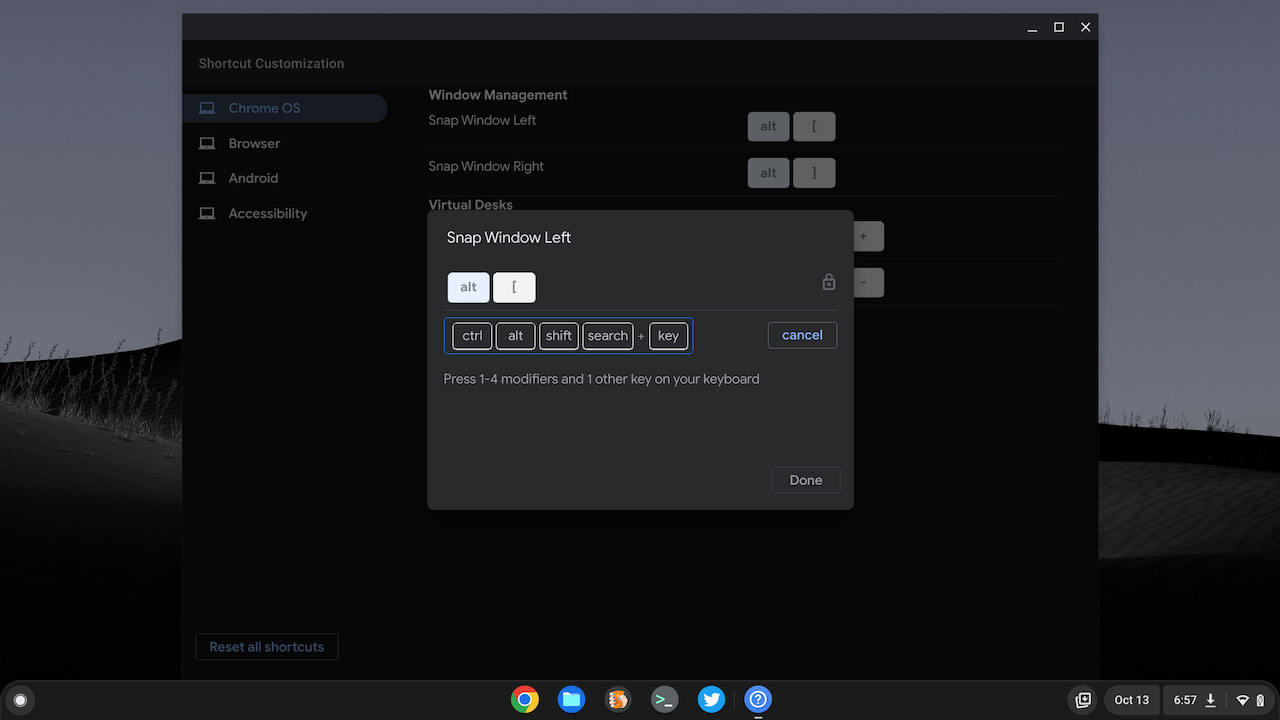
Unless you have a burning desire to modify the few Windows Management shortcuts, there’s little reason to enable this feature. If you want to kick the tires, just enable the flag at chrome#//flags#enable-shortcut-customization-app.
I also noticed what I think is a feature regression. I have the chrome://flags#enable-desks-save-and-recall flag enabled to save my virtual desks. This way I can quickly open up a desktop workspace with all of the apps I need for a particular use.
On the Chromebook with ChromeOS 106, I tried to set up my space for coding and got a message about Linux apps not yet supported for saved desks.
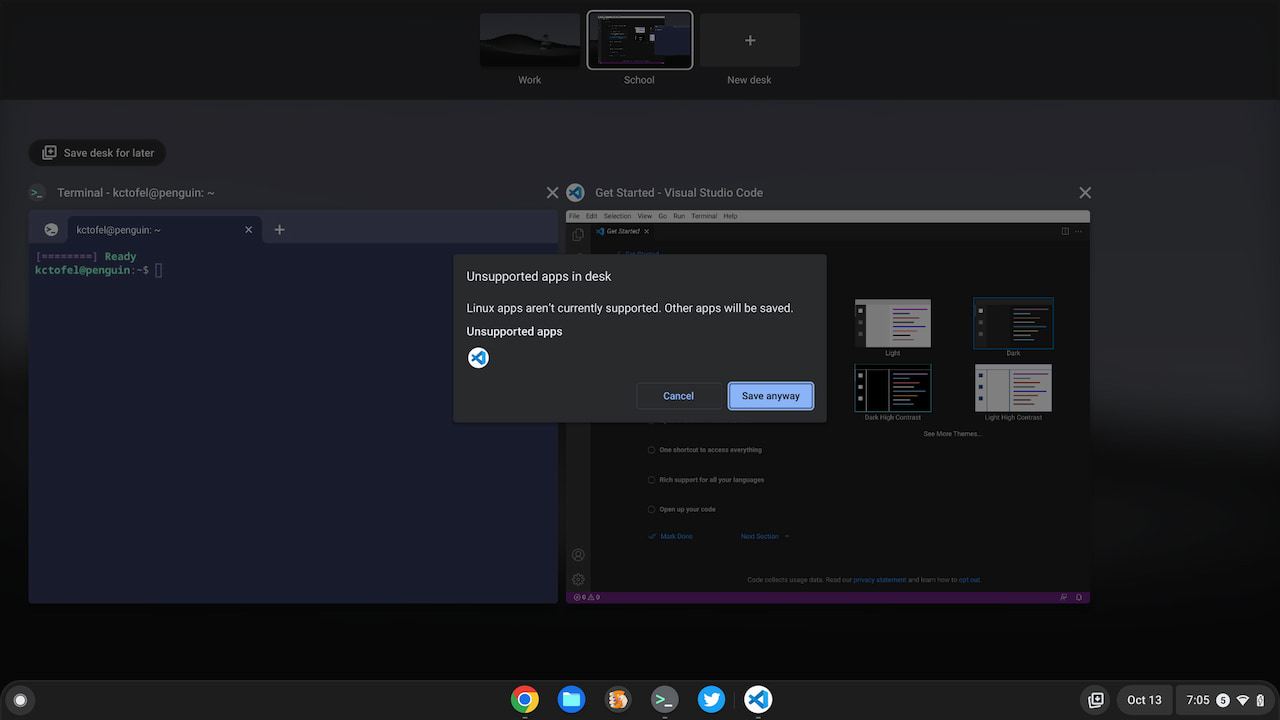
At some point prior, I was able to save Linux apps. Apparently, there are some changes going on that are impacting this functionality. It first appeared on the ChromeOS 97 Dev Channel, so perhaps there’s a major code rewrite in progress related to saving virtual desks.
I mentioned last month the ability to translate selected text on a webpage in ChromeOS. I found that feature in the Dev Channel and it quickly migrated over to Stable with this release. You can enable it at chrome://flags#desktop-partial-translate.
As always, I’ll keep digging through ChromeOS 106 to see if there are any other changes worth a mention. Drop a comment below if you find something!
