


For years, web applications were often viewed as lightweight alternatives to traditional desktop software. They offered convenience and accessibility but frequently lacked the performance, functionality, and offline capabilities required for demanding business use cases.
That perception is rapidly changing. As cloud computing continues to reshape the workplace, progressive web apps (PWAs) are evolving into powerful software platforms capable of delivering experiences that rival native desktop applications.
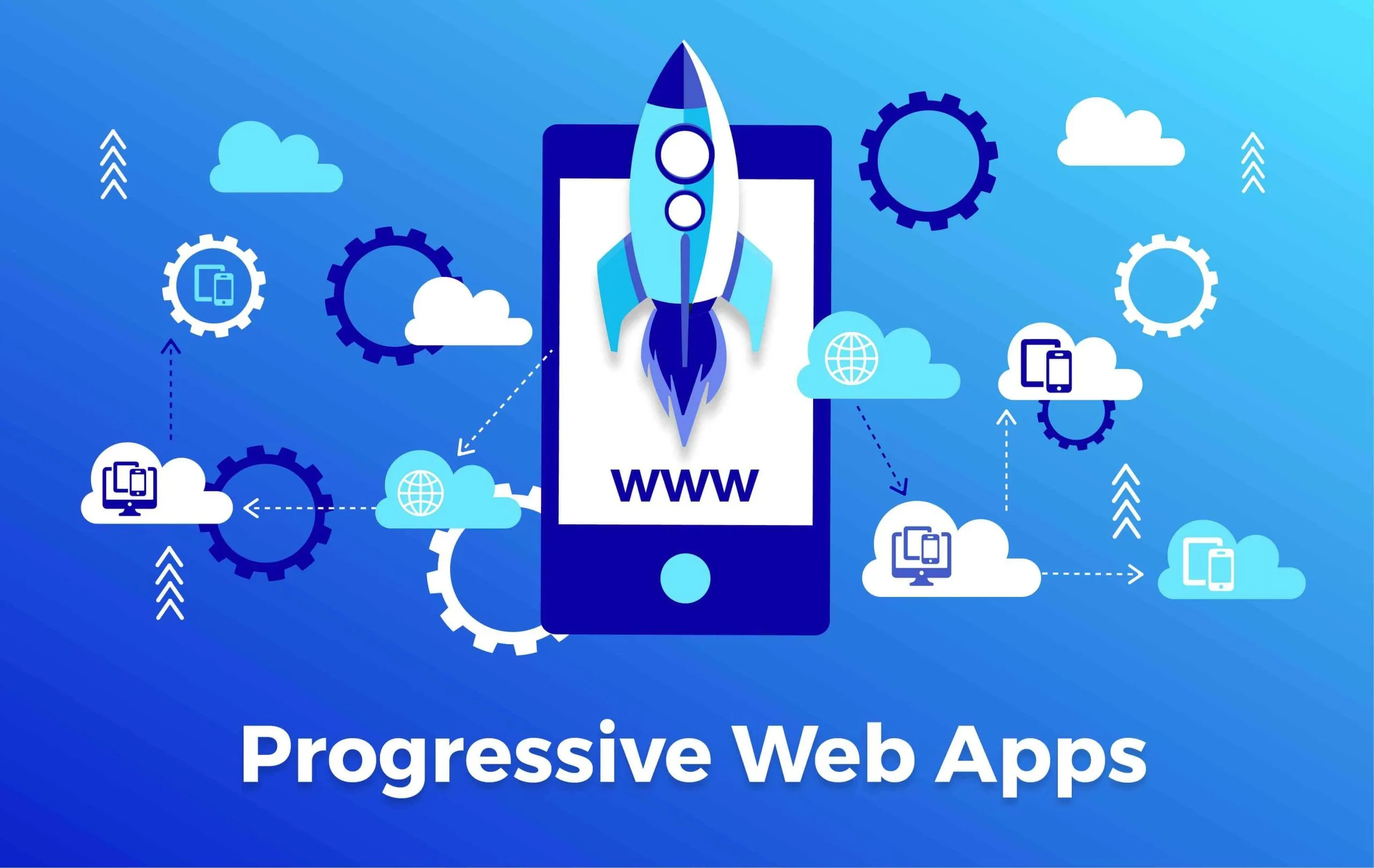
This shift has been particularly visible within the ChromeOS ecosystem, where web-first computing has moved from an experimental concept to a mainstream approach embraced by businesses, schools, and enterprise organizations.
Today, many users can perform most of their daily tasks without installing traditional software.
From project management and collaboration tools to customer relationship management systems and productivity platforms, modern web applications increasingly provide the performance and functionality users once expected only from native desktop programs.
As a result, progressive web apps are becoming a key component of enterprise software strategies, enabling organizations to deliver cross-platform experiences while reducing development complexity and maintenance costs.
ChromeOS Helped Accelerate the Web-First Movement
ChromeOS was built around a simple idea: the web should be the primary computing platform.
In its early years, critics questioned whether web applications could replace traditional desktop software. Many business users still depend on Windows-only applications and locally installed tools for daily work. However, the growth of cloud services gradually changed expectations.
Applications such as:
- Google Workspace
- Microsoft 365
- Slack
- Zoom
- Asana
- Salesforce
- Figma
demonstrated that browser-based software could support complex workflows while offering advantages in accessibility, collaboration, and deployment.
ChromeOS benefited directly from this trend. As web applications became more capable, the need for locally installed software diminished.
Organizations discovered that devices could be easier to manage, more secure, and less expensive when users primarily worked through browser-based applications. The success of ChromeOS helped validate a broader shift toward web-first computing.
What Makes Progressive Web Apps Different?
Not all web applications are PWAs. A PWA combines standard web technologies with additional capabilities that allow applications to behave more like traditional software. These capabilities may include:
- Installation directly from the browser
- Offline functionality
- Push notifications
- Background synchronization
- Native-like navigation
- Device hardware access
- Automatic updates
- Responsive design across devices
Unlike traditional desktop applications, PWAs do not require separate installation packages for different operating systems.
Users can access the same application across ChromeOS, Windows, macOS, Linux, Android, and other supported platforms.
Modern progressive web app development focuses on creating application experiences that combine the accessibility of web technologies with the usability and performance traditionally associated with native software.
Why Enterprises Are Embracing PWAs?
The growing popularity of PWAs is not driven solely by technical innovation. Organizations increasingly view web applications as a practical way to simplify software delivery while supporting distributed workforces and diverse device environments. Several factors are contributing to enterprise adoption.
Reduced Development Complexity
Traditional software development often requires separate applications for:
- Windows
- macOS
- iOS
- Android
Each platform introduces additional development and maintenance requirements. PWAs allow organizations to build a single application that serves multiple platforms through a shared codebase. This can reduce development costs while accelerating feature delivery.
For businesses pursuing digital transformation initiatives, this efficiency has become increasingly attractive.
Easier Deployment and Updates
Software deployment has historically been a significant operational challenge. Traditional desktop applications often require:
- Installation packages
- Version management
- User permissions
- Manual updates
- IT support resources
PWAs simplify this process. Because applications are delivered through the web, updates can be deployed centrally without requiring users to install new versions manually. This reduces maintenance overhead while ensuring users always access the latest features and security improvements.
Better Support for Hybrid Work
The modern workplace is no longer tied to a single device or location. Employees regularly move between:
- Office workstations
- Home computers
- Chromebooks
- Mobile devices
- Shared work environments
PWAs provide a consistent experience across these environments. Users can access the same application regardless of operating system, making it easier for organizations to support flexible work arrangements without maintaining multiple software versions.
How PWAs Are Closing the Gap with Native Software?
One reason businesses previously avoided web applications was the belief that they could not match the capabilities of desktop software.
That gap has narrowed considerably. Modern browsers now provide access to features that were once exclusive to native applications. PWAs can support:
- Offline data access
- Local file management
- Camera integration
- Microphone access
- Geolocation services
- Background processes
- Advanced caching
- Native-style windows and menus
On ChromeOS in particular, installed PWAs increasingly feel like standalone applications rather than browser tabs.
Users can pin applications to the shelf, launch them independently, receive notifications, and work with dedicated application windows.
For many business scenarios, the distinction between a native application and a PWA has become far less noticeable.
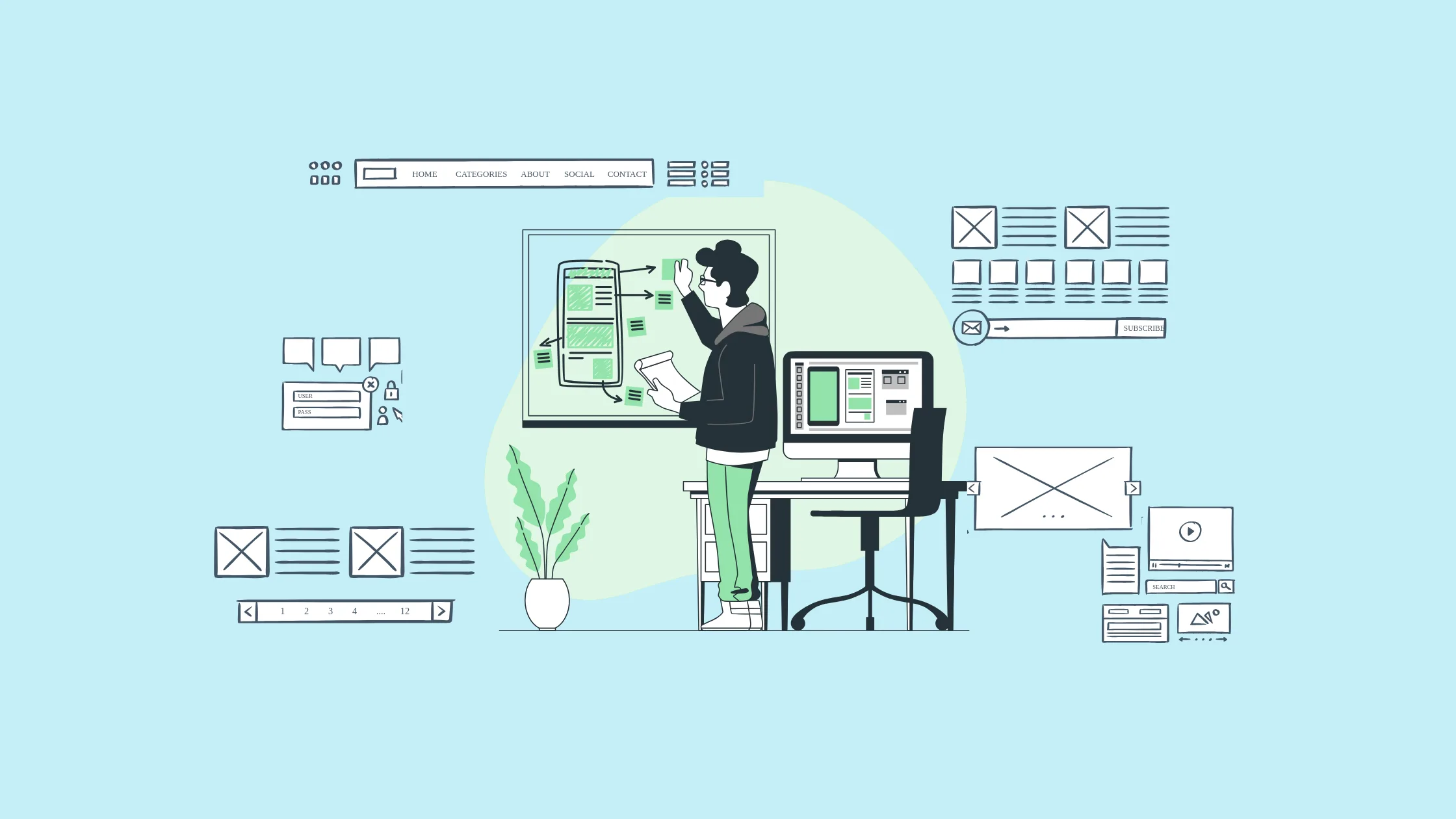
The Role of PWAs in Enterprise Software Modernization
Many organizations continue to rely on legacy software systems that were designed for desktop environments. While these applications often remain functional, they can create challenges related to:
- Maintenance costs
- Scalability
- Platform compatibility
- User experience
- Remote accessibility
As companies modernize their software ecosystems, progressive web apps are emerging as a practical alternative.
Rather than maintaining multiple platform-specific applications, organizations can rebuild or extend existing systems through modern web technologies. Examples include:
- Customer portals
- Internal business applications
- Inventory management systems
- CRM platforms
- Employee self-service portals
- Project management tools
Progressive web app development services are increasingly being used to modernize legacy software while preserving existing business logic and workflows.
Why PWAs Make Sense for ChromeOS Environments?
ChromeOS deployments have become common in education, government, healthcare, and enterprise environments. Because ChromeOS was designed around web applications, it provides a natural environment for PWA adoption. Organizations using Chromebooks often benefit from:
Simplified Device Management
One of the biggest advantages of PWAs in ChromeOS environments is the ease of application deployment and management.
Traditional desktop software often requires installation packages, version tracking, manual updates, and ongoing maintenance from IT teams.
In contrast, PWAs can be deployed centrally through enterprise management tools and made available to users with minimal configuration.
Updates are typically delivered automatically through the web, ensuring employees always have access to the latest version without requiring manual intervention.
Consistent User Experiences
Organizations increasingly support employees who work across multiple devices and operating systems. A salesperson may use a Chromebook while traveling, a Windows laptop in the office, and a smartphone while on the go.
Progressive web apps provide a consistent interface and functionality across these environments, helping users remain productive regardless of the device they are using.
Because the application is delivered through the browser and built from a shared codebase, employees encounter the same workflows, features, and user experience across platforms.
Lower Hardware Requirements
Unlike many traditional desktop applications that demand significant processing power and storage resources, PWAs often rely on cloud infrastructure to handle much of the heavy lifting.
This allows them to run efficiently on a wide range of devices, including entry-level Chromebooks and older hardware.
Organizations can extend the lifespan of their equipment and avoid frequent hardware upgrades while still providing employees with access to modern business applications.
Lower hardware requirements can significantly reduce total cost of ownership, particularly for large-scale deployments in education, healthcare, retail, and enterprise environments.
Improved Security
Security remains a top priority for organizations managing large numbers of devices and users. Web-based application architectures offer several advantages compared to traditional software installations.
Because PWAs are delivered through the browser, organizations can reduce the risks associated with employees downloading unauthorized software or running outdated application versions.
Automatic updates help ensure that security patches and bug fixes are deployed quickly across the entire user base. Additionally, centralized access controls, authentication systems, and cloud-based security policies can be integrated more easily into PWA environments.
For organizations operating in regulated industries or handling sensitive information, these capabilities can help strengthen security while simplifying compliance efforts.
Key Considerations Before Building a PWA
While PWAs offer significant benefits, organizations should evaluate several factors before launching a development initiative.
- User Requirements: Not every application requires desktop-level functionality. Organizations should identify the features users need most and determine whether web technologies can support them effectively.
- Offline Capabilities: Some business environments require uninterrupted access to critical information. Offline support should be carefully planned during development.
- Performance Expectations: Applications handling large datasets or complex workflows may require additional optimization to ensure responsive performance.
- Integration Requirements: Modern enterprise applications rarely operate in isolation. Organizations should evaluate how the PWA will integrate with existing systems, APIs, authentication services, and business workflows.
- Long-Term Scalability: The architecture should support future growth, additional users, and evolving business requirements. Careful planning helps ensure that applications remain effective as organizational needs change.
The Future of Desktop Software May Be the Web
The distinction between web applications and desktop applications continues to blur. Advances in browser technologies, cloud infrastructure, and modern development frameworks have enabled PWAs to deliver experiences that increasingly resemble traditional software while maintaining the flexibility and accessibility of the web.
ChromeOS helped demonstrate that many users can be productive within a web-first environment. Today, organizations across industries are applying the same philosophy to enterprise software development.
As businesses seek more efficient ways to build, deploy, and maintain applications across multiple platforms, progressive web apps are becoming an increasingly compelling solution.
For many organizations, the future of desktop-class software may not involve traditional desktop applications at all. Instead, it may be built on web technologies that combine the best aspects of the browser, the cloud, and modern software engineering into a single, highly accessible platform.
