


Google offers Chromebook owners in the U.S. a generous perk: 100 GB of free Dropbox storage for one year. While this seems unusual given Google’s own cloud storage service, it provides valuable extra space for backing up files, photos, and documents.
This promotion works through the Explore app on Chrome OS, making it easy to claim without leaving your device.
The offer applies to any Chromebook purchased before July 23, 2021. You don’t need to be a recent buyer to qualify.
If you already use Dropbox or want to diversify your cloud storage options, this perk gives you substantial space at no cost. The process takes just a few minutes to complete.
How to get 100 GB of free Dropbox storage for a year on your Chromebook
Follow these steps to claim your free Dropbox storage through your Chromebook’s Explore app.
Open the Explore app on your Chromebook
Click your Launcher button in the bottom-left corner of your screen. Type “Explore” or “perks” in the search bar. The Explore app will appear in your search results. Click to open it.
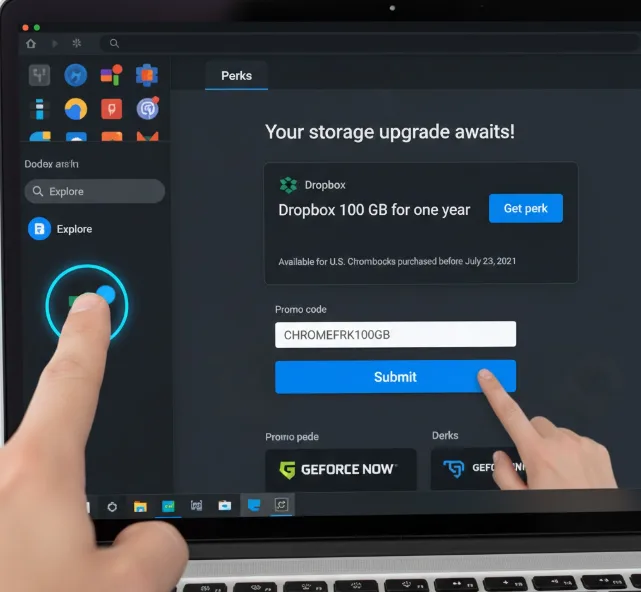
Find the Dropbox storage offer
Scroll through the available perks until you locate the Dropbox promotion. The offer displays 100 GB of storage for one year. You’ll see a “Get perk” button or link next to the Dropbox offer.
Similar to other Chromebook perks like GeForce Now, this deal is available directly through the Explore app.
Review the eligibility requirements
Click the “Get perk” link to view the terms and conditions. The offer requires you to own a U.S. Chromebook purchased before July 23, 2021. Both new and existing Dropbox users can claim this perk.
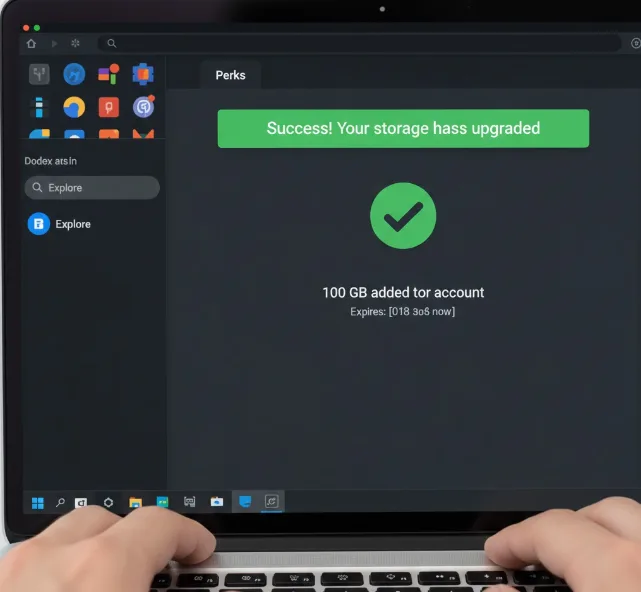
Sign in to your Dropbox account
The page will prompt you to sign in with your Dropbox credentials. If you don’t have an account, create one first. Enter your email and password to proceed.
Submit the promotional code
After signing in, you’ll reach a promo code page. The code should be prefilled automatically. Click submit or redeem to activate your 100 GB storage upgrade. Your Dropbox account will immediately reflect the new storage capacity.
Integrate Dropbox with Chrome OS Files (optional)
For easier access to your Dropbox files, install the File System for Dropbox app from the Chrome Web Store. This integrates Dropbox directly into your Chrome OS files app, letting you manage cloud files alongside local storage. Without this integration, you can still access Dropbox through your web browser.
The storage upgrade applies for 12 months from activation. Dropbox will notify you before the promotional period ends if you want to continue with a paid plan.
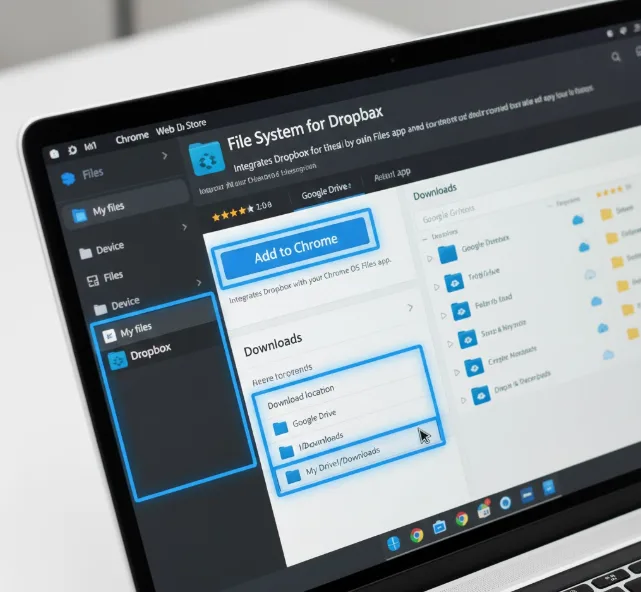
You can also redirect your Downloads folder to Google Drive if you want automatic cloud backup for all downloaded files.
FAQs
Can I use this offer if I already have a Dropbox account?
Yes, both new and existing Dropbox users can claim this promotion. The 100 GB adds to your current storage allocation for one year.
What happens after the free year ends?
Your storage reverts to Dropbox’s free tier (2 GB) unless you upgrade to a paid plan. Files exceeding the limit remain accessible but you can’t add new ones.
Does this work on all Chromebooks?
Only U.S. Chromebooks purchased before July 23, 2021 qualify. Check the Explore app on your device to confirm eligibility for this specific perk.
Do I need a credit card to activate this offer?
No, you don’t need payment information to claim the free storage. You only provide credit card details if you choose to continue with a paid subscription later.
Can I share this storage with family members?
The 100 GB is tied to your individual Dropbox account. Dropbox offers separate family plans, but this promotional storage applies only to your personal account.
