


The result_code_hung error appears when Chrome fails to load a webpage within the expected timeframe. This error typically occurs due to unstable internet connections, outdated browser versions, or accumulated cache data interfering with normal operations. Understanding how to resolve this issue helps restore your browsing experience quickly.
You need to know about result_code_hung because it prevents access to websites and disrupts your workflow. The error indicates Chrome encountered a problem while processing a page request, causing the browser to freeze or stop responding.
How To Fix result_code_hung?
Check Your Internet Connection
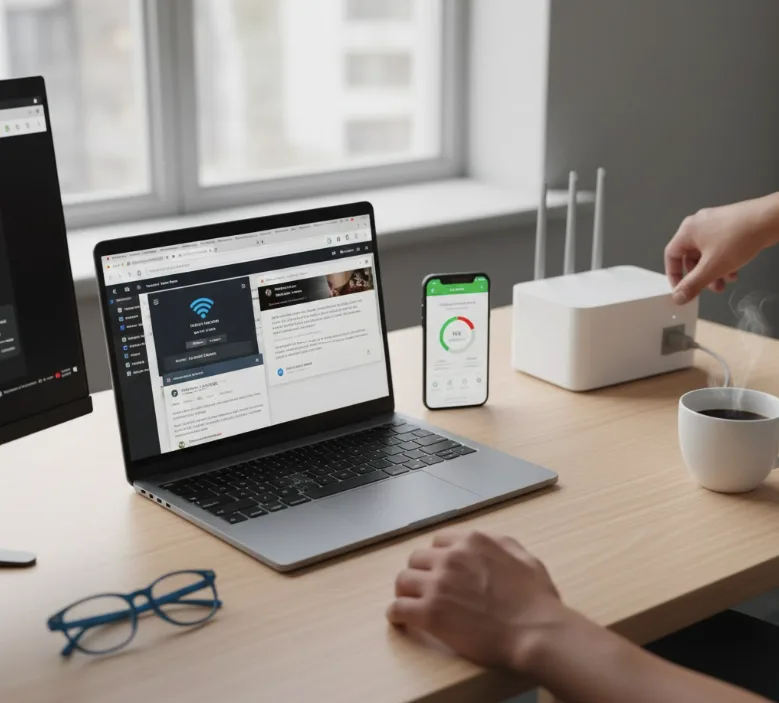
Start by testing your internet connection stability. Open your Chromebook’s network settings and verify the connection strength shows full bars.
Run a speed test to confirm your internet performs at expected levels. Slow or intermittent connections often trigger the result_code_hung error even when the device shows connectivity.
Restart your router by unplugging it for 30 seconds, then reconnect. Switch to a different network if available to determine whether the problem relates to your current connection.
Test the problematic website in another browser. If the site fails to load there too, the issue lies with the website itself rather than Chrome.
Update Chrome Browser
Navigate to Chrome’s menu by clicking the three dots in the top-right corner. Select Help, then choose About Google Chrome from the dropdown menu.
Chrome automatically checks for updates and displays the current version number. If an update is available, Chrome downloads and installs it immediately.
Click the Relaunch button after the update completes. This ensures all new features and fixes take effect properly.
Refresh the Webpage
Press Ctrl + R on your keyboard to reload the page showing the error. This simple action often resolves temporary loading issues without additional steps.
If reloading doesn’t work, close Chrome completely. Open your Chromebook’s Task Manager by pressing Search + Esc, select Chrome, and click End Process.
Reopen Chrome after closing all processes. This gives the browser a clean start and clears temporary conflicts.
Clear Browsing Data
Click the three-dot menu and select Settings. Navigate to Privacy and security, then click Clear browsing data.
Choose a time range from the dropdown menu. Select “All time” to remove all stored data that might cause the result_code_hung error.
Check the boxes for Cookies and Cached images and files. Click Clear data to remove the selected items.
Note that clearing cookies logs you out of websites. Save your login credentials before proceeding.
Disable Extensions
Type chrome://extensions in the address bar and press Enter. Review your installed extensions and identify any recently added or rarely used items.
Toggle off extensions one at a time to identify which causes the result_code_hung error. Test Chrome after disabling each extension.
Remove problematic extensions by clicking the Remove button. This prevents future conflicts and improves browser performance.

Reset Chrome Settings
Access chrome://settings/reset by typing it in the address bar. Click “Restore settings to their original defaults” to begin the reset process.
Review the items that will be reset in the confirmation dialog. Click Reset settings to proceed with restoring default configurations.
This action disables extensions, clears temporary data, and resets your homepage without deleting bookmarks or passwords.
Change DNS Settings
Open Chrome Settings and navigate to Privacy and security. Click Security to access DNS options.
Enable “Use secure DNS” by toggling the switch. Select “With Custom” from the available options.
Choose Google Public DNS or Cloudflare from the dropdown menu. These public DNS servers often provide faster and more reliable connections than default settings.
FAQs
What causes result_code_hung on Chromebook?
The error occurs due to poor internet connectivity, outdated Chrome versions, corrupted cache data, conflicting extensions, or problematic DNS settings that prevent webpages from loading properly.
Does clearing cache delete saved passwords?
No, clearing cache only removes temporary files and images. Your saved passwords remain intact unless you specifically select to clear passwords in the browsing data menu.
Can result_code_hung affect all websites?
The error can appear on specific websites or affect all browsing. Site-specific errors usually indicate problems with that particular website, while universal errors suggest browser or connection issues.
How often should I update Chrome?
Chrome updates automatically in the background. Check for updates manually every few weeks to ensure you have the latest security patches and performance improvements installed.
Will resetting Chrome delete my bookmarks?
No, resetting Chrome restores default settings but preserves your bookmarks, saved passwords, and browsing history. Only settings and enabled extensions return to their original state.
