


Debian 10 Buster launches July 6, marking a major Linux milestone. For Chromebook users running Linux through Project Crostini, this update matters. Chrome OS currently uses Debian 9 Stretch as its default Linux container.
Google won’t automatically upgrade Chromebooks to Buster yet. The company needs time to ensure compatibility between the new Debian version and Chrome OS features like file sharing and audio playback.
You can manually upgrade if you’re willing to accept potential issues. Some Chrome OS-specific Linux features may break temporarily or stop working entirely.
Linux debian 10 buster upgrade chromebooks chrome os project crostini how to?
Google opened bugs to support Buster back in February. The main support bug was initially assigned to Chrome OS 78, but that target was removed weeks ago. No official release timeline exists.
The delay makes sense. Crostini runs Linux in a container inside a virtual machine. Chrome OS integrates deeply with this setup. File sharing, folder access, and audio playback all depend on specific connections between Chrome OS and the Linux container.
Any filesystem changes in Debian 10 Buster could require significant work to maintain these integrations. Expect an official Crostini upgrade in three months minimum, possibly longer.
Back up your sources list
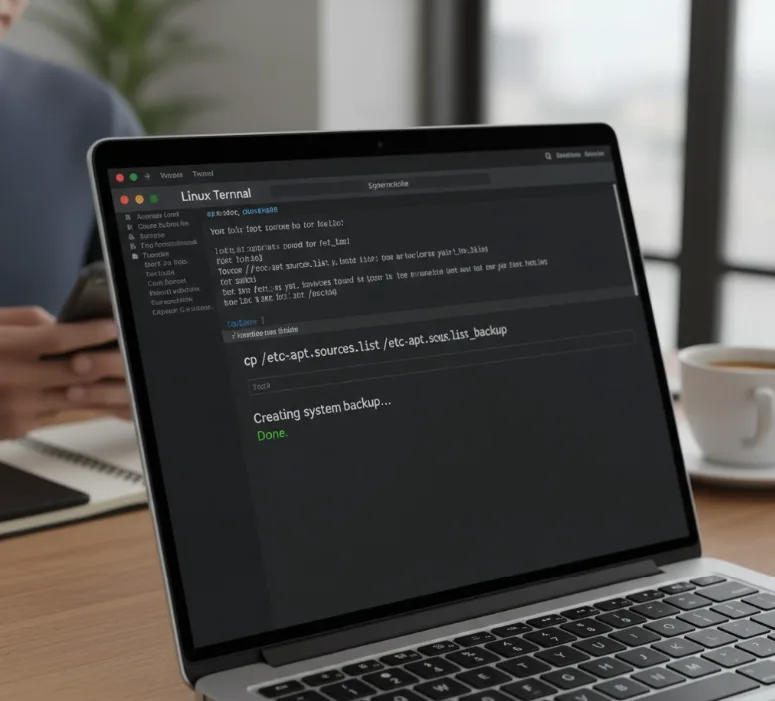
You need to protect your current configuration before making changes. Open Terminal and run this command:
cp /etc/apt/sources.list /etc/apt/sources.list_backup
This creates a backup you can restore if something goes wrong.
Edit the sources file
Open your sources.list file with any text editor. Replace every instance of “Stretch” with “Buster” in the file.
Save the changes and close the editor.
Download and install Buster
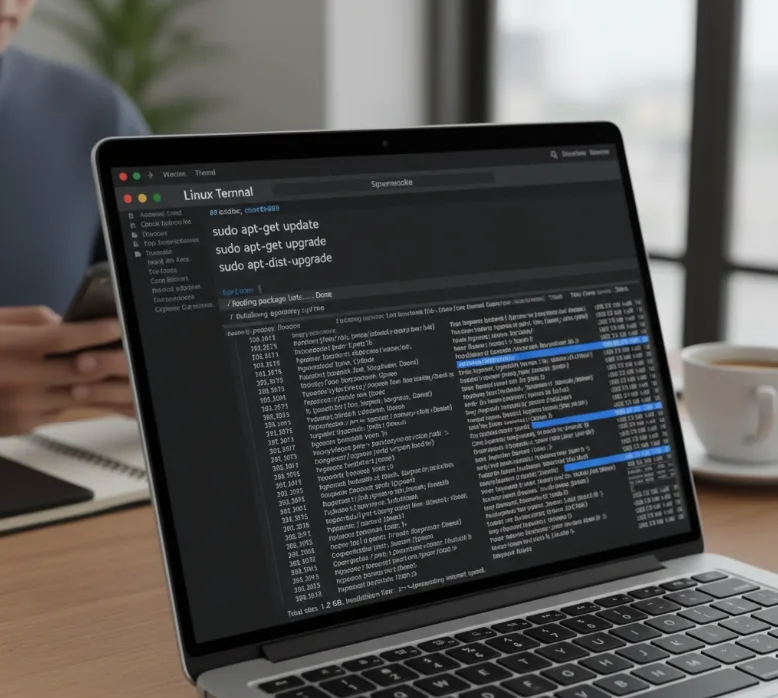
Run these three commands in sequence:
sudo apt-get update
sudo apt-get upgrade
sudo apt-get dist-upgrade
Follow the prompts that appear. The upgrade downloads and installs all Buster packages.
The process takes about 15 minutes on average. Your internet speed affects this timing.
Fix audio if needed
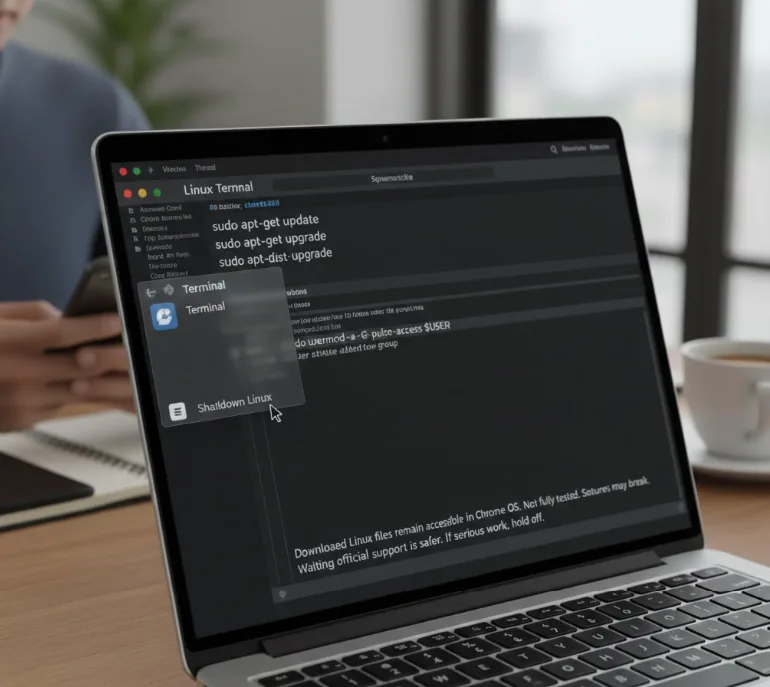
Audio playback may fail after upgrading. The default user account needs pulse-access group membership.
Run this command: sudo usermod -a -G pulse-access $USER
Right-click the Terminal icon and select ‘Shutdown Linux’ to restart the container.
Testing shows downloaded Linux files remain accessible in both Terminal and Chrome OS Files app. However, extensive testing hasn’t been completed. Some features might break unexpectedly.
Waiting for official support is safer. If you use Linux on your Chromebook for serious work, hold off. Let the Chromium team handle compatibility issues first.
FAQs
Will Chromebooks automatically upgrade to Debian 10 Buster?
No, Google won’t automatically upgrade Chromebooks to Debian 10 Buster. The company needs time to ensure compatibility with Chrome OS features before rolling out the update.
When will Chrome OS officially support Debian 10 Buster?
Chrome OS will likely support Debian 10 Buster in three months or more. Google removed the Chrome OS 78 release target, so no official timeline exists yet.
Can I manually upgrade to Debian 10 Buster on my Chromebook?
Yes, you can manually upgrade by editing your sources.list file and running update commands. However, some Chrome OS-specific Linux features may break or stop working.
What problems might occur after manually upgrading to Buster?
Audio playback may fail until you add your user to the pulse-access group. Other Chrome OS integrations like file sharing could also experience issues.
How long does the manual upgrade to Debian 10 Buster take?
The manual upgrade typically takes about 15 minutes. Your actual time depends on internet connection speed and the number of packages being updated.
