


It’s hard to believe that I bought my first 12th-gen Intel Chromebook eight months ago. I grabbed the Acer Chromebook Spin 714 at a $100 discount then. It’s now commonly on sale for $200 off, bringing the price to a palpable $529. Even though I’ve tested a number of newer Chromebooks since then, I still think the Spin 714 represents a great value.
The Acer Chromebook Spin 714 does have some relative flaws
I noted some missing or “meh” features of the Acer Chromebook Spin 714 when I reviewed my purchase. And, let’s be honest: They’re still there. You can’t fix a missing hardware port with software, for example. So before I share some of the reasons I’m still happy with the Spin 714, let’s tackle what I call the relative flaws. By that I mean, other similar Chromebooks either have these features or some other attribute that’s better.
You’re not getting either a fingerprint sensor or a microSD card slot with the Spin 714. Obviously, this isn’t a deal-breaker for me since I bought the device and I haven’t replaced it yet. But it would be nice to have the biometrics for security even if it’s a bit limited in ChromeOS.
Other, similarly equipped Chromebooks do have one or both of these features.
The new HP Dragonfly Pro Chromebook has an excellent fingerprint sensor but lacks a microSD card slot. The Framework Chromebook has a microSD card module if you want it but doesn’t have a fingerprint sensor. Lenovo’s ThinkPad 14 Chromebook offers both, which is nice. The common denominator for all three of these alternatives, however, is the price. They all list for $999 and up.
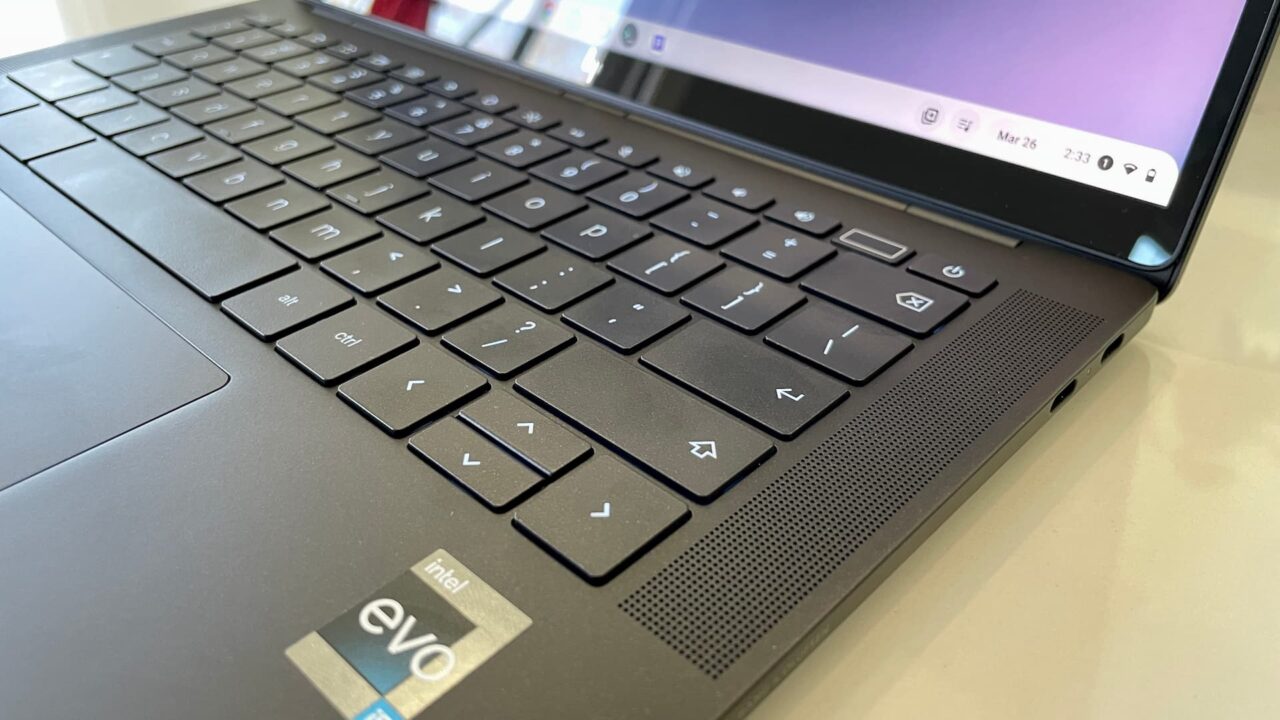
You could argue that all three of those choices have a more inspiring design than the Spin 714. I wouldn’t debate that point. Acer didn’t reimagine a Chromebook with the Spin 714; it slightly reworked the Spin 713 design. But I’m all about utility and value for my personal purchases, so this design works for me.
While Acer improved the speakers on the Spin 714 from the prior model, the Dragonfly Pro Chromebook blows them out of the water. Frankly, they blow most laptop speakers out of the water. The Spin 714 audio output is fine for most of what I need though, which is mainly video conferencing. I do watch some online content with this Chromebook. Mostly YouTube videos. I don’t need thunderous sound for those.
Getting around the lack of a microSD card slot
Although I haven’t taken advantage of it yet, I recently realized that I can swap out the M.2 NVMe drive from the Acer Chromebook Spin 714. That means I can upgrade from 256 GB of storage to 512 GB or 1 TB if want to. It gets better though because I can also get a performance boost.
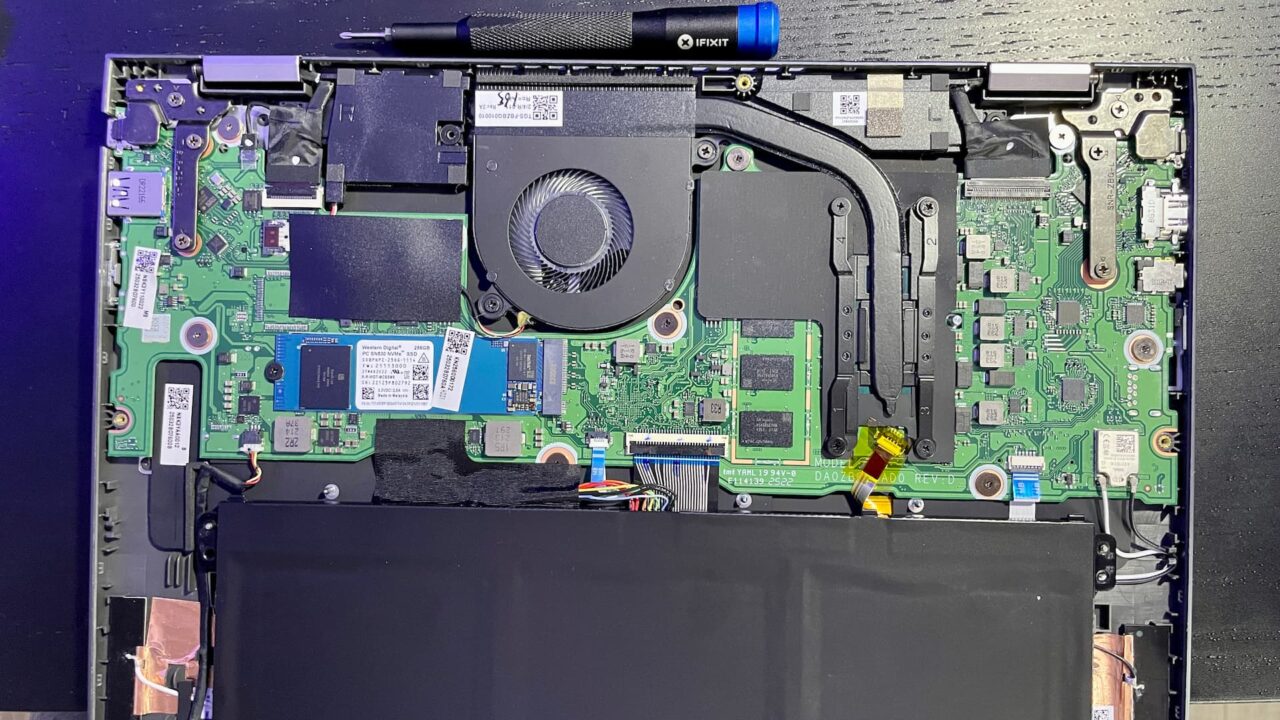
It turns out that the Acer Chromebook Spin 714 comes with a Western Digital SN530 NVMe SSD. And that drive only supports PCI Gen. 3 even though the Spin 714 can use PCI Gen. 4 devices.
Read speeds of the SN530 around 2,400 MBps, for example. So swapping in a faster Gen. 4 drive could at least double, if not nearly triple the read speeds. I’ve been dabbling with some mini-PCs lately and have built up quite a few Gen 4. SSDs, so I’ll be swapping out the drive in the near future.
I know this can be done with ChromeOS because I went through the process with the Framework Chromebook. I will have to perform a recovery on the Spin 714 to get ChromeOS installed after the drive swap. It will be worth it.
The Acer Chromebook Spin 714 still handles my workflow like a champ
When I buy my own devices, I follow the same advice I offer to others. Get the product that best suits the tasks you need to do. Even if that’s not a Chromebook, that’s my advice. When I bought the Spin 714, I felt mostly confident it would handle my workflow. My only concern was the 8 GB of RAM since I was coming from a Chromebook with double that.
My concern was unfounded though. I’m still spending half of my day doing the same types of web-based activities that most of you do. That means email, web apps, online documents and writing and content consumption from various internet sources.
I spend the other half of my day coding in Linux, using VS Code, GitHub and a few coding documentation sources. My coding classes are online as well, although they’re self paced and mostly text-based.I also use Slack, Discord and Signal, all in Linux, daily for keeping in touch with classmates and friends. As I’ve mentioned prior, I’m not big into Android apps on my Chromebook. That’s mainly because the Linux alternatives are typically better for the way I work.
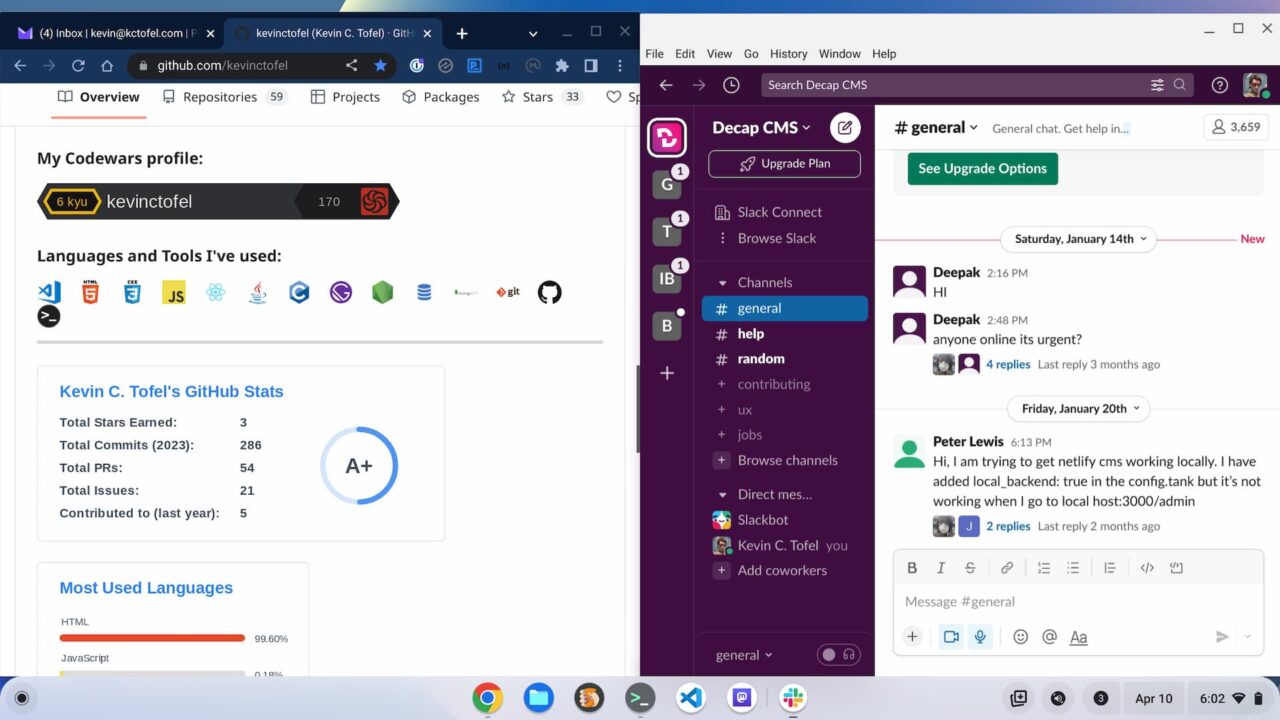
So the Spin 714 does the trick for me. Could I get through my workflow any faster with the similar alternatives? Not really.
When it comes to the 12th-gen Intel Chromebooks, they’re all quite performant. And the differences between the various Intel Core i5 chips at this level are fairly minimal. The Spin 714 uses the Core i5-1235U while the Lenovo ThinkPad C14 jumps to the Core i5-1245U. There’s literally no difference in the clock speeds or core counts between these. The latter chip has some advanced management features that I certainly don’t care about.
Even the Core i5-1240P in the Framework Chromebook doesn’t differ that much from what’s in the Spin 714. In fact, it has a higher TDP, meaning more power can be pumped through the chip for longer. That comes at the cost of battery life and heat though. And frankly, I don’t notice a performance difference between the two Chromebooks.
The value proposition is a feature of the Spin 714
Obviously, I’m still happy with the Acer Chromebook Spin 714. There really isn’t a comparable Chromebook that can outperform it in a measurable way; at least not for how I work. It has an above-average display in terms of brightness and color gamut support. I can get a solid eight hours of work done on a single charge.
Is it the prettiest of the 12th-gen Intel Chromebooks? Not by a long shot.
I like the Framework Chromebook design in general and I’m enamoured with the look and feel of the HP Dragonfly Pro Chromebook. And if that mattered to me more than the utility of my Chromebook, I’d pay for that extra design flair. But it doesn’t.
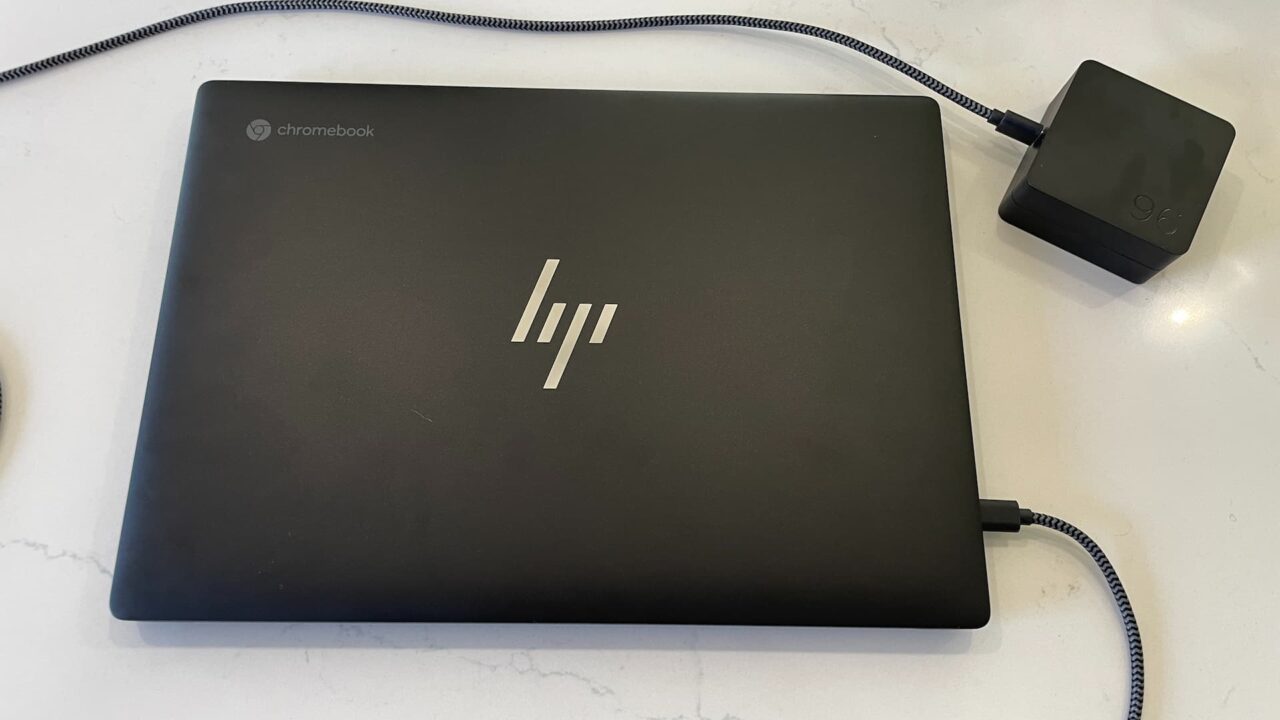
I still think the overall value proposition of the Acer Chromebook Spin 714 is a feature.
Sure it lists for $729 but you shouldn’t pay that much for it. The $100 and $200 discounts happen too regularly to pay full price. And when you compare a $629 or a $529 Spin 714 to the higher priced competition, you have two choices.
Give up some nice bells and whistles to save some cash or, if you think it’s worth it, drop the extra money on the nicer looking alteratives. After 8 months with the Acer Chromebook Spin 714, I’m glad I saved the cash.
