


By now most people know you can run Linux on Chromebooks. Google provides a default Debian build and tools that make it easy to install Linux apps. In the works is a project called Bruschetta, which will use the same architecture of a container and virtual machine to install other operating systems. I noticed the Chrome OS 103 Linux Terminal is prepped for Guest OS installs on a Chromebook.
While it may change, I see how it will be easy to manage and switch between Linux systems on Chromebooks.
Bruschetta will let you install other operating systems on a Chromebook
If you’re not familiar with Bruschetta, 9to5 Google reported some Chrome OS changes related to the project. Based on the name, you can guess that it’s similar to Crostini, which is the Linux on Chromebooks implementation.
Instead of getting the default Debian build of Linux, you’ll be able to use Bruschetta to install any guest OS on Chromebooks. Certainly different Linux distributions will be an option, but perhaps there could be others? ?
The new Chrome OS 103 Linux Terminal on Chromebooks
In any case, here’s what I see when I open up the Linux Terminal using the Chrome OS 103 Dev Channel:
In preparation for Bruschetta, I have added a second container as you can see. However, Google is just now beginning to implement the backend support to install a Guest OS on Chromebooks. So this is really a non-functional addition to the terminal for now.
Other nice improvements are the SSH connections as well as a shortcut to the Developer Settings in Chrome OS.
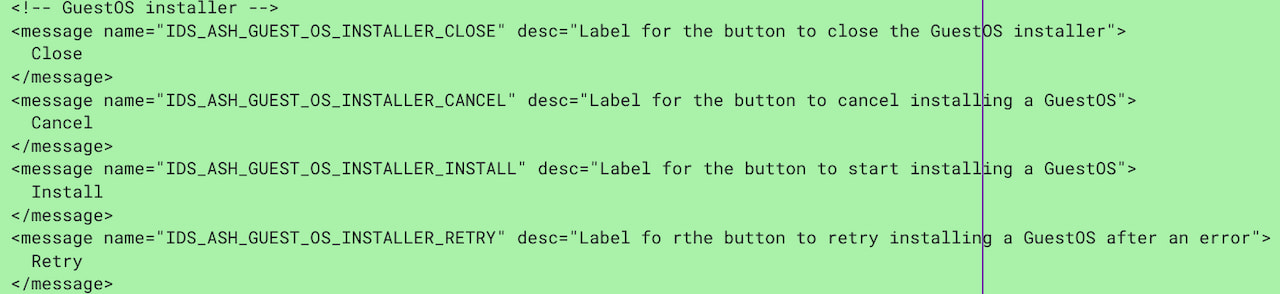
If you want to quickly connect over SSH to a container’s operating system, you can now do that with a click. And the Developer Settings will include a new sub-section for other operating systems installed via Bruschetta. Google is also just now starting on a user interface for the Guest OS installation, but again, the backend functionality isn’t there yet.
Linux on Chromebooks and… Windows?
With the new Linux Terminal and support for other operating systems, Chromebook users will be able to use whichever version of Linux they want. Yes, Debian is probably great for the masses. But if you’re partial to Arch Linux, right now you have to follow these instructions that are more convoluted than a well-designed installation process.
More importantly, Bruschetta is essentially Google’s virtual machine in a container that could support any operating system, in theory. Perhaps even Microsoft Windows.
Now if that gets you excited, let me just temper your expectations. Bruschetta mainly targets Linux on Chromebooks. However, it’s possible that non-Linux platforms could be supported, either officially or unofficially.
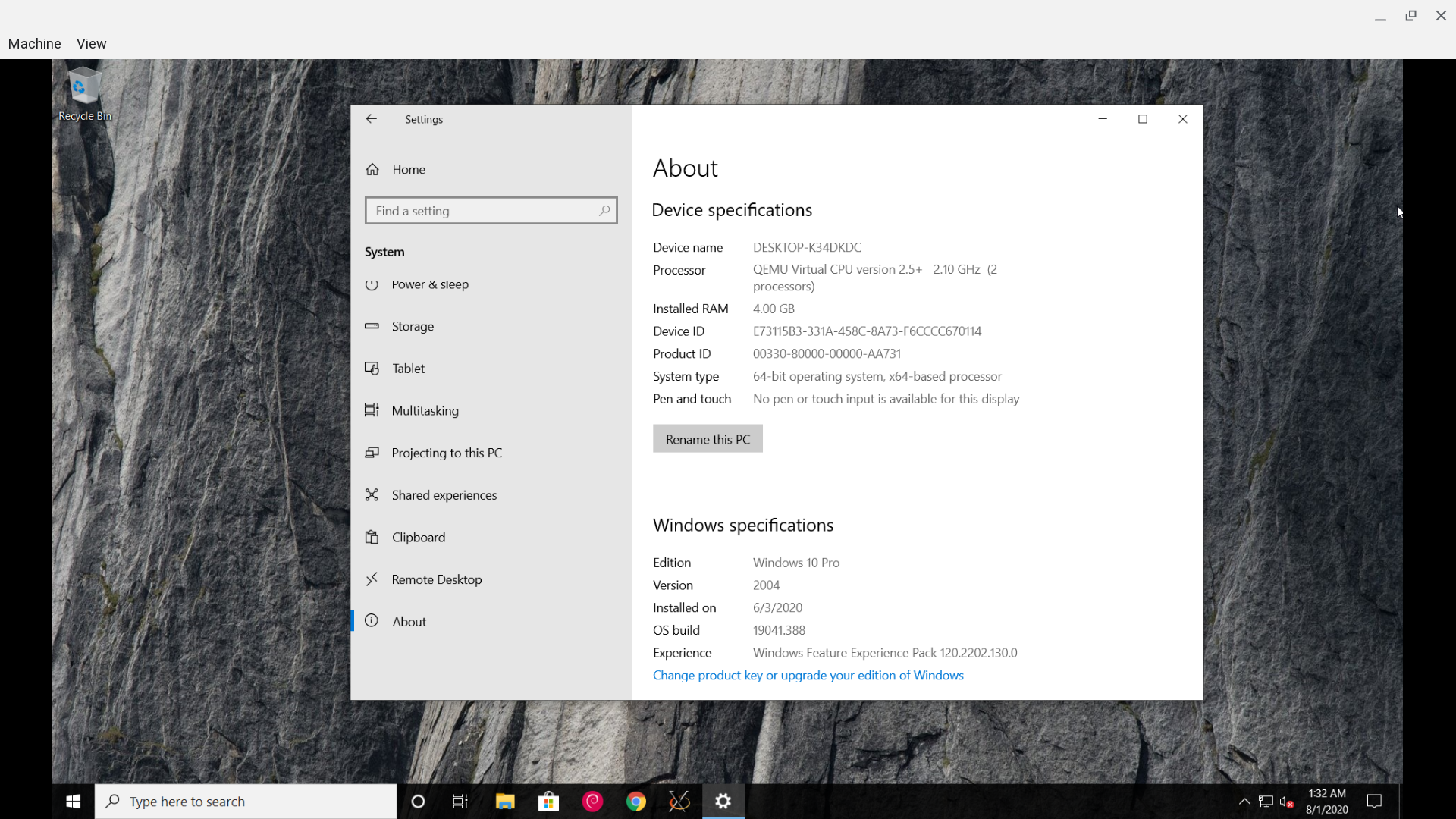
Some readers have told me they want Parallels Desktop for Chromebooks to run Windows on their Chrome OS laptops. That’s still an enterprise product, though. So it’s beyond the reach of most individuals from a licensing or purchasing standpoint. Perhaps Bruschetta will solve that problem, but again, I don’t know just yet.
Here’s an early video look of the new Chrome OS 103 Linux Terminal from Brandon Stecklein:
