


A few months back, I mentioned that I’m using the Lacros browser full-time. Lacos is essentially the Linux version of the Chrome browser and is part of Google’s effort to decouple Chrome from ChromeOS. Today I found code that will eliminate one of my pain points using Lacros. Google intends to speed up the Lacros browser on Chromebooks so it starts quicker.
Why is this a pain point for me? To understand that, you need to understand how Google is implementing the Linux version of Chrome on Chromebooks.
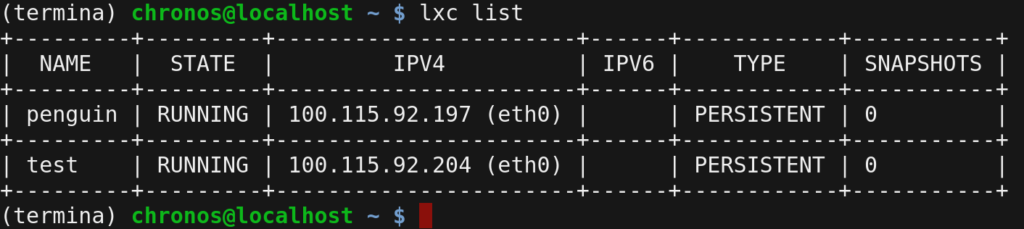
Unlike the native browser in ChromeOS that we’ve had since the first Chromebooks in 2010. Lacros is, as mentioned, written to run on native Linux. And Google is beefing up the security of this browser by running it in a container, or a separate sandbox, from all other apps. This is the exact same approach Google uses to enable Linux on Chromebooks. And that works quite well.
Here’s the problem: It takes time for a Chromebook to fire up that container. More so on entry-level hardware than on the wicked fast HP Elite Dragonfly Chromebook with its 12th gen Intel CPU. Even on that device, though, it’s an issue.
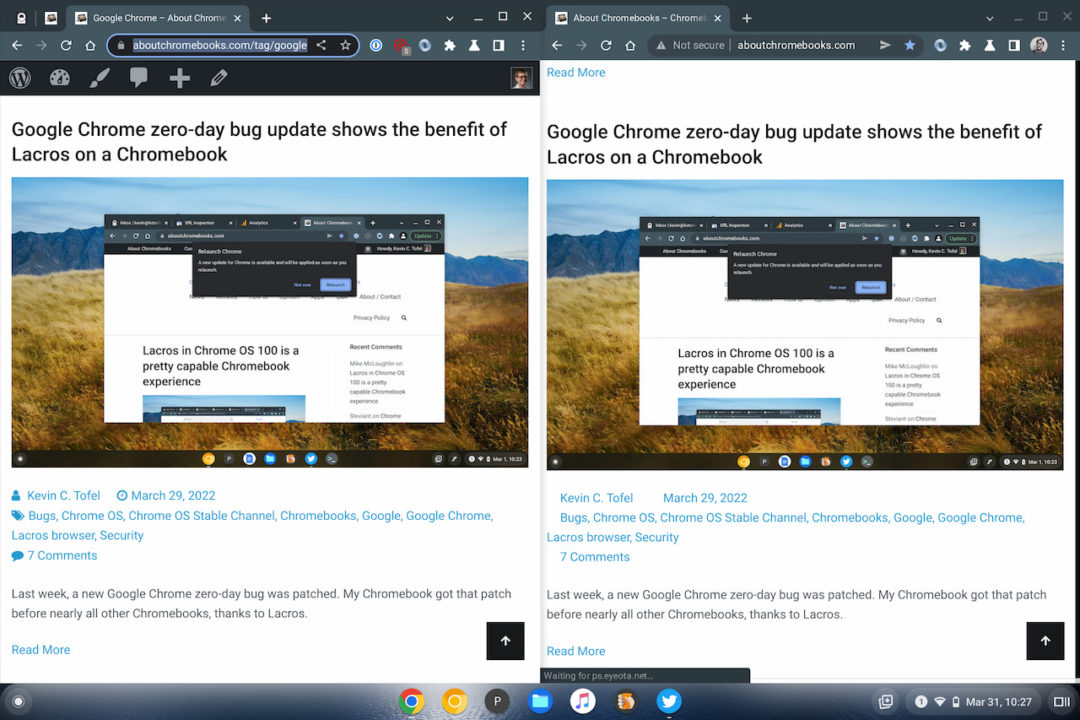
When I open the Lacros browser on my Chromebook, it take a few seconds before I can actually see or use it.
So how is Google going to fix this and speed up Lacros?
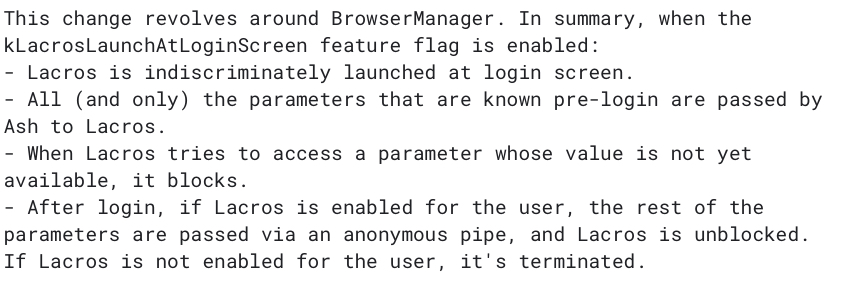
The solution is quite simple, even if the coding to make it happen isn’t. As soon as you boot up your Chromebook and the login screen appears, Google will start the Lacros container in the background. The idea is that in the few seconds it takes you to type your password on PIN, the Lacros startup on Chromebooks will already be happening.
Of course, there will be a transition from Chromebooks using the Chrome browser to using Lacros. And during that time, if you don’t have Lacros enabled on your device, the container will simply shut down, hopefully before the login process completes. You’d then just click your Chrome browser icon and be none the wiser.
This approach is actually no different from how Google enables Android apps upon bootup. In fact, that caused some issues for people who don’t use Android apps. Google resolved that by lowering the priority for the Android container startup process unless you actively try to open an Android app.
I don’t yet see the experimental flag to start Lacros upon bootup on my Chromebook with the ChromeOS 105 Dev Channel. Hopefully, it arrives in the next ChromeOS update so I’m not waiting two or three seconds between opening my browser and actually using my browser.
