


As much as I want Chromebook gaming with Steam to be a thing, it’s clear that the current hardware won’t cut it. So I keep turning to cloud game streaming when I want to use a ChromeOS device. And this week, Nvidia added a few GeForce Now features to make it better: Expanded account synchronization with Ubisoft and improved microphone support for in-game chat.
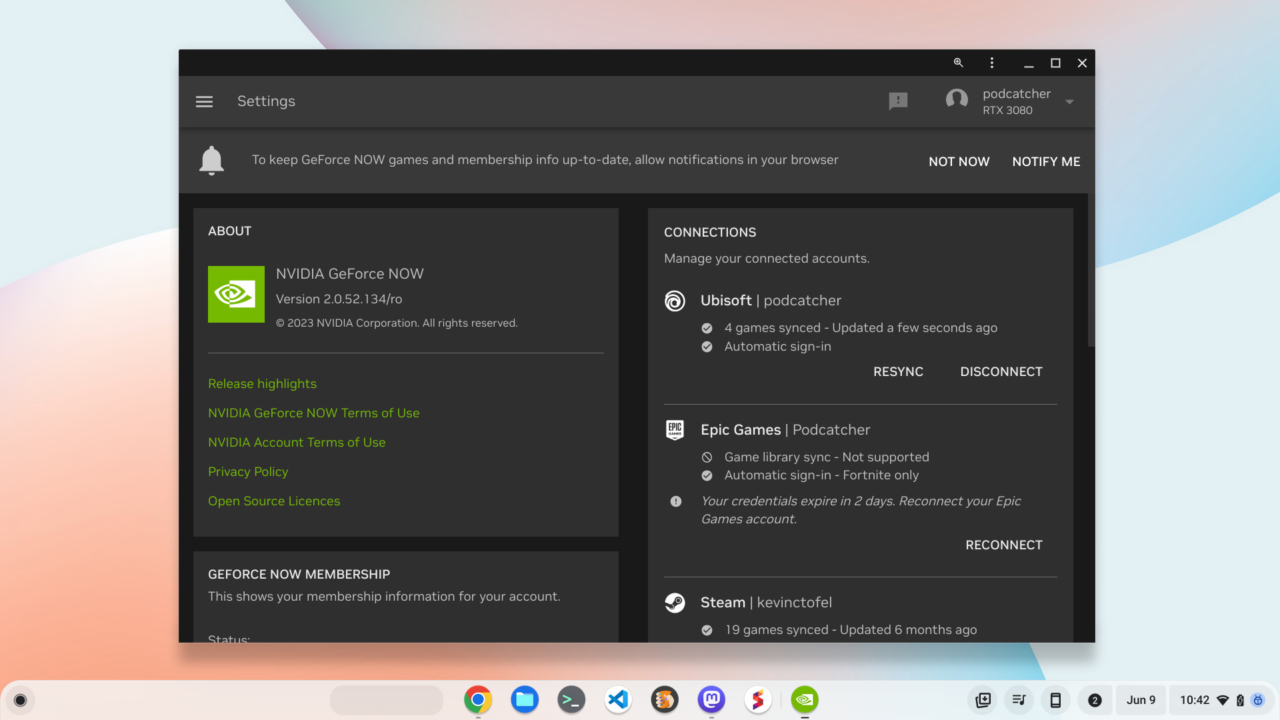
To be clear, Nvidia added Ubisoft account synchronization late last year. So, like with my Steam and Epic accounts, I can use GeForce Now for Chromebook gaming in the Ubisoft world. That means games like FarCry 6 and Rainbow Seige Six, although I don’t play those titles. I’m benefitting from the Assassin’s Creed franchise from Ubisoft. I can play any of the AC games by streaming them to my Chromebook from GeForce Now.
What’s new here is a small quality-of-life improvement. GeForce Now synchronization now automatically logs you into Ubisoft:
Members will be able to get to their Ubisoft games faster and easier with this new game-library sync for Ubisoft Connect. Once synced, members will be automatically logged into their Ubisoft account across all devices when streaming supported GeForce NOW games purchased directly from the Ubisoft or Epic Games Store.
As I said, it’s a small change. But it has a big impact because it’s a huge time saver. Instead of opening up a browser to get at my password manager, I can just let GeForce Now handle the authentication. It brings a console-like simplicity to the Chromebook gaming experience.
I ran through the process of re-synching my Ubisoft account with GeForce now and fired up an AC game stream.
Sure enough, I was connected to a server and in-game much quicker than before. And although you do need a fast broadband connection, I continue to be impressed by Nvidia’s GeForce Now service. There is a free tier with 1080p support and limited usage. However, I have the RTX 3080 plan that costs $100 annually.
Yes, that sounds expensive just to play games on a Chromebook that I’ve purchased. However, it’s far less than building a comparable gaming rig. I did that during the pandemic with an RTX 3080 and spent more than $1,500.
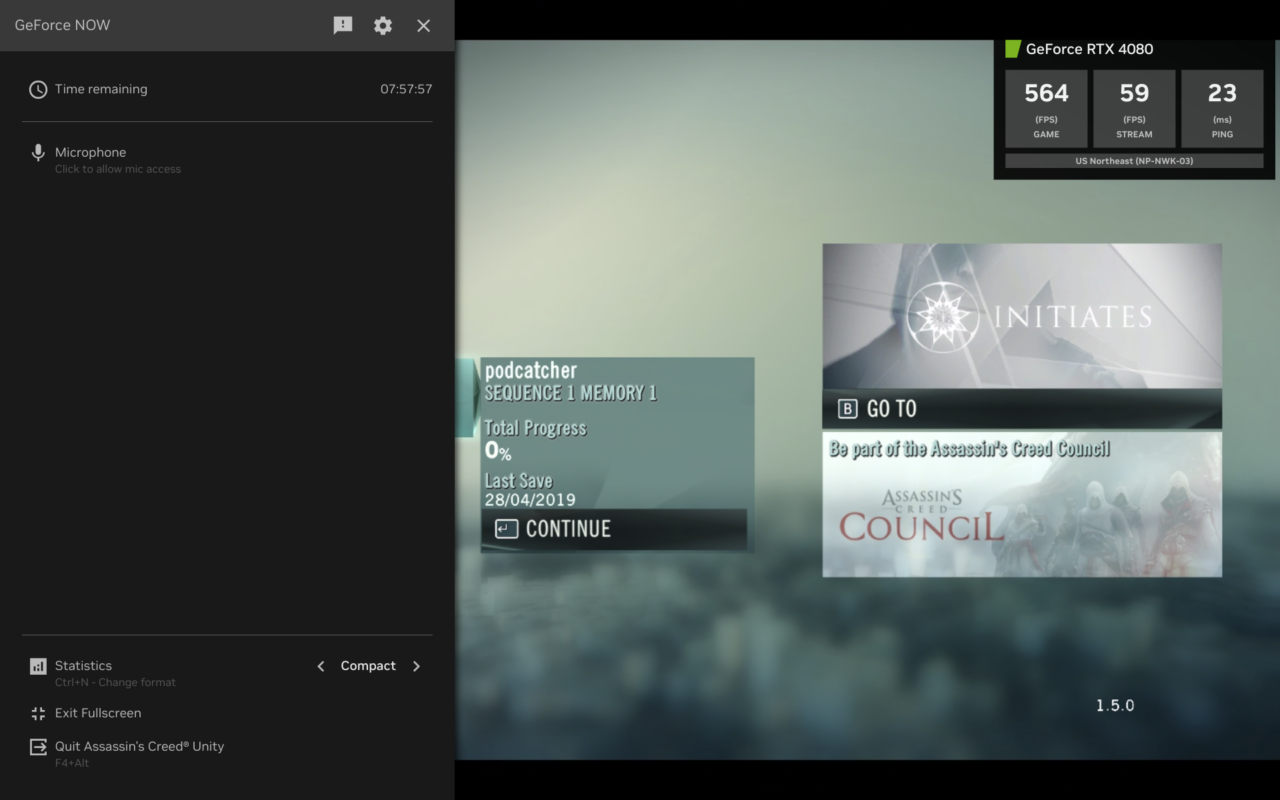
Back to the service. I find that the latency is quite low and the RTX-enabled servers can really fly. Just look how fast the game is rendering on the server side, even if it’s limited to 60 frames per second on my Chromebook! Yes, I know, it’s just the game menu but still…. yowza!
I can’t speak to the reported microphone improvements with this Nvidia GeForce Now update, unfortunately.
I tend to play best casino app android or solo games. So I haven’t used the in-game mic feature once yet. When I game with my son, which is more often than I should, we chat over Discord while playing together.
I’m curious how many of you these days use GeForce Now for Chromebook gaming. If you do, how has your experience been and what Chromebook are you streaming your games on?
