


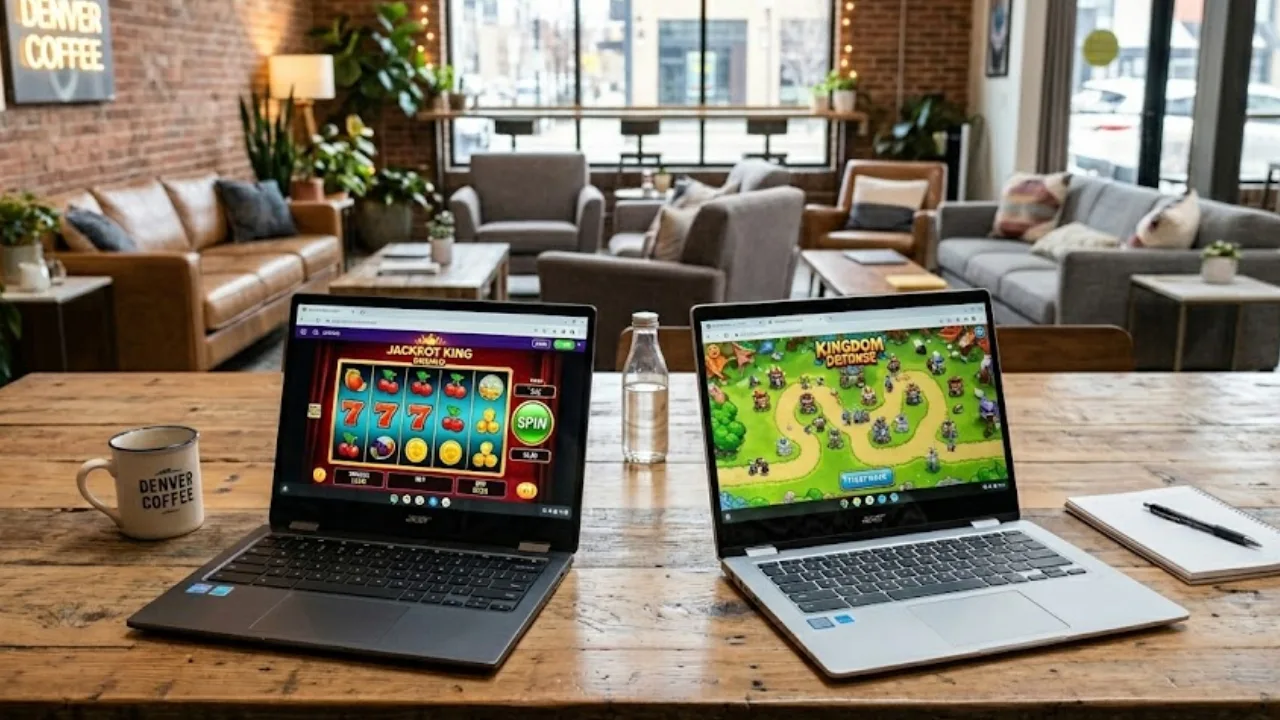
Chromebooks aren’t designed to be the most powerful gaming devices – but you might be surprised at the depth of gaming experiences you can find.
While perfect as minimal productivity tools based around web apps over downloaded installs, they aren’t traditionally known for gaming.
However, you can actually play all sorts of games – from casual to retro classics, online casino games and even triple A titles through the magic of cloud streaming.
Casual Browser Games Are Booming in Popularity
Casual gaming is one the most popular segments of the market globally. Most evidence says around 50% of people worldwide who play video games primarily play casual games.
Although often designed as mobile apps, many of these games are also available as browser apps on Chromebooks.
Then there are HTML5 browse based games, which are not as incredibly popular as lightweight app-based games but they are still significantly popular all over the world. These, by their nature, are incredibly simple to play on a Chromebook.
These browser games are ideal for short sessions, as they often focus on a complete gaming experience in small bites over rather than the more progression-based app gaming. They’re often completely microtransaction free too as developers make them for the love of the craft.
Online Casinos Offer Games with Real Money Prizes
Online casino games don’t need flashy graphics – although they can and do look good in their own way. Their less intense style, also usually highly optimized for mobile play, means they will easily run on a Chromebook.
Non-live streamed games like slots are also great for unreliable mobile connections too, as they’re very easy to pick up from where they left off if you do go offline briefly.
It’s not just dated virtual blackjack though – with live casino game shows and slots there are some really innovative and interesting titles out there today.
No downloads required. Although it is gambling, so play responsibly and treat it as entertainment money that you might win something back for.
When the games aren’t free though, players need to know they’re using a reputable platform that is suitable for their jurisdiction. For example an online casino serving US players might not be the best for Canadian players.
That’s why casino fans often look to experts like Casino.ca, who offer trusted casino platform reviews to help players identify respected operations.
There’s a lot more that goes into an online casino than, say, a free browser game site, so players like to know about bonuses, payment speeds and security, as well as what games are available. Reviews and comparison guides are helpful in that respect.
Cloud Gaming is a Simple Solution for Chromebooks
Yes, you can play the very latest blockbuster games, or even just competitive online shooters, on a Chromebook.
Nvidia’s GeForce Now and Xbox’s Cloud Gaming (among others) enable streaming of high performance titles to a machine that would otherwise not be able to run them.
Gaming on demand services do need a reliable and fast internet connection however, and they can sometimes lag occasionally.
As well as being a fairly expensive monthly subscription. So it’s not recommended for the most competitive gamers.
But they generally run a treat, and you can enjoy playing excellent-looking modern games on a Chromebook by using them.
Retro Game Emulators Offer Gaming Classics
On the other end of the scale, you can play absolute classics of the past – for free, right now. You should definitely go do that, over paying a giant corporation for the latest uninspired micro-transaction riddled FPS. Some would argue.
Due to passionate retro game nerds worldwide you too can right now play a huge range of 80s and 90s low res classics straight in your browser, from loads of different sites. These are perfect for running on a Chromebook, because, well, they’d run on anything.
You also can’t beat a bit of retro charm, although obviously many titles are now showing their age. But, really, who needs more than 256 pixels anyway?
The best part is, you can find out for yourself as all this retro gaming goodness is only a simple web search away.
FAQs
Can you play games on a Chromebook with no downloads?
Absolutely. Streaming big budget titles may need you to download their service platform, but its far smaller than a large game. Every other option on the above list is playable on Chromebooks straight from your browser.
Are online casinos compatible with Chromebooks?
Definitely – online casino are well optimized for play on all sorts of devices, including Chromebooks. Basically, every online casino in the world has a website for play via a browser. For live streamed casino games you will need a stable internet connection, but most games are also optimized for lightweight devices.
Do you need a strong connection for browser games?
For basic games, a standard connection will be fine. Even a relatively slow 50Mbps connection should be able to handle all of the gaming options listed above – except for cloud gaming. A 100Mbps connection should do for that, although the faster the better if you want to avoid any chance of lag or stuttering.
