


9anime is a top spot for anime fans, with many free shows and movies to stream. But sometimes, it doesn’t work right.
You might see the site not loading, videos that won’t play, or errors about the server. These glitches can annoy you, especially when you’re hooked on a series.
Let’s figure out why this happens and how to fix it so you can watch anime smoothly.
What Causes 9anime Issues?
Why does 9anime mess up? You might notice errors like “Server Error, try again” or “9anime not working.”
These could happen because the site is down for updates, has server problems, faces cyberattacks, or gets shut down over legal stuff like copyright.
Top Reasons for Trouble
- Ad Blockers
You might use an ad blocker to skip annoying ads. But it could mistake 9anime videos for ads and block them. Try turning it off to see if that helps. - Server Trouble
If 9anime’s servers crash, you’ll see messages like “Server error.” When this happens, you just have to wait until they fix it. - Old Browser Data
Junk like cache and cookies can mess things up. Clear them out to fix loading problems. - No Subtitles
Sometimes subtitles don’t show because the video doesn’t have them, the browser glitches, or the player settings are off.
Before trying fixes, make sure your internet works and isn’t blocked by firewalls.
How to Fix 9anime Problems
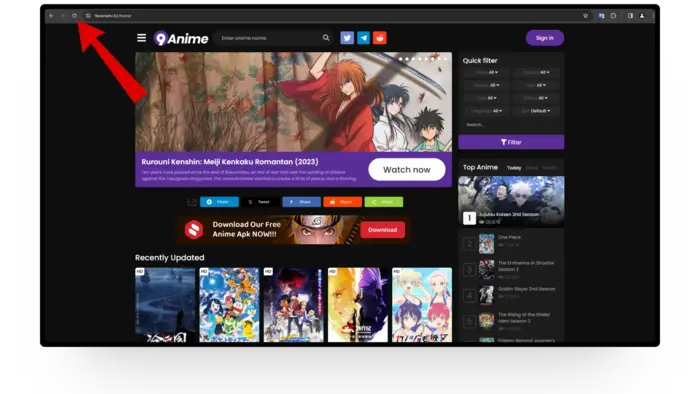
Here’s how to tackle the “9anime not working” issue step by step.
- Check if the Site’s Down
Visit sites like DownDetector to see if 9anime is offline for everyone. If it is, wait it out. - Test Your Internet
A slow or shaky connection can stop 9anime from loading. Make sure it’s strong and steady. - Clear Browser Junk
Wipe out your cache and cookies. This can solve slow loading or subtitle issues. - Turn Off Ad Blockers
If subtitles won’t load, disable your ad blocker. It might be blocking them by accident. - Try a VPN
If your internet provider blocks 9anime, a VPN can get you around it by changing your connection route. - Update or Switch Browsers
Keep your browser fresh. If it still fails, test 9anime on Chrome, Firefox, or Edge instead.
If none of these work, reach out to 9anime’s support team for help.
Last Option: Download Anime
Tired of buffering or errors? Download episodes with a tool like HitPaw Univd.
It grabs anime in HD or 4K, saves them as MP4 or other formats, and keeps subtitles intact. Here’s how:
- Open HitPaw Univd and pick the 9anime downloader.
- Search for your show and hit download.
- Choose episodes and quality.
- Save them to your computer.
Wrap-Up
9anime hiccups can be a pain, but these tricks—like clearing cache, using a VPN, or downloading with HitPaw Univd—can get you back to binge-watching fast.
