


The modern web is no longer static. It updates constantly.
Live dashboards, streaming platforms, collaboration tools, and real-time sports pages refresh in the background without pause. Users keep multiple tabs open. They expect continuity. They notice delays immediately.
This shift changed what “good performance” means. Devices are no longer judged only by raw power. They are judged by how smoothly they handle continuous, real-time activity.
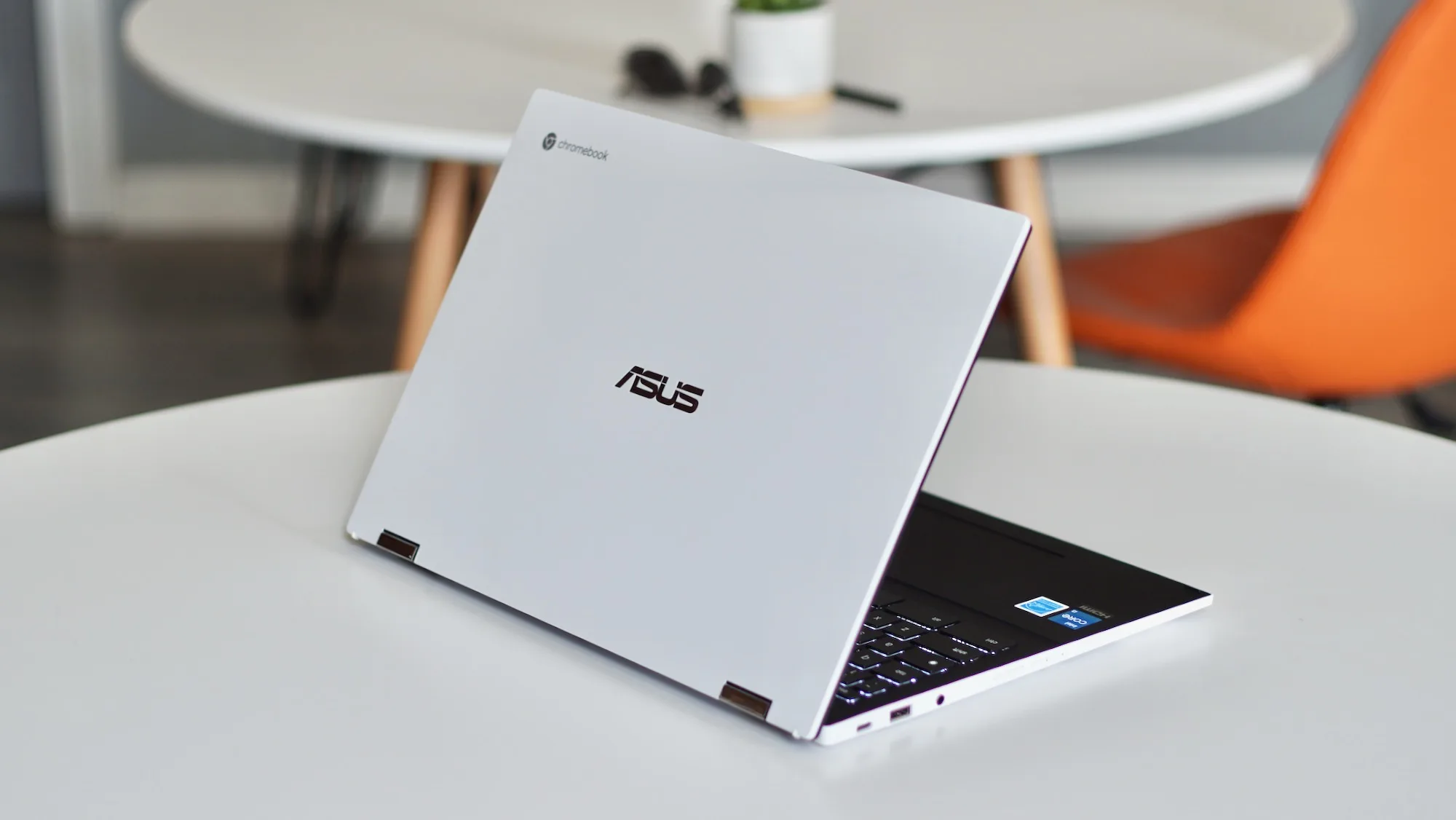
How ChromeOS Handles Real-Time Sports Experiences?
Early in any sustained live viewing session, pages that deliver a cricket match live illustrate the demands placed on a device. Content updates continuously.
Data refreshes without user input. Multiple tabs often remain open for scores, commentary, and related information. The system must keep everything responsive without spikes in fan noise or battery drain.
ChromeOS is designed for this exact scenario.
Continuous Updates Without Context Loss
ChromeOS treats the browser as the operating system. That decision matters.
Live sports pages update incrementally. They do not reload entire pages. Chrome’s rendering engine handles these changes efficiently, preserving user context while applying only the necessary updates.
This behavior reduces:
- Unnecessary memory churn
- Full repaint cycles
- CPU spikes during refresh
The result is stable performance during long sessions.
Tab and Process Isolation Improve Reliability
Each Chrome tab runs in its own process. This isolates failures.
If a background tab slows down or stalls, it does not affect the rest of the system. Live content remains responsive even when users multitask.
For real-time sports viewing, this isolation prevents cascading slowdowns that are common on less optimized systems.
Network Efficiency Matters More Than Speed
Live sports pages rely on frequent, small data requests. They are sensitive to latency, not bandwidth.
ChromeOS manages network activity conservatively. It batches requests and prioritizes visible content. This keeps live updates smooth even on inconsistent connections.
The system favors continuity over raw throughput.
Practical Chromebook Performance Advantages for Live Use
Battery Life Supports Long Viewing Sessions
Live sports events last hours. Battery matters.
Chromebooks are optimized for low-power browsing. Background tasks are limited. Idle processes sleep aggressively. The display pipeline remains efficient during static moments.
This allows users to follow long matches without constant charging.
Memory Management Is Predictable
ChromeOS uses memory pressure signals to reclaim resources proactively.
When tabs are inactive, they are suspended. When needed again, they reload cleanly. This prevents gradual slowdown during extended use.
For live content, this predictability is critical. Performance remains consistent from the first over to the last.
Security and Stability Remain Intact
Live web usage increases exposure. Multiple scripts. Frequent connections. Continuous data flow.
ChromeOS mitigates risk through:
- Sandboxed processes
- Automatic updates
- Verified boot
These features operate quietly. Users notice stability, not maintenance.
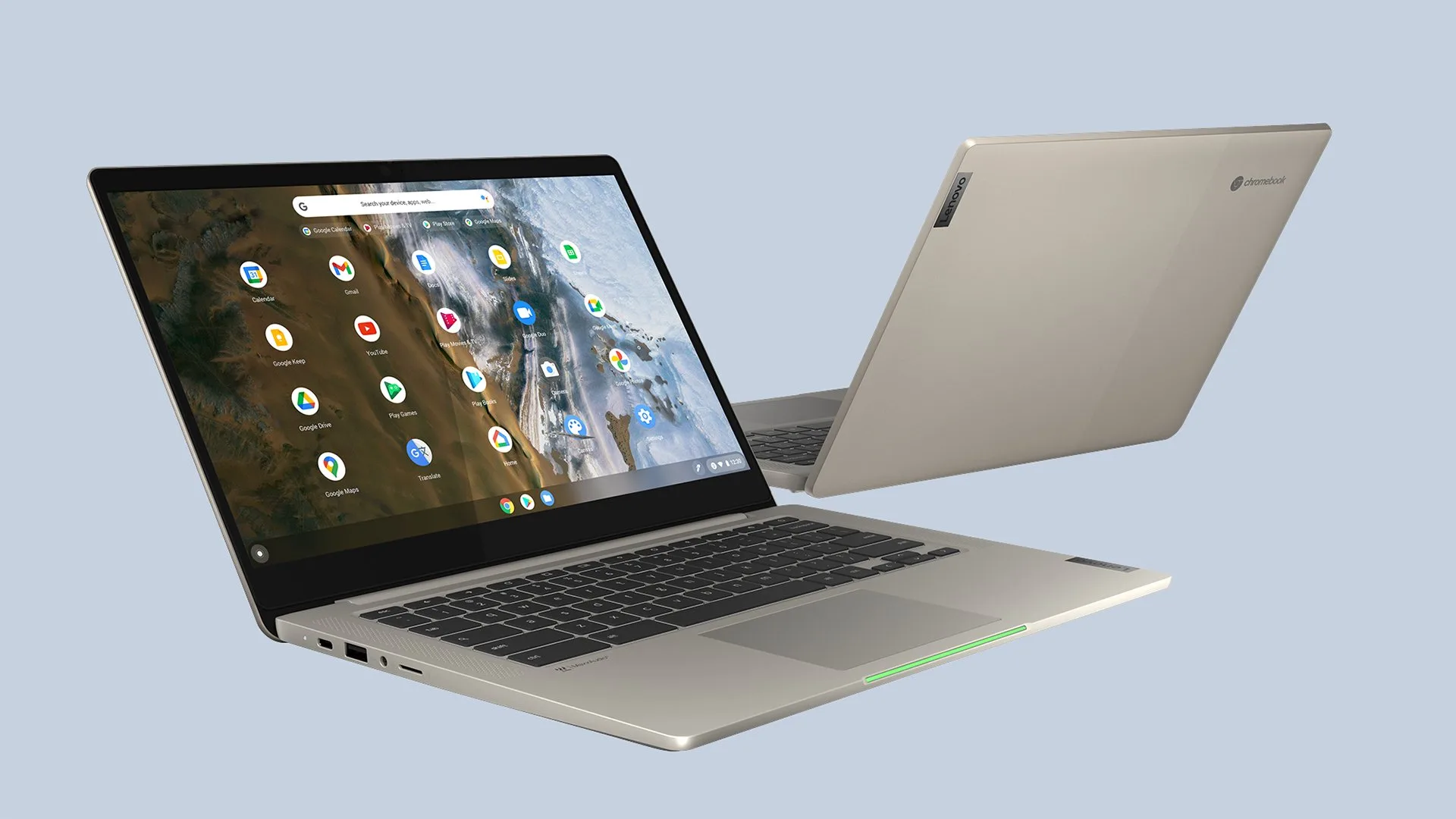
Best Practices for Users and Teams
To maximize live performance on Chromebooks:
- Limit unnecessary extensions
- Keep only relevant tabs active
- Use native ChromeOS networking when possible
These habits align with how the system is designed to operate.
Why This Matters for Professionals?
For educators, analysts, and teams that rely on live information, device behavior under sustained load matters more than peak benchmarks.
Chromebooks perform well because they are built for the web as it exists today—continuous, real-time, and always connected.
Conclusion
Real-time web experiences expose device strengths and weaknesses quickly.
Live sports pages reveal whether a system can handle continuous updates, multiple tabs, and long sessions without friction. Chromebooks perform well in these conditions because ChromeOS is optimized for exactly this type of workload.
For professionals evaluating devices for real-time use, the takeaway is simple. Performance is not just about speed. It is about stability, efficiency, and endurance.
Chromebooks deliver all three where it matters most—on the modern, real-time web.
