


Update: The developer assigned to this effort kindly shared more information about it. There isn’t a change of icons in the works, after all. This is to fix a bug so that all icons appear the same. He says: “The intended design for ChromeOS is that icons for all app platforms will be indistinguishable, which I know isn’t what the author was hoping for. It is intended to reflect that users should not need to know or care what platform an app was written on, they should just be “apps”.” The original post continues below.
A new developer effort to help differentiate between web and other apps on ChromeOS is in the works. The feature request was added to Google’s queue on March 30 but coding hasn’t started yet. However, today the request was assigned to a developer. The change as it’s now proposed will use squircles for ChromeOS web app icons. I don’t think that’s the way to go.
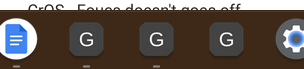
Users are unsure of what platform their ChromeOS apps are from
Overall, this is very good news for the ChromeOS-iverse. It will address one of the most often complaints I’ve heard from people over the past six or seven years. That complaint is not being able to tell if an app installed on a Chromebook is native, web-based, or Android.
I personally don’t have this complaint because I gravitate towards web apps over the Android version in the Google Play Store. So I don’t have two YouTube apps, like some people do, for example. I have one version of it and I know it’s the web app because I installed it as a PWA, or Progressive Web App. Clearly it’s a ChromeOS web app and there’s no duplication or confusion to me in this case.
But I understand the issue that people have.
Here I installed the YouTube Android app on my Chromebook and yes, it is confusing to have two versions in my Launcher:
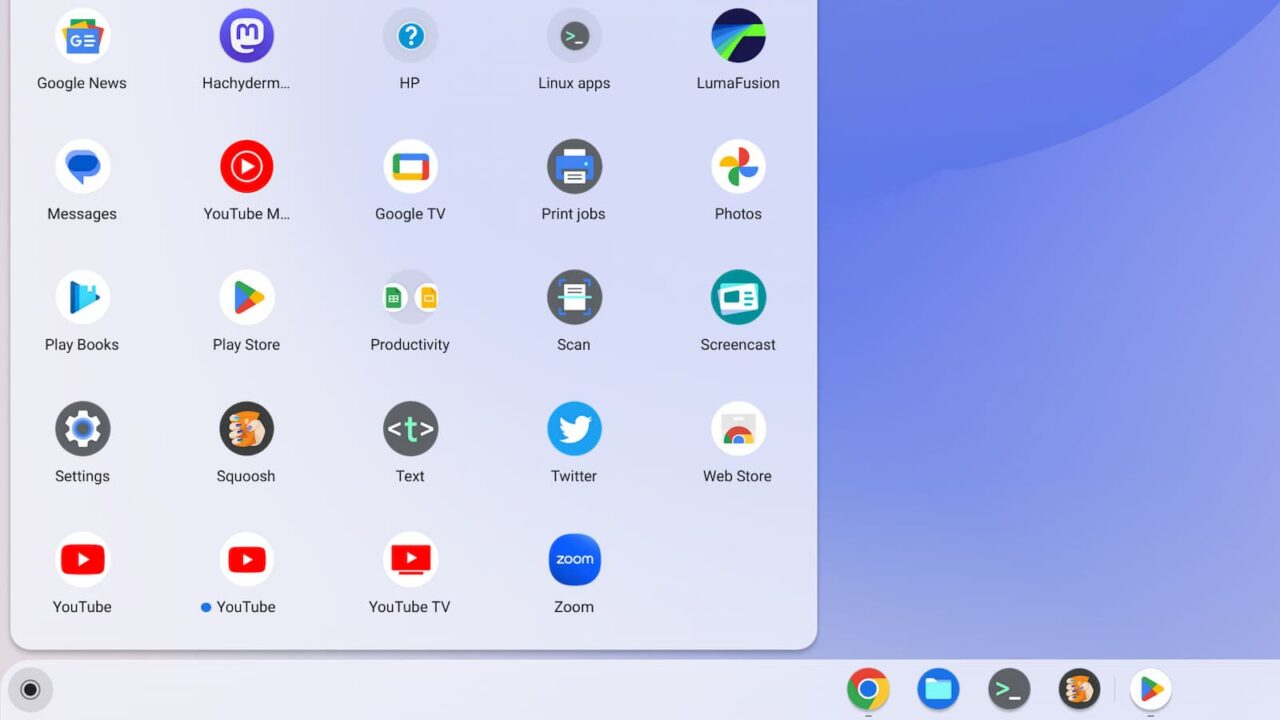
Addressing this confusion with icons to differentiate web apps is helpful.
However…
This ChromeOS web app icons solution feels backwards to me
While I fully support using different icons for web apps, I don’t think Google should use the squared circle, or “squircle” approach here. And I have a logical reason for my stance.
Back in 2019, Google changed the Android icons in the Google Play Store. It then became mandatory to have Play Store app icons use rounded corners, i.e., squircles. And by “mandatory” I mean that Google would automatically convert the old circular icons to squircles. Developers could upload new Android app icons to fulfill the requirement but Google made the changes if that didn’t happen.
That design language is still in place today.
Hit up the Google Play Store in ChromeOS and you’ll see app icons in squares with rounded circles.
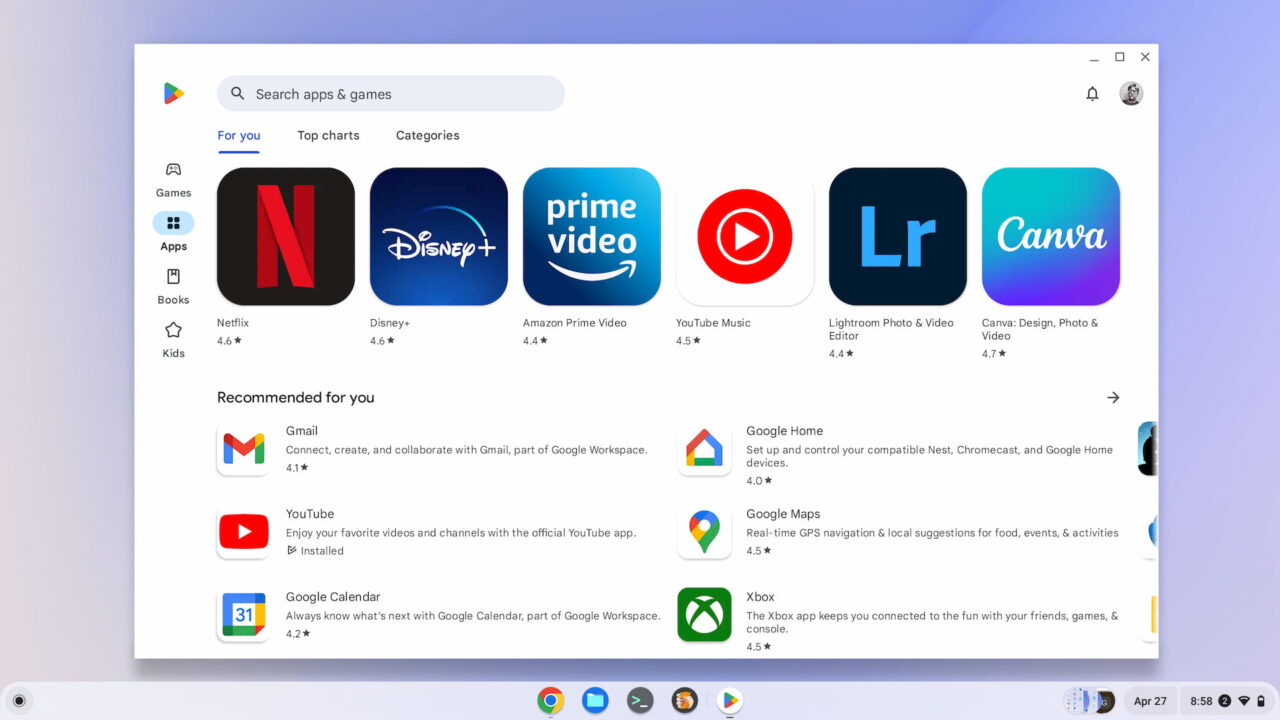
Here’s the thing. If Android app icons universally use squircles, why use the same design for ChromeOS web apps?
That solution is completely backwards and inconsistent between Android and ChromeOS. Instead, I’d think ChromeOS web app icons should be full circles, like they are today in the Launcher. It’s really Android apps on Chromebooks that should have the squircles, no? That would bring cohesiveness between Android on phones and tablets and Android on Chromebooks.
Hopefully, Google considers this before making the change to ChromeOS web app icons. I’ve starred the issue and will watch for progress. If it looks like Google is going with squircles for web apps, I’ll leave a comment suggesting Google rethinks the approach. Let’s not make one thing less confusing by making it more confusing!
Updated April 28, 2022, 8am EDT
