

Close Menu
    Facebook X (Twitter) Instagram
    • About
    • Privacy Policy
    • Write For Us
    • Newsletter
    • Contact
    Instagram
    About ChromebooksAbout Chromebooks
    • News
      • Stats
    • AI
    • How to
      • DevOps
      • IP Address
    • Apps
    • Business
    • Q&A
      • Opinion
    • Gaming
      • Google Games
    • Blog
    • Podcast
    • Contact
    About ChromebooksAbout Chromebooks
    News

    Google Duo arrives on more Chromebooks for video calls

    Kevin TofelBy Kevin TofelNovember 21, 2018Updated:September 7, 2025No Comments2 Mins Read
    Share
    Facebook Twitter LinkedIn Pinterest

    This isn’t too surprising, given that the soon to be released Google Pixel Slate will support Google Duo calls and Duo appeared on a few Chrome tablets back in July,  but if you have a Chromebook — even a clamshell model — Google Duo may be available for your device.

    According to the Google Play Store, the latest release adds Duo support for Android tablets. By extension then, at least some Chromebooks – true tablets and 2-in-1s — can install Google’s video calling app.
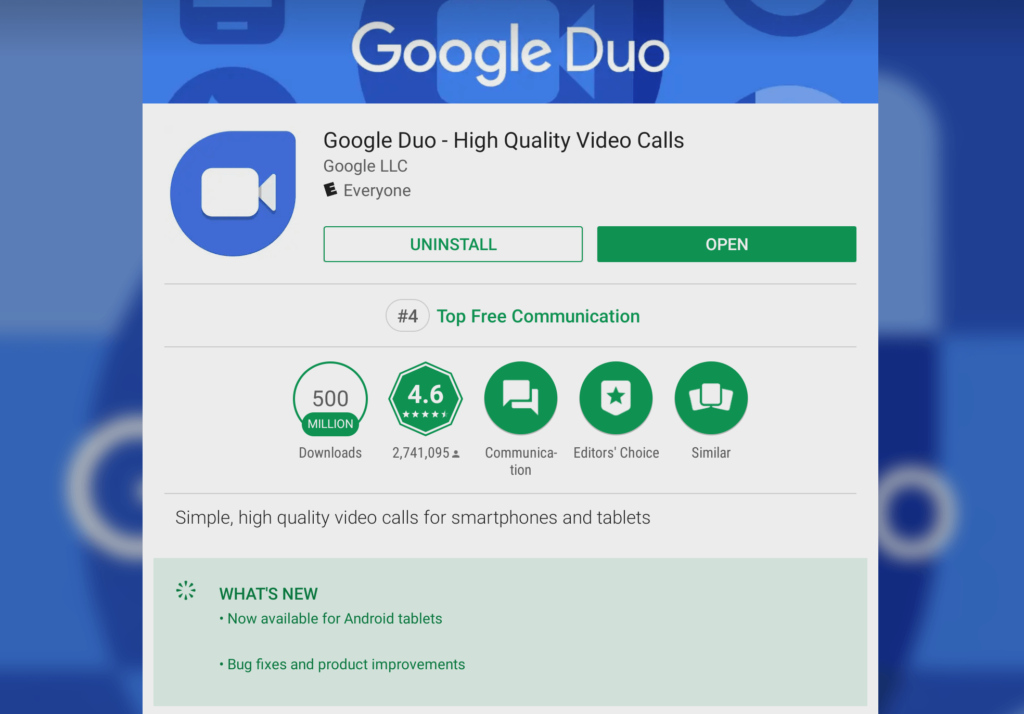
    Redditor gabriele_tng noticed the updated Duo app and confirmed that it was installable on an Acer Chromebook R 13, which is $100 off at Costco for Black Friday if you need a low-cost 2-in-1 Chromebook.

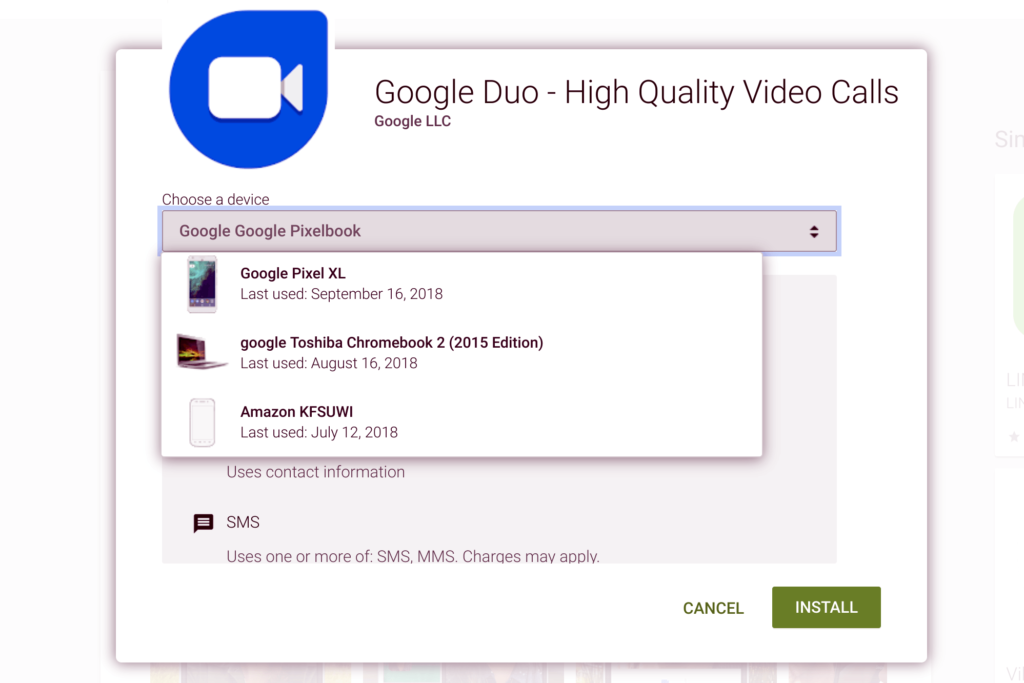
    I was able to install Google Duo on my Pixelbook where it worked like charm, just like it does on my iPhone, Pixel 3XL and Lenovo Smart Display. I initially thought that only Chromebooks which can be used in tablet mode would support the Duo installation, but I don’t have any clamshell Chromebooks to test that theory.

    However, I noticed that some of my old clamshell Chromebooks, such as the Toshiba Chromebook 2, appear as valid devices, so even if you don’t have a Chrome tablet or a 2-in-1 Chromebook, your device may be supported.
    With Google Hangouts essentially being phased out for consumers — Google is keeping it around for enterprises and G Suite accounts — Duo is basically the default platform choice for Android and Chrome OS video chats.

    You can still use any other video chat service on a Chromebook that has a supported Android or web app, but Google would of course prefer you to use Duo. I’m fine with that because there are so many platforms to contact people that I can’t keep track of who is on what these days. I use Duo solely with my family and a few business partners. And now I can do that even when I’m on my Pixelbook.

    Android Chrome OS Duo Google Play Store Productivity
    Share. Facebook Twitter Pinterest LinkedIn Tumblr
    Kevin Tofel
    • Website

    After spending 15 years in IT at Fortune 100 companies, Kevin turned a hobby into a career and began covering mobile technology in 2003. He writes daily on the industry and has co-hosted the weekly MobileTechRoundup podcast since 2006. His writing has appeared in print (The New York Times, PC Magazine and PC World) and he has been featured on NBC News in Philadelphia.

    Related Posts

    Auto DraftStarbucks Partner Hours: Manual to Managing Work Schedules

    January 26, 2026

    Anon Vault For Private Cloud Storage

    January 23, 2026

    GitHub Copilot Statistics [2026]

    January 7, 2026

    Comments are closed.

    Best of AI

    Make-A-Video Statistics 2026

    January 30, 2026

    Stable Video Diffusion User Trends And Statistics 2026

    January 29, 2026

    VALL-E Statistics 2026

    January 28, 2026

    StarCoder Statistics And User Trends 2026

    January 27, 2026

    BLIP-2 Statistics 2026

    January 23, 2026
    Trending Stats

    Google Penalty Recovery Statistics 2026

    January 30, 2026

    Search engine operators Statistics 2026

    January 29, 2026

    Most searched keywords on Google

    January 27, 2026

    Ahrefs Search Engine Statistics 2026

    January 19, 2026

    Pay Per Click Advertising Statistics 2026

    January 16, 2026
    • About
    • Write For Us
    • Contact
    • Privacy Policy
    • Sitemap
    © 2026 About Chrome Books. All rights reserved.

    Type above and press Enter to search. Press Esc to cancel.