


Online slots have become increasingly accessible on Chromebooks, thanks to their web-based functionality and evolving gaming capabilities. Chromebooks run on Chrome OS, which means traditional casino software downloads won’t work. Instead, you need to focus on HTML5-compatible slots that run directly in your browser. Understanding the specific requirements and features that work best with Chromebooks will help you enjoy a smooth gambling experience. Whether you’re looking for high RTP slots, mobile-optimized games, or titles with excellent graphics, knowing what to prioritize ensures your gaming sessions are both enjoyable and potentially profitable.
How To Choose the Best Online Slots to Play on a Chromebook?
Verify Browser and HTML5 Compatibility
The first step in choosing online slots for your Chromebook is ensuring browser compatibility. Since Chromebooks rely on web-based applications, all casino games must be HTML5-compatible.
Flash technology was discontinued in 2020, making HTML5 the standard for modern online slots. Check that the casino explicitly supports Chrome browser gameplay, as this provides the most optimized experience on your device.
Before committing to any slot game, test it in demo mode. This allows you to verify smooth performance without risking money.
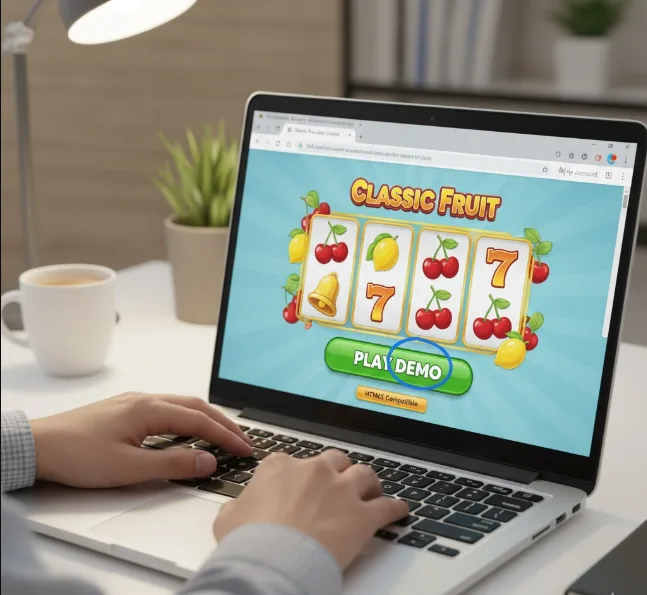
Check Graphics Requirements and Device Specifications
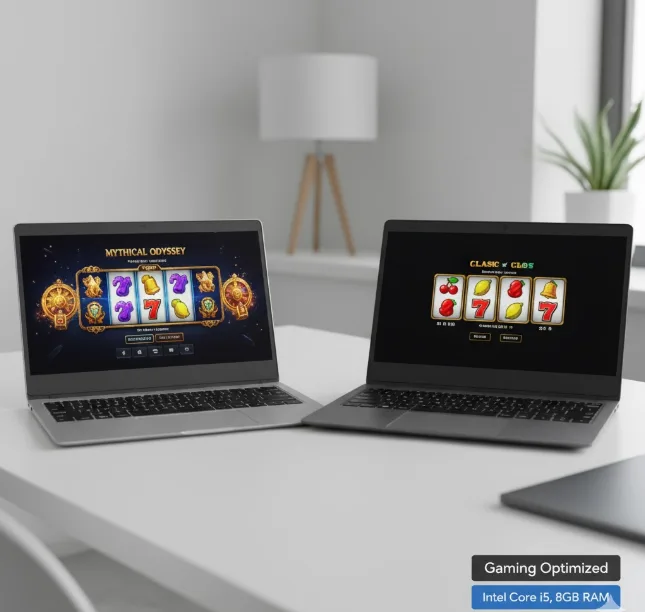
Not all Chromebooks have the same processing power, which affects which slots you can play comfortably. If you’re using an entry-level device, stick with classic slots that feature simple visuals and lightweight animations.
Modern 3D slots with complex animations require higher processing capabilities. If you have a gaming-optimized Chromebook with an Intel Core processor and 8GB+ RAM, you can handle more graphically intensive titles.
Look for slots with mobile optimization, as Chromebook functions are similar to tablets. Games designed for mobile platforms typically adjust to different screen sizes without performance issues.
Prioritize High RTP and Bonus Features
Return to Player (RTP) percentage directly impacts your potential returns over time. Choose online slots with an RTP of 96% or higher for better long-term value.
Pay attention to in-game bonuses like free spins, multipliers, and bonus rounds. These features increase winning potential without requiring additional investment.
Low deposit bonuses from casinos allow you to start playing with minimal financial commitment. This approach lets you test various slots before investing more money.

Evaluate Touchscreen Functionality
Many Chromebooks feature touchscreen displays, which can enhance your slot gaming experience. Select slots that support touch-friendly controls for smoother navigation.
Games with clear buttons, full-screen support, and intuitive layouts work best on touchscreen Chromebooks. Avoid slots with complex navigation or small interactive elements that may not respond well to touch input.
Test the touch responsiveness in demo mode before playing with real money. This ensures the slot’s interface matches your device’s capabilities.
Verify Payment Method Compatibility
Real money online casinos offer various banking options, but not all work seamlessly on Chromebooks due to their web-based nature. Visit the casino’s cashier section to confirm your device supports available payment methods.
Check whether e-wallets, credit cards, debit cards, and cryptocurrencies function properly. Some payment providers require additional browser plugins that may not work on Chrome OS.
Review processing times and fees for different payment methods. Choose options that offer quick deposits and withdrawals without excessive charges.
Read Reviews and Check Casino Reputation
Player reviews provide valuable insights into payout reliability, customer support quality, and overall user experience. Visit independent review sites like Reddit or Trustpilot to read authentic feedback.
Look for specific comments about Chromebook compatibility and browser performance. Other users’ experiences can reveal potential issues before you encounter them.
Avoid casinos with numerous negative reviews regarding payment delays or unresponsive support. Gaming performance optimization only matters if the casino operates fairly.
Optimize Your Chromebook Settings
Before playing, ensure your Chromebook is configured for optimal gaming performance. Enable hardware acceleration in Chrome settings under System preferences.
Consider exploring Chrome flags settings to improve graphics rendering and browser performance. GPU Rasterization and Override Software Rendering List can enhance visual quality.
Maintain a stable 5GHz internet connection for smooth gameplay. Reliable connectivity prevents interruptions during gaming sessions and ensures fair spin results.
FAQs
Can I download casino software on a Chromebook?
No, Chromebooks don’t support traditional casino software downloads. You must play HTML5-compatible slots directly through your Chrome browser using instant-play platforms.
What internet speed do I need for online slots on Chromebook?
A stable 5GHz Wi-Fi connection with at least 10-15 Mbps ensures smooth gameplay. Higher speeds provide better performance for graphics-intensive slot games.
Do touchscreen Chromebooks work better for online slots?
Touchscreen Chromebooks offer enhanced interactivity for slot games, making navigation easier. However, non-touchscreen models work equally well with keyboard and mouse controls.
What RTP should I look for in Chromebook-compatible slots?
Choose slots with RTP of 96% or higher for better returns. Higher RTP percentages indicate more favorable odds over extended gameplay sessions.
Are Android slot apps compatible with Chromebooks?
Many Chromebooks support Google Play Store, allowing Android casino apps installation. Check your device’s compatibility before downloading Android-based slot games.
