


This morning I read The Verge’s article claiming “the Intel P-series was a step back”. It’s mainly geared towards ultraportable Windows laptops. But it now applies to a few Chromebooks too as I’ve used a few with the Intel Core i5-1240P CPU. Based on my experience so far, the 12th gen Intel sweet spot for Chromebook power and performance is still Intel’s U-Series chipset.
12th gen Intel CPU changes explained
If you haven’t been following Intel’s road map for the past few years, here’s a quick refresher.
Until this year, the company offered U-Series and G or H-Series chipsets for ultraportable laptops and Chromebooks. Most Intel Core i3, i5 and i7 Chromebooks run on the lower-powered U-Series silicon. Laptops requiring more horsepower use the H-Series. There are differences between the core counts and the clock speeds of these two chip families. The more important difference to this conversation, however, is the power drawn by each. A U-Series chipset typically uses about 9W of power for basic tasks while an G / H-Series CPU can suck down 28W of juice.
Update: The following two paragraphs have additional clarification on Intel’s 2022 chipset lineup.
In 2022, Intel made a major change to its product lineup with the P-Series of chips. Similar to the newest U-and H-Series chips, these use a combination of performance cores that use a bunch of power and efficiency cores that use far less power. The idea is that you’d get more performance as needed and fall back to more efficient cores for basic tasks. I’ll get back how this affects Chromebook power and performance in a bit.
For now, understand that Intel slotted the P-Series between the low-energy sipping U-Series chips and the more powerful H-Series silicon that requires a lot more power. I don’t see the real point of the new P-Series processors because they don’t add much, if any, additional performance gains. And they use more power which equates into less run time on a charge.
Chromebook power and performance tradeoffs
Chromebooks typically don’t need the high performance offered by Intel’s G / H or P-Series chips. And after using two Chromebooks with the 12th gen P-series, I’m not sure I’d recommend them for people who value battery life.
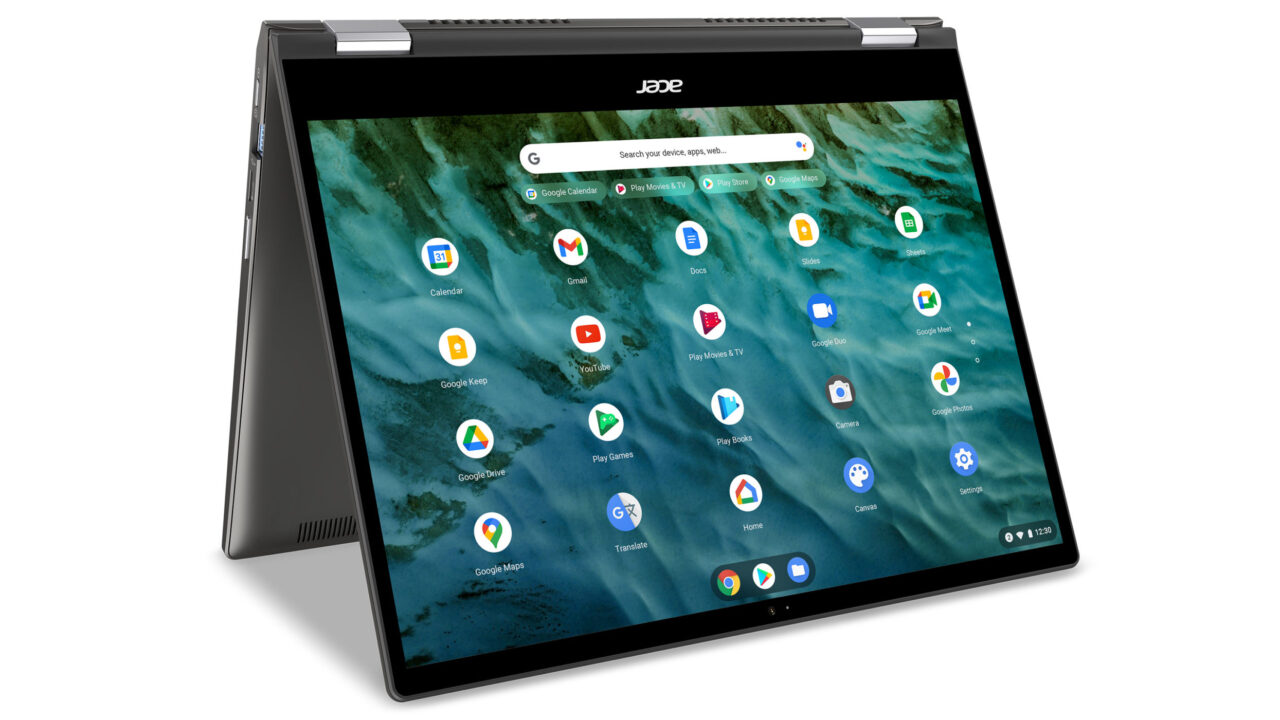
To illustrate, let me use the chip inside of the Acer Chromebook Spin 713, which was a popular model introduced in 2020. It has a 10th gen Intel Core i5-10210U CPU. Intel’s specs page for that CPU show a base TDP (or Thermal Design Power) of 15W. TDP isn’t quite the same as the power draw but it’s reasonable representation. Power on the Core i5-10210U can be scaled down to 10W or up to 25W depending on the workload.
In every review I read for the Acer Chromebook Spin 713, the laptop routinely got through an 8 hour workday, often longer. That model has a 48 Whr battery inside. In my own review, I wrote: “I’ve never seen less than 8 active hours and I average around 9.”
The more recent Acer Chromebook Spin 714 that I bought and reviewed also has a U-Series Core i5. This time it’s the Intel Core i5-1235U.
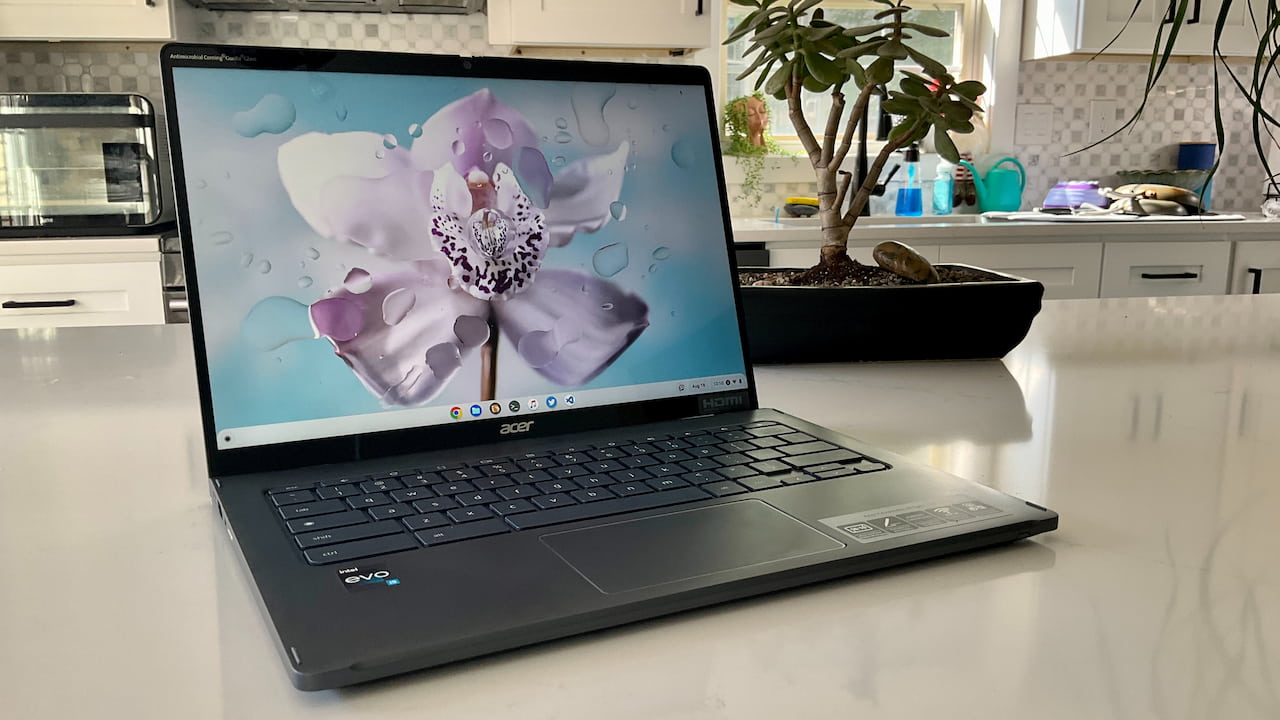
It’s definitely a much higher performer than that Core i5 in the 2020 Acer Chromebook Spin 713. It benchmarks twice as fast and in general easily handles my ChromeOS workload much faster. It does use a little more power, based on Intel’s spec sheet: As low as 12W and up to 55W, although I suspect ChromeOS is tuned to never come close to that upper limit.
Acer also bumped up the battery capacity on this model: It has a 56 WHr battery. And I find the extra power usage is mostly mitigated by this larger battery. Again, from my own review:
“In terms of battery life, you might hit the expected 10 hours of run time. I did not although I got close, with just nearly 9.5 hours of usage in a work day. Most of my tasks were browser based and not too intensive that particular day. So I’m sure the Spin 714 was leaning on the efficiency cores of the Intel Core i5. On what I’d call heavy duty usage days, the battery lasted between 6.5 to 7.5 hours.”
So I’m getting much faster performance and a little more battery life on most days when comparing the two Chromebooks.
I know there are other factors at play when it comes to battery life: the display resolution, screen brightness, and other components. However, I believe Acer balanced these out with such components.
Hows the battery life on a comparable P-Series Chromebook?
This is where things get interesting because I have two laptops with the Intel Core i5-1240P CPU. Both the Framework Chromebook and Acer Chromebook 516 GE use this P-Series chip. I’ve noticed two things with these devices.
First, using the P-Series CPU doesn’t really change performance over a comparable U-Series chip. When using both of these devices I see little to no performance difference compared to the Acer Chromebook Spin 714 with its U-Series equivalent.
Second, both Chromebooks with the P-Series chipset generally don’t last as long on a charge.
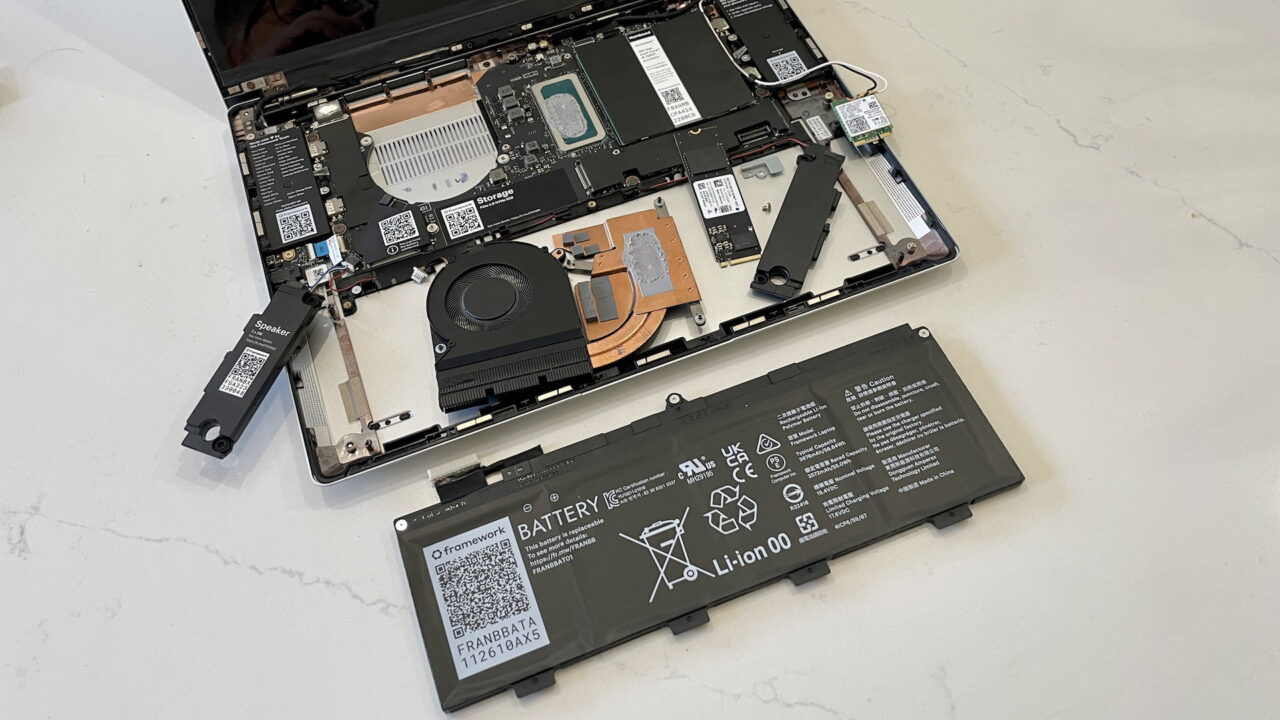
The Framework Laptop has the same battery capacity as the Acer Chromebook Spin 714. Both use a 56 WHr battery. And yet, I’m realistically averaging around 6 to 6.5 hours of run time on the Framework for just basic tasks. Why give up battery life for no real performance gain?
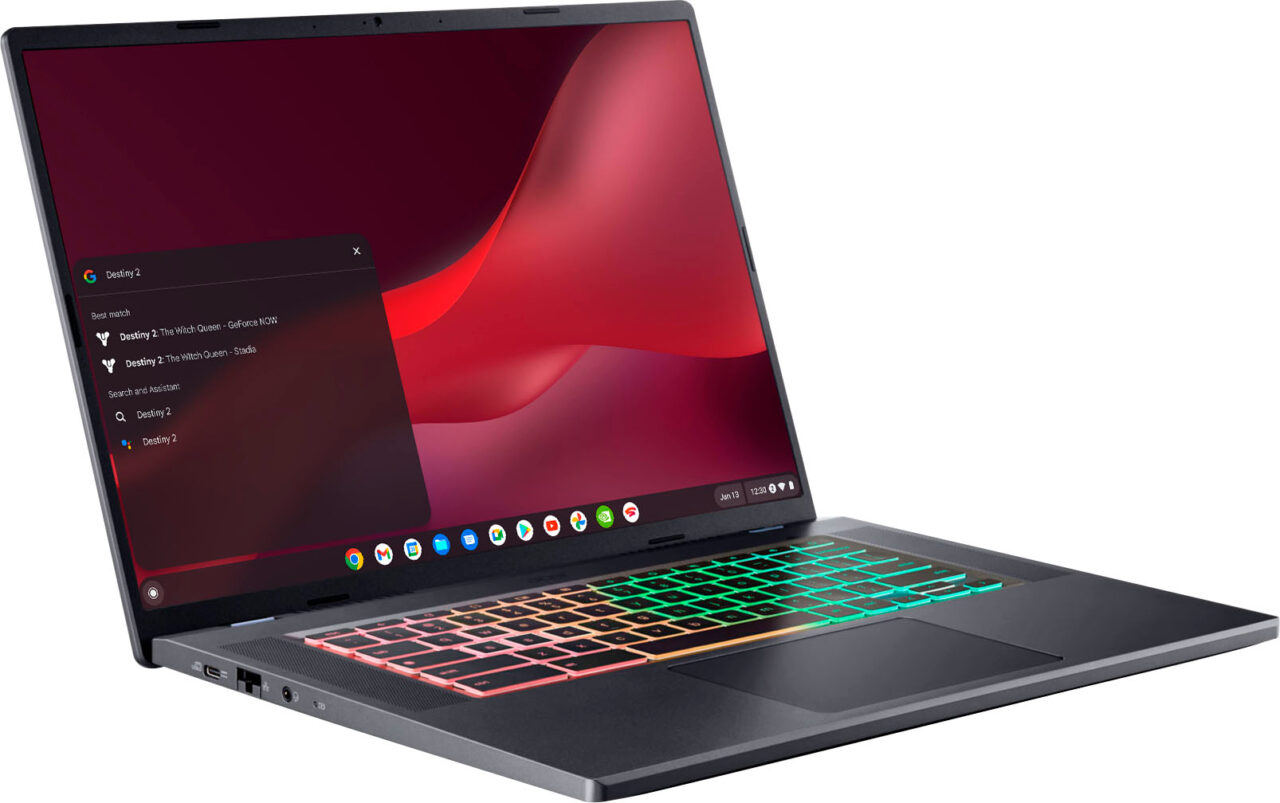
Things aren’t so bad in the battery department for the Acer Chromebook 516 GE. So far, it seems closer to an “all day” Chromebook in terms of battery life.
What’s the difference? Call me crazy, but I suspect the higher capacity 65 WHr battery in the larger chassis is the reason.
And that’s fine but it doesn’t hide the fact that Intel’s P-Series silicon aren’t as power efficient as the U-Series. Tests comparing devices with both chips and the same battery capacity generally illustrate that.
Speaking of illustrations, here’s a battery rundown test from PC Mag providing more evidence: Click the battery rundown test tab and you’ll see that the only P-Series Chromebook fares worse than the U-Series Chromebooks. That’s with a higher capacity power pack but also with a larger higher-resolution display than most competitors:
Note that the HP Elite Dragonfly Chromebook has a 50 WHr battery inside and still runs longer than Acer’s cloud-gaming Chromebook with 65 WHr power pack.
In my review of the HP, I found the battery life to be reasonably good: “Most of my normal days with everyday tasks saw the battery last closer to 8 hours. You might be able to eke out 9 hours.” Sure, the smaller display helps here but one has to wonder about the CPU power draw.
What problem does the 12th gen Intel P-Series solve for Chromebooks?
Again, I know there are many factors involved when it comes to the battery life of Chromebooks. And if the 12th gen Intel P-Series CPUs offered a noticeable jump in ChromeOS performance, I probably wouldn’t have written this article. But so far, they don’t. Why get similar Chromebook performance using a chip that requires more power?
I’ll be doing more research into this going forward so I better understand the situation. For now, however, I don’t see any reason for Intel’s P-Series CPUs to be inside any Chromebook.
Nor does The Verge see their value in ultra-portable Windows laptops for the same reason:
For many of these models, I found myself writing the same review over and over and over. They were generally good. They performed well. But their battery life was bad.
Having said that, I understand why the Framework Chromebook uses the 1240P inside. The company already uses that CPU for its Windows laptop. To rejigger the CPU, and possibly the mainboard, would be more time consuming and expensive. It was easier for Framework to reuse as much as possible from the Windows version in order to offer a Chromebook edition.
The larger battery in the Acer Chromebook 516 GE helps offset any larger power draws from the P-Series CPU, so it’s a workable solution. Most people aren’t looking for or buying 16-inch Chromebooks though.
When it comes to the more common 13- and 14-inch Chromebooks, I’d opt for a device with a U-Series chipset. You’re going to get roughly the same performance as a P-Series CPU without sacrificing much, if anything, in the battery life department.
Updated with some additional clarifications between the three Intel CPU families on December 29, 2022.
