


Has it really been four weeks since the last Chrome OS update? Indeed it has! And now the Google Chrome OS 101 update is here for all supported devices on the Stable Channel. Google’s main blog hasn’t highlighted what’s in the software update, so here’s what you need to know.
Some pre-announced features are in Chrome OS 101
A few weeks ago, Google noted some updates that were soon arriving in Chrome OS. Some of them you might have even seen a little early.
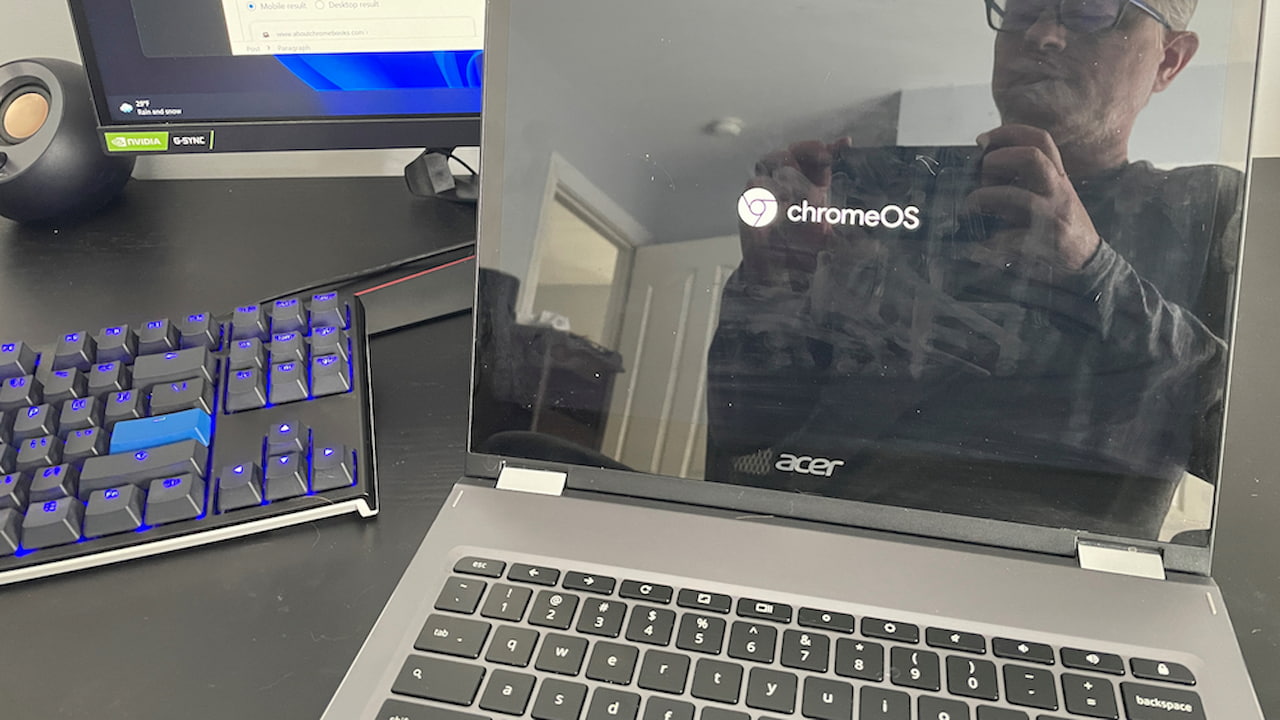
For example, the Chrome OS (or rather ChromeOS) boot screen no longer blinds your retinas. Google has moved from a bright white screen to a dark one:
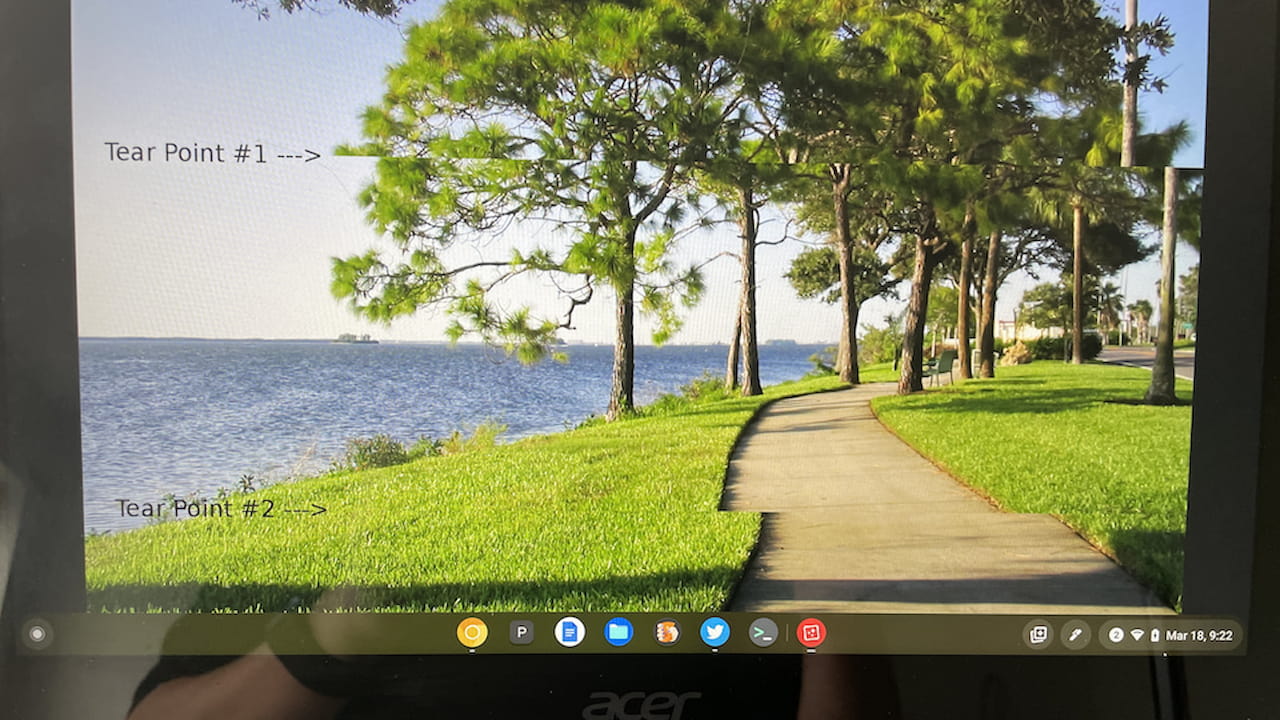
If you have a Chromebook display or external monitor that supports multiple refresh rates, you can now adjust the rate. Variable refresh rate support, common on gaming laptops and monitors, first appeared in an early version of Chrome OS 101.
If you don’t see the option, make sure to enable the chrome://flags#enable-variable-refresh-rate flag. Even if you do enable it, you won’t see the refresh rate option unless your Chromebook or an external monitor is capable of variable rates.
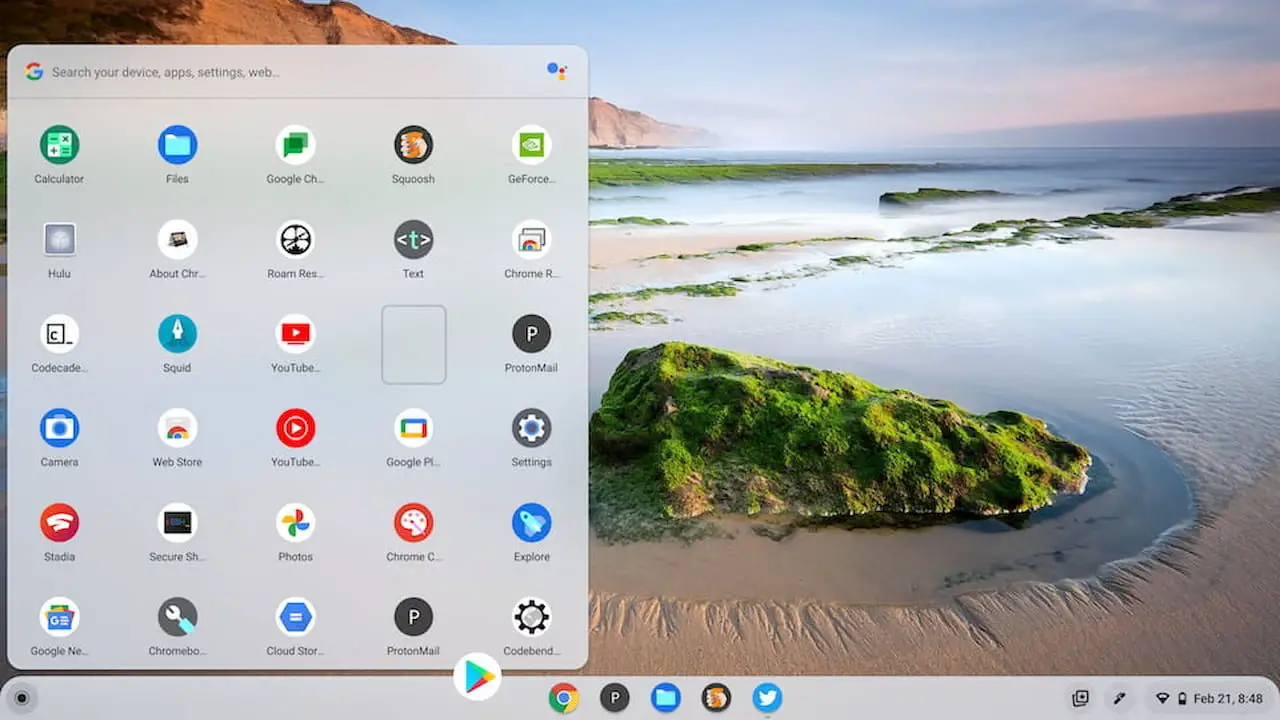
The new Productivity Launcher is also available in Google Chrome OS 101. Google publicly introduced this last month in a blog post, but some devices still don’t have it. Once you update your devices to the latest version of Chrome OS, enable it with the chrome://flags/#productivity-launcher flag if needed.
I’ve been using this new Launcher for a few months and it’s leaps and bounds better than the old implementation. You can sort your apps, for one thing, and it’s also more visually appealing. Well, to me it is; your mileage may vary. I may be biased because I’ve wanted sortable apps in the Launcher for a few years now.
There’s something for enterprises
I didn’t know this feature was in the works, but it’s a big one for Chrome Enterprise users. Chrome OS 101 supports network-based recovery. That means any Chrome OS devices needing a factory reset or recovery don’t have to download the latest software.
There is a caveat, though, per the release notes, which I’ve emphasized below:
Network-based recovery provides a built-in recovery mechanism for Chrome OS that doesn’t need external tools such as a USB stick, an Android device, a second computer, a USB cable, and so on. It is available on most of the new Chrome OS devices launching after April 20, 2022.
So this is a feature that will only be useful on very new devices going forward. Even so, it’s a huge time saver in the workplace.
Also for the workplace, but handy for consumers too, is a new Firmware Upgrade feature for peripherals. This is now part of the Chrome OS upgrade functionality and can be used at any time. You’ll find it in Settings > About Chrome OS:
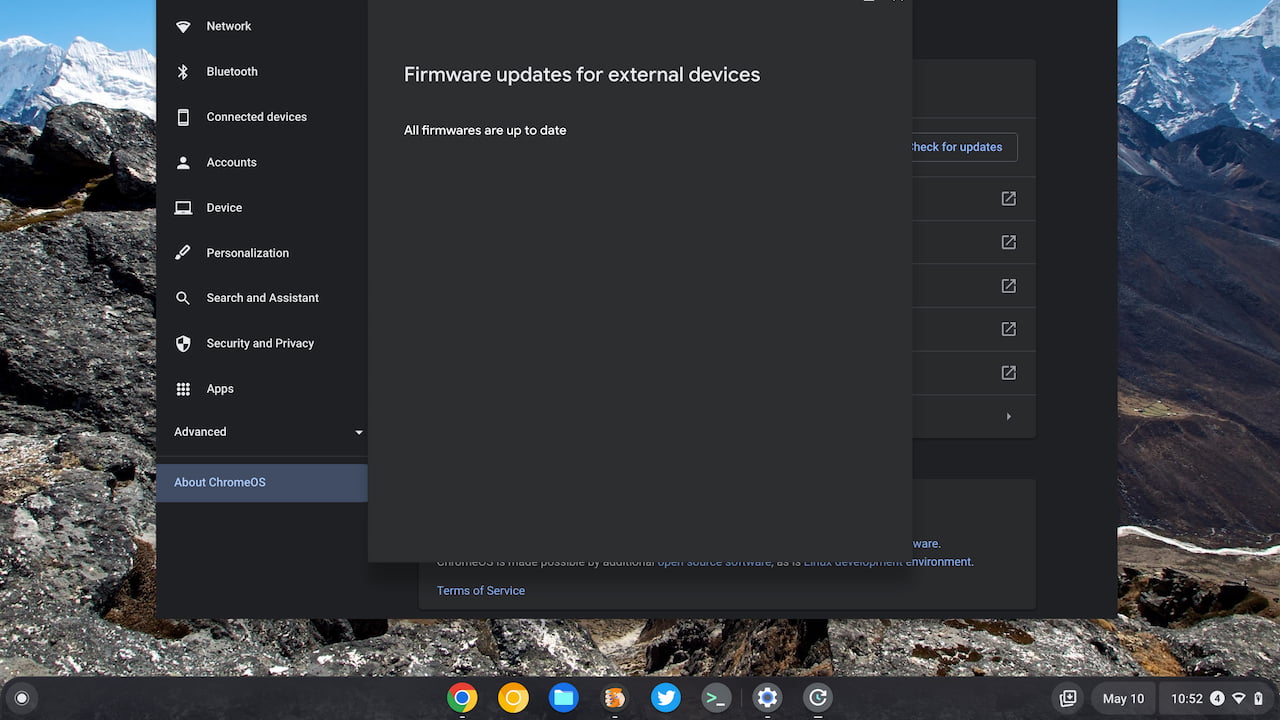
Got a mouse, trackpad, camera, microphone, or some other third-party peripheral? Its firmware should be upgradable by Chrome OS.
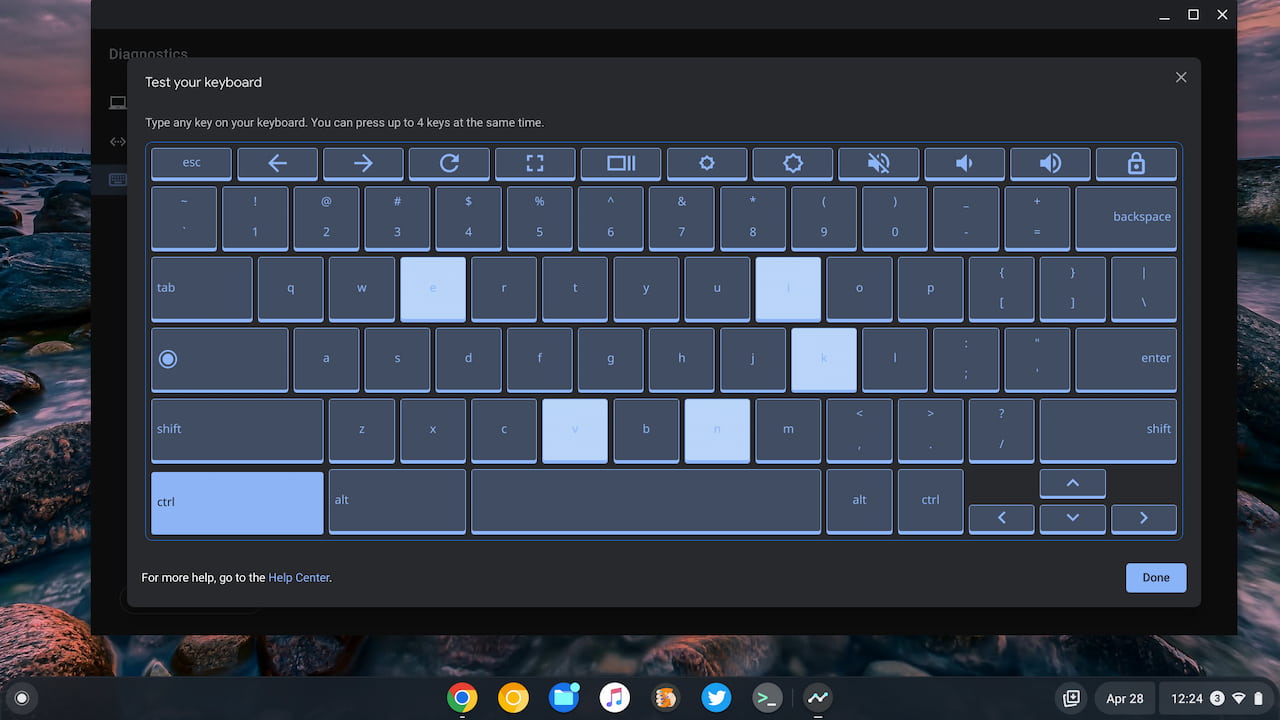
Note that Google recently added experimental tests for peripherals in the Diagnostics app too.
Lastly, Debian Bullseye is now the default version of Linux with Google Chrome OS 101. That’s Debian 11 for those keeping score. Previously, Debian 10, aka Buster, was used for all new Linux containers. You can upgrade those containers from Buster to Bullseye, but now the latter is the default during creation.
That’s my early scan of what you’ll find in this latest software update. However, I’ll keep perusing to see what I might have missed. As always, drop a comment here if you find anything new!
