


Chromebooks offer dozens of keyboard shortcuts that help you navigate faster and work more efficiently. But remembering every shortcut combination can be difficult, especially if you’re new to Chrome OS. That’s why Google built a searchable shortcut viewer directly into the operating system.
This feature lets you quickly find the exact keyboard combination you need without searching online or memorizing long lists. You can browse shortcuts by category, search for specific functions, and discover new ways to speed up your workflow.
Knowing how to access this tool saves time and helps you get more from your Chromebook. Whether you’re managing tabs, taking screenshots, or navigating between windows, the right keyboard shortcut makes everything faster.
How to view keyboard shortcuts on a Chromebook
Chrome OS includes a built-in shortcut viewer that displays all available keyboard combinations in one searchable list. The process takes just seconds and works on any Chromebook model.
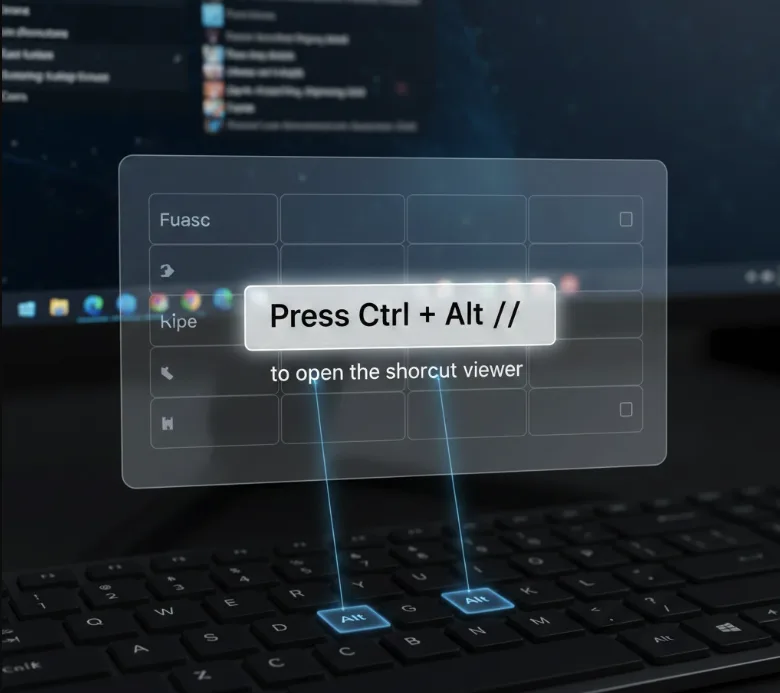
Press Ctrl + Alt + / to open the shortcut viewer
Hold down the Ctrl and Alt keys simultaneously, then press the forward slash (/) key. The keyboard shortcut viewer appears instantly on your screen.
Browse shortcuts by category
The viewer organizes shortcuts into groups like Popular, Tabs and windows, Page and web browser, System and display settings, Text editing, and Accessibility. Scroll through each category to explore available options.
Use the search bar to find specific shortcuts
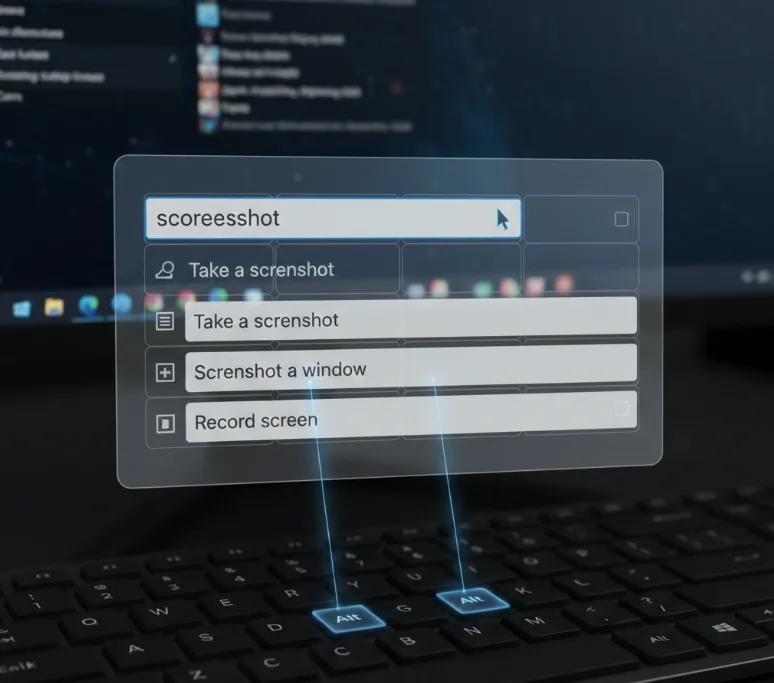
Type keywords like “screenshot,” “volume,” or “window” into the search bar at the top. The list filters instantly to show only matching shortcuts.
Click any shortcut to see its description
Each entry shows the key combination and explains what it does. Some shortcuts include additional context about when or how to use them.
Press Esc or click outside the viewer to close it
The shortcut viewer disappears when you’re done, returning you to whatever you were working on.
The viewer updates automatically with each Chrome OS release, so you always see current shortcuts for your system version. This beats looking up shortcuts online, where information might be outdated or incomplete.
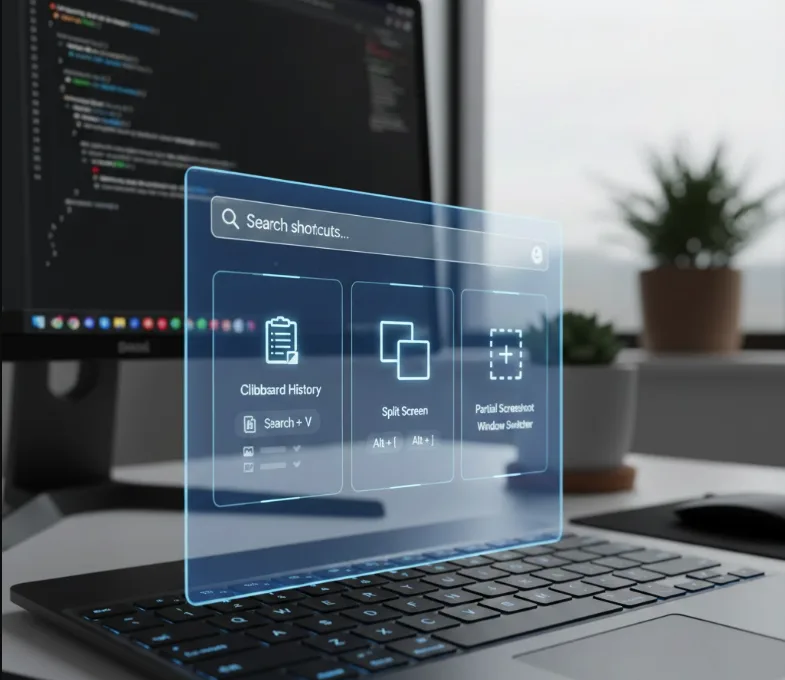
If you need a permanent reference, Google maintains a support page listing Chrome OS shortcuts that you can print. However, that page doesn’t always reflect the latest changes, while your Chromebook’s built-in viewer shows real-time information for your specific device.
You might also want to explore how to customize keyboard shortcuts to match your workflow preferences.
FAQs
Can I print the keyboard shortcuts list from my Chromebook?
No direct print option exists in the viewer. Visit Google’s Chrome OS keyboard shortcuts support page to print the list, though it may not include the newest shortcuts.
Does the shortcut viewer work on all Chromebook models?
Yes, every Chromebook running modern Chrome OS versions includes the shortcut viewer. Access it using Ctrl + Alt + / on any device.
Can I customize keyboard shortcuts on a Chromebook?
Chrome OS now allows custom keyboard shortcut mapping in Settings. You can modify many default shortcuts to match your preferences and workflow.
What happened to the old keyboard overlay on Chromebooks?
Google removed the visual keyboard overlay around 2018. The current searchable list replaced it, offering better organization and search functionality. Some users can still access the old overlay through Chrome flags.
How often do Chrome OS keyboard shortcuts change?
Shortcuts occasionally change with major Chrome OS updates. The built-in viewer always reflects your current version, ensuring you see accurate shortcuts for your device.
