


We typically start to see new Chrome OS devices for the classroom early in the calendar year and 2022 is no exception. This year’s latest entry is the Logitech Pen, a USI stylus designed for students using Chromebooks. The durable, rechargeable stylus works with USI-enabled Chromebooks in the classroom and is available in April for $64.99.
I’ve been using a Logitech Pen for the past week and it meets all of the company’s claims.
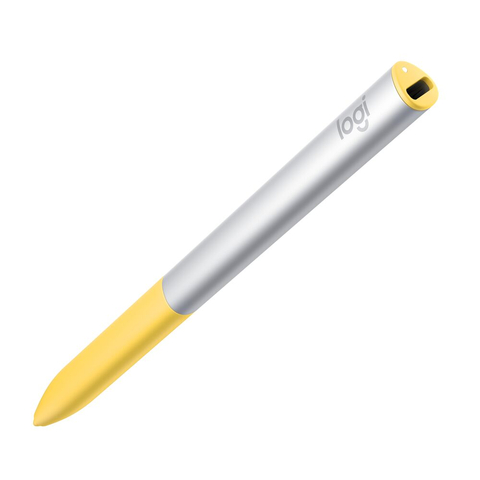
Like any other USI pen, it doesn’t require pairing with a supported Chromebook and has 4,096 levels of pressure sensitivity. The design does look like a good fit for students, thanks to a soft yellow grippy area that should accommodate the hands of younger Chromebook users. I like the comfortable triangular aspect as well. And the battery certainly lasts a while: I used the pen daily and haven’t needed to recharge it yet.
Logitech says its Pen should work for 15 days on a single charge, although that assumes around 2.5 hours of daily use. I’d think most kids would be fine to charge it over the weekend and be good all week long.
In a pinch, a 30-second charge should add about 30 minutes of run time. A standard USB Type-C connector is used to recharge the Logitech Pen. During a briefing, the company said the idea was to take advantage of the Type-C power cord on a Chromebook: Just swap it from the laptop the pen as needed.
There are no magnets to attach the stylus to a Chromebook, which I can understand to a degree. As a third-party device, the company doesn’t know which Chromebooks have magnets to hold a pen or not. There will be an optional loop attachment schools can purchase to keep the pen with a Chromebook.
In my testing, the Logitech Pen worked identically to the other USI stylus pens I’ve used. That shouldn’t be a surprise: These all use the same USI standard.
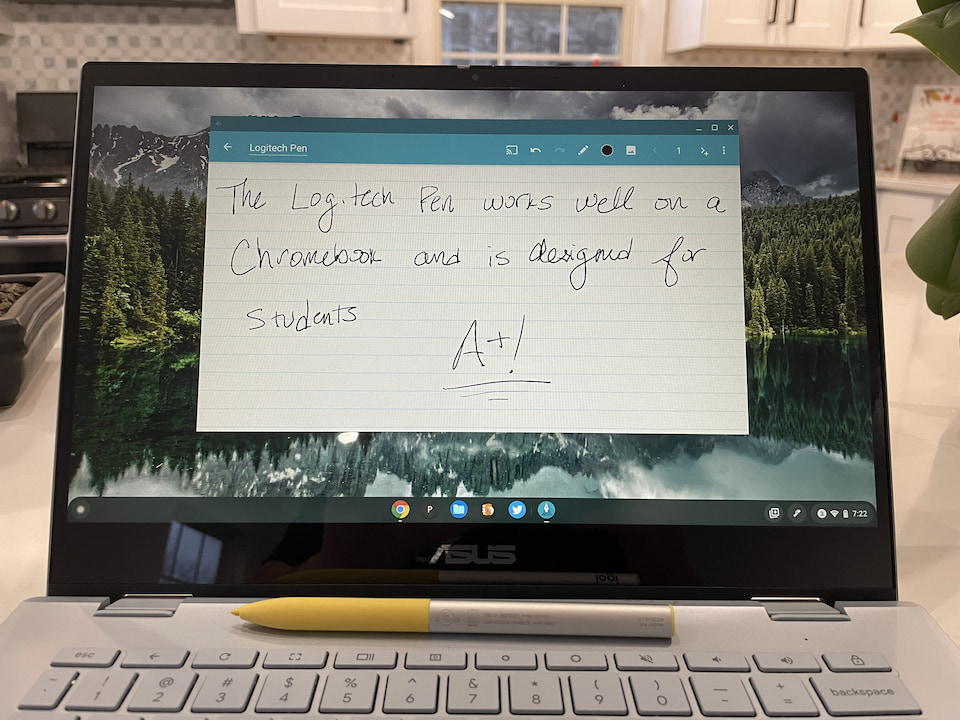
So what makes the Logitech Pen different?
Basically, the design and the cost. Priced at $64.99, this isn’t the least expensive Chromebook stylus on the market. But, it’s also not meant for individual consumer sales, at least not yet. Schools are expected the purchase the Logitech Pen in quantity. Logitech has made inventory management easier with a specific QR code on the package for each pen.
Aside from the grippy “handle” meant for students’ hands, the Logitech Pen is also “liquid spill-proof and offers military-grade drop protection up to four feet.” I normally don’t test such claims but I can vouch for the spill-proof aspect. Just before my briefing with the company, I accidentally spilled coffee all over the pen. Yup, still works, although I doubt early grade students are drinking coffee quite yet.
As always, the ink experience of any USI stylus on a Chromebook will vary by the app you use. My recent stylus testing with the Lenovo Duet 5 Chromebook is a prime example. Hopefully, any teachers wanting to implement the Logitech Pen in their classroom will take note.
