Close Menu
    Facebook X (Twitter) Instagram
    • About
    • Privacy Policy
    • Write For Us
    • Newsletter
    • Contact
    Instagram
    About ChromebooksAbout Chromebooks
    • News
      • Stats
    • AI
    • How to
      • DevOps
      • IP Address
    • Apps
    • Business
    • Q&A
      • Opinion
    • Gaming
      • Google Games
    • Blog
    • Podcast
    • Contact
    About ChromebooksAbout Chromebooks
    News

    Acer Chromebook Tab 10 gets a native case and stand option for $39.99

    Kevin TofelBy Kevin TofelJune 28, 2018Updated:September 5, 2025No Comments2 Mins Read
    Share
    Facebook Twitter LinkedIn Pinterest

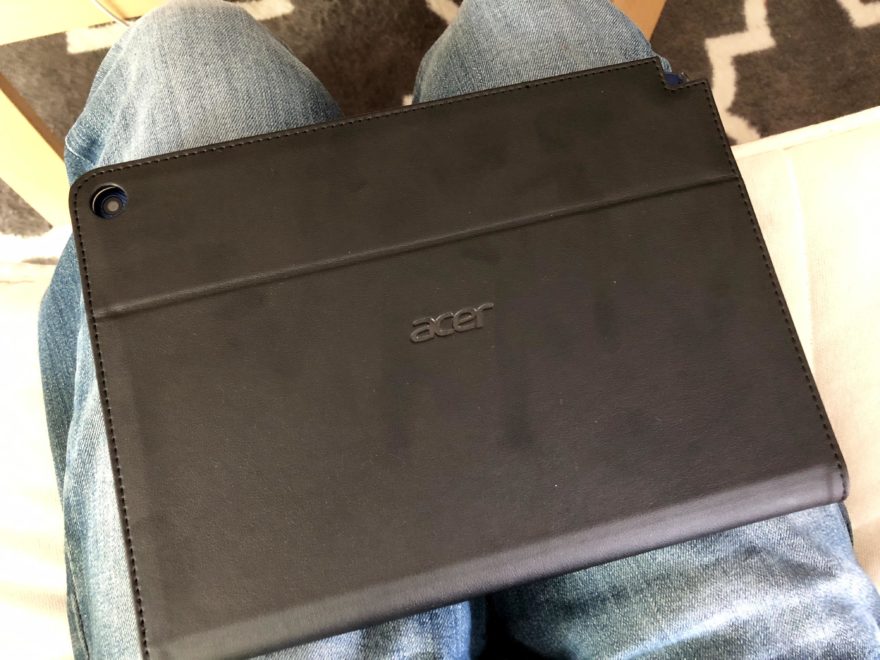
    Earlier this week we saw Belkin announce a USB-C keyboard with stand for the Acer Chromebook Tab and now Acer itself has a stand option. You won’t get a keyboard for the $39.99 price tag, but this stand doubles as a case and has a few viewing angles. Acer tells me the case should be on sale soon, along with a protective film for the Chrome OS tablet that will cost $9.99. The company is working on additional accessories and I’ll share that information when I have it.

    The Acer Chromebook Tab 10 case is similar to other products I’ve used on similar small tablets. You place the tablet in the rubber holder, which is attached to the case and a cover protects your screen while making easier to tote the tablet. There aren’t any magnets inside the cover that will turn the screen of your tablet off, however.
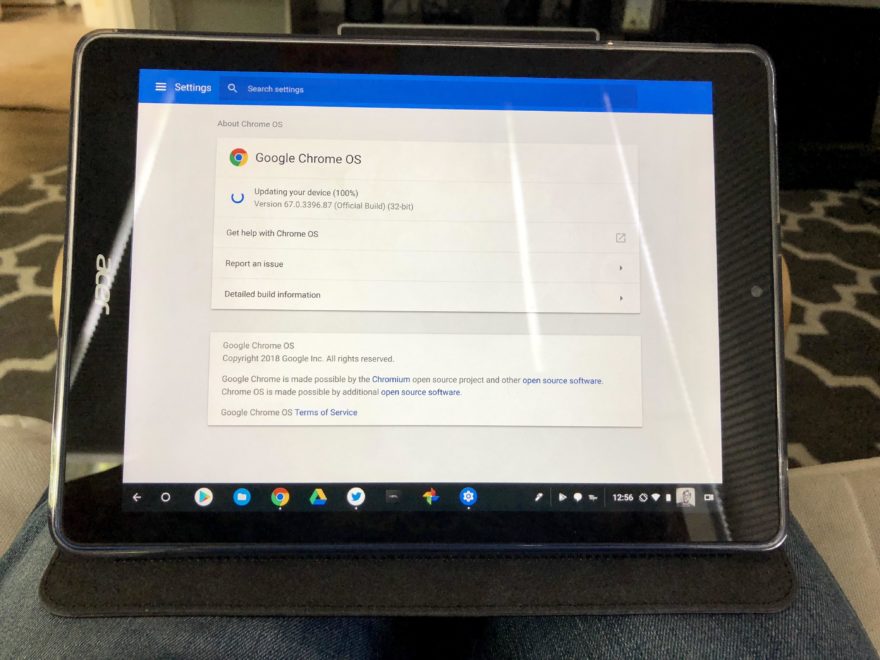
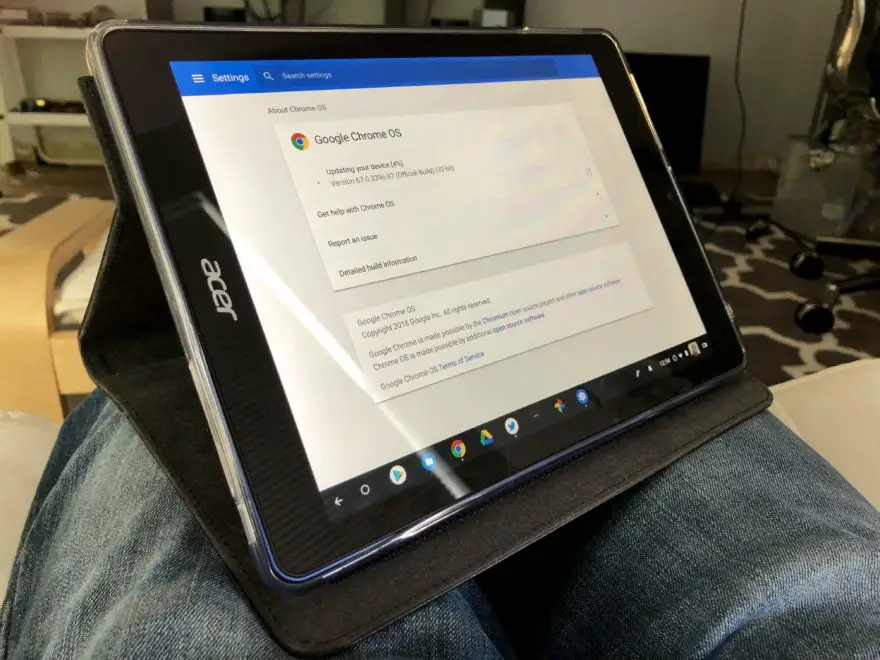
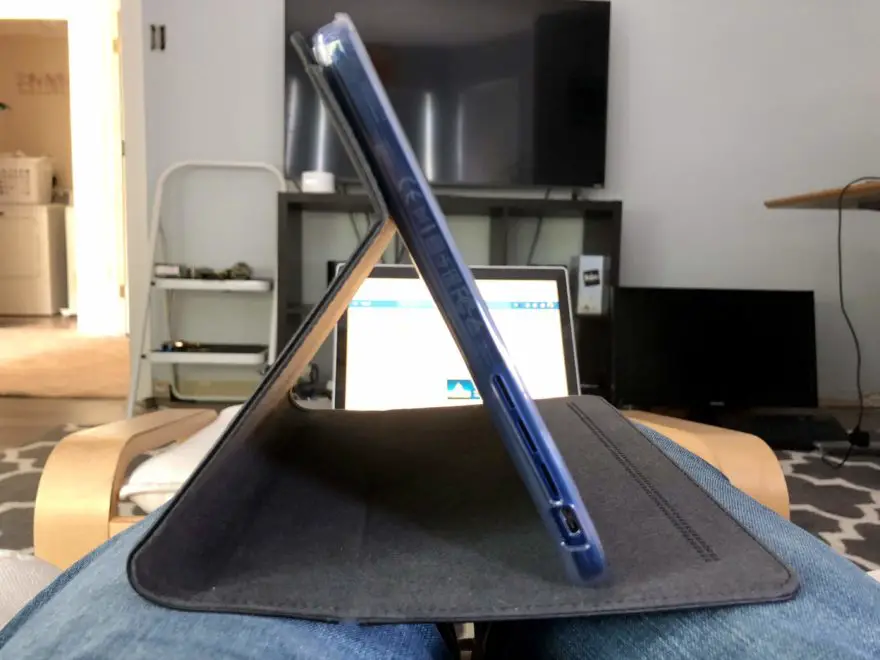
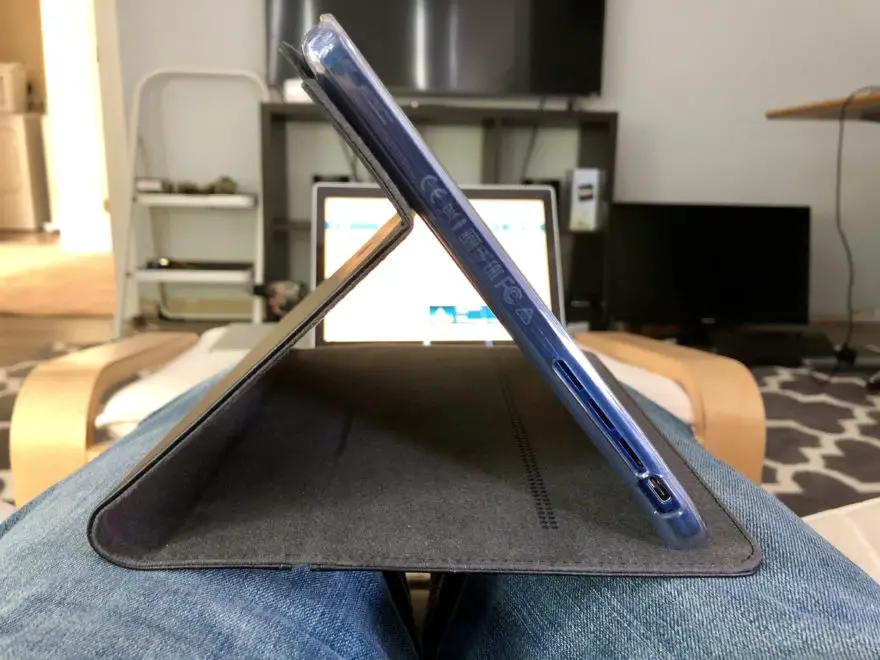
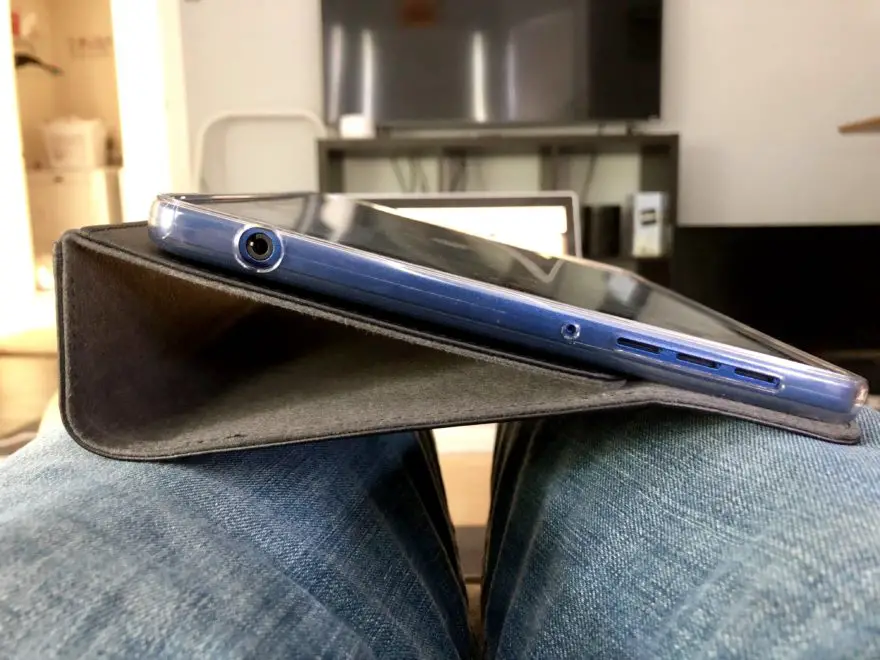
    Since Acer makes the case, all of the cutouts are in the exact right spots. There some for the speakers, the rear camera, charging port, headphone jack, power and volume buttons, and even for the removable stylus pen; there’s a notch in the front cover for easy stylus removal. The case is made from a leather-looking material on the outside and softer microfiber inside.

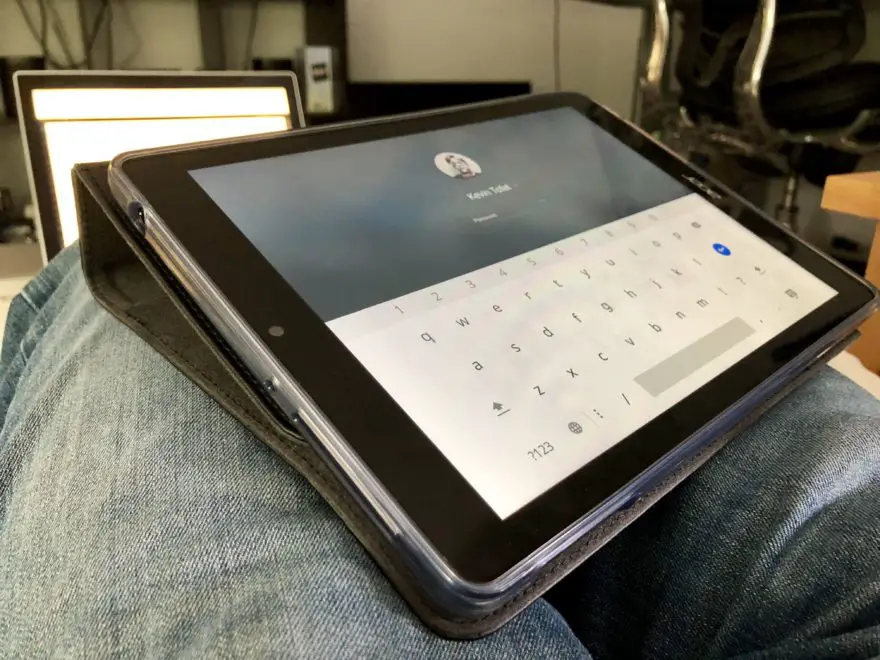
    You can see the two main viewing angles in the gallery: One is quite upright while the second reduces the angle a bit and is decent for typing on the virtual keyboard. I’ve even folded the cover behind the tablet for better lap typing as you can see. Having three choices is nice for content consumption as well.

    Unless you plan to use the Acer Chromebook Tab 10 in your hands like a big phone, or flat on your lap, this looks to be a smart purchase. Add a USB or Bluetooth keyboard to the mix and you’ve got nice little setup for a desk or table.

    Acer Acer Chromebook Tab 10 Cases Chrome tablets Tablets
    Share. Facebook Twitter Pinterest LinkedIn Tumblr
    Kevin Tofel
    • Website

    After spending 15 years in IT at Fortune 100 companies, Kevin turned a hobby into a career and began covering mobile technology in 2003. He writes daily on the industry and has co-hosted the weekly MobileTechRoundup podcast since 2006. His writing has appeared in print (The New York Times, PC Magazine and PC World) and he has been featured on NBC News in Philadelphia.

    Related Posts

    Auto DraftStarbucks Partner Hours: Manual to Managing Work Schedules

    January 26, 2026

    Anon Vault For Private Cloud Storage

    January 23, 2026

    GitHub Copilot Statistics [2026]

    January 7, 2026

    Comments are closed.

    Best of AI

    Make-A-Video Statistics 2026

    January 30, 2026

    Stable Video Diffusion User Trends And Statistics 2026

    January 29, 2026

    VALL-E Statistics 2026

    January 28, 2026

    StarCoder Statistics And User Trends 2026

    January 27, 2026

    BLIP-2 Statistics 2026

    January 23, 2026
    Trending Stats

    Google Penalty Recovery Statistics 2026

    January 30, 2026

    Search engine operators Statistics 2026

    January 29, 2026

    Most searched keywords on Google

    January 27, 2026

    Ahrefs Search Engine Statistics 2026

    January 19, 2026

    Pay Per Click Advertising Statistics 2026

    January 16, 2026
    • About
    • Write For Us
    • Contact
    • Privacy Policy
    • Sitemap
    © 2026 About Chrome Books. All rights reserved.

    Type above and press Enter to search. Press Esc to cancel.