


Google has been working to separate the Chrome browser from the Chrome OS platform since 2020. This effort is called Lacros, which stands for Linux And ChRome OS. You can test Lacros, which is essentially the Chrome browser for Linux running in Chrome OS. But I haven’t done so lately because there were many missing features. Yesterday, I went all in and made Lacros my primary browser and so far? Lacros in Chrome OS 100 offers a very comparable experience to the integrated Chrome OS browser.
Over the past few months, I’ve seen more coding and testing effort from Google on the Lacros solution. In fact, there have been many fixes and feature additions of late to make Lacros work just like the current Chrome OS browser experience.
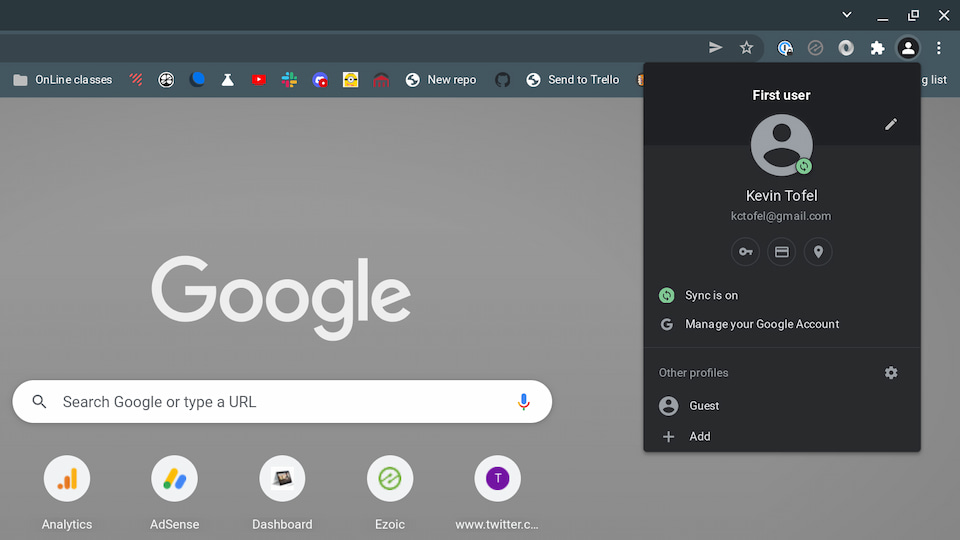
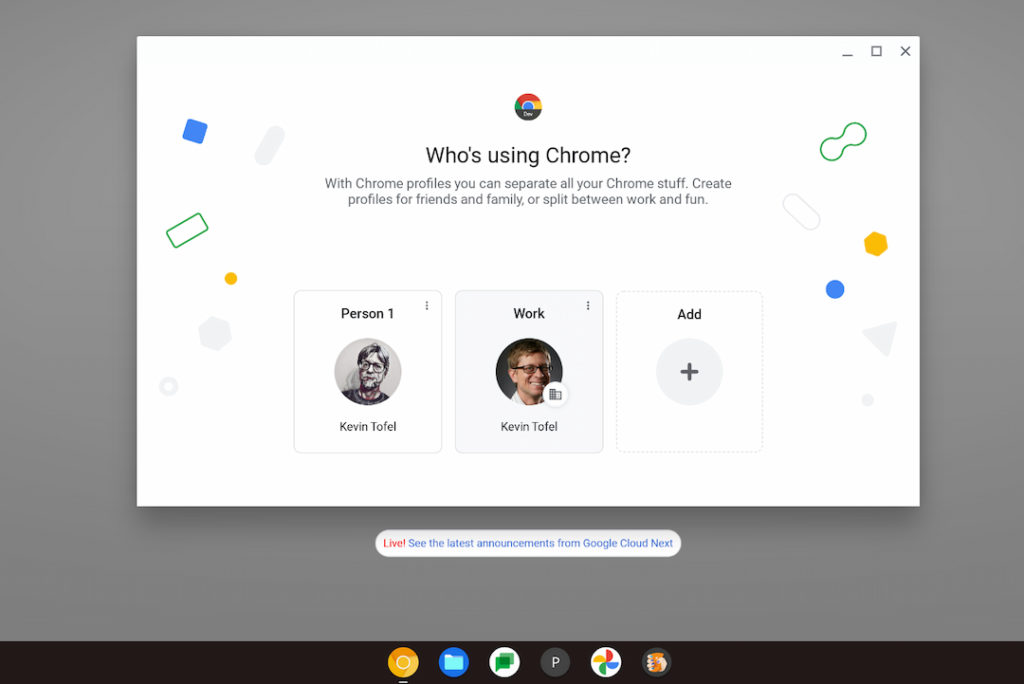
I’ve seen profile migration added, for example, and it appears to be working flawlessly, save for my account image. I can easily fix that. My Google account, settings, bookmarks, and even my Reading List, all moved to Lacros perfectly. The improved profile switching feature is there.
All of my extensions are available and they all have the same functionality too.
This shouldn’t be too surprising though: Any Chrome Extension for the browser should generally work across any platform. And if it doesn’t, the developer lets you know which platforms, Linux in this case, aren’t supported.
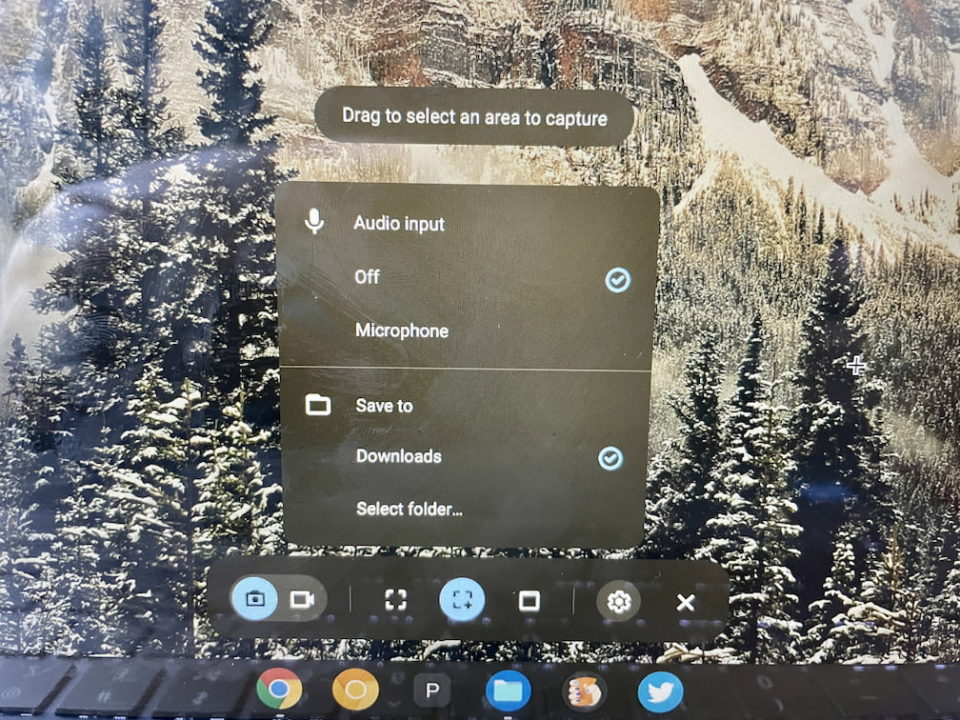
The recently updated Desktop and Screen Capture tools added in Chrome OS 98 are integrated with Lacros. So you can easily change where to save screen images or enable your microphone for screen recordings.
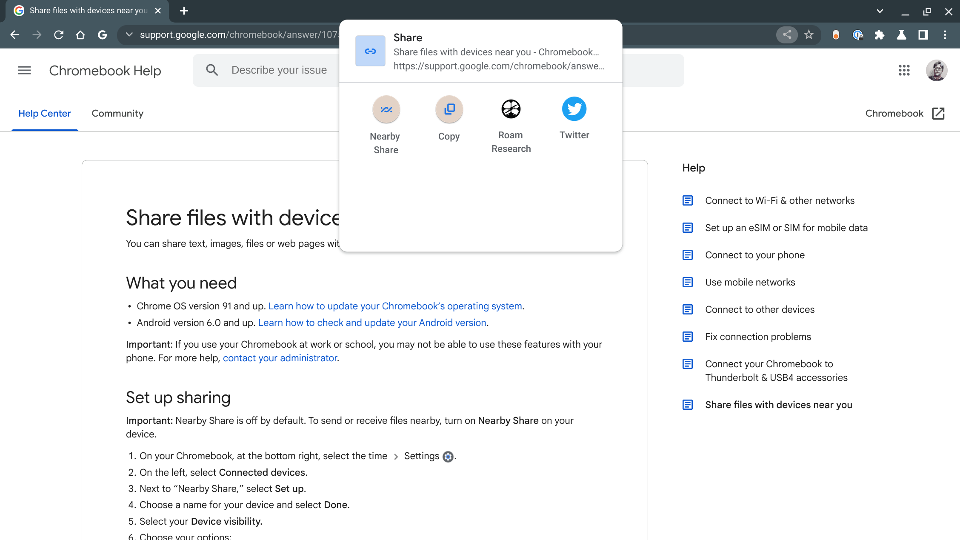
All of my previously installed PWA, or Progressive Web Apps, are working just fine as well. And the updated Sharing Hub features are there too.
Long story short, I’ve enabled the experimental flag to make Lacros in Chrome OS 100 the primary browser on my Chromebook. And I’ve enabled another one to effectively hide the native Chrome browser on my Chromebook. If I’m going all in, that’s the only way to do it: Remove the safety net.
Should you use Lacros as your primary browser? I’d say no, unless you’re curious. And even then, I wouldn’t hide the Chrome browser. I’d only consider enabling the various Lacros flags if you want to see where Google is heading with this decoupling of the browser and the operating system. Note that although I’m running the Chrome OS 100 Dev Channel, you can test Lacros on Chrome OS 98.
And before I made any changes, I’d read this post that explains the differences between Lacros, Chrome, and Chrome OS. If you’re still game, just point your Chromebook browser to chrome://flags/ and search for Lacros. Then carefully read all of the many related flags to see what they do, and then enable the ones you want.
So far, I like what I see. No major functionality is missing and the Lacros browser runs as fast as the current Chrome browser.
Months ago, I couldn’t say that as Lacros performance was sluggish and looked like it was running on a Linux system. There were font issues and other UI items that just needed some polish. I’d say most of those items are no longer a problem although I’m sure there are little bugs here and there yet.
Are you running Lacros, and if so, what’s your experience like so far?
Update:
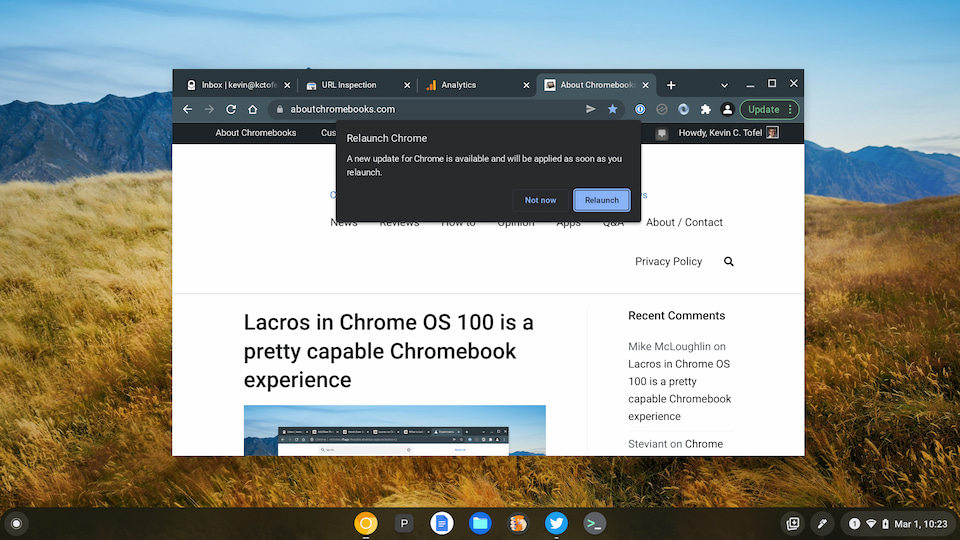
Not more than 10 minutes after I published this post, the Lacros browser indicated there was an update available. I accepted the update, the browser relaunched and restored all of my previously open tabs with no issues. This is the entire point of the Lacros project. By separating the browser from the platform, browser updates can be pushed to Chromebooks independently, without the need for a full Chrome OS update.
